Definitions
The 9 best free AI image generators in 2026
This ranking focuses on practical quality and creator workflow reliability, not hype.
An unrestricted AI image generator should allow broad prompt submission without rejecting keywords or semantic intent at the input stage.
This is different from uncensored output. A platform can accept your prompt but still blur, sanitize, or decline explicit render details during generation.
For practical evaluation, you need to measure both prompt acceptance behavior and resulting image fidelity across repeated attempts.
Practical distinctions
- Unrestricted input: prompt is accepted without narrow keyword gating.
- Uncensored output: generated image is delivered without moderation filters.
- Hosted tools: lower setup effort but policy behavior may change over time.
- Self-hosted tools: highest control with higher technical burden.
Input freedom and output freedom are related but not identical capabilities.
Methodology
How we ranked free AI image generators by quality
We compared realism, consistency, free-tier limits, and workflow continuity.
We benchmark tools on prompt acceptance across sensitive and edge-case categories, then review output consistency and practical quality.
Our scoring considers prompt-side freedom, output usability, cost transparency, and friction for creators who need repeatable workflows.
We also separate hosted and self-hosted choices because infrastructure overhead heavily affects real-world fit.
Evaluation dimensions
- Prompt acceptance rate under constrained and sensitive scenarios
- Output quality, artifact stability, and visual coherence
- Speed, iteration workflow, and creator controls
- Pricing clarity, free-tier value, and privacy posture
A tool that accepts every prompt but returns low-quality output may still be a poor production choice.
Ranked list
Top free AI image generators ranked for 2026
Tool-by-tool ranking adapted from the source page sections and FAQs.
VideoAny
VideoAny combines strong prompt acceptance with high-quality output and a practical browser workflow.
Why it stands out
- High prompt acceptance across sensitive categories
- Reliable visual quality for creator workflows
- Integrated generation and refinement loop
- Simple onboarding with hosted convenience
- Pricing model
- Free credits available with scalable paid plans.
- Trade-offs
- Advanced usage depth depends on plan limits.
- Best fit
- Creators needing strong prompt freedom without self-hosting.
ChatGPT (GPT Image)
ChatGPT's image generation excels for users who prefer natural language interaction and iterative refinement through dialogue.
Why it stands out
- Intuitive conversational interface for prompt adjustments
- Natural language processing for nuanced requests
- Good for casual, one-off image generation
- Seamless integration for existing ChatGPT users
- Pricing model
- Included with ChatGPT Plus subscription; free tier has limitations.
- Trade-offs
- Lacks character consistency across generations; limited creative control compared to specialized tools.
- Best fit
- Users who prioritize ease of use and conversational iteration.
Midjourney
Midjourney remains the benchmark for visually striking, artistically rich image generation, particularly for fantasy and cinematic styles.
Why it stands out
- Unparalleled aesthetic quality and artistic flair
- Strong community for prompt inspiration and sharing
- Excels at complex compositions and moody lighting
- Generates highly stylized and unique visuals
- Pricing model
- Limited free access; primarily subscription-based for consistent use.
- Trade-offs
- Discord-based interface can be clunky; strict content restrictions.
- Best fit
- Artists and creators prioritizing high aesthetic quality and unique visual styles.
Ideogram
Ideogram is the top choice for integrating readable text directly into AI-generated images, a common challenge for other tools.
Why it stands out
- Exceptional text rendering within images
- Strong for graphic design and branding applications
- Handles typography with accuracy and style
- Good for posters, logos, and quotes
- Pricing model
- Freemium model with daily free generations.
- Trade-offs
- Less strong for photorealistic human subjects.
- Best fit
- Designers and marketers needing legible text in their AI visuals.
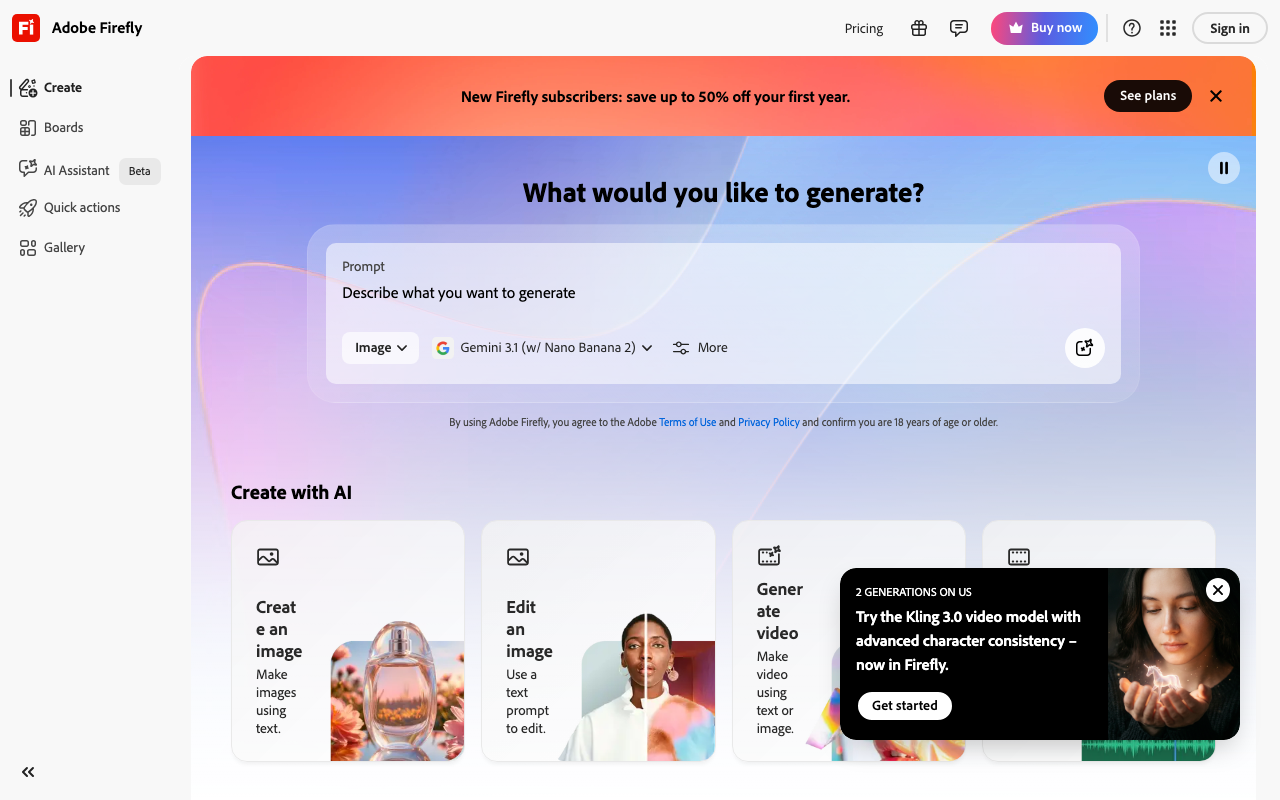
Adobe Firefly
Adobe Firefly offers a commercially safe option, trained exclusively on licensed content, making it ideal for business use.
Why it stands out
- Trained on licensed content for commercial safety
- Seamless integration with Adobe Creative Cloud
- Reliable for product shots and clean editorial styles
- Strong emphasis on ethical AI generation
- Pricing model
- Freemium model; included with Creative Cloud subscriptions.
- Trade-offs
- Output can lean towards a 'stock photo' aesthetic; strict content restrictions.
- Best fit
- Businesses and professionals requiring commercially safe and ethically sourced AI images.
Flux 2
Flux 2 stands out as the leading open-source image generator, offering high realism and flexibility for technical users.
Why it stands out
- Top-tier realism for an open-source model
- Can be run locally for maximum control and privacy
- Highly customizable and fine-tunable
- Strong choice for researchers and developers
- Pricing model
- Free software; requires user-managed compute resources.
- Trade-offs
- Higher technical barrier for setup and use; web interfaces vary in quality.
- Best fit
- Developers, researchers, and users who prefer local control and customization.
Canva AI
Canva's AI image generator is uniquely integrated into its design platform, streamlining the creative process for non-technical users.
Why it stands out
- Direct integration into Canva's design editor
- Extremely user-friendly for quick graphic creation
- Ideal for social media, presentations, and marketing materials
- No need to learn a new platform for image generation
- Pricing model
- Included with Canva Free and Pro subscriptions.
- Trade-offs
- Image quality is not as high as dedicated AI art tools.
- Best fit
- Non-technical users and small businesses already using Canva for design.
Leonardo.ai
Leonardo.ai offers a generous daily token allowance, making it a great option for frequent, free image generation.
Why it stands out
- Substantial daily free tokens for consistent use
- Clean and intuitive user interface
- Supports multiple model styles and custom model training
- Active community for inspiration and sharing
- Pricing model
- Generous free tier with paid plans for higher limits.
- Trade-offs
- Consistency can vary depending on the model chosen.
- Best fit
- Users who generate images frequently and want variety without subscription commitment.
Freepik AI
Freepik AI combines multiple generation models, including Flux, offering diverse styles within a familiar stock asset ecosystem.
Why it stands out
- Access to multiple AI models (e.g., Flux, Mystic)
- Integrated within the Freepik stock asset platform
- Produces clean, professional-looking results
- Convenient for users already in the Freepik ecosystem
- Pricing model
- Freemium model; included with Freepik subscriptions.
- Trade-offs
- May not offer the deep customization of standalone tools.
- Best fit
- Users who need both stock imagery and AI generation in one platform.
Comparison
Quick comparison table
A practical snapshot of strengths, workflow fit, and free-tier realities.
| Platform | Prompt acceptance | Output policy | Max quality | Speed | Free access | Starting price |
|---|---|---|---|---|---|---|
| VideoAny | High | Creator pipeline depth | High | Fast | Free entry + paid credits | Professional creator workflows |
| ChatGPT (GPT Image) | High | Conversational prompt iteration | Medium | Fast | Plan-dependent | Chat-first ideation |
| Midjourney | High | Artistic style quality | Medium | Medium | Limited free / paid | Stylized visual creation |
| Ideogram | Medium-High | Text rendering in images | Medium | Fast | Freemium | Typography-heavy graphics |
| Adobe Firefly | High | Commercial-safe positioning | Medium | Fast | Freemium | Brand-safe campaigns |
| Flux 2 | High | Open model flexibility | Medium | Medium | Compute-dependent | Technical users |
| Canva AI | Medium | Ease of use | Medium | Fast | Freemium | Quick social design loops |
| Leonardo.ai | Medium-High | Daily token iteration | Medium | Fast | Token-based | Frequent testing workflows |
| Freepik AI | Medium | Bundled model ecosystem | Medium | Fast | Freemium | Generalist content teams |
Prompt acceptance measures input-side freedom and does not imply fully uncensored output behavior.
Platform policy and model behavior can change; re-test critical prompts before production rollout.
Decision framework
How to choose the right unrestricted AI image generator
Match your selection to prompt freedom requirements, quality needs, and workflow constraints.
If you need high prompt acceptance with minimal setup, start with hosted tools that combine strong reliability and practical output quality.
If your use case requires structural guarantees, self-hosted workflows remain the strongest option for full input-side control.
If budget is constrained, free options can validate prompt feasibility before migrating to production-grade platforms.
Selection heuristics
- Prioritize prompt acceptance consistency when input freedom is the core requirement.
- Check whether unrestricted input is paired with filtered or unfiltered output.
- Benchmark with your real prompt library instead of marketing examples.
- Balance cost and quality based on production frequency, not trial usage.
The best unrestricted tool is the one that reliably handles your recurring prompt categories.
FAQ
Frequently asked questions about free AI image tools
Quick answers about unrestricted AI image generation and prompt acceptance behavior.
What is the best free AI image generator in 2026?
For most creators, the best option balances image quality, consistency controls, and workflow depth.
Which free AI image tool produces the most realistic photos?
Realism varies by prompt and model family, so benchmark portraits, environment scenes, and motion-adjacent frames.
Can I use AI-generated images commercially for free?
Commercial rights differ by platform terms, so verify licensing before publishing paid campaigns.
Is there a free AI image generator with no restrictions?
Restriction posture changes over time, so test sensitive prompt classes directly on each platform.
How do I keep the same character across multiple images?
Use reference-driven workflows and stable prompt templates to preserve identity consistency across batches.
Conclusion
The bottom line
Input-side freedom varies widely, and only a few tools remain reliable under demanding prompt sets.
For a hosted workflow with strong unrestricted prompt behavior, VideoAny is the most practical first choice.
For full control over prompt-side policy, self-hosted Stable Diffusion remains the structural ceiling.
Most other tools sit in the middle with trade-offs between freedom, quality, and cost, so benchmark against your own prompts before scaling.
Tier summary
- Fully unrestricted: VideoAny, self-hosted Stable Diffusion
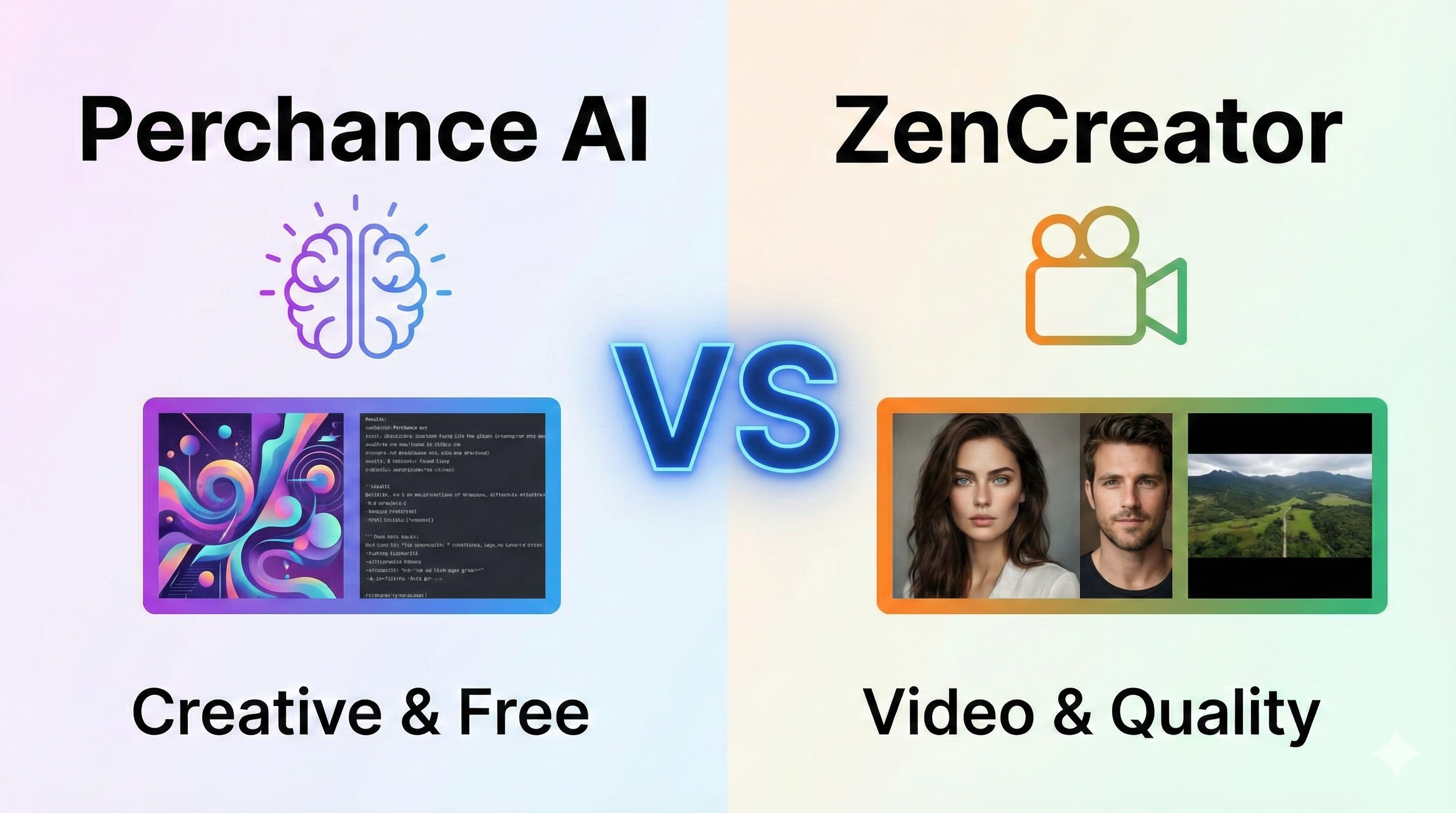
- Mostly unrestricted: PromptChan AI, Seduced AI, SoulGen AI, Perchance AI, Unstability AI
- Partially unrestricted: Mage Space, DeepAI
Use free-tier trials to validate prompt acceptance and output fidelity before committing budget.
Start creating
Start with free generation, then scale your best workflow
Use a browser workflow that keeps input flexible while maintaining practical visual quality.
- Run broad prompt categories without keyword friction
- Generate, refine, and iterate in one workflow
- Scale from quick experiments to production pipelines