Definitions
How to find a free AI video generator that actually works
Most free tiers look generous until you test quality, watermark policy, and iteration speed.
Finding a truly free AI video generator in 2026 that meets creative needs is challenging. Many platforms offer limited free access, often with short clip durations, watermarks, or by locking advanced features behind paid subscriptions. Creators frequently find themselves juggling multiple applications to achieve a single desired outcome.
This guide cuts through the marketing hype to identify tools that genuinely deliver value in their free tiers. The focus is on practical usability, output quality, and how well these tools integrate into a creator's workflow without requiring constant workarounds or expensive upgrades.
We've tested numerous options to highlight those that provide a meaningful free experience, allowing creators to produce usable video content without immediate financial commitment.
Key considerations for free tools
- Output Quality: Does the free tier produce videos of acceptable resolution and visual fidelity?
- Watermark Policy: Are generated videos free of intrusive watermarks, or can they be removed?
- Feature Access: How many core features are available without a subscription?
- Workflow Efficiency: Can you achieve desired results without excessive manual intervention or switching tools?
'Free' often comes with limitations; understanding these is key to selecting the right tool.
Methodology
How we evaluated free AI video tools in 2026
We prioritized practical output quality and free-tier usability for repeated creator workflows.
Our evaluation methodology focused on real-world creator needs. We tested each platform's free offering across various scenarios, assessing not just the raw output quality but also the practical limitations and workflow implications. This included generating diverse prompts, evaluating motion coherence, and checking for character consistency.
Key metrics included the quality of motion, adherence to prompts, the presence and impact of watermarks, and the overall user experience. We also considered the ease of iteration and the potential for scaling production from a free tier to a paid plan.
The goal was to identify tools that offer genuine utility for creators, enabling them to produce compelling video content without immediate financial investment or significant compromises in quality or workflow efficiency.
Evaluation criteria
- Motion Quality: Smoothness, realism, and coherence of movement within generated videos.
- Prompt Adherence: How accurately the tool translates textual prompts into visual output.
- Character Consistency: Ability to maintain a consistent character appearance across multiple clips.
- Free Tier Limitations: The extent of watermarks, clip length, resolution, and generation speed restrictions.
Performance can vary based on specific prompts and desired video styles; personal testing is always recommended.
Ranked list
The 7 best free AI video generators in 2026
Ranking adapted from the source page sections with practical creator trade-offs.
VideoAny
VideoAny offers a comprehensive platform with 16 video engines, Face Swap, and Lipsync, allowing creators to test multiple models with a single prompt and achieve consistent results.
Why it stands out
- Access to 16 diverse video engines (e.g., Kling 2.6, WAN 2.6, Seedance) from one dashboard.
- Integrated Face Swap for consistent character appearance across videos.
- Lipsync functionality to synchronize audio with video characters.
- Ability to compare outputs from different engines for the same prompt, saving iteration time.
- Pricing model
- Free tier available for testing, with flexible credit-based pricing for advanced features and higher usage.
- Trade-offs
- Full access to all engines and features may require a paid plan.
- Best fit
- Creators needing a versatile platform for multi-engine testing and consistent character generation.
Kling AI (Standalone)
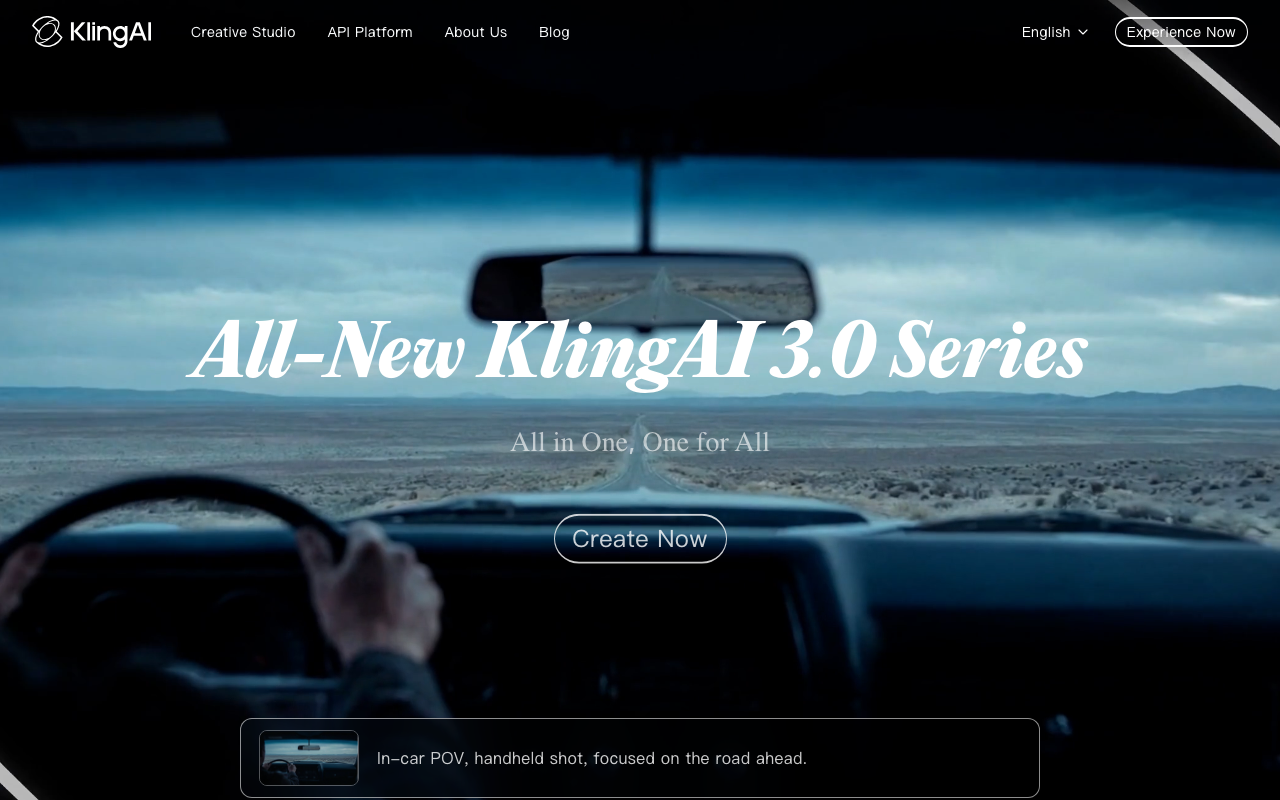
Kling AI, developed by Kuaishou, is recognized for its high motion quality and prompt adherence, offering a clean web interface for generating 5-10 second clips.
Why it stands out
- Consistently ranks high for fluid motion quality in community benchmarks.
- Good prompt adherence for generating specific scenes.
- User-friendly web interface for straightforward video creation.
- Produces decent 5-10 second video clips.
- Pricing model
- Free access with certain limitations; specific details may vary.
- Trade-offs
- Limited to a single model; lacks integrated tools for face consistency or audio sync.
- Best fit
- Users prioritizing raw motion quality from a single, high-performing model.
CapCut
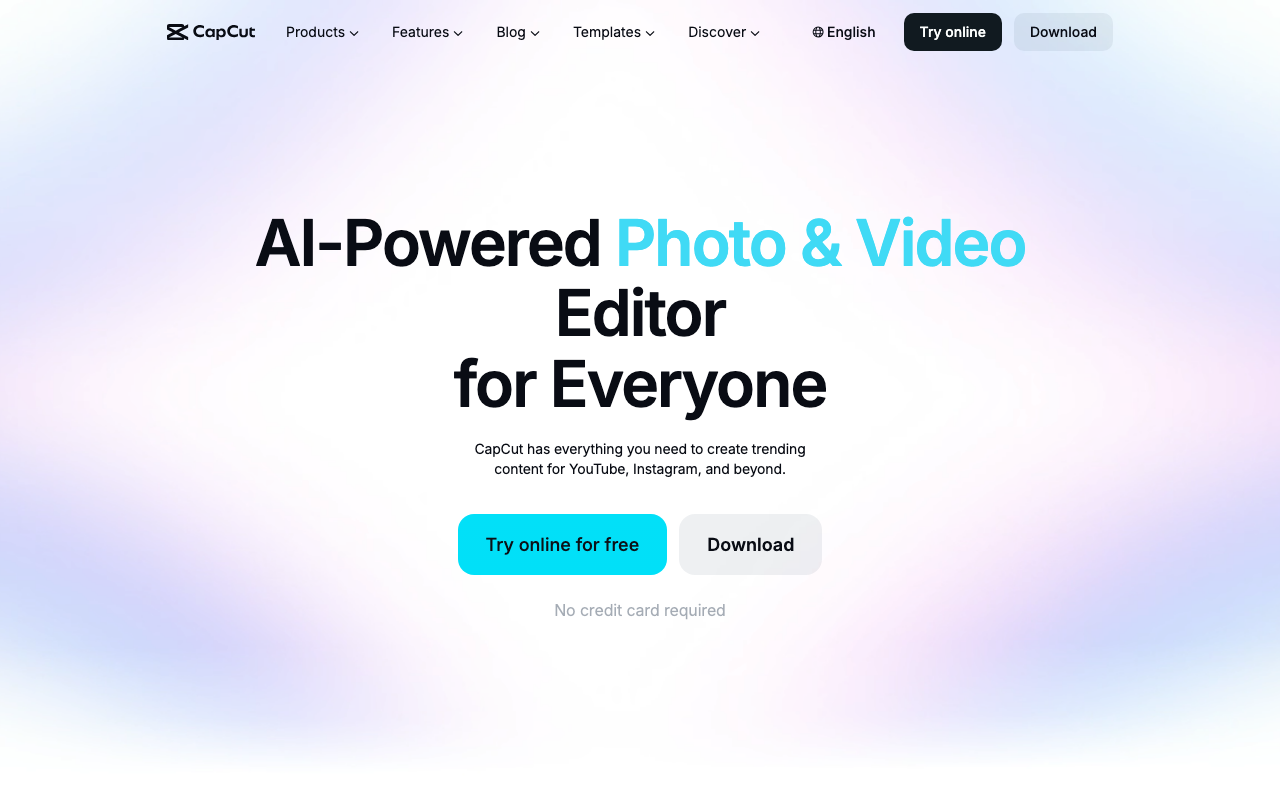
ByteDance's CapCut integrates Seedance 2.0 directly into its video editing timeline, making it ideal for short-form social content creators who need AI generation within their editing workflow.
Why it stands out
- Seamless integration of AI generation (Seedance 2.0) within a robust video editor.
- Best-in-class editing tools, especially for mobile users.
- Excellent for creating short-form social media content.
- Convenient for users already familiar with CapCut's editing environment.
- Pricing model
- Free to use with premium features available via subscription.
- Trade-offs
- Primarily designed for short-form content; not ideal for longer creative pipelines or character consistency.
- Best fit
- Short-form creators already inside editing ecosystems
Pika 2.5
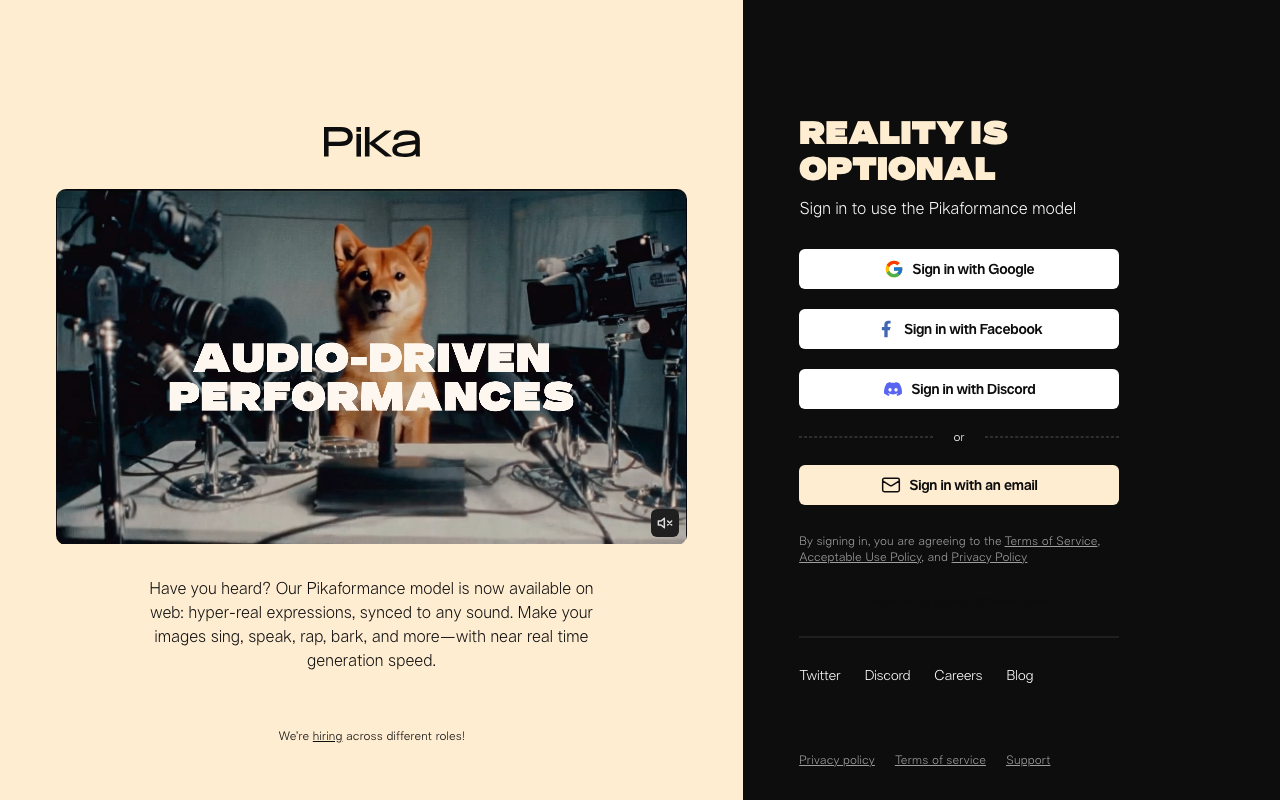
Pika 2.5 specializes in stylized, creative video effects, offering unique 'Pikaffects' for visually striking content tailored for social media platforms like TikTok and Instagram Reels.
Why it stands out
- Unique 'Pikaffects' for highly stylized and creative video transformations.
- Ideal for generating visually striking content for social media.
- Focuses on artistic and imaginative video styles.
- Less emphasis on realistic human motion, more on creative expression.
- Pricing model
- Free tier available with paid plans for extended features.
- Trade-offs
- Less suitable for realistic human motion or long-form narrative content.
- Best fit
- Style-driven social clip experiments
Runway Gen 4.5
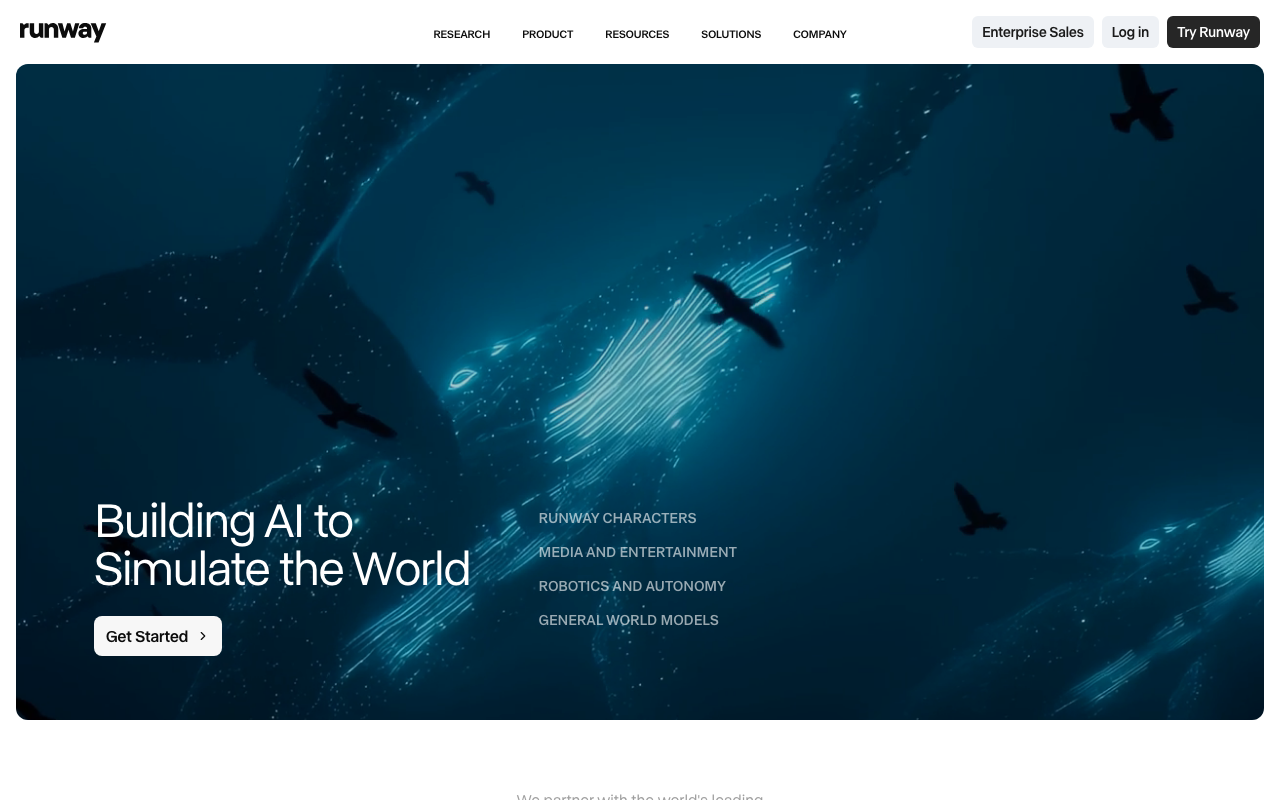
Runway Gen 4.5 offers granular creative controls, including camera motion direction and motion brush tools, making it a professional-grade tool for fine-tuned video generation.
Why it stands out
- Advanced creative controls for directing camera motion and referencing images.
- Motion brush feature to control specific movements within a clip.
- Professional-grade tool with a long history in AI video development.
- Useful for creators needing precise control over video output.
- Pricing model
- Limited free access; subscription plans for full features.
- Trade-offs
- Free access is restricted, requiring careful usage planning.
- Best fit
- Teams blending generation with post-production editing
Luma Dream Machine
Luma's Dream Machine is known for cinematic-quality results and fast generation times, with strong image-to-video capabilities that produce smooth, natural motion from still images.
Why it stands out
- Produces cinematic-quality video results with impressive speed.
- Excellent image-to-video functionality for animating still photos.
- Generates smooth, natural motion suitable for larger screens.
- Style leans towards photorealism, ideal for product shots or landscapes.
- Pricing model
- Free tier available; details on specific limits may vary.
- Trade-offs
- May not offer the same level of stylized effects as other tools.
- Best fit
- Rapid storyboard and concept testing
Google Veo 3.1
Google's Veo 3.1 model delivers some of the most realistic AI video in 2026, featuring superior environmental physics, natural lighting, and human motion, though access is currently limited.
Why it stands out
- Generates highly realistic AI video with advanced environmental physics.
- Produces natural lighting and human motion, surpassing many competitors.
- Represents the cutting edge in AI video realism.
- Potential for widespread impact as access expands.
- Pricing model
- Currently not freely available to all; distributed through Google's ecosystem (e.g., Gemini Advanced).
- Trade-offs
- Limited access makes it challenging for general users to test or integrate.
- Best fit
- Creators benchmarking premium generation quality
Comparison
Free AI video generators comparison table
Free-tier constraints, quality profile, and who each tool fits best.
| Tool | Best For | Output Quality | Speed | Restriction Posture | Pricing |
|---|---|---|---|---|---|
| VideoAny multi-engine stack | All-in-one creator workflows | High | Fast | Flexible | Free entry + paid credits |
| Kling AI | Standalone cinematic quality | High | Fast | Partial | Freemium |
| CapCut | Edit + generate convenience | Medium-High | Fast | Filtered | Freemium |
| Pika 2.5 | Stylized clips and effects | Medium-High | Fast | Filtered | Freemium |
| Runway Gen 4.5 | Studio editing stack | High | Fast | Partial | Subscription |
| Luma Dream Machine | Quick prototypes | Medium-High | Fast | Moderate | Freemium |
| Google Veo 3.1 | Audio/video quality | High | Medium | Filtered | Quota-based |
Tool performance and policy can evolve with updates and new model releases.
FAQ
Frequently asked questions about free AI video tools
What is the best free AI video generator in 2026?
VideoAny stands out as the best overall due to its multi-engine access, Face Swap, and Lipsync capabilities. For standalone quality, Kling AI is excellent. Google Veo 3.1 offers top realism but has limited availability.
Can I generate AI videos without watermarks for free?
Some free tiers, including VideoAny's, offer watermark-free output for a limited number of generations. However, most platforms reserve unlimited, watermark-free exports for their paid plans.
What happened to Sora?
OpenAI discontinued Sora on April 26, 2026. Any articles recommending Sora are outdated. Current comparable options include Google Veo 3.1 for realism and VideoAny for multi-engine flexibility.
Which free AI video generator has the best motion quality?
Kling 2.6 (available within VideoAny) currently benchmarks highest for realistic human motion. While Veo 3.1 is technically superior in realism, its accessibility is limited.
Can I keep the same character across multiple AI videos?
Maintaining character consistency is a common challenge. VideoAny's integrated Face Swap tool is a practical solution, allowing you to apply a consistent face to different generated clips, a feature rarely found in standalone free tools.
Next step
Start free AI video testing in VideoAny
Run the same prompt on multiple engines, compare output, then scale the best performer.
- Fast, browser-based generation for efficient workflows.
- Supports diverse creative pipelines without arbitrary filters.
- Clear progression from initial tests to full-scale production.
Related