LoRA range
Use SDXL Uncensored when the brief calls for LoRA-friendly image exploration rather than a generic one-size-fits-all model choice.
A VideoAny image workflow for LoRA-friendly image exploration. Use it to explore style, character, and composition experiments with fewer unnecessary blocks on legitimate creative work while consent, rights, and safety rules still apply.
LoRA range
Core advantage
Image
Output type
Responsible
Uncensored boundary
Use SDXL Uncensored when the brief calls for LoRA-friendly image exploration rather than a generic one-size-fits-all model choice.
The page adapts the source model positioning from Stability AI / SDXL ecosystem into VideoAny's own creator workflow and route structure.
Create a controlled set of image variations, compare them side by side, and refine one variable at a time.
Use the examples as direction, then check anatomy, text, logos, likeness, camera artifacts, and publishing rights before final use.
Designed for legitimate creative, educational, fashion, documentary, and marketing contexts while disallowed content remains out of scope.
Move between VideoAny generation tools instead of rebuilding your prompt and asset workflow from scratch.
A practical VideoAny page for deciding when SDXL Uncensored is the right fit.
SDXL Uncensored is positioned for creators who need LoRA-friendly image exploration. The page keeps the reference model page's information architecture—hero, examples, comparison, use cases, prompting advice, FAQ, and responsible-use guidance—but rewrites the content for VideoAny.
The main production value is focus. Instead of treating every model as interchangeable, this page explains where SDXL Uncensored fits, what kind of prompt detail matters, and when another VideoAny model or workflow may be a better choice.
On VideoAny, uncensored is not a promise that anything can be generated. It means reducing unnecessary blocks for legitimate non-explicit creative work while still enforcing consent, safety, intellectual-property, and legal boundaries.
Use the examples as visual guidance, not as fixed output guarantees. A strong result still depends on source quality, prompt clarity, iteration discipline, and careful review before publication.
R2-hosted examples showing how this workflow can support style, character, and composition experiments. Use them as visual reference points when writing your own prompts.
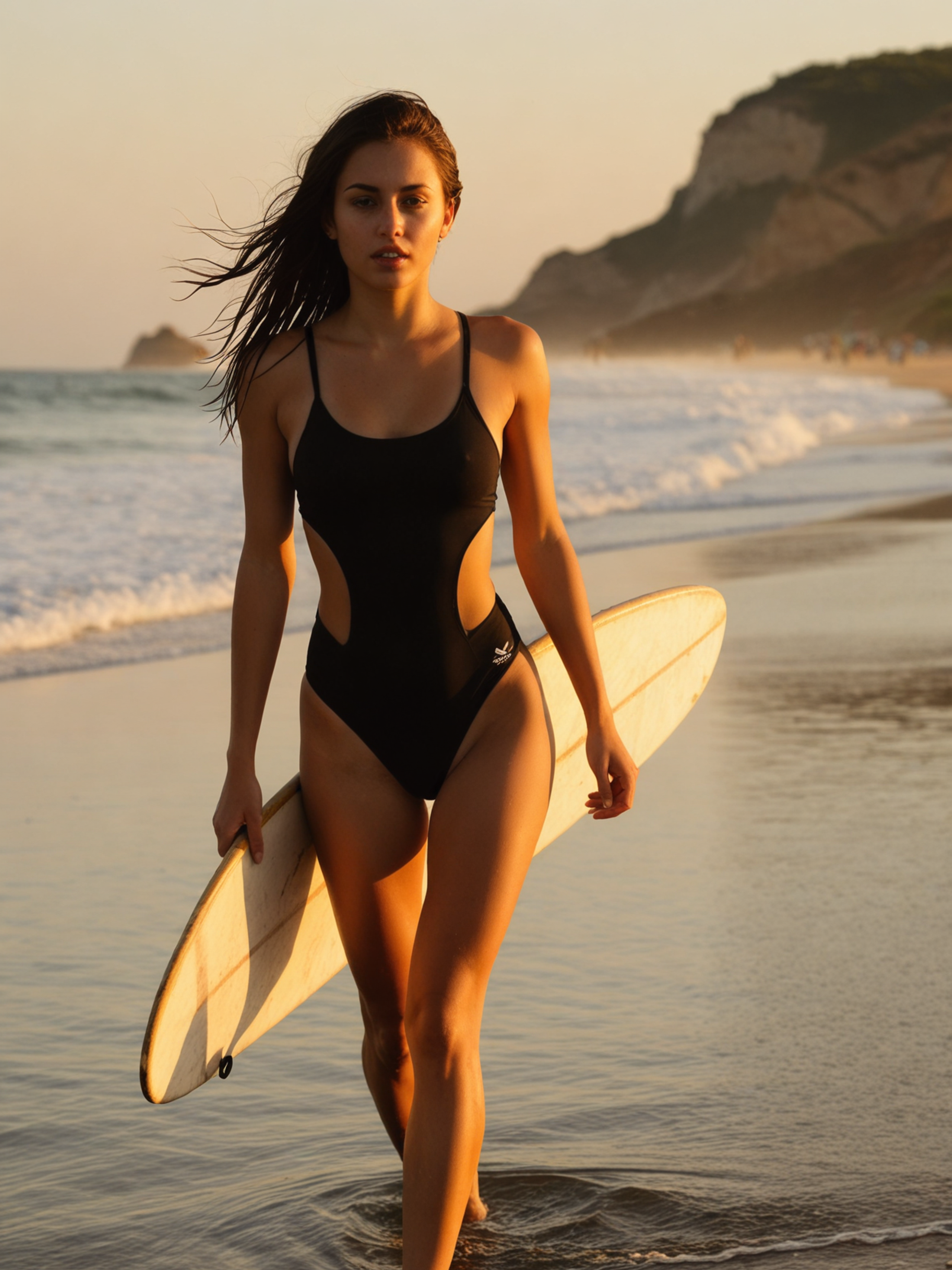
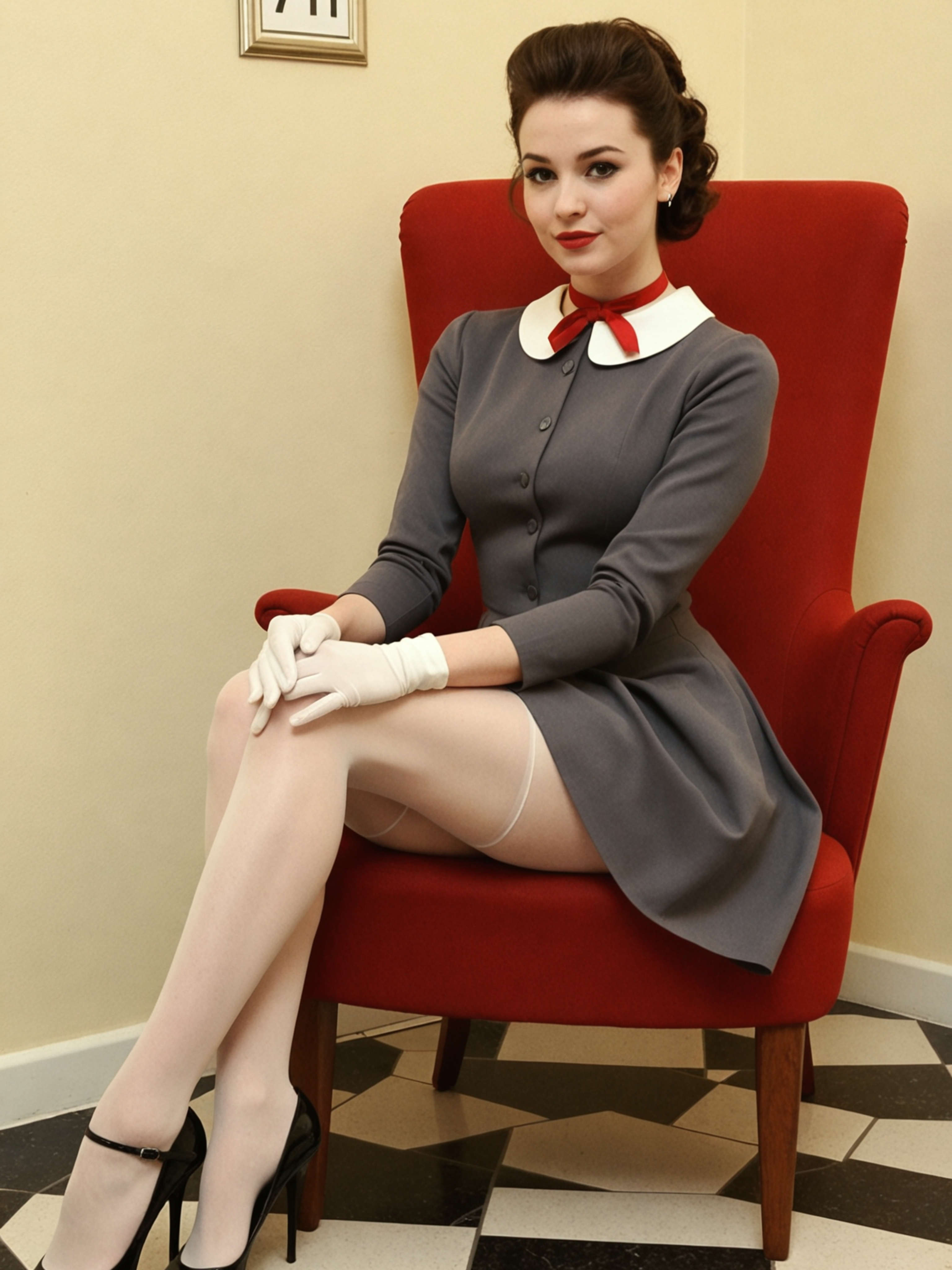
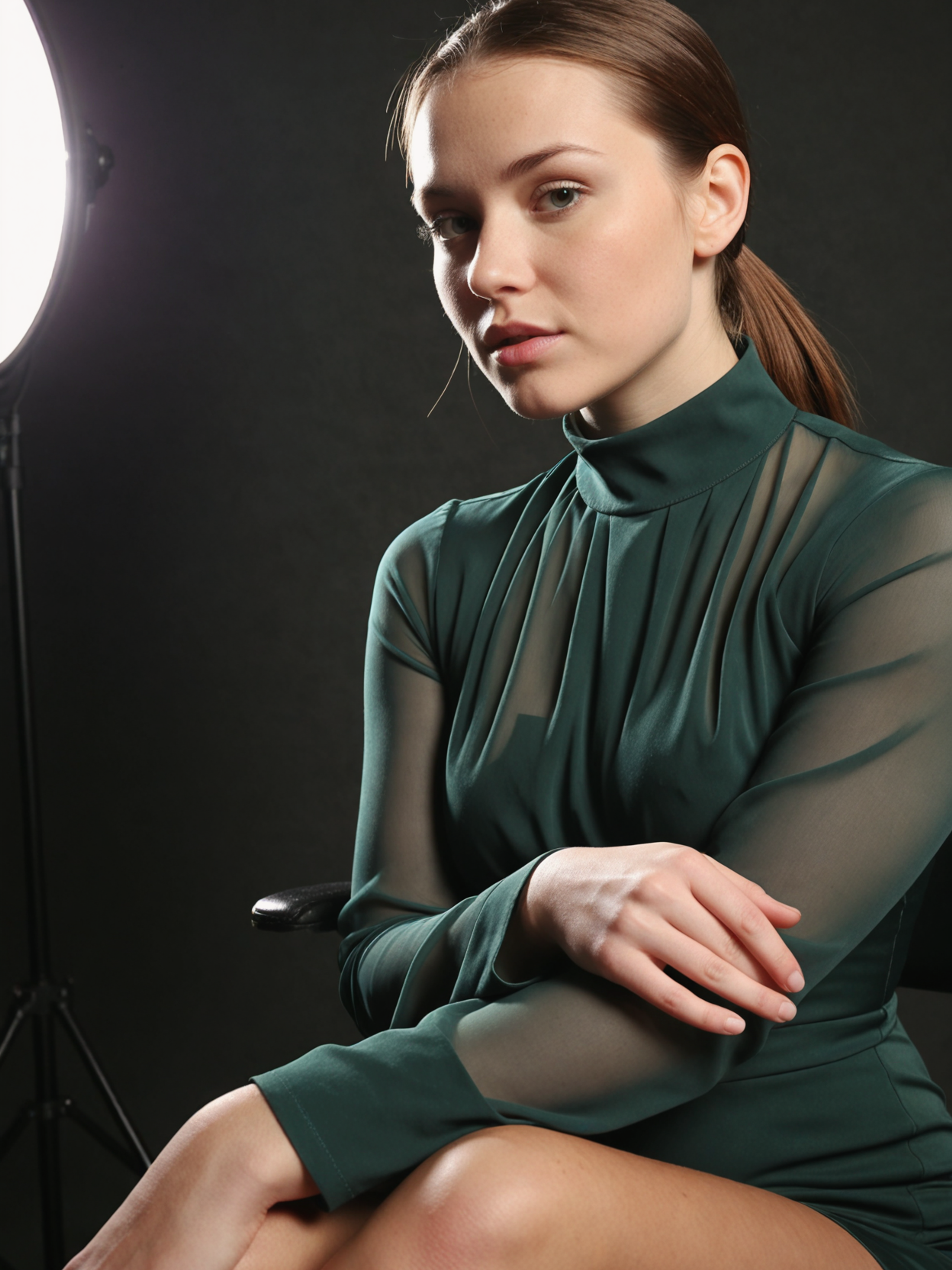
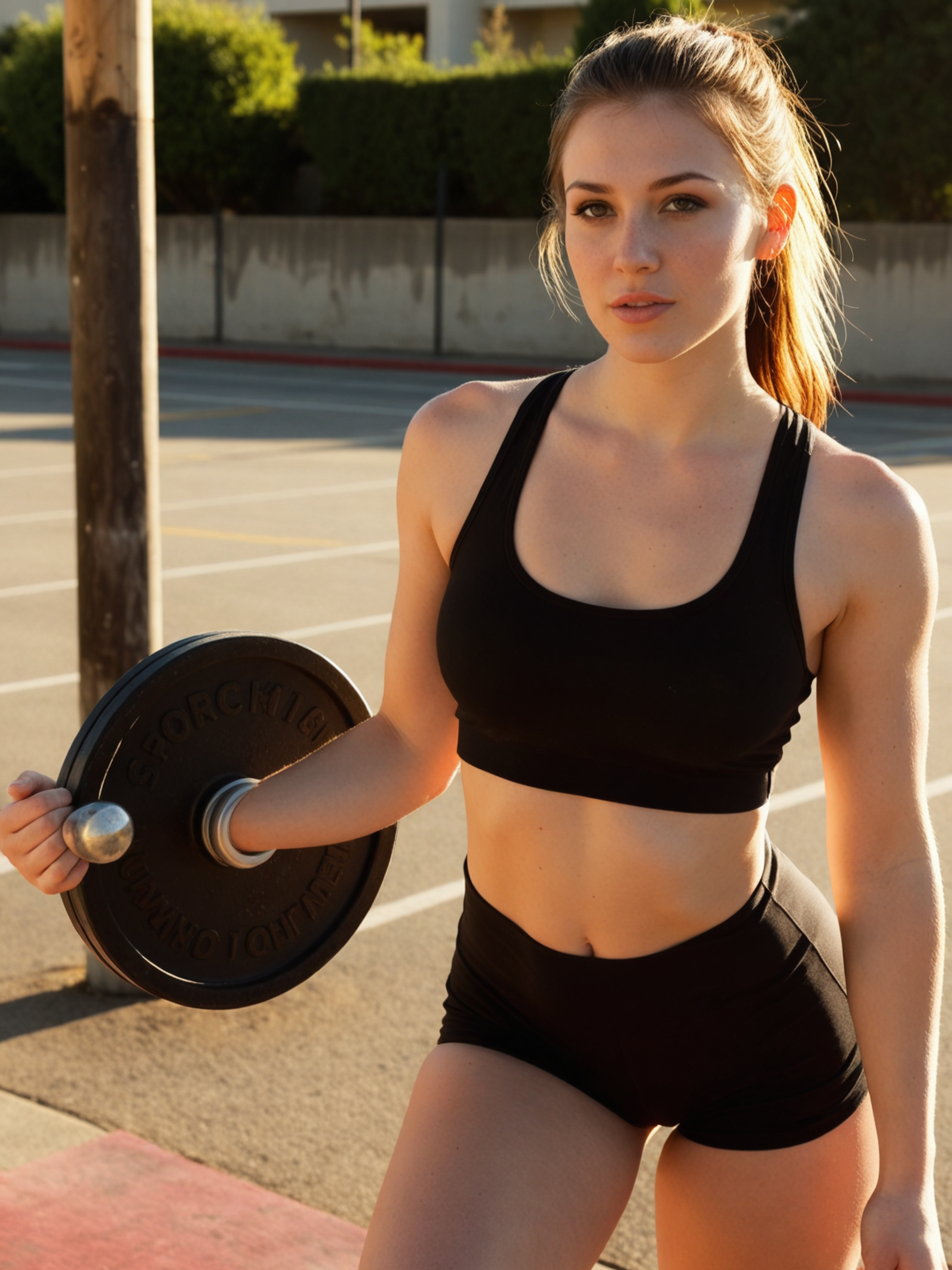
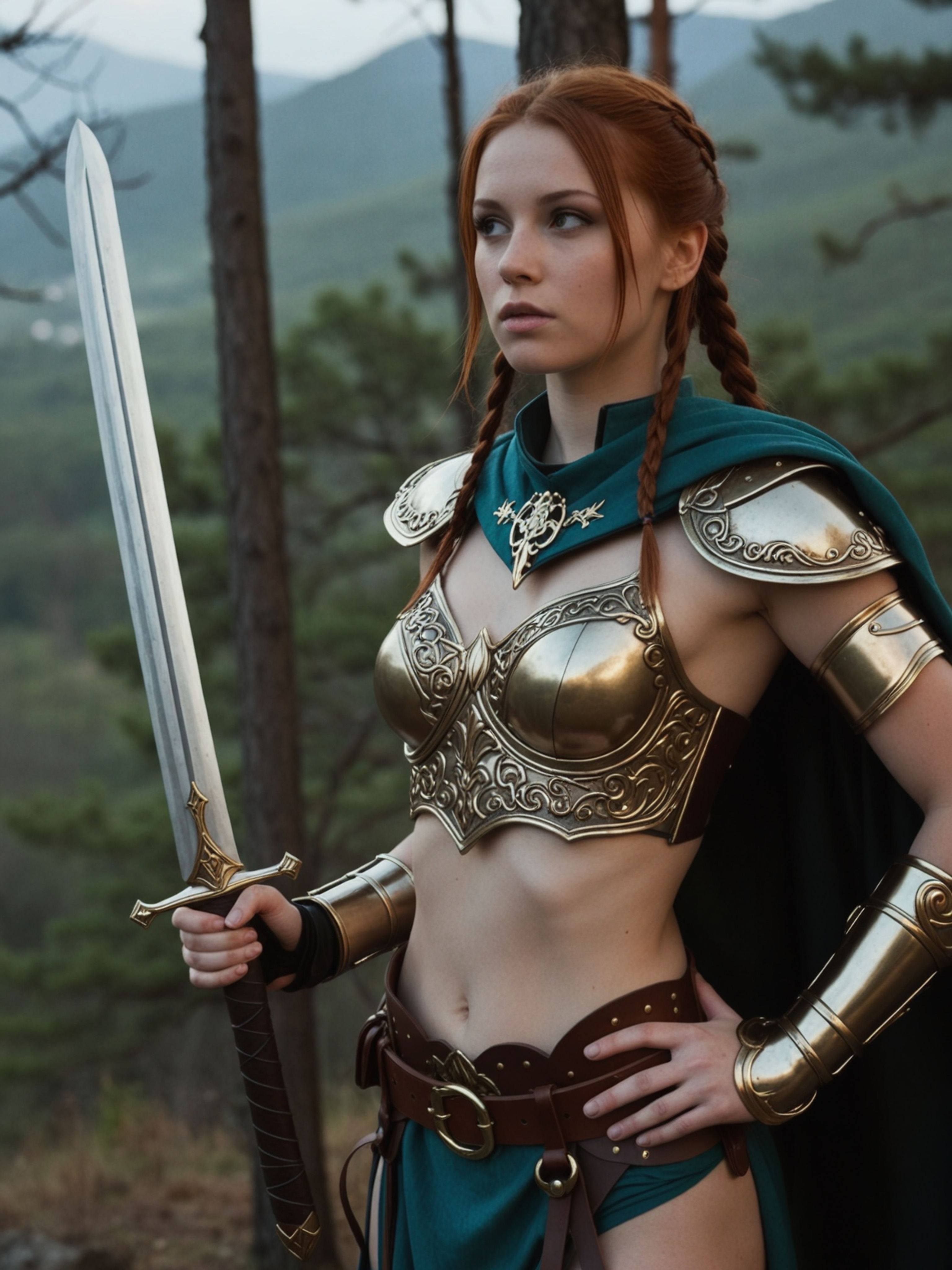
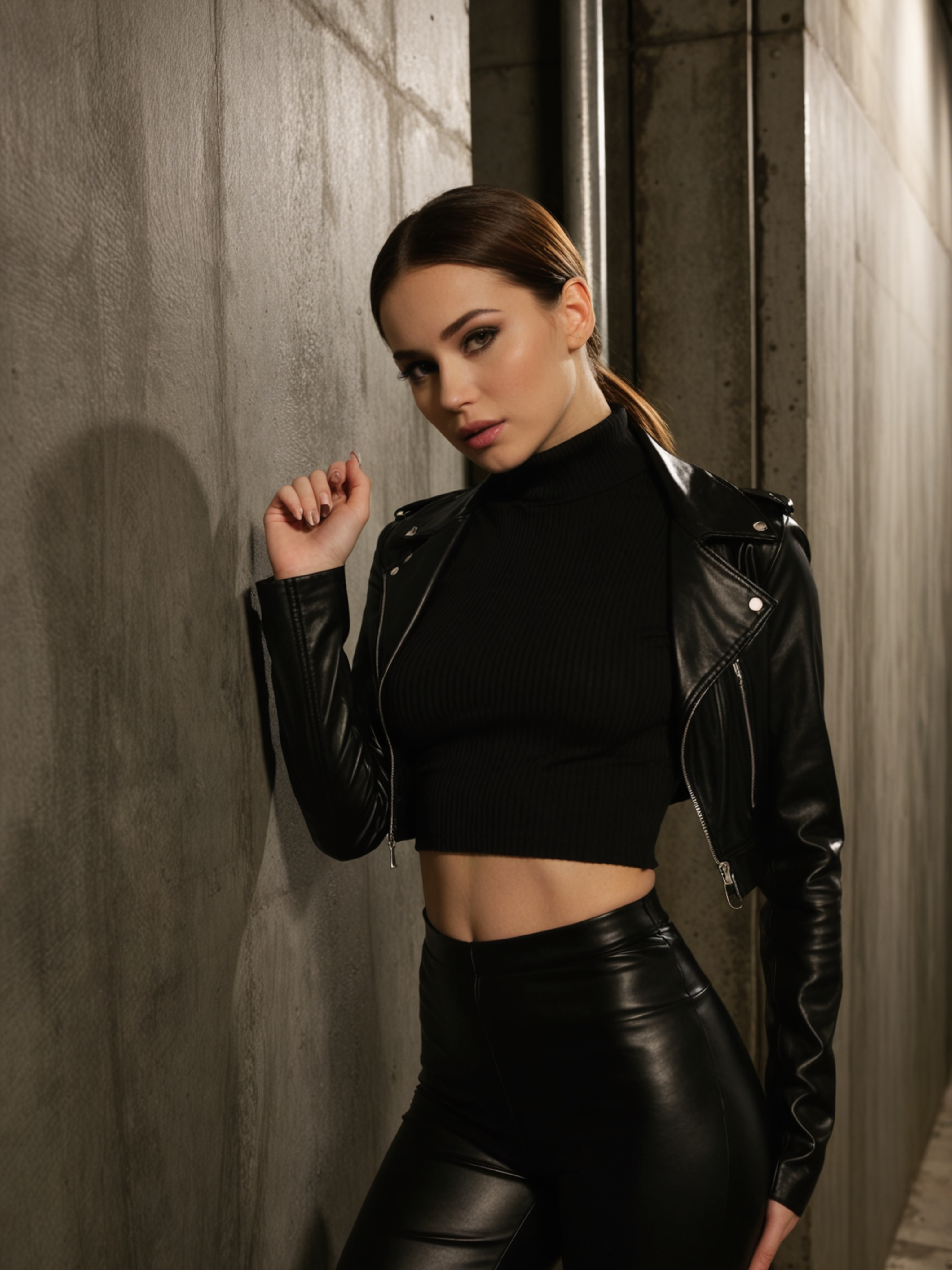
Choose by production need: speed, motion, text awareness, reference control, style adaptation, or broad creative range.
| Model | Best at | Pick when |
|---|---|---|
| SDXL Uncensored | LoRA-friendly image exploration | You need style, character, and composition experiments inside a VideoAny workflow |
| General Uncensored | Broad photoreal exploration and reference-guided iteration | You need a flexible default before choosing a specialist image workflow |
| Qwen Image 2.0 Pro Uncensored | Text-aware image generation and harder composition briefs | Readable design elements or typography-heavy concepts matter |
| Flux Klein + LoRA Uncensored | Photoreal bodies, portraits, and style or character adaptation | Reference style, anatomy, or character consistency is the main constraint |
| Seedream 5 Uncensored | Fast photoreal ideation across complex scenes | You need broad campaign concepts or multi-element prompt exploration |
Use a different workflow when one of these constraints dominates the brief:
Keep the first run structured so every image result teaches you what to refine next.
Open Text-to-Image for a new composition, or Image-to-Image when an existing reference should guide the result.
Describe the subject, setting, composition, lighting, lens feel, style boundaries, and intended use.
Create a few image variations and judge them against the same criteria instead of changing every prompt detail at once.
Adjust the weakest detail—pose, identity, lighting, composition, text, or style—then generate again.
Use concrete production language instead of stacking vague style words.
State what the image must accomplish before adding visual adjectives, references, or mood words.
Put must-have details first, then add camera, lighting, color, texture, wardrobe, location, or motion style afterward.
Name close-up, full body, centered product shot, wide interior, shallow depth of field, hard flash, or soft window light when relevant.
Repeat identity, wardrobe, object, color palette, and environment anchors across related prompts or use a reference image.
Check hands, faces, text, brand marks, body details, camera artifacts, and rights-sensitive elements before using the image publicly.
Avoid contradictory camera directions, changing identity details between related prompts, overloading one prompt with several scenes, or using uncensored as a reason to skip consent and rights review.
SDXL Uncensored is useful when your main goal is LoRA-friendly image exploration and you want a VideoAny workflow that keeps examples, comparisons, prompting, and safety boundaries in one place.
The strongest workflow is controlled iteration: define the deliverable, generate a small set, compare against clear criteria, and refine the specific variable that matters most.
Use the closest VideoAny entry point for the type of asset you are creating.
Start with a written brief and explore style, character, and composition experiments without needing a source image first.
Try Text-to-ImageBring a reference image when identity, pose, product shape, composition, or visual continuity needs tighter control.
Try Image-to-ImagePractical answers for using SDXL Uncensored inside VideoAny.
SDXL Uncensored is a VideoAny image workflow for LoRA-friendly image exploration. It is presented as a practical production page with examples, prompts, comparisons, and responsible-use guidance.
It means the workflow is designed to reduce unnecessary refusals for legitimate, non-explicit creative work. Safety, consent, intellectual-property rights, platform rules, and local law still apply.
Start from text when you need broad exploration. Use a reference when identity, composition, product shape, style, or a source frame matters more than open-ended variation.
Commercial use depends on your VideoAny plan, the assets you upload, the rights attached to any references, and the final review you perform before publication.
Keep the core subject, environment, camera language, and style anchors stable. Change one variable at a time and compare outputs against a short checklist.
The examples on this page are served from VideoAny R2-backed CDN URLs so the route does not depend on the reference source page at runtime.
Uncensored workflows still require consent, legal use, and careful review.
Start from a clear brief, generate a small set of image options, and refine the strongest result in VideoAny.
Start Creating