Flexible photoreal output
Use one general-purpose workflow for portraits, lifestyle scenes, interiors, products, and editorial concepts.
A flexible VideoAny image workflow for photoreal concepts, character-led scenes, product visuals, and reference-guided edits—with fewer unnecessary blocks on legitimate, non-explicit creative work.
Photoreal
Core visual style
2
Primary workflows
Reference-ready
Editing support
Use one general-purpose workflow for portraits, lifestyle scenes, interiors, products, and editorial concepts.
Move into Image-to-Image when identity, composition, outfit, or product details need tighter visual guidance.
Compare prompt versions, adjust one variable at a time, and keep the strongest result without rebuilding the brief.
Generate broad visual directions quickly before committing time to polishing, motion, or campaign production.
Designed for legitimate artistic, educational, documentary, fashion, and marketing contexts while safety rules still apply.
Take approved stills into Image-to-Video and other VideoAny tools instead of exporting to a separate production stack.
A practical general-purpose image workflow rather than a narrow specialist.
General Uncensored is VideoAny's flexible starting point for creators who want broad photoreal image generation without choosing a highly specialized workflow first. It is suitable for visual ideation, portraits, branded scenes, lookbook concepts, product shots, interiors, and other everyday image work.
The main advantage is range. You can begin with Text-to-Image for an original composition, then move to Image-to-Image when a reference needs to guide identity, framing, styling, color, or object details. That combination is more dependable than expecting one prompt to solve every creative constraint.
The word “uncensored” does not mean anything is allowed. On VideoAny it means reducing unnecessary blocks for legitimate, non-explicit creative contexts while continuing to enforce safety rules, consent requirements, intellectual-property rights, and applicable law.
Use General Uncensored as the default exploration workflow, then switch to a specialist model when typography, strict layout reproduction, a specific model aesthetic, or highly controlled reference editing matters more than broad creative range.
Six examples showing the type of photoreal range this workflow is designed to support—from people and lifestyle scenes to architecture and product imagery.
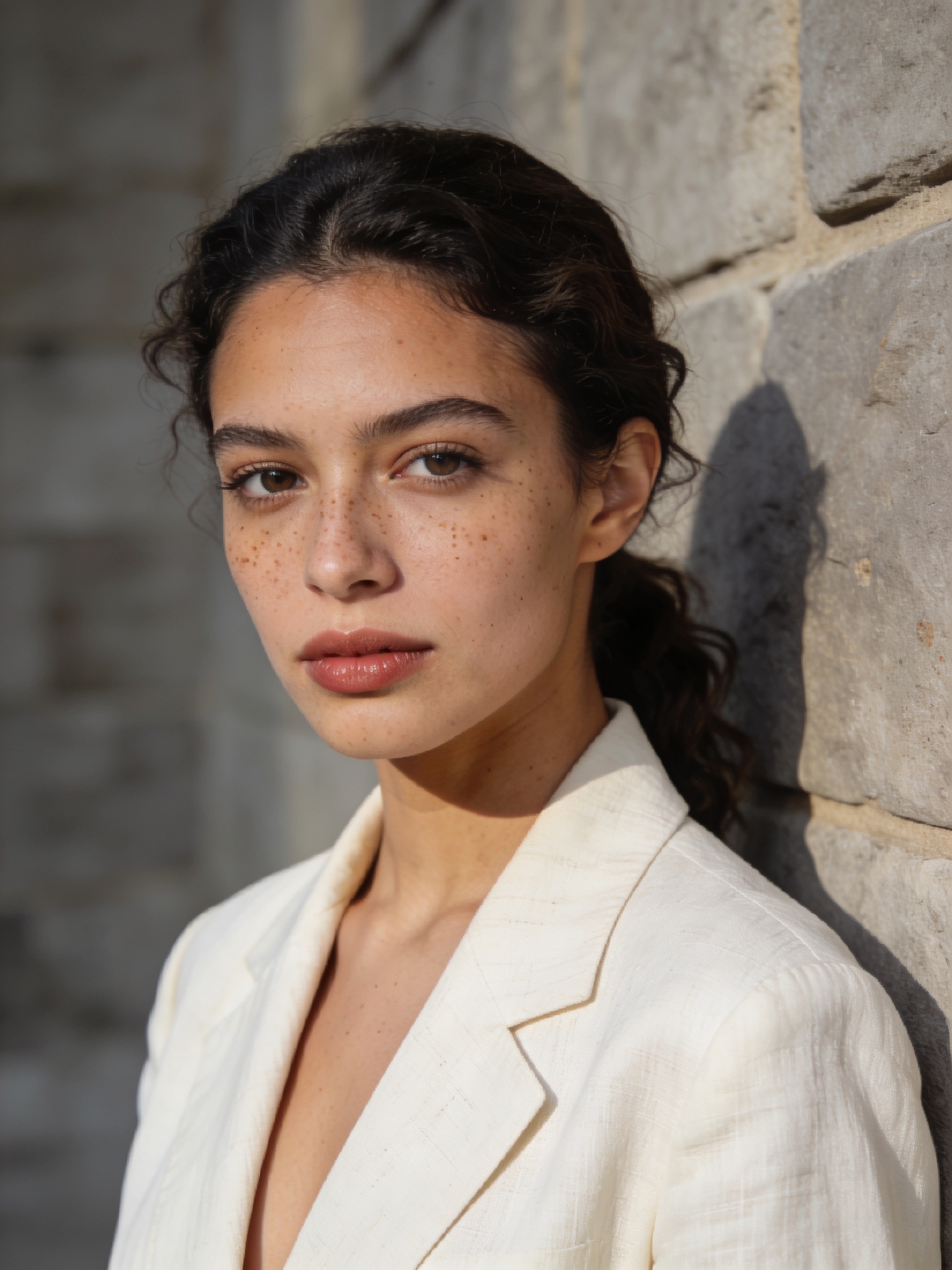
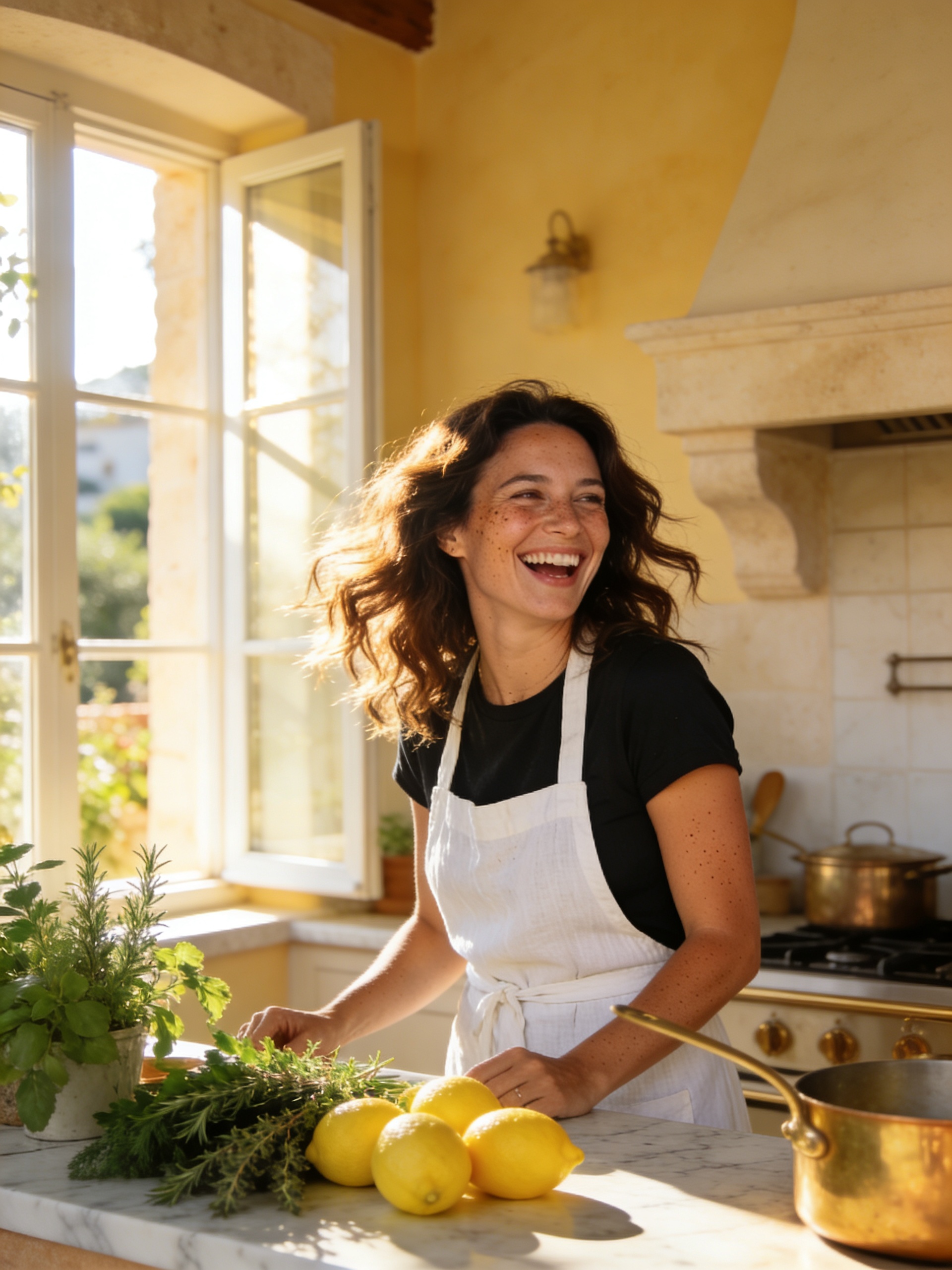
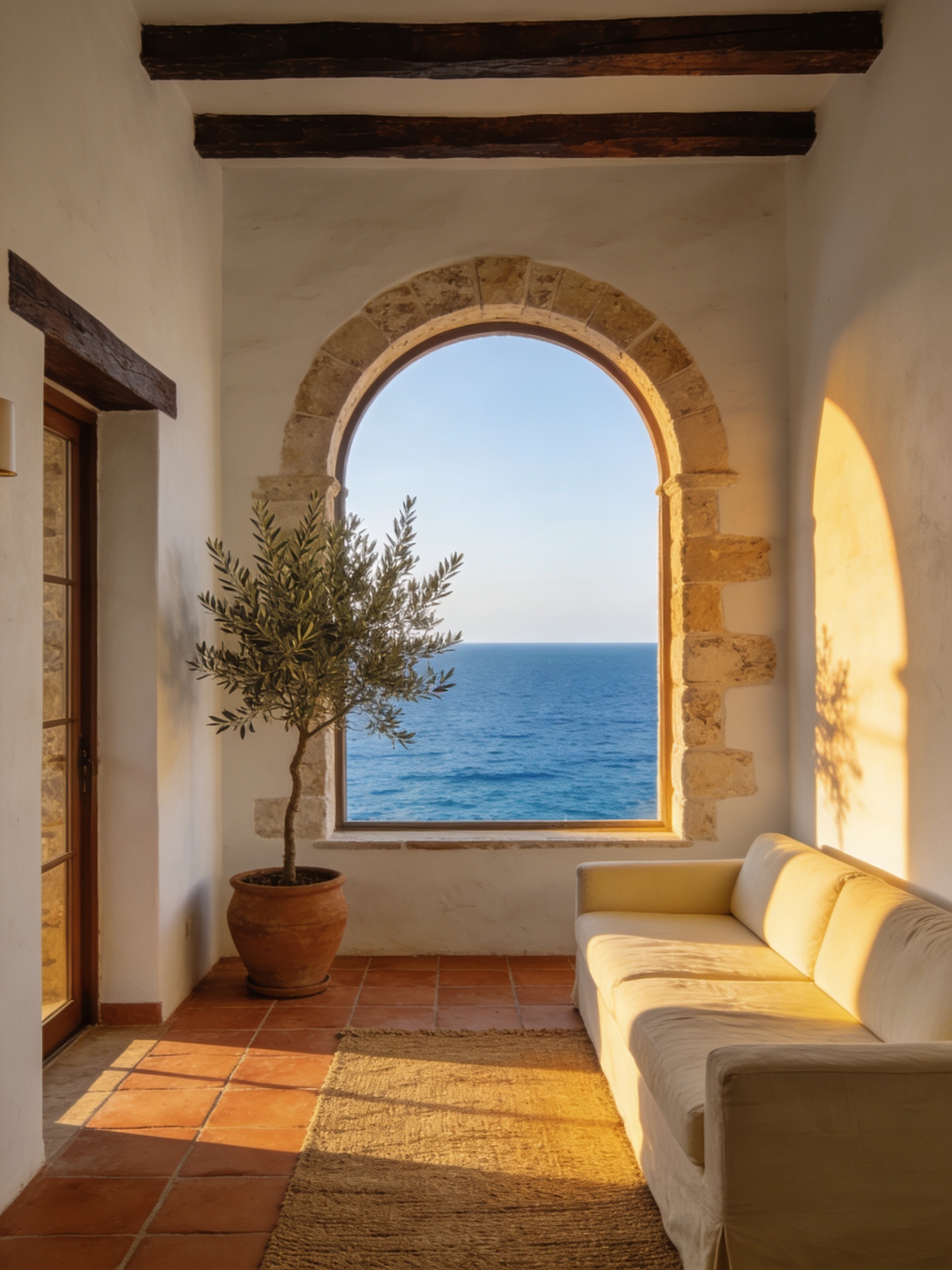
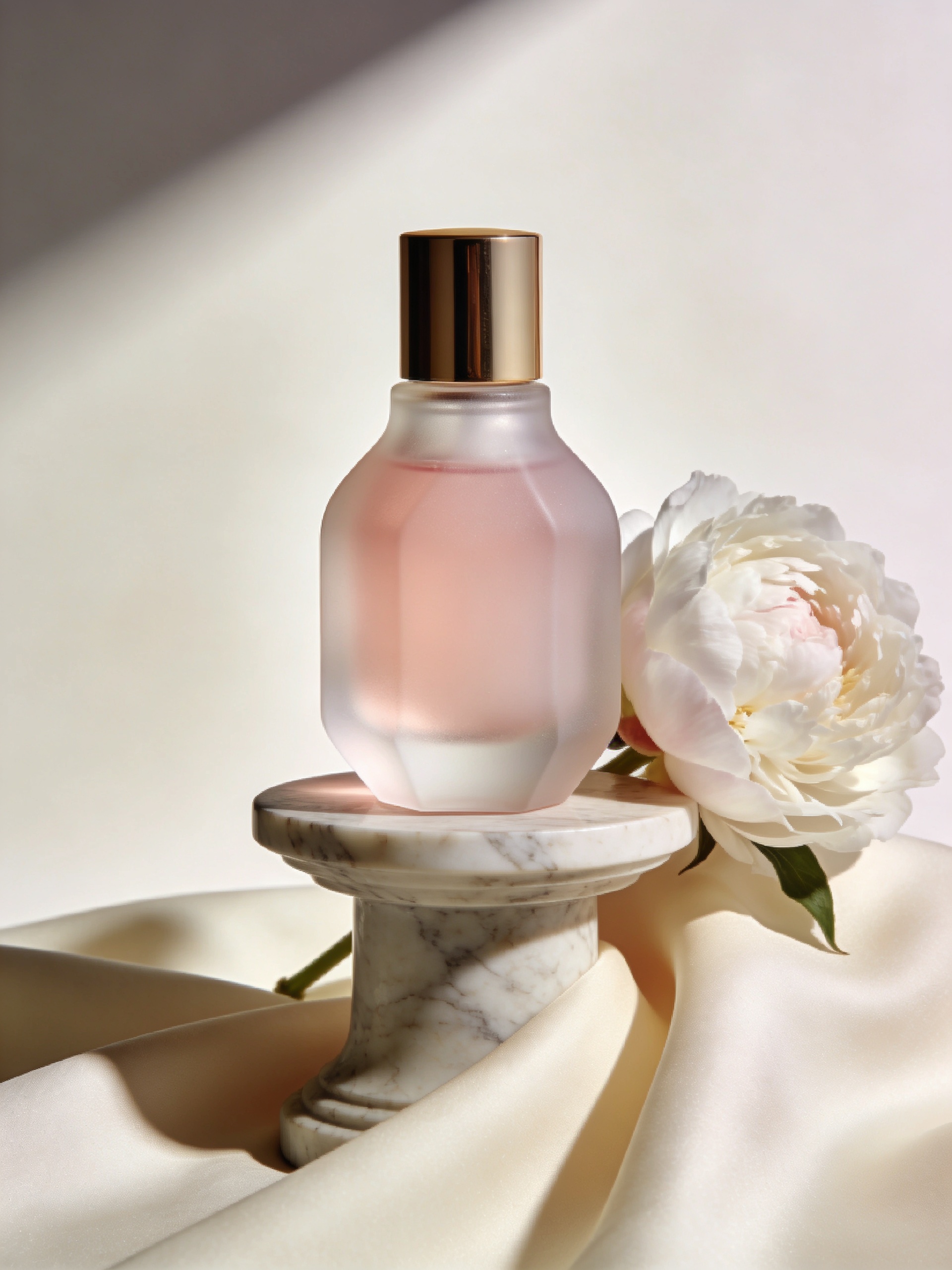
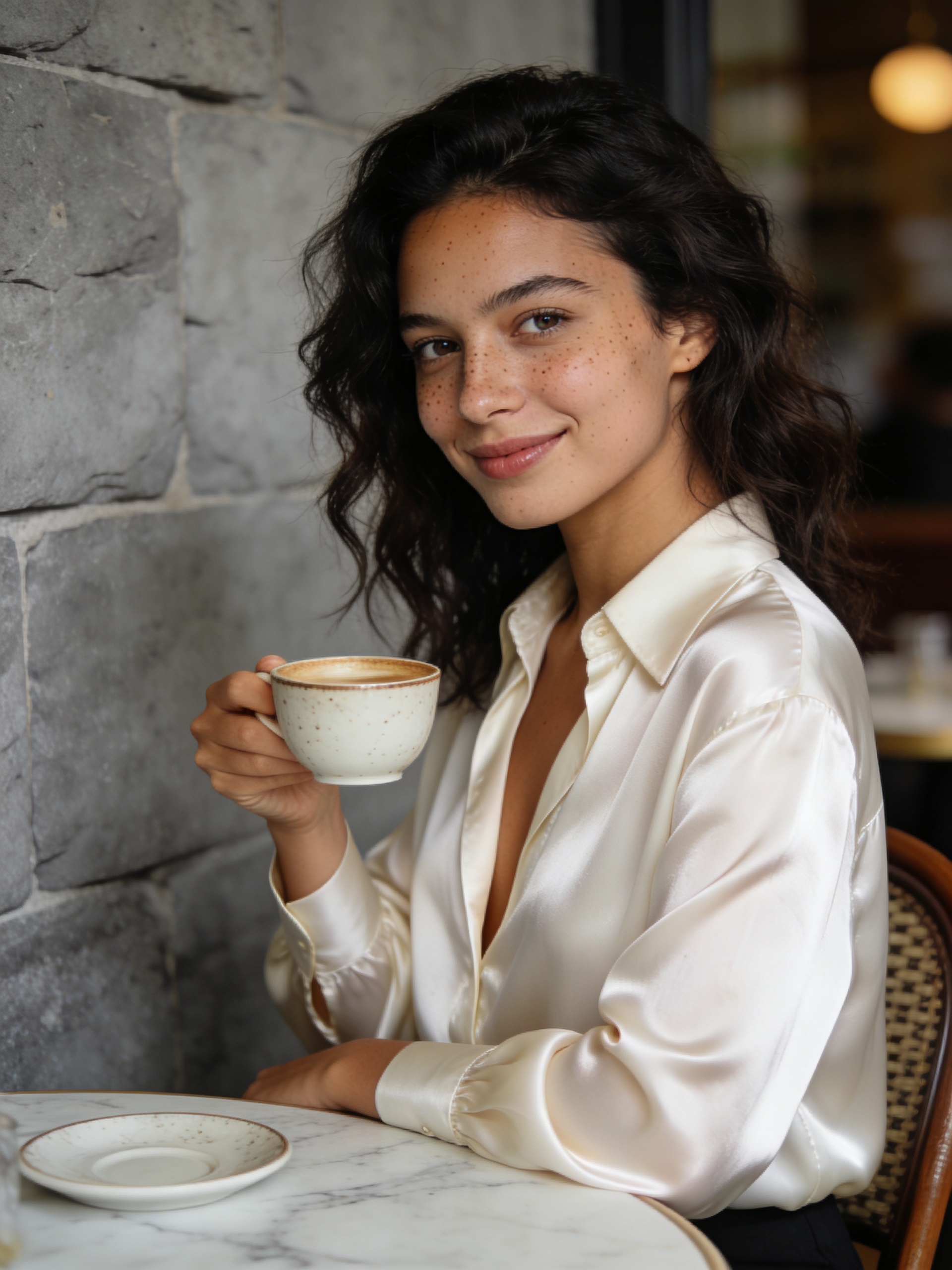
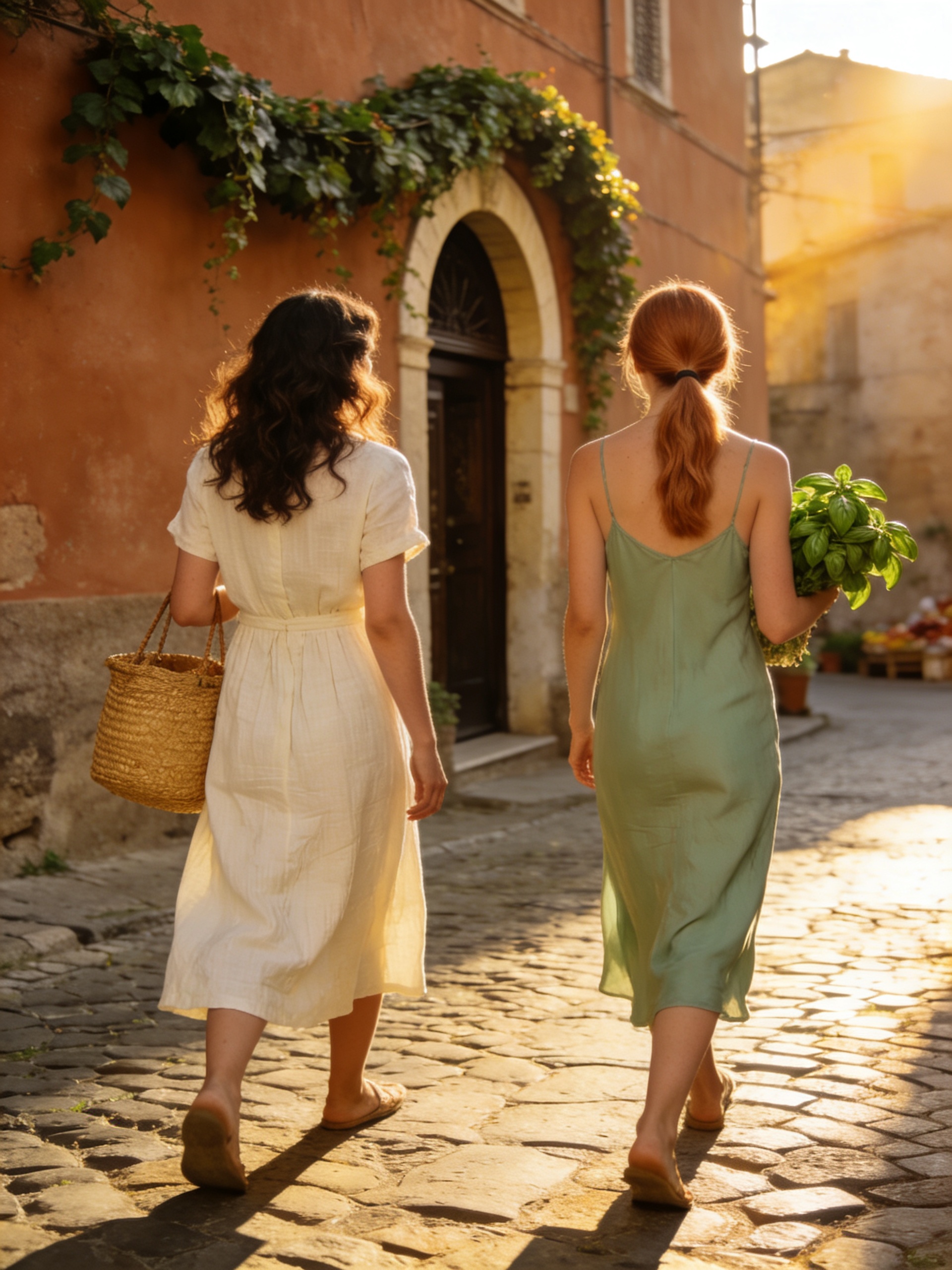
Choose by production need instead of treating one model as the best answer for every image.
| Model | Best at | Pick when |
|---|---|---|
| General Uncensored | Broad photoreal exploration and reference-guided iteration | You need a flexible default for portraits, scenes, products, or campaign concepts |
| Seedream 5 | Fast cinematic image generation and editing | Rich color, atmosphere, and fast visual ideation are the priority |
| WAN 2.7 | Versatile text-to-image and image-to-image work | You want an efficient all-round model for standalone assets |
| Nano Banana 2 | Instruction-following edits and reference transformations | The source image and edit instruction matter more than open-ended generation |
| Flux2 Pro | High-detail image generation with strong prompt control | You want a more specialized modern image model and are ready to tune the prompt |
| GPT Image 1.5 | Instruction following, editing, and text-aware compositions | Complex edits or readable design elements are central to the result |
A specialist workflow is a better fit in these cases:
Use a short iteration loop so each generation gives you a useful signal.
Open Text-to-Image for a new composition or Image-to-Image when you already have a reference.
Describe the subject, setting, composition, lighting, camera perspective, and intended use.
Create a small set of variations and compare the same criteria across every output.
Change only the weakest part—identity, lighting, pose, styling, framing, or detail—then generate again.
Five tactics for clearer, more repeatable photoreal results.
State who or what is in the image and what is happening before adding style adjectives.
Use terms such as close-up, full body, three-quarter view, centered product shot, wide interior, or over-the-shoulder.
Specify soft window light, hard flash, golden hour, studio softbox, shallow depth of field, or documentary camera work.
For related images, keep the same age range, hair, facial details, wardrobe anchors, and color palette in every prompt, or use a reference image.
Put critical details first, then add atmosphere, color grading, texture, and editorial references afterward.
Avoid contradictory camera directions, changing identity details between related images, stuffing multiple scenes into one prompt, or assuming a broad model will reproduce exact text and logos without review.
General Uncensored is the practical VideoAny starting point when you need broad photoreal range and fast iteration more than a single specialist capability. Start from text for exploration, bring in a reference when details matter, and switch models when typography or exact editing becomes the dominant requirement.
The strongest production workflow is not one perfect prompt. It is a controlled loop: define the visual job, generate a small batch, review against clear criteria, and refine one variable at a time.
The two main VideoAny entry points for this workflow:
Start with a written brief and explore original portraits, scenes, products, interiors, and campaign directions.
Try Text-to-ImageBring a reference when you need tighter control over identity, styling, framing, products, or visual continuity.
Try Image-to-ImageQuick answers before you start generating.
It describes a broad, general-purpose image workflow with fewer unnecessary blocks on legitimate, non-explicit creative work.
It does not mean anything is allowed. Safety rules, consent requirements, platform terms, and applicable law still apply.
Yes. It is intended as a flexible starting point for portraits, lifestyle scenes, products, interiors, and visual ideation.
Choose a specialist model when readable text, exact reference reproduction, or a specific model aesthetic is the main requirement.
Repeat the same identity details across prompts and keep camera, wardrobe, and lighting descriptions stable.
For tighter control, use Image-to-Image with a reference and review facial features, skin tone, hair, and distinctive details in every output.
Yes. Open Image-to-Image when a source image should guide composition, identity, styling, color, or object details.
Only upload images you own or have permission to use, and get consent before using a real person's likeness.
No. VideoAny's wording refers to reducing unnecessary blocks for legitimate, non-explicit creative contexts.
Sexual content involving minors, non-consensual exploitation, illegal content, and other unsafe uses remain prohibited.
Use Text-to-Image when you are starting from a written idea.
Use Image-to-Image when identity, composition, styling, or product details need to follow a source image.
Commercial use depends on your VideoAny plan, the selected model's terms, and whether you hold the necessary rights to prompts, references, brands, and likenesses.
Review the current terms and verify sensitive details before publishing.
Use General Uncensored for lawful, consensual creative work and review every result before publishing.
Open VideoAny, choose an image workflow, write a clear brief, and refine the strongest result.
Start Creating