
Quick answer
VideoAny is a ZenCreator alternative for connected media production
Choose by the production pipeline you need rather than assuming that similar search terms mean identical product behavior.
ZenCreator's June 2026 organic landing pages show a search-led product architecture centered on NSFW and uncensored AI generation, image generation, video generation, prompt-based image editing, image-to-video, face swap, AI influencers, unrestricted chatbots, pricing, and a large guide library.
The current VideoAny project covers a similarly broad visual surface while also exposing dedicated model pages, video-to-video, audio-to-video, text and music tools, face swap, lip sync, effects, compressors, and connected editing routes.
This comparison does not claim that one platform always produces better output. Model availability, moderation, speed, pricing, credits, and feature behavior change. Test both platforms using the same lawful brief and calculate the cost and time required to reach an accepted result.
The practical split
- ZenCreator: a highly search-optimized uncensored and unrestricted content surface with many focused landing pages and guides
- VideoAny: a connected browser workspace spanning image, video, audio, editing, models, face swap, lip sync, effects, and utility tools
- Both: should be evaluated by model fit, prompt response, rights, consent, policy, successful-output cost, and production handoff
- Neither: should be selected only from a branded query, one demo image, or an unverified historical pricing claim
ZenCreator observations come from the June 2026 organic landing-page dataset reviewed for zencreator.pro. This page does not treat traffic estimates as product-quality evidence.
VideoAny capabilities are based on the routes and English content currently present in this repository on July 10, 2026.
Side-by-side
ZenCreator vs VideoAny workflow comparison
This table compares visible product and content surfaces, not unsupported model-quality or pricing claims.
| Decision factor | ZenCreator observed surface | VideoAny current project |
|---|---|---|
| Image generation | Dedicated uncensored, unrestricted, no-restrictions, unfiltered, and general AI image generator pages | AI Image Generator, Text to Image, uncensored and no-restrictions landing pages, plus model-specific image routes |
| Image editing | No-restrictions, unrestricted, uncensored, unfiltered, and general AI photo editor landing pages and guides | Image to Image, AI Image Editor No Restrictions, Qwen Image Edit, variation, restoration, and specialist guide workflows |
| Video generation | NSFW, uncensored, no-restrictions, unrestricted, image-to-video, general video, and model guides | Image to Video, Text to Video, Video to Video, extender, model pages, effects, and uncensored video routes |
| Identity and creator tools | Face swap, AI influencer, AI face generation, couple, virtual try-on, and creator-focused guide pages | Face swap, video face swap, photo face swap, lip sync, AI avatar, influencer guides, image editing, and virtual try-on |
| Audio | Audio depth was not established by the reviewed high-click landing-page set | Text to Audio, Image to Audio, Video to Audio, Text to Music, Image to Music, Video to Music, dubbing, and audio-to-video |
| Learning content | Large AI University footprint covering models, unrestricted workflows, comparisons, prompts, and creator use cases | Static guide system covering models, comparisons, uncensored workflows, prompts, effects, production methods, and blog content |
| Pricing decision | A pricing page ranks in the reviewed dataset; current terms must be checked on the live site | A current pricing route exists; actual credit use varies by selected model, duration, resolution, and output type |
A route being visible or ranking does not prove output quality, policy flexibility, privacy, or value for a particular workload.
Compare the current live product before purchase because model lists, prices, credits, and restrictions can change.
Best-fit summary
Pick the platform that removes your production bottleneck
The useful distinction is not which brand has more pages; it is which workflow reaches an approved output with fewer handoffs and retries.
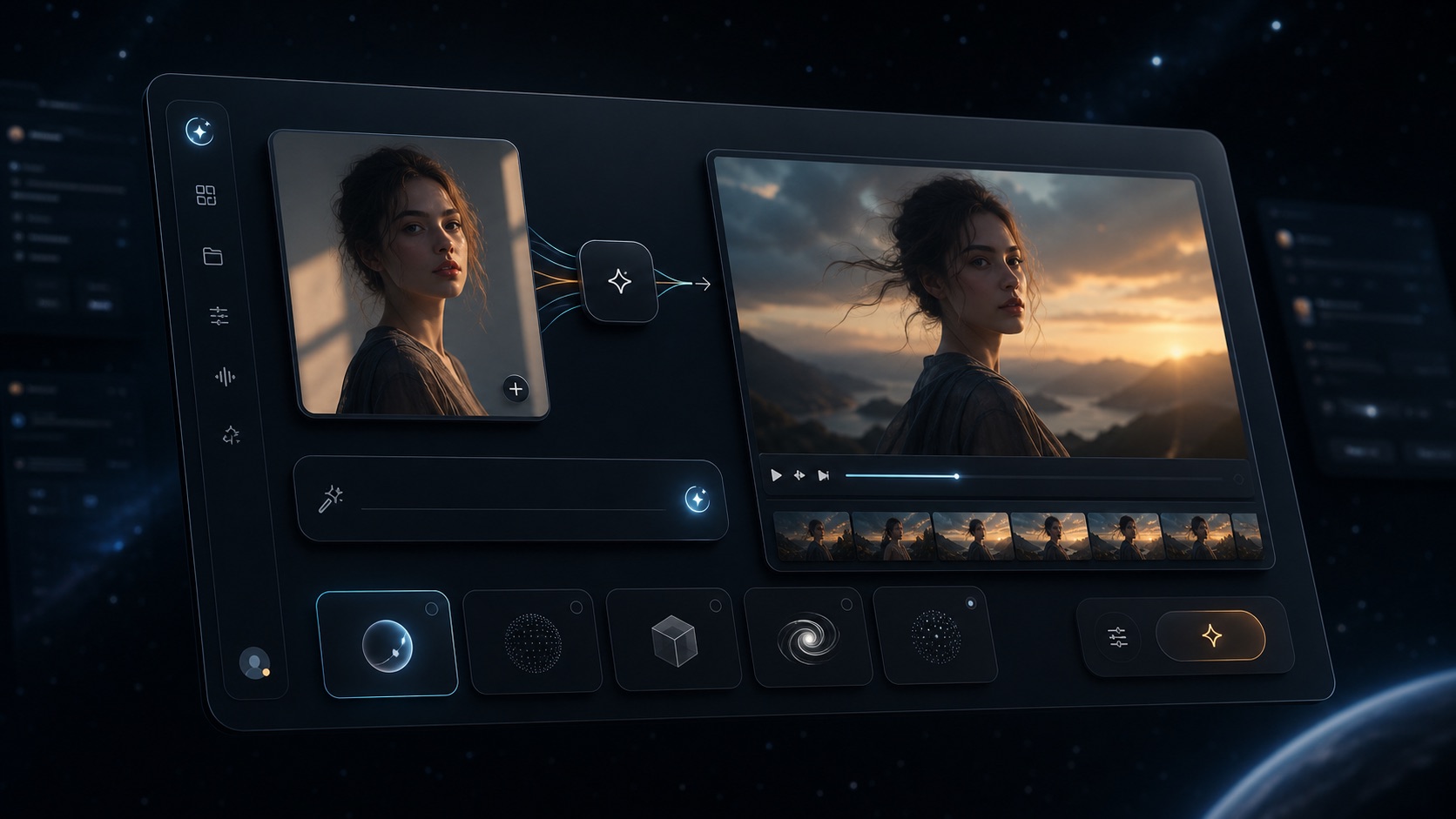
VideoAny connected image, video, editing, and model workspace
VideoAny
A browser-based workflow connecting image, video, audio, editing, models, face swap, lip sync, effects, and utility tools.
Where VideoAny fits
- Move from text-to-image into editing and image-to-video without changing the production stack
- Compare multiple image and video model pages alongside general-purpose tools
- Add face swap, lip sync, audio, effects, compression, and video extension when the deliverable requires them
- Use focused SEO and learning pages to choose a workflow before opening the generator
- Pricing model
- Review the current VideoAny pricing page and the credit cost shown for the selected model and settings.
- Trade-offs
- A broad toolset still requires model selection and controlled testing. Availability, output settings, and credit use vary by workflow.
- Best fit
- Creators who want several media types and production handoffs inside one browser project.
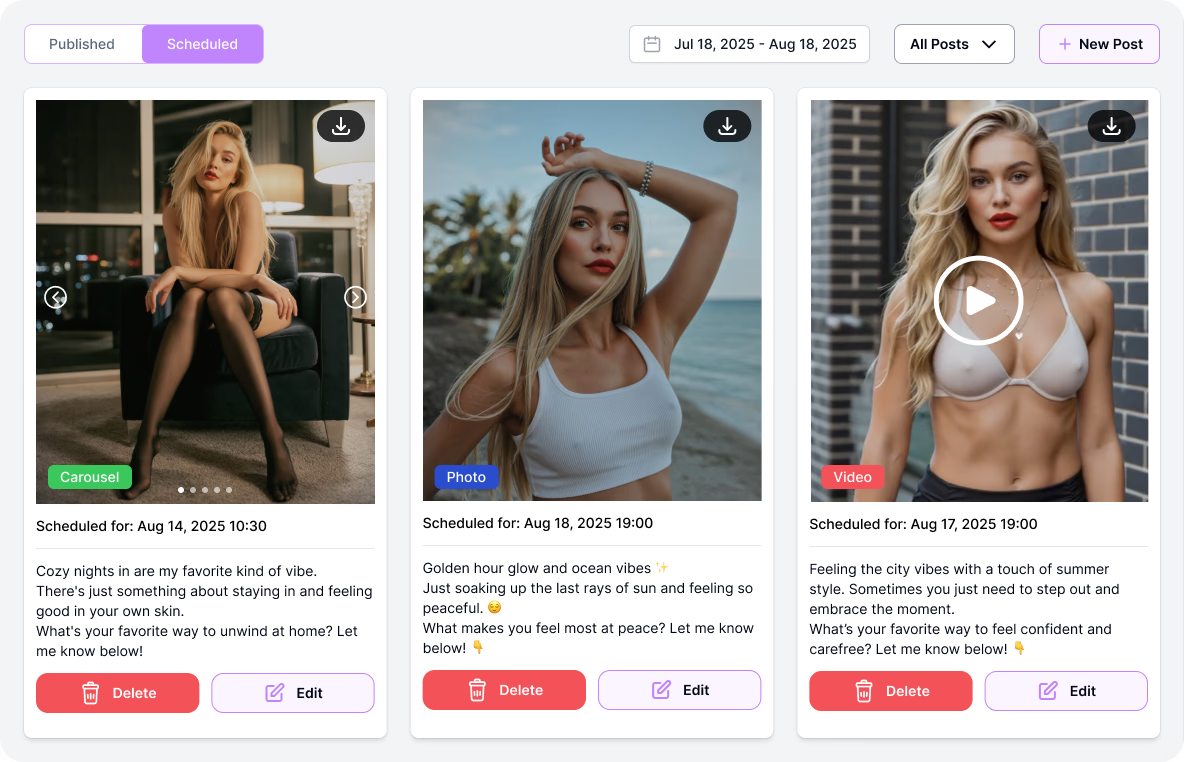
ZenCreator homepage visual used for the ZenCreator vs VideoAny comparison
ZenCreator
A creator platform whose reviewed organic surface is heavily organized around uncensored image, video, editing, chatbot, comparison, and model intents.
Where ZenCreator may fit
- Dedicated landing pages for many uncensored and unrestricted search intents
- Image, video, editing, image-to-video, face-swap, influencer, and guide surfaces visible in the reviewed dataset
- Extensive AI University content for models, prompts, comparisons, and creator workflows
- A branded experience for users already searching specifically for ZenCreator
- Pricing model
- Check the live ZenCreator pricing and generator before purchase; this comparison does not repeat unverified historical amounts.
- Trade-offs
- Organic traffic and page coverage do not establish current model access, output quality, privacy, policy behavior, or total successful-output cost.
- Best fit
- Creators who prefer ZenCreator's current interface and verify that its live tools match their specific content workflow.
Before switching
Run the same five-job benchmark on both platforms
A fair ZenCreator vs VideoAny comparison uses identical inputs, settings, rights, and acceptance criteria.
Prepare five representative jobs: a text-to-image prompt, a prompt-based image edit, an image-to-video clip, a face or identity workflow using a consented reference, and one model-specific generation. Use the same aspect ratios, target resolution, clip duration, and publishing constraints wherever both platforms allow it.
Track prompt adherence, identity and anatomy stability, artifact rate, time to accepted output, failed generations, model and setting control, export quality, and total credit cost. Do not score only the first attractive result.
Before moving production assets, compare consent and likeness rules, commercial rights, retention and deletion behavior, privacy expectations, content policy, support, and how each platform handles sensitive but lawful source material.
Recommended scorecard
- Accepted results from five repeatable jobs
- Prompt and reference adherence
- Identity, anatomy, text, and background stability
- Generation time and retries per accepted output
- Credits consumed by successful and failed attempts
- Rights, consent, privacy, policy, and publishing fit
FAQ
ZenCreator alternative questions
Answers stay within the observed landing-page data and current VideoAny project surface.
What is the best ZenCreator alternative?
VideoAny is a practical ZenCreator alternative when you need connected image, video, audio, editing, model, face-swap, lip-sync, effects, and utility workflows. The best choice still depends on your actual source assets, models, policy needs, retries, and accepted-output cost.
Does VideoAny have an uncensored AI generator?
Yes. VideoAny has a broad Uncensored AI Generator hub plus focused uncensored image, video, editing, unrestricted, no-restrictions, and model pages. Uncensored means fewer false blocks for legitimate work, not permission for illegal, exploitative, non-consensual, or harmful content.
Do ZenCreator and VideoAny both generate images and videos?
The reviewed ZenCreator landing-page set includes image generator, video generator, editing, and image-to-video surfaces. The current VideoAny project includes Text to Image, Image to Video, Text to Video, Video to Video, editing, models, and related workflows. Verify live availability before relying on a specific model.
Which platform has more AI models?
This comparison does not make a fixed model-count claim because catalogs change. Open both live model selectors and compare the exact providers, modes, durations, resolutions, controls, and credit cost required for your production job.
Which platform is cheaper?
A headline price is not enough. Compare the current pack or plan, model-specific credit use, failed attempts, retries, accepted-output rate, and any editing work needed after generation.
Can I move ZenCreator assets into VideoAny?
Export only assets you have the right to reuse, then test them in VideoAny Image to Image, Image to Video, face swap, or other relevant tools. There is no guarantee that prompts, seeds, model settings, or project history transfer directly.
Test one real workflow
Build the same mini production set in VideoAny
Use one approved brief to test image generation, editing, image-to-video, and a specialist model before deciding whether to move a larger workflow.
- Start with available free credits
- Keep prompts and source assets consistent
- Score accepted outputs instead of demo impressions