Create images from text
Describe a subject, setting, composition, style, lighting, and output constraints to generate a new visual without starting from a template.
Turn a written brief into original visual directions, compare several models, and refine the best result without rebuilding the entire scene. The generation interface remains in Text to Image so this page can focus on selection, prompting, and workflow.
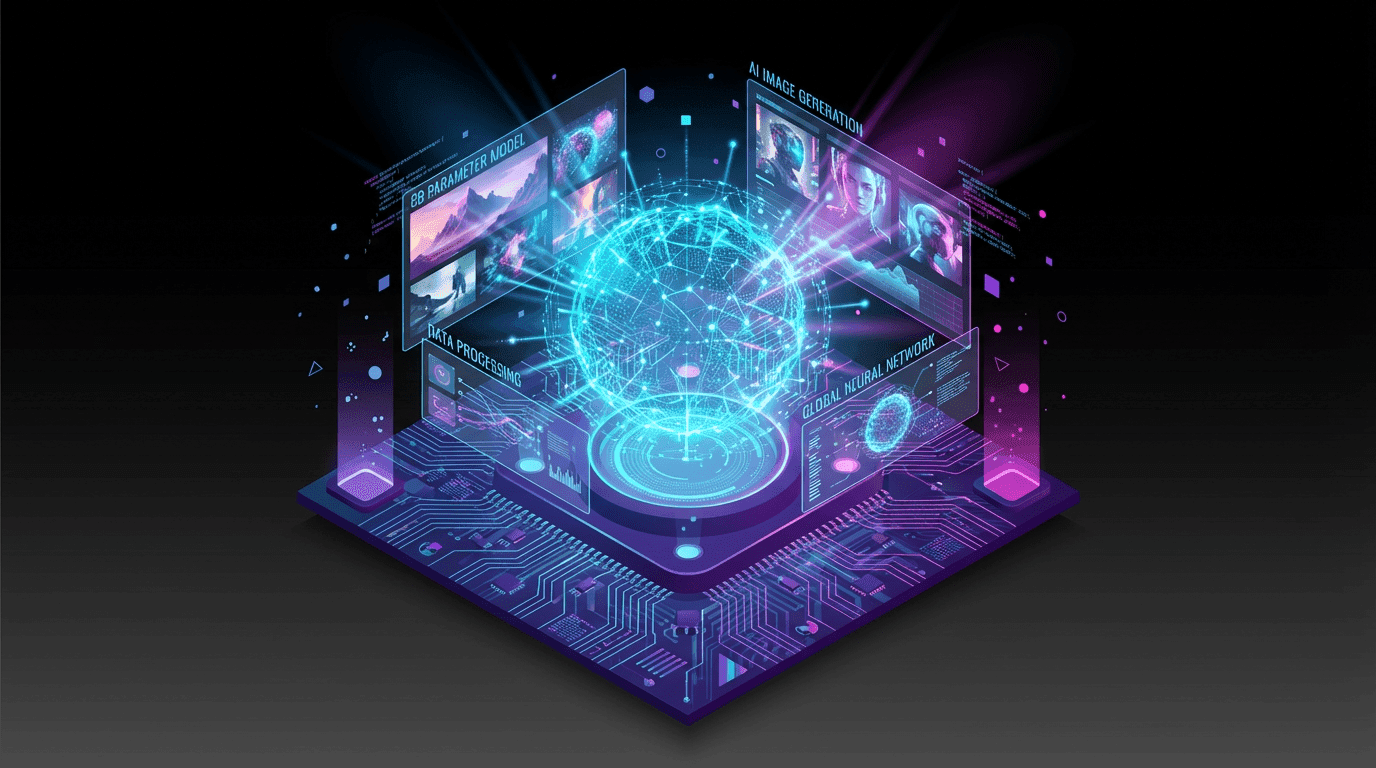
Generate first, then edit or animate
Treat the selected image as a production asset that can continue into editing and image-to-video.
From prompt to usable asset
A strong first image is only part of production. VideoAny connects generation to prompt-based editing and animation while keeping each step focused.
Describe a subject, setting, composition, style, lighting, and output constraints to generate a new visual without starting from a template.
Keep the prompt and aspect ratio stable while comparing instruction following, typography, composition, speed, and visual style.
Move a promising output into Image to Image when you need a targeted edit instead of repeatedly regenerating the whole scene.
Use Image to Video only after the still is approved, then add camera movement, subject action, pacing, and environmental motion.
Search intent
Generic AI image searches cover many outcomes. Define the deliverable before choosing the model so quality is judged against a real production need.
Draft thumbnails, story frames, posters, ad concepts, and campaign directions before final design and copy review.
Explore backgrounds, compositions, lighting, packaging directions, and visual treatments while preserving brand review as a separate step.
Test silhouette, wardrobe, environment, palette, and art direction, then reuse the strongest prompt elements for a controlled series.
Build the first frame with the correct composition and identity before asking a video model to add movement.
Workflow
Structured prompts and controlled iteration make it easier to see why one output succeeded and what should change next.
Name the subject, environment, framing, lighting, style, aspect ratio, and important exclusions in a clear order.
Use one model first, compare several outputs, and judge whether the scene and composition are correct before changing the prompt.
Change only the weakest element—such as camera angle, palette, typography, or background—so the next result provides useful evidence.
Related paths
This broad landing page explains the workflow; the linked tool and specialist pages handle generation, editing, and narrower search intents.
FAQ
An AI image generator turns a written prompt into a new visual using a selected image model. Results depend on the prompt, model, settings, and random generation, so the workflow normally includes comparison and iteration.
You can start with available free credits. The cost of each generation depends on the selected model, resolution, quantity, and current account plan.
This is the marketing and learning page for the broad AI image generator intent. Text to Image is the actual tool interface where you choose a model, enter the prompt, and generate outputs.
Start with a general model, then compare one alternative using the same prompt and aspect ratio. Evaluate instruction following, composition, text rendering, style, speed, and successful-output cost against your real project.
Use a consistent order: subject, environment, composition, camera or medium, lighting, style, colors, aspect ratio, and exclusions. Avoid conflicting instructions and change one major variable per iteration.
Commercial use depends on your plan, the selected model terms, source and reference rights, the prompt, applicable law, and the destination platform. Review those requirements before publishing or selling an output.
Start with a clear visual brief, compare a small output set, and refine the strongest direction with the next appropriate tool.
Open Text to Image