Quick answer
SoulGen is now a video-and-character suite; VideoAny is a broader creator stack
Both platforms now cover more than static image generation, so compare workflow depth and cost per accepted output.
SoulGen's current official homepage describes an all-in-one AI video generator that turns images or text into HD videos with motion, sound, and talking characters up to 20 seconds. The same navigation lists image-to-video, video extend, reference-to-video, text-to-video, AI character tools, real/anime character modes, human modeling, smart edit, classic edit, extend, Soul Chat, and pricing.
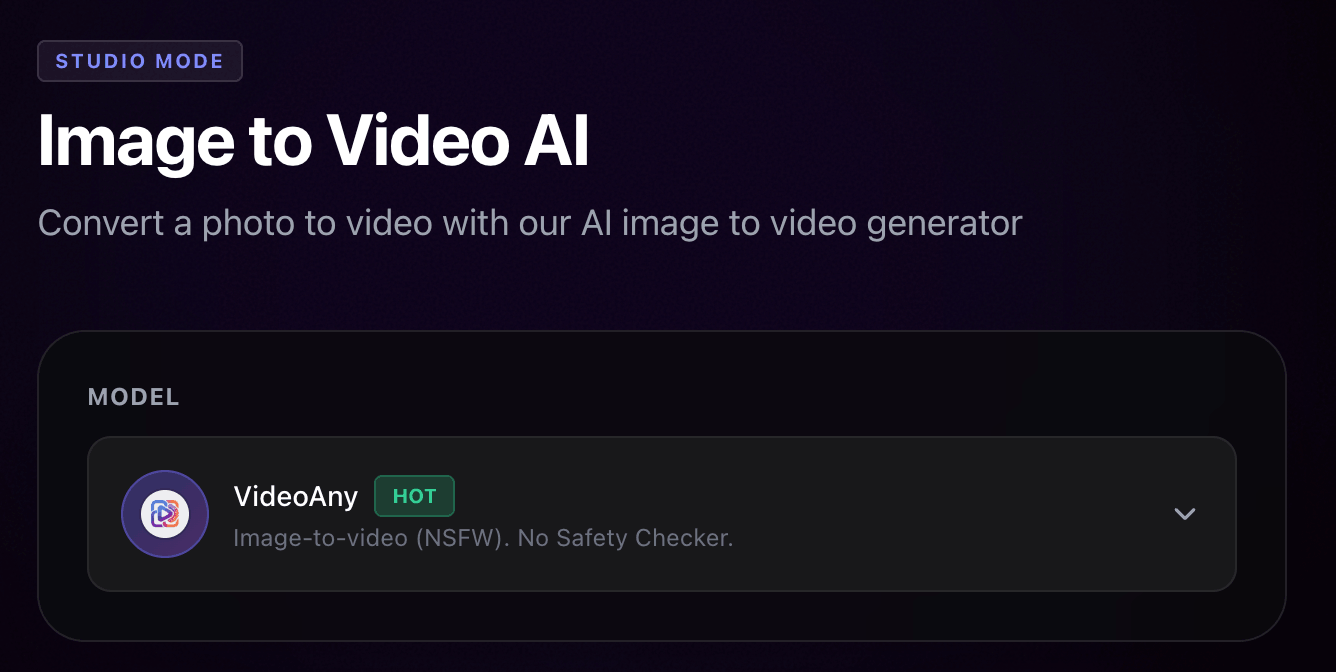
VideoAny should be compared as a wider production system: text-to-image, image-to-image editing, image-to-video, text-to-video, video-to-video, audio tools, face swap, lip sync, model pages, and effects. It is useful when you want one browser account for repeatable image, video, audio, and effects production.
Do not use outdated comparison claims that SoulGen is image-only. The current official SoulGen pages expose video generation, image editing, and Soul Chat credit costs. The real decision is which workflow gives you more control, fewer retries, and better accepted-output cost for the assets you publish.
The practical split
- SoulGen: image/text-to-video, talking characters, reference-to-video, image editing, Soul Chat, and monthly credits
- VideoAny: image, video, audio, face swap, lip sync, model pages, and effects in one creator workflow
- SoulGen: useful if its talking-character and Soul Chat tools match your specific character workflow
- VideoAny: useful when you want a broader production path across multiple media types
SoulGen homepage and pricing pages were checked on June 30, 2026 at https://www.soulgen.net/ and https://www.soulgen.net/pricing.
VideoAny's SoulGen comparison was used for search intent only. Its image-only/no-video framing was not reused because it conflicts with SoulGen's current official pages.
Side-by-side
SoulGen AI vs VideoAny feature comparison
The strongest choice depends on the asset you need and the credit cost of producing an accepted result.
| Decision factor | SoulGen AI | VideoAny |
|---|---|---|
| Core positioning | AI video generator with image/text-to-video, talking characters, character tools, editing, and Soul Chat | Browser-based AI creation workspace for image, video, audio, models, editing, face swap, lip sync, and effects |
| Video generation | Official pages list image-to-video, text-to-video, video extend, reference-to-video, SoulGen 2.0, SoulOmni, and SoulOmni Flash credit costs | Image-to-video, text-to-video, video-to-video, video extender, model pages, lip sync, and effects workflows |
| Talking characters | Homepage advertises talking characters with realistic lip sync and sound; pricing lists Soul Chat and voice call credit costs | Lip sync, audio, video dubbing, talking-avatar style workflows, face swap, and character/video generation routes |
| Image generation and editing | AI character, real character, DreamTwin, anime character, human modeling, smart edit, classic edit, extend, and outpainting surfaces appear in current navigation | Text-to-image, image-to-image editing, no-restrictions generator/editor pages, model pages, and image-to-video follow-up |
| Pricing shape | Current pricing page lists Pro benefits, 100 credits each month, 1200 total for the year, remove blur, priority queue, multitask, multi-creations, and detailed per-feature credit costs | Free credits are available; paid usage uses one-time credit packs with per-job cost depending on model and settings |
| Commercial use | SoulGen's homepage FAQ says AI-generated videos can be used commercially if the content complies with applicable laws and third-party rights | VideoAny outputs should also be reviewed for rights, source-file permissions, model terms, and publishing policy before commercial use |
| Best fit | Creators who specifically want SoulGen's character, talking-video, and Soul Chat credit model | Creators who want one broader workflow for images, video, audio, face swap, lip sync, model pages, and effects |
For SoulGen, calculate accepted-output cost using the current credit table: model, seconds, audio, resolution, and retries can change total cost.
For VideoAny, compare the same prompt/source asset through image, edit, and video workflows before buying more credits.
Best-fit summary
Choose by character-video depth or workflow breadth
Both products are now multi-tool platforms. The deciding factor is which one shortens your real production loop.
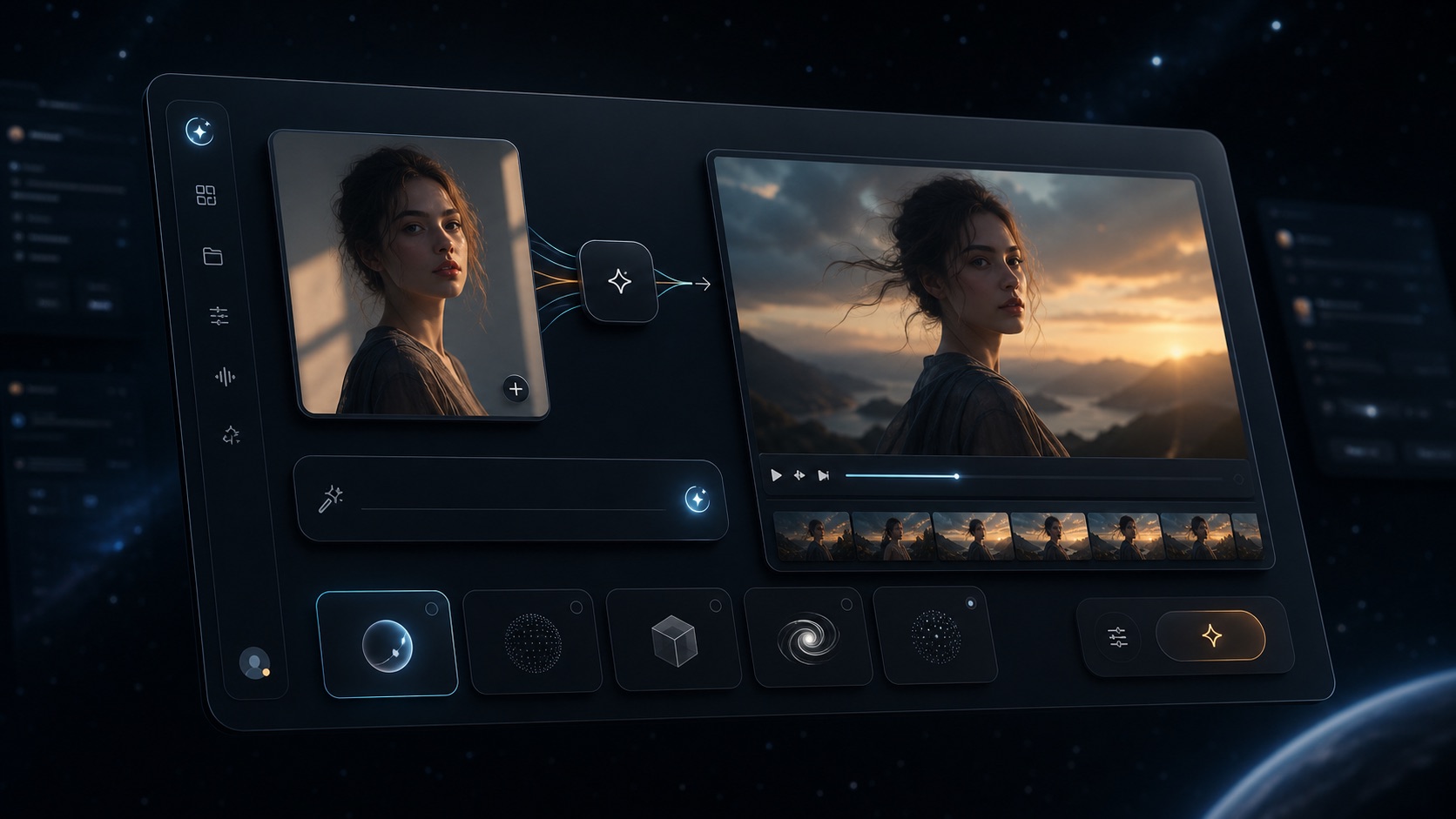
VideoAny browser workspace for image, video, audio, models, and effects
VideoAny
A browser-based workspace for images, edits, videos, audio, face swap, lip sync, models, and effects.
Where VideoAny fits
- Move from source image or text prompt into image editing, image-to-video, text-to-video, video-to-video, and effects
- Use audio, lip sync, face swap, and model pages when the final asset needs more than one generation step
- Keep related production routes under one account and one site architecture
- Scale from free credits into one-time credit packs instead of relying only on a recurring monthly-credit allowance
- Pricing model
- Free credits are available. Paid usage uses one-time credit packs, with per-job cost depending on selected model, duration, resolution, and tool.
- Trade-offs
- VideoAny is not a Soul Chat clone. If your main need is SoulGen's specific chat and talking-character system, test SoulGen directly.
- Best fit
- Creators producing repeatable images, videos, audio, lip sync clips, model outputs, and effects.

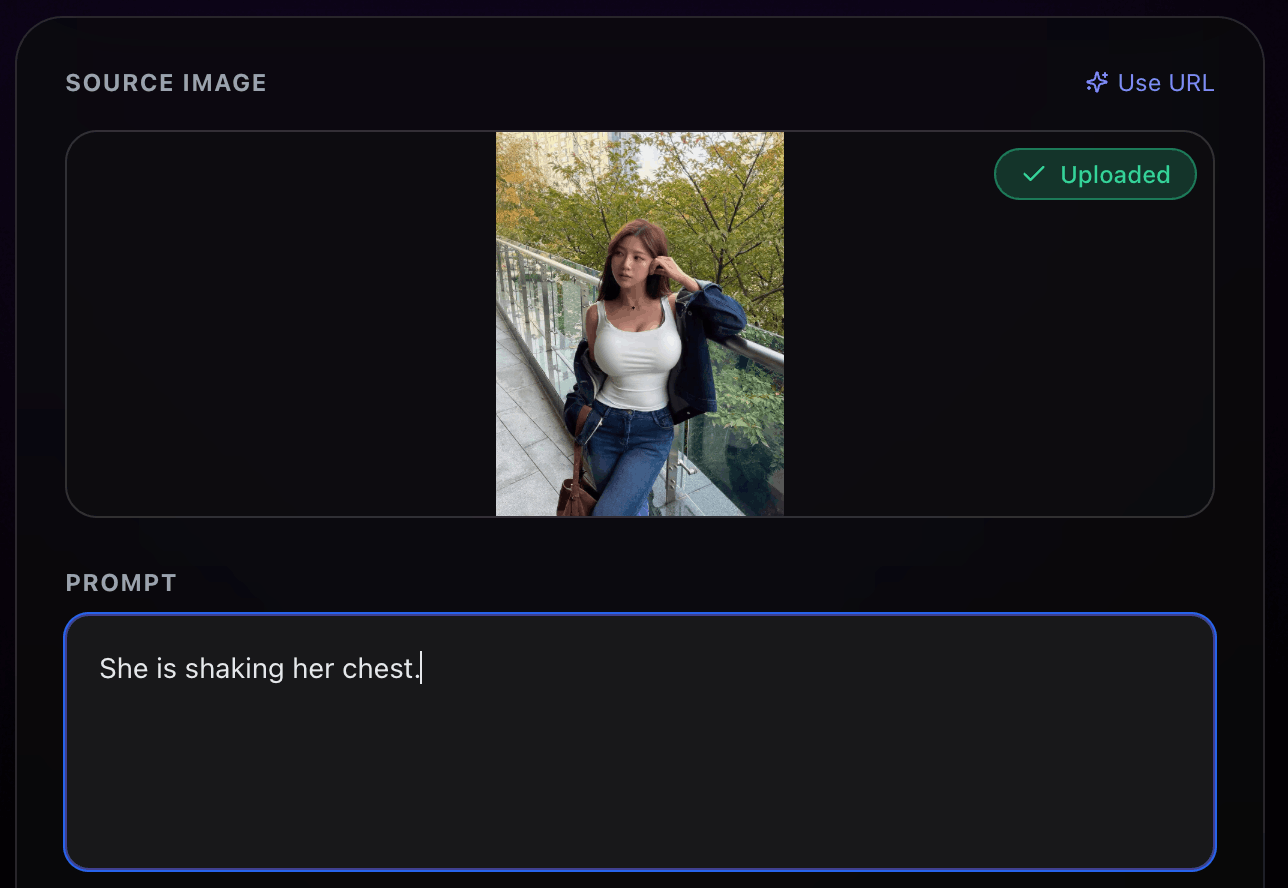
VideoAny image editing workflow for refining character and video source assets
SoulGen AI
An AI video and character platform with talking characters, image/text-to-video, editing, and Soul Chat credit pricing.
Where SoulGen fits
- Create videos from images or text with motion, sound, and talking-character positioning
- Use AI character, real character, anime character, DreamTwin, and human modeling surfaces
- Use Smart Edit, Classic Edit, extend, and outpainting-style tools when those are enough for the image workflow
- Evaluate Soul Chat if conversation, image generation, voice calls, or soulmate creation are part of the project
- Pricing model
- The current pricing page lists Pro benefits and detailed credit costs by video model, resolution, audio, editing, character, and Soul Chat usage.
- Trade-offs
- SoulGen can be strong for its own character-video stack, but you should test whether its model controls, retries, output quality, and credit math fit your publishing workflow.
- Best fit
- Creators centered on SoulGen's talking-character and Soul Chat ecosystem.
Before switching
Run a current SoulGen alternative test
A fair comparison needs current SoulGen video tests, not legacy image-only assumptions.
Prepare three jobs: one image-to-video clip, one text-to-video clip, and one talking-character or lip sync task. Use the same target length, resolution, source image, and prompt wherever possible.
For each platform, record accepted-output cost after retries, generation time, output resolution, audio/lip sync quality, edit time, watermark or blur behavior, and whether the final asset can be published without extra tools.
If your workflow includes chat, also score SoulGen's Soul Chat separately from the production workflow. Chat value and production value are different metrics.
Recommended scorecard
- Cost per accepted 5-second or 10-second output
- Audio and lip sync quality for talking-character clips
- Image edit control before video generation
- Model choice, resolution, duration, and queue behavior
- Commercial-use, source-rights, and third-party likeness review
- Total time from prompt/source upload to publishable asset
FAQ
SoulGen alternative questions
Short answers based on the currently visible SoulGen homepage and pricing page.
What is the best SoulGen alternative?
VideoAny is a strong SoulGen alternative when you want a broader production workflow for image generation, image editing, image-to-video, text-to-video, video-to-video, audio, face swap, lip sync, model pages, and effects. SoulGen may fit better when its specific talking-character and Soul Chat ecosystem is the target.
Does SoulGen have video generation?
Yes. SoulGen's current official homepage positions it as an AI video generator and lists image-to-video, text-to-video, video extend, and reference-to-video. Older comparison pages that say SoulGen has no video should be treated as outdated.
Can I try VideoAny for free?
Yes. VideoAny provides free credits so you can test image, video, audio, editing, face swap, lip sync, and effects workflows before buying more credits.
Which is better for talking characters?
SoulGen is worth testing if you specifically want its talking-character and Soul Chat workflow. VideoAny is better when talking output is only one part of a larger workflow that also needs image editing, video generation, audio, lip sync, face swap, models, and effects.
Which platform is cheaper?
There is no stable single answer. SoulGen publishes per-feature credit costs for videos, editing, character tools, and Soul Chat, while VideoAny uses free credits and one-time credit packs. Compare the cost per accepted output after retries.
Can SoulGen outputs be used commercially?
SoulGen's homepage FAQ says commercial use is allowed if the content complies with applicable laws and does not infringe third-party rights. You should still review source images, likeness rights, model terms, and publishing policies for every project.
Test the same source asset
Run your image-to-video workflow in VideoAny
Use the same image, prompt, duration target, and output criteria, then compare accepted-output cost and publishability.
- Start with free credits
- Create or refine a source image
- Animate it with image-to-video or text-to-video