AI Smile FilterAdd a natural smile to any photo
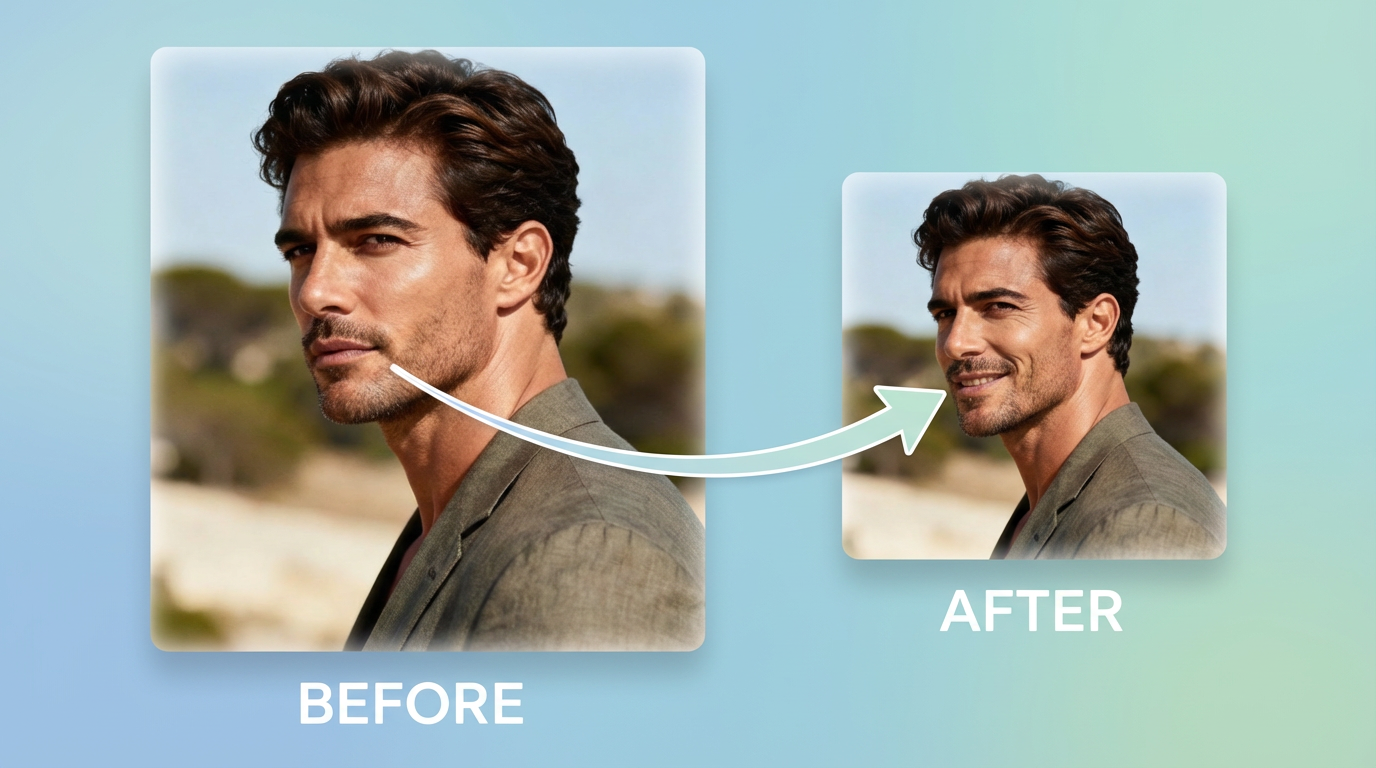
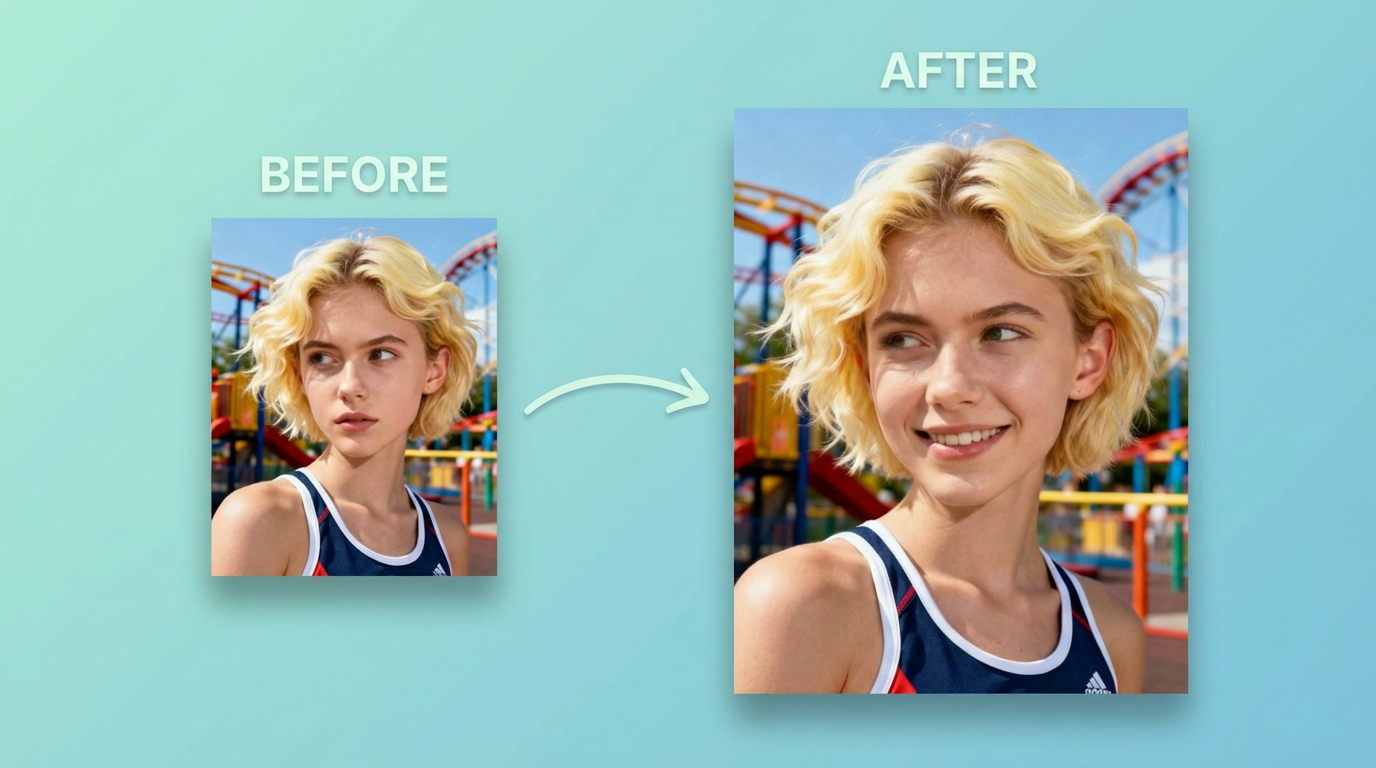
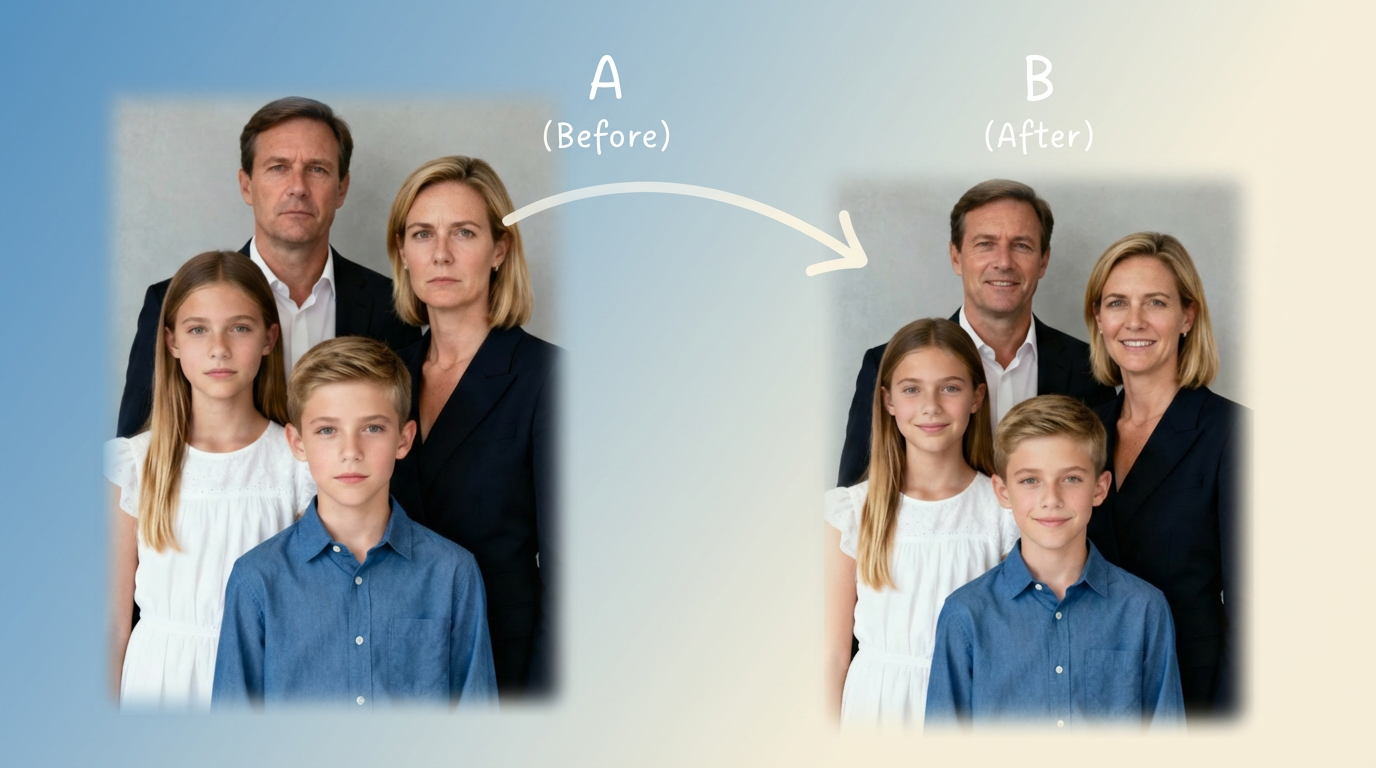
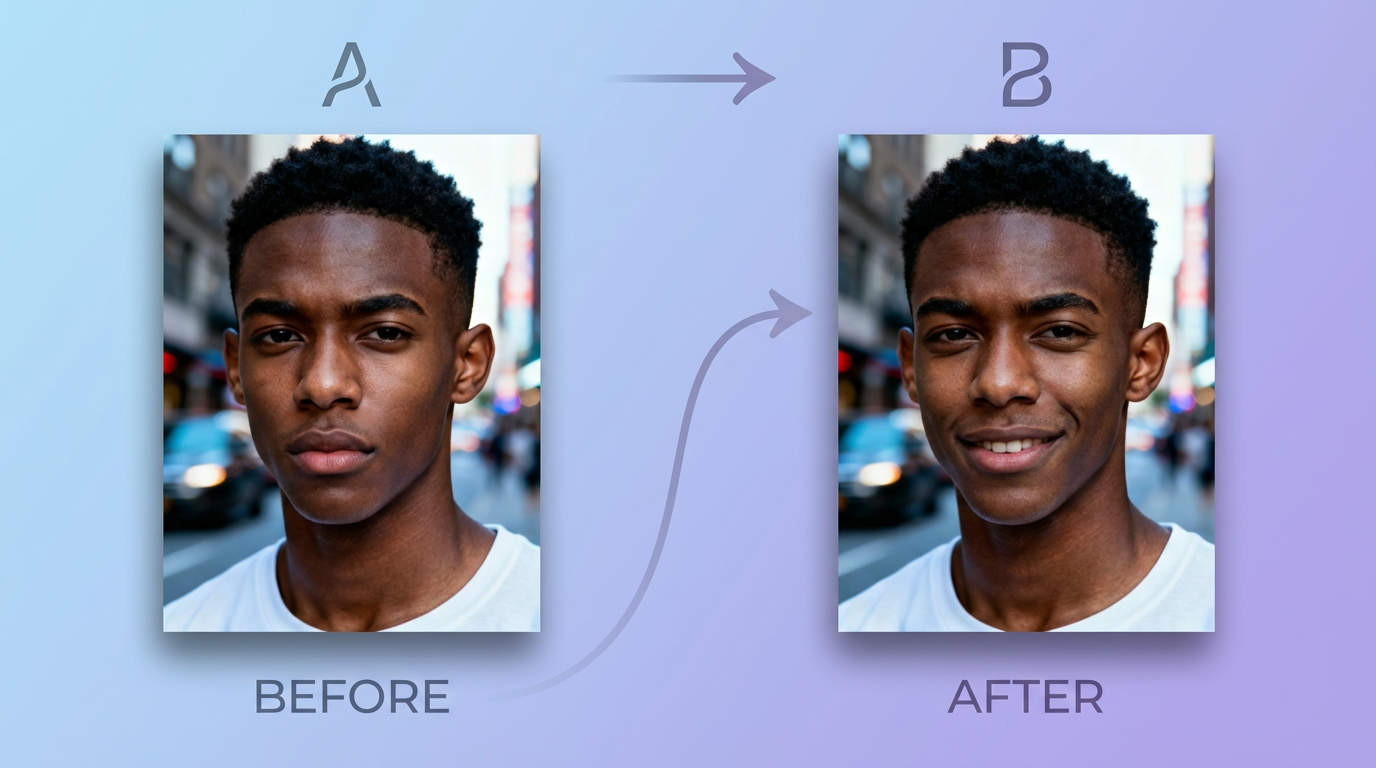
Turn a neutral expression into a realistic, natural-looking smile in seconds. Preserve your identity, lighting, and background—perfect for portraits, selfies, and group photos.
How It Works
Upload, smile, compare, download
Upload a photo, let AI adjust only the mouth and expression, then generate multiple variations until the smile looks right.
Upload a Photo
Sharp, well-lit portraits produce the most natural results.
Control Smile Strength
Try subtle, friendly, or big smiles with a short prompt.
Preserve Identity
Keep face, eyes, skin tone, and background consistent while changing the expression.
Generate Variations Fast
Create multiple options quickly and pick your favorite.
AI Smile Filter FAQ
Common questions
Tips to get natural-looking smiles and avoid artifacts.
Still have questions? Contact our support team
Make Any Photo Smile
Fast, natural, and easy
Upload a photo and generate a realistic smile in seconds—then download your favorite result.
- Natural-looking smiles
- Preserve identity and lighting
- Control smile strength
- Generate multiple variations quickly