
Übersicht
Was ist VideoAny Spicy?
WAN 2.7 Spicy verwandelt Ihre statischen Bilder in filmische 1080p-Videos, die sich für eine Vielzahl ausdrucksstarker Inhalte eignen, einschließlich intimer und künstlerischer Szenen. Es bietet eine ungefilterte Bild-zu-Video-Generierung und erstellt Clips von bis zu 15 Sekunden Länge.
VideoAny Spicy wandelt Ihre statischen Bilder in filmische 1080p-Videos um, die sich für eine Vielzahl ausdrucksstarker Inhalte eignen, einschließlich intimer und künstlerischer Szenen. Es bietet eine ungefilterte Bild-zu-Video-Generierung und erstellt Clips von bis zu 15 Sekunden Länge.
Viele KI-Videoplattformen wenden strenge Inhaltsfilter an, die die Erstellung bestimmter Arten von visuellen Inhalten verhindern. VideoAny Spicy umgeht diese Beschränkungen: Laden Sie einfach ein Bild hoch, beschreiben Sie die gewünschte Bewegung und erhalten Sie einen hochauflösenden 1080p-Clip von bis zu 15 Sekunden. Dies ermöglicht die nahtlose Generierung von Boudoir-, Dessous-, intimen und künstlerisch-nackten Szenen mit weniger pauschalen Ablehnungen. Weniger restriktiv bedeutet nicht regelfrei: Illegale, ausbeuterische oder nicht einvernehmliche Inhalte bleiben unzulässig; Rechte und Einwilligungen sind zu beachten.
Dieser Leitfaden beschreibt die Funktionen von VideoAny Spicy, grenzt es von Standardmodellen ab und bietet Strategien zur Erstellung effektiver Bewegungsaufforderungen, um Ihre gewünschten Videoergebnisse gleich beim ersten Versuch zu erzielen.
Wichtige Erkenntnisse
- Navigieren Sie im WAN Studio zum Video-Generator und wählen Sie das Modell „Spicy“ aus den verfügbaren Optionen.
- Laden Sie Ihr ausgewähltes Bild hoch – sei es ein Porträt, ein Boudoir-Foto oder ein beliebiges Bild, das Sie animieren möchten. Die Kernelemente wie Gesicht, Pose und Komposition bleiben erhalten, während Bewegung hinzugefügt wird.
- Erstellen Sie einen Bewegungsprompt gemäß der empfohlenen Struktur: Kamerabewegung, Subjektaktion, Umweltdynamik und Lichtwechsel. Vermeiden Sie redundante Beschreibungen des Bildinhalts.
- Geben Sie die gewünschte Clip-Länge und Auflösung an und starten Sie dann die Generierung. Erwarten Sie einen filmischen Clip von 5–15 Sekunden in 720p oder 1080p, der innerhalb von 30–90 Sekunden geliefert wird.
Nutzen Sie dies als praktischen Prüfpunkt: Vergleichen Sie die Ergebnisse mit derselben Prompt, bevor Sie den Workflow skalieren.
Modellanpassung
Welche Art von Inhalten eignet sich besonders gut für VideoAny Spicy?
Dieser Vergleich hilft zu bestimmen, wann VideoAny Spicy das optimale Werkzeug für Ihre kreative Vision ist und wann alternative Ansätze besser geeignet sein könnten.
| Entscheidungsbereich | Warum es wichtig ist | Praktisches Signal | VideoAny-Aktion |
|---|---|---|---|
| Was ist WAN 2.7 Spicy? | Das Kernprinzip des Modells verstehen. | WAN 2.7 Spicy animiert Standbilder zu Videos für Boudoir-, Dessous- und intime Szenen. Prüfen Sie verfügbare Auflösung, maximale Dauer und aktuelle Inhaltsregeln vor der Nutzung. | Nutzen Sie diese Funktion, wenn diese spezifischen kreativen Anforderungen von größter Bedeutung sind. |
| Was bietet WAN 2.7 Spicy eigentlich? | Die einzigartigen Vorteile und Fähigkeiten identifizieren. | Viele KI-Videoplattformen verwenden strenge Inhaltsfilter, die die Erstellung bestimmter Arten von Visualisierungen verhindern. WAN Spicy umgeht diese Einschränkungen: Laden Sie einfach ein Bild hoch, beschreiben Sie die gewünschte Bewegung und erhalten Sie einen hochauflösenden 1080p-Clip von bis zu 15 Sekunden. | Nutzen Sie dies, wenn uneingeschränkte kreative Entfaltung Priorität hat. |
| Welche Szenen meistert VideoAny am besten? | Die Stärken des Modells für spezifische visuelle Erzählungen präzisieren. | Dieser Leitfaden beschreibt die Funktionen von VideoAny Spicy, grenzt es von Standardmodellen ab und bietet Strategien für das Verfassen effektiver Bewegungsaufforderungen, um Ihre gewünschten Videoergebnisse gleich beim ersten Versuch zu erzielen. | Konsultieren Sie diesen Abschnitt, um Ihr Projekt an die optimalen Leistungsbereiche des Modells anzupassen. |
| Worin unterscheidet sich VideoAny Spicy von Standardmodellen? | Abgrenzung von VideoAny zu anderen verfügbaren Optionen. | VideoAny Spicy ist die ungefilterte Bild-zu-Video-Variante des zugrunde liegenden Modells, die als eigenständige Option in der Modellauswahl des VideoAny Generators verfügbar ist. | Wählen Sie Spicy für Projekte, die seine einzigartigen Fähigkeiten erfordern, oder entscheiden Sie sich für andere Modelle, falls Sie andere Anforderungen haben. |
Die besten Ergebnisse erzielt man, indem man jeweils eine visuelle Aufgabe testet, anstatt mehrere Ziele in einer einzigen Anweisung zu vermischen.
Arbeitsablauf
Welche Funktionen bietet WAN 2.7 Spicy?
Eine praktische Abfolge zur Umsetzung der Empfehlungen des Leitfadens in konsistente VideoAny-Ausgaben.
VideoAny Spicy ist die ungefilterte Bild-zu-Video-Variante des zugrunde liegenden Modells, die als eigenständige Option in der Modellauswahl des Videogenerators verfügbar ist.
Das Standardmodell bietet Text-zu-Video, Bild-zu-Video, Multi-Charakter-Animation mit Stimmklonung und Bearbeitung in natürlicher Sprache, unterliegt jedoch Inhaltsfiltern. VideoAny nutzt dieselbe Kerntechnologie für Bild-zu-Video, jedoch mit deaktiviertem Prompt-Filter. Dies ermöglicht eine filmische 1080p-Ausgabe von bis zu 15 Sekunden mit präziser Steuerung des letzten Frames und realistischer Physik.
Nachfolgend ein Beispiel für die Ausgabe von VideoAny: das Quellbild links, der resultierende Videoclip rechts und der verwendete Bewegungsprompt:
Dies demonstriert, wie ein einzelnes Standbild in Kombination mit einer prägnanten Bewegungsaufforderung einen filmischen Clip generieren kann, ohne Bildbearbeitung oder manuelles Keyframing.
Produktions-Checkliste
- Für optimale Ergebnisse verwenden Sie einen engen Bildausschnitt, bei dem das Motiv etwa 60–80 % des Bildes einnimmt. Unruhige Hintergründe mit Haaren oder Stoff können manchmal visuelles Rauschen verursachen und während der Animation an Definition verlieren.
- Bilder mit einer Dreiviertel- oder Frontalansicht animieren effektiver. Starke Profilaufnahmen führen tendenziell zu weniger dynamischen Bewegungen.
- Verwenden Sie weiche, gerichtete Beleuchtung. Harte Schatten im Quellbild werden in die Animation übernommen, während weiche Beleuchtung dem VideoAny-Modell mehr Interpretationsspielraum bietet.
- Höher aufgelöste Quellbilder führen zu saubereren 1080p-Ausgaben. Eine 4K-Quelle liefert beispielsweise spürbar bessere Ergebnisse als ein 1024×1024-Bild.
Kurze, prägnante Prompts sind leichter zu vergleichen als umfassende kreative Briefings.
Anwendungsfälle
Wie unterscheidet sich WAN 2.7 Spicy von den Standard-WAN 2.7-Modellen?
Diese Beispiele lassen sich in praktische VideoAny-Produktionsmuster übertragen.
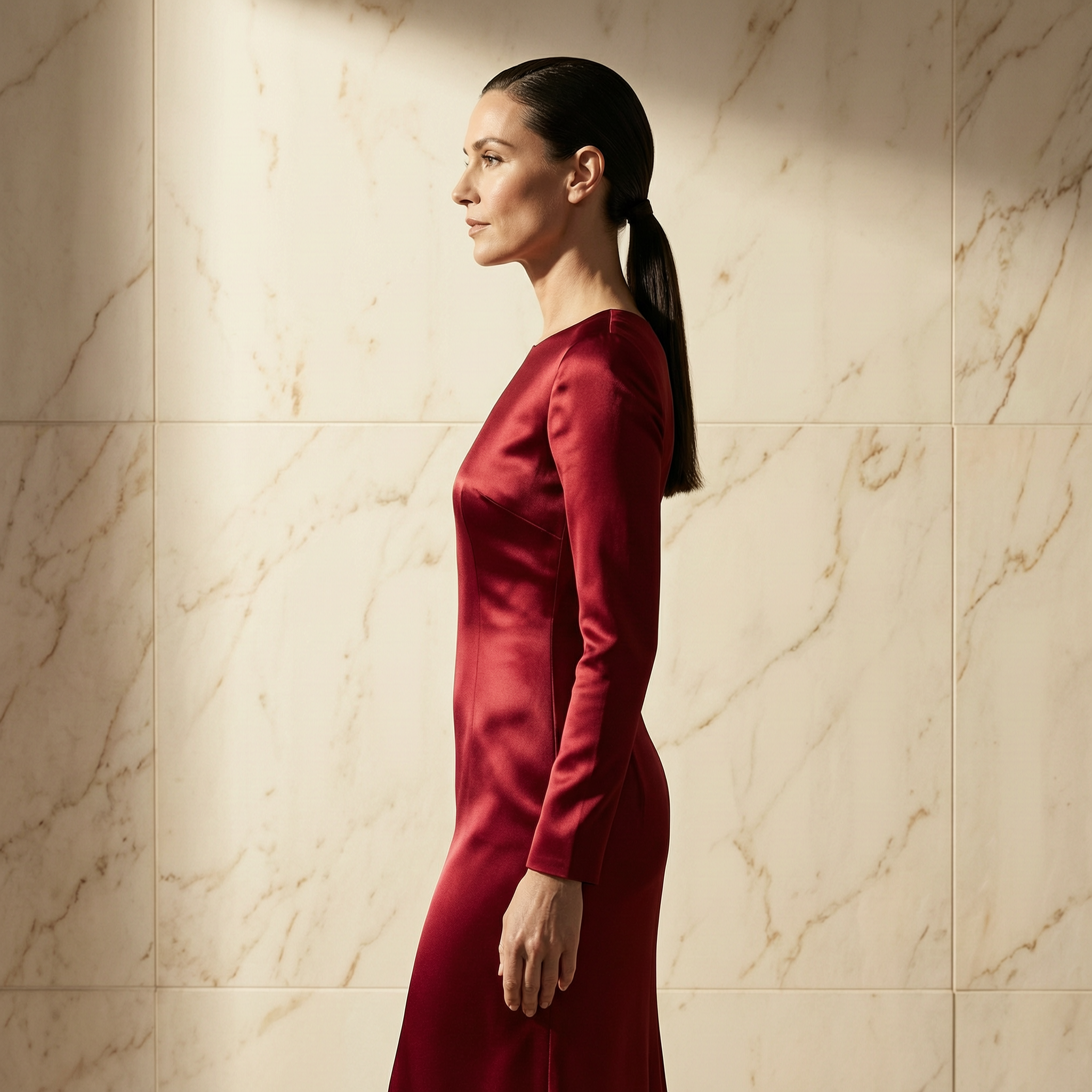
Mode-Editorial — Körperdrehung + Stoffbewegung
VideoAny Spicy ist die ungefilterte Bild-zu-Video-Variante des zugrunde liegenden Modells, die als separate Option in der Modellauswahl des VideoAny Generators verfügbar ist.
Was Sie sehen sollten
- Wählen Sie Ihr Modell passend zur jeweiligen visuellen Aufgabe aus.
- Halten Sie Prompts prägnant, konkret und testbar.
- Vor der Skalierung sind Identität, Beleuchtung, Anatomie und jegliche Textelemente zu überprüfen.
- Nutzen Sie die Nachbearbeitungstools von VideoAny für weitere Bewegungs- oder Bearbeitungsanforderungen.
- Pricing model
- Die Standard-Credits hängen vom ausgewählten Modell und den Ausgabeeinstellungen ab.
- Trade-offs
- Die Ausgabequalität hängt weiterhin von der Klarheit der Anweisung, der Qualität des Quellbildes und dem Iterationsbudget ab.
- Best fit
- Kreative, die wiederholbare KI-Visuals benötigen, ohne den Workflow für jedes Asset neu aufbauen zu müssen.
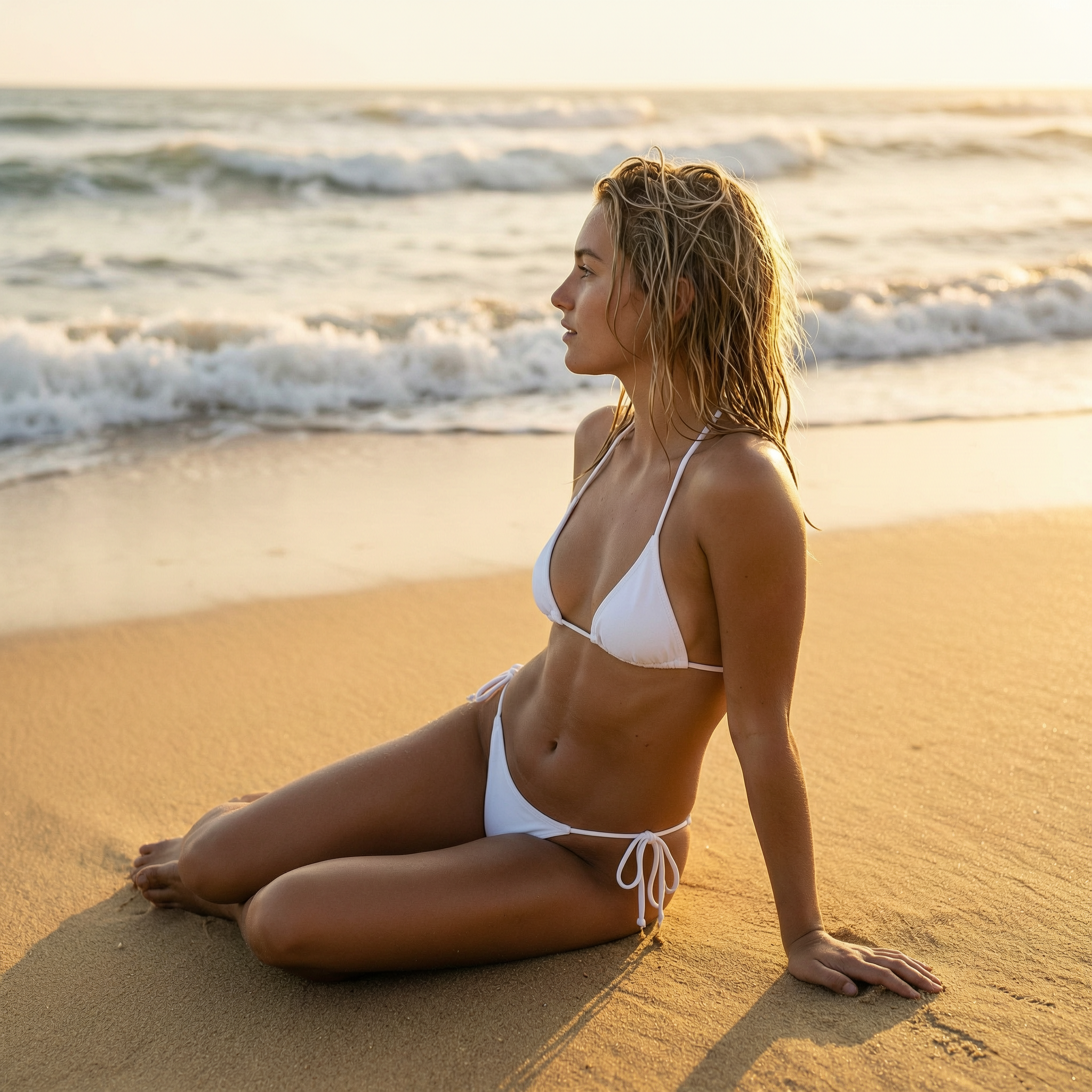
Yoga am Meer — Kamera-Orbit + Haarbewegung
Das Standardmodell bietet Text-zu-Video, Bild-zu-Video, Multi-Charakter-Animation mit Stimmklonung und Bearbeitung in natürlicher Sprache, wendet jedoch Inhaltsfilter an. VideoAny nutzt dieselbe Kerntechnologie für Bild-zu-Video, jedoch mit deaktiviertem Prompt-Filter.
Was Sie sehen sollten
- Wählen Sie Ihr Modell passend zur spezifischen visuellen Aufgabe.
- Halten Sie Prompts prägnant, konkret und testbar.
- Vor der Skalierung sind Identität, Beleuchtung, Anatomie und jegliche Textelemente zu prüfen.
- Nutzen Sie die Post-Generierungs-Tools von VideoAny für weitere Bewegungs- oder Bearbeitungsanforderungen.
- Pricing model
- Die Standard-Credits hängen vom ausgewählten Modell und den Ausgabeeinstellungen ab.
- Trade-offs
- Die Ausgabequalität hängt weiterhin von der Klarheit der Anweisung, der Qualität des Quellbildes und dem Iterationsbudget ab.
- Best fit
- Für Kreative, die wiederholbare KI-Visuals benötigen, ohne den Workflow für jedes Asset neu aufbauen zu müssen.
Pariser Café – Umgebungsparallaxe + Dampf
Nachfolgend ein Beispiel für die Ausgabe von VideoAny: das Quellbild links, der resultierende Videoclip rechts und der verwendete Bewegungsprompt:
Was Sie sehen sollten
- Passen Sie Ihre Modellauswahl an die spezifische visuelle Aufgabe an.
- Halten Sie Prompts prägnant, konkret und testbar.
- Vor der Skalierung sollten Identität, Beleuchtung, Anatomie und alle Textelemente überprüft werden.
- Nutzen Sie die Nachbearbeitungstools von VideoAny für weitere Bewegungs- oder Bearbeitungsanforderungen.
- Pricing model
- Die Standard-Credits hängen vom ausgewählten Modell und den Ausgabeeinstellungen ab.
- Trade-offs
- Die Ausgabequalität hängt weiterhin von der Klarheit der Anweisung, der Qualität des Quellbildes und dem Iterationsbudget ab.
- Best fit
- Ersteller, die wiederholbare KI-Visuals benötigen, ohne den Workflow für jedes Asset neu aufzubauen.
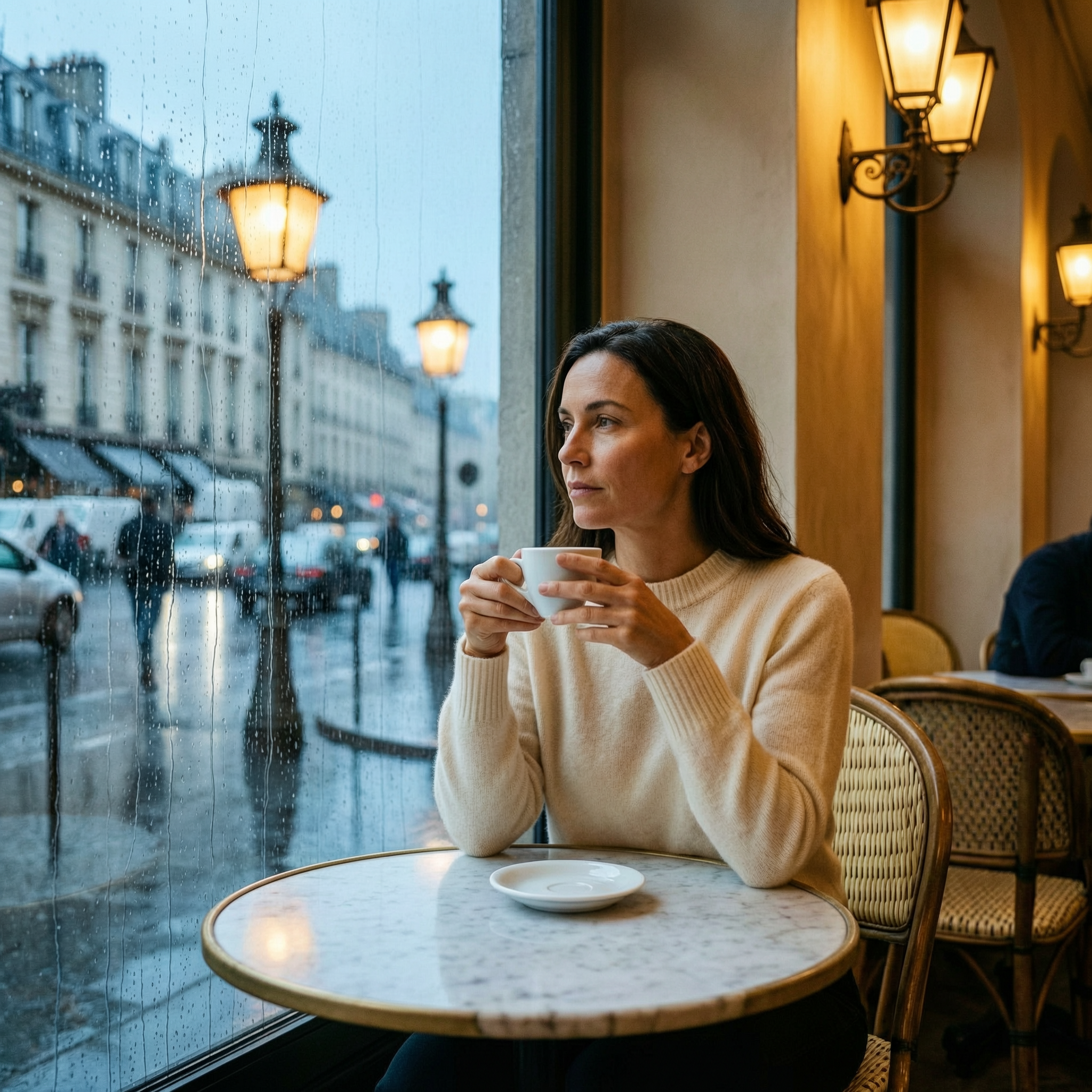
Wan 2.7 uncensored café source image for subtle cinematic movement
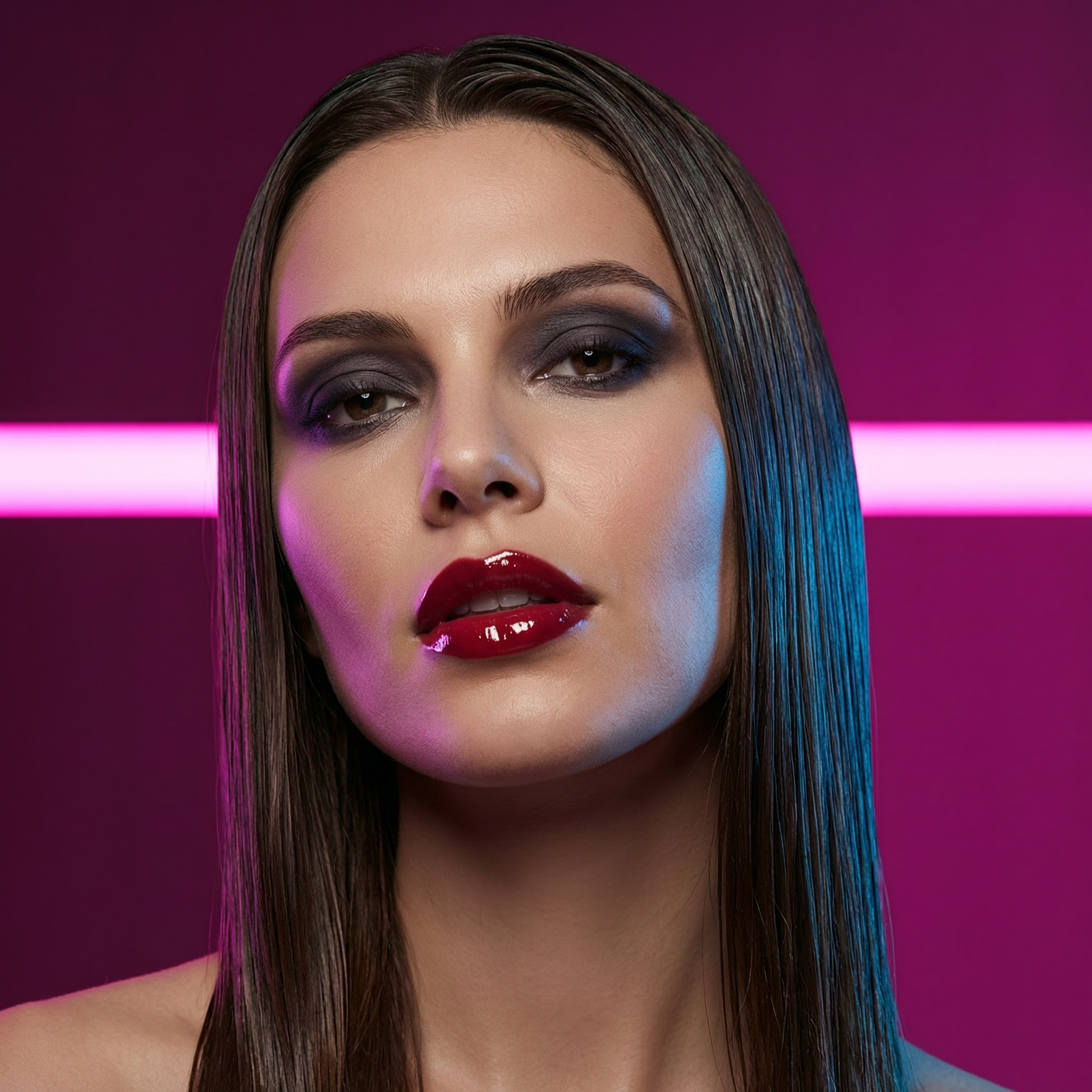
Neon-Glamour Nahaufnahme — Kamerafahrt + Lippenpartie
Dies zeigt, wie ein einzelnes Standbild in Kombination mit einem prägnanten Bewegungs-Prompt einen filmischen Clip erzeugen kann, ohne dass Bildbearbeitung oder manuelles Keyframing erforderlich sind.
Was gibt es zu sehen
- Passen Sie Ihre Modellauswahl an die spezifische visuelle Aufgabe an.
- Halten Sie Prompts prägnant, konkret und testbar.
- Vor der Skalierung sind Identität, Beleuchtung, Anatomie und alle Textelemente zu überprüfen.
- Nutzen Sie die Nachbearbeitungstools von VideoAny für weitere Bewegungs- oder Bearbeitungsanforderungen.
- Pricing model
- Die Standard-Credits hängen vom ausgewählten Modell und den Ausgabeeinstellungen ab.
- Trade-offs
- Die Ausgabequalität hängt weiterhin von der Klarheit der Anweisung, der Qualität des Quellbildes und dem Iterationsbudget ab.
- Best fit
- Kreative, die wiederholbare KI-Visuals benötigen, ohne den Workflow für jedes Asset neu aufbauen zu müssen.
Häufig gestellte Fragen
Häufig gestellte Fragen von Kreativen zu diesem Workflow
Wie unterscheidet sich WAN 2.7 Spicy von anderen WAN 2.7-Modellen?
VideoAny Spicy wurde speziell für die Bild-zu-Video-Konvertierung mit weniger unnötigen Einschränkungen bei zulässigen Inhalten entwickelt und ist somit ideal für Inhalte für Erwachsene oder künstlerische Inhalte. Andere Videomodelle bieten möglicherweise breitere Funktionalitäten wie Text-zu-Video oder Multi-Charakter-Animation, beinhalten aber eine Inhaltsmoderation. Weniger restriktiv bedeutet nicht regelfrei: Illegale, ausbeuterische oder nicht einvernehmliche Inhalte bleiben unzulässig; Rechte und Einwilligungen sind zu beachten.
Ist die Text-zu-Video-Funktion von WAN 2.7 ebenfalls uneingeschränkt nutzbar?
Für Text-zu-Video benötigen Sie kein Ausgangsfoto. Beschreiben Sie Szene, Handlung, Kameraführung und Stimmung stattdessen vollständig im Prompt; die passende Anleitung führt Sie durch diesen VideoAny-Workflow.
Kann ich meine eigenen Bilder als Ausgangspunkt für Animationen verwenden?
Absolut. WAN 2.7 Spicy wurde genau für diesen Zweck entwickelt. Laden Sie ein beliebiges Foto hoch, geben Sie eine Bewegungsaufforderung ein, und das Modell animiert es, wobei das ursprüngliche Gesicht, die Pose und die Komposition erhalten bleiben.
Sind die generierten WAN 2.7-Videos für die kommerzielle Nutzung geeignet?
Ob Sie ein Ergebnis kommerziell nutzen dürfen, hängt von den aktuellen VideoAny-Bedingungen, dem verwendeten Modell, Ihren Rechten an Ausgangsmaterialien und dem konkreten Einsatz ab. Prüfen Sie vor Veröffentlichung außerdem Kennzeichnungs-, Persönlichkeits- und Urheberrechtsanforderungen.
Warum reagiert mein Videoclip nicht wie erwartet auf den Prompt?
Das Modell interpretiert hauptsächlich Bewegungshinweise. Wenn Ihren Prompt Elemente beschreibt, die bereits im Bild sichtbar sind (z.B. „eine Frau in einem roten Kleid“), wird möglicherweise keine signifikante Bewegung erzeugt. Konzentrieren Sie sich auf Aktionsverben und dynamische Beschreibungen für Kamera, Körper, Umgebung und Beleuchtung, um die VideoAny-Bewegung zu optimieren.
Wie lang darf ein generierter Clip maximal sein?
VideoAny Spicy kann Clips mit einer Länge von bis zu 15 Sekunden generieren. Berücksichtigen Sie bei der Clip-Dauer die erzählerische Absicht; kürzere Clips sind oft wirkungsvoller für intime Momente, während längere Dauern sich für sich entfaltende Erzählungen eignen.
Erstellen
Entwickeln Sie einen uneingeschränkten Bild-zu-Video-Workflow mit WAN 2.7 Spicy
Nutzen Sie diese Modellvorlage als Grundlage und generieren, verfeinern, animieren und veröffentlichen Sie nahtlos innerhalb des integrierten VideoAny-Workflows.
- Generieren Sie hochwertige Bilder aus präzisen Prompts
- Verwandeln Sie fesselnde Standbilder in dynamische Videos
- Konsistente Einstellungen für die Stapelverarbeitung speichern und wiederverwenden