

Übersicht
Warum VideoAny Pro wählen?
Qwen Image 2.0 Pro von Alibaba bietet eine außergewöhnliche Textwiedergabe in Bildern und eine fortschrittliche „thinking_mode“-Argumentation. Ideal für redaktionelle Typografie, Magazincover und Markendesign in 2K-Auflösung auf VideoAny.
Qwen Image 2.0 Pro, entwickelt von Alibaba, zeichnet sich durch seine überragende Textdarstellung in Bildern und den hochentwickelten „thinking_mode“-Argumentationsmodus aus. Es ist perfekt geeignet für die Erstellung hochwertiger redaktioneller Typografie, Magazincover und Markendesigns in 2K-Auflösung innerhalb der **VideoAny**-Plattform.
Diese Pro-Version von Alibaba's Qwen 2.0 Modell aktiviert den 'thinking_mode: True', der einen erweiterten internen Denkprozess vor der Bilderzeugung integriert. Dieser Prozess verbessert Komposition, Beleuchtung und feine Details im Vergleich zur Standardvariante erheblich. Sie behält die bekannten Text-Rendering-Fähigkeiten der Qwen-Familie vollständig bei, aber mit Pro wird die umgebende Bildsprache mit größerer Überlegung komponiert.
Die API arbeitet synchron, was bedeutet, dass Ergebnisse direkt zurückgegeben werden, ohne dass ein Polling erforderlich ist. Diese Effizienz geht mit einem Kompromiss bei der Geschwindigkeit einher: **VideoAny** Pro ist etwa doppelt so langsam wie die Basisversion Qwen Image 2.0 (ca. 13 Sekunden gegenüber 6 Sekunden), was auf einen zusätzlichen Denkprozess zurückzuführen ist. Obwohl die Qualitätsverbesserung gegenüber dem Basismodell spürbar ist, ist sie nicht dramatisch. Wählen Sie **VideoAny** Pro, wenn eine komplexe Komposition von größter Bedeutung ist; für einfachere Typografieaufgaben bleiben Sie bei der Basisversion von Qwen für schnellere Iterationen.
Wichtige Überlegungen
- Qwens integrierte Zensur, die auf seiner chinesischen Entwicklung basiert, verhindert die Generierung von NSFW- oder expliziten Inhalten, unabhängig von den Inspektions-Einstellungen. Für solche Anforderungen sollten Alternativen wie Flux Klein NSFW oder SDXL NSFW in Betracht gezogen werden.
- Für schnelle Iterationen bei einfachen Texten bietet das Basismodell Qwen Image 2.0 die doppelte Geschwindigkeit bei gleichzeitig starken Text-Rendering-Fähigkeiten. Wählen Sie das Basismodell, wenn die erweiterten kompositorischen Vorteile des „Denkmodus“ nicht wesentlich sind.
- Für Bearbeitungsaufgaben, die Referenzbilder erfordern, ist Nano Banana 2 das bevorzugte Modell. Es zeichnet sich durch die Befolgung spezifischer Anweisungen aus und unterstützt Inline-Referenzen, was es ideal für präzise Modifikationen macht, wie das Ändern eines einzelnen Elements unter Beibehaltung des Rests.
- Beginnen Sie, indem Sie den Text-zu-Bild-Generator oder den Bildeditor für Workflows öffnen, die Referenzbilder verwenden.
Nutzen Sie dies als praktischen Prüfpunkt: Vergleichen Sie die Ergebnisse mit derselben Prompt, bevor Sie den Workflow skalieren.
Modellanpassung
Qwen Image 2.0 Pro in der Praxis
Dieser Vergleich hilft zu bestimmen, wann Qwen Image 2.0 Pro ideal für Ihren Arbeitsablauf ist und wann andere Modelle besser geeignet sein könnten.
| Entscheidungsbereich | Warum es wichtig ist | Praktisches Signal | VideoAny-Aktion |
|---|---|---|---|
| Warum VideoAny wählen | Praxisrelevanz und wichtigste Entscheidungskriterien | Qwen Image 2.0 Pro von Alibaba bietet erstklassiges In-Bild-Text-Rendering und "thinking_mode"-Argumentation für redaktionelle Typografie, Magazincover und Markendesign in 2K. | Nutzen Sie dieses Modell, wenn diese spezifischen Kompromisse für Ihre Produktionsanforderungen entscheidend sind. |
| Was ist Qwen Image 2.0 Pro? | Die Kernfunktionalität, wie im Quellmaterial beschrieben, erfassen. | Qwen Image 2.0 Pro ist das Alibaba Qwen 2.0 Modell mit der Einstellung „thinking_mode: True“, die eine erweiterte interne Denkphase für verbesserte Komposition, Beleuchtung und Detailgenauigkeit ermöglicht. | Setzen Sie dieses Modell ein, wenn diese spezifischen Kompromisse für Ihre Produktionsergebnisse entscheidend sind. |
| Erleben Sie Qwen Image 2.0 Pro in Aktion | Praxisrelevanz und wichtigste Entscheidungskriterien | Die API arbeitet synchron und liefert Ergebnisse direkt. Der Kompromiss ist die Geschwindigkeit: VideoAny Pro ist aufgrund des Denkprozesses etwa doppelt so langsam wie die Basisversion von Qwen (ca. 13s vs. ca. 6s). | Implementieren Sie dieses Modell, wenn diese spezifischen Kompromisse für Ihren Produktions-Workflow entscheidend sind. |
| Qwen Image 2.0 Pro im Vergleich zu anderen Modellen auf VideoAny | Vergleich der Funktionen mit anderen auf der Plattform verfügbaren VideoAny-Modellen. | Auf VideoAny ist Qwen Image 2.0 Pro sowohl in Text-zu-Bild als auch im Bildeditor verfügbar. Es unterliegt der gleichen NSFW-Zensur auf Gewichtsebene wie die Basisvariante, was bedeutet, dass keine nackten Inhalte generiert werden. | Wenden Sie dieses Modell an, wenn diese spezifischen Kompromisse für Ihre Produktionsanforderungen entscheidend sind. |
Die besten Ergebnisse erzielt man, indem man jeweils eine visuelle Aufgabe testet, anstatt mehrere Ziele in einer einzigen Aufforderung zu vermischen.
Arbeitsablauf
Qwen Image 2.0 Pro verstehen
Eine praktische Anleitung zur Umsetzung der Empfehlungen der Quelle für konsistente Ergebnisse auf VideoAny.
Auf VideoAny ist Qwen Image 2.0 Pro sowohl über den Text-zu-Bild-Generator als auch über den Bildeditor zugänglich. Es implementiert die gleiche NSFW-Zensur auf Gewichtsebene wie seine Basisvariante, was bedeutet, dass es keine nackten Inhalte generiert, unabhängig von den Inspektions-Einstellungen. Die Ausgabeauflösung beträgt durchgängig 2K, was dem Basismodell von Qwen entspricht.
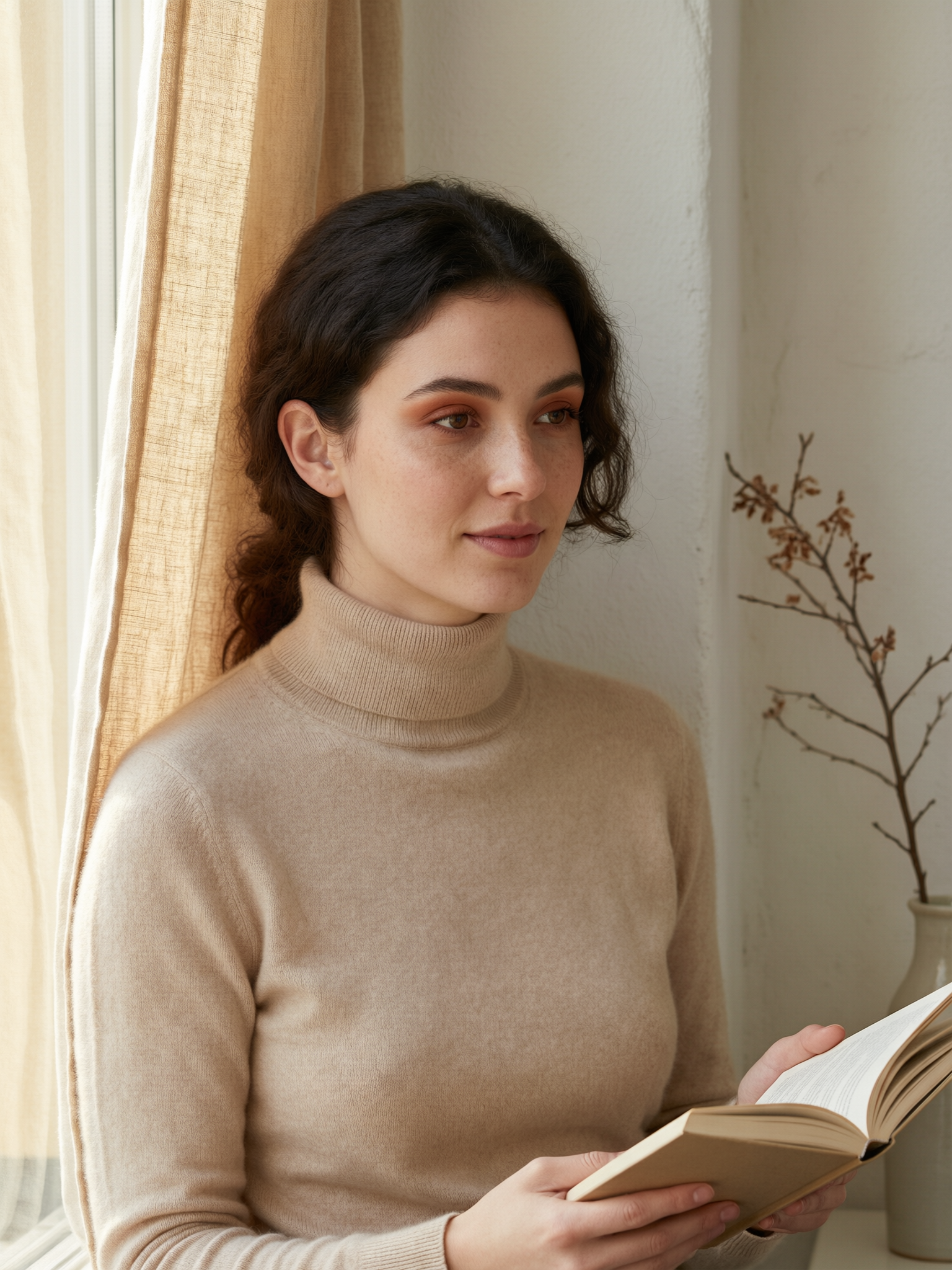
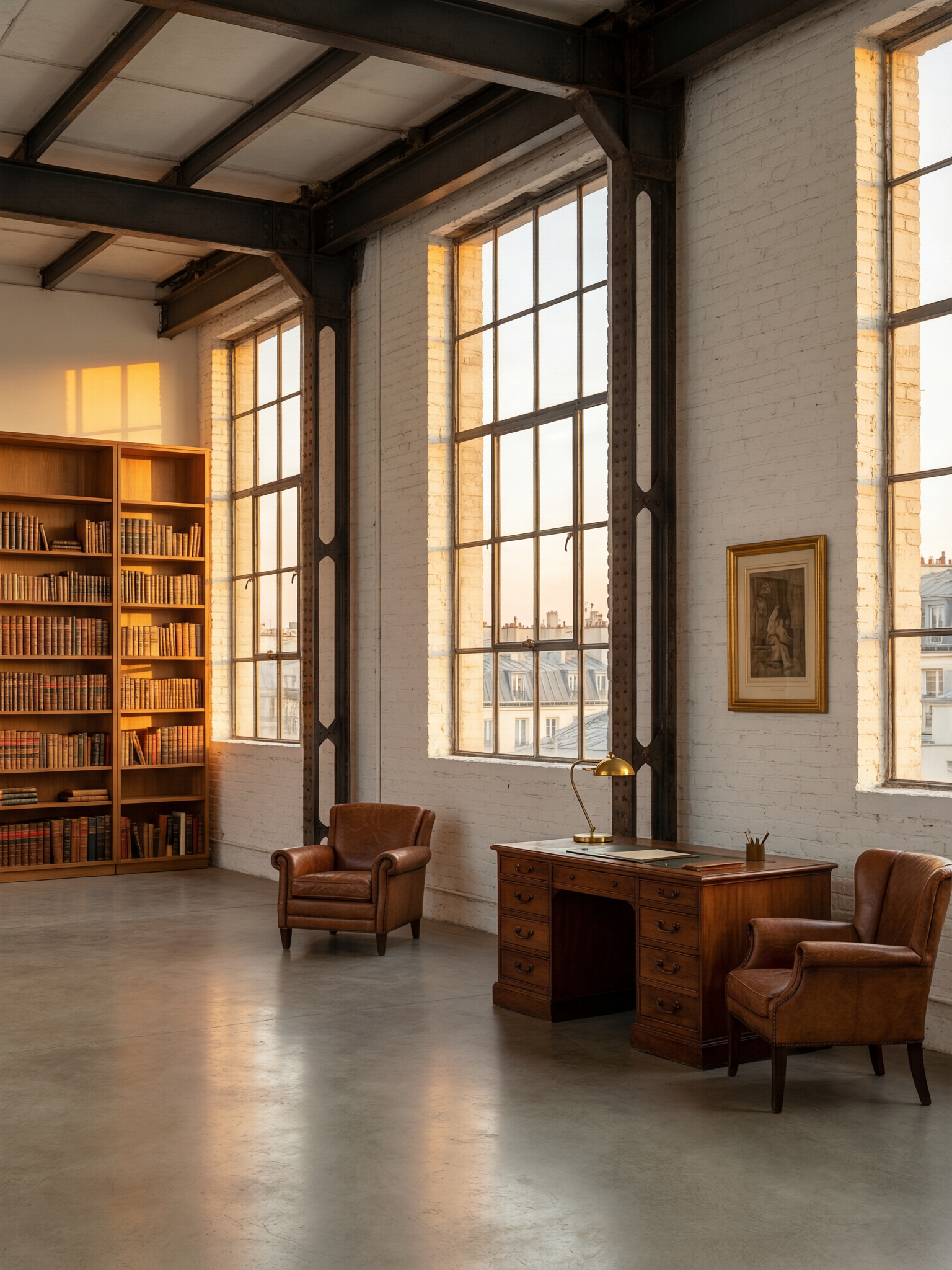
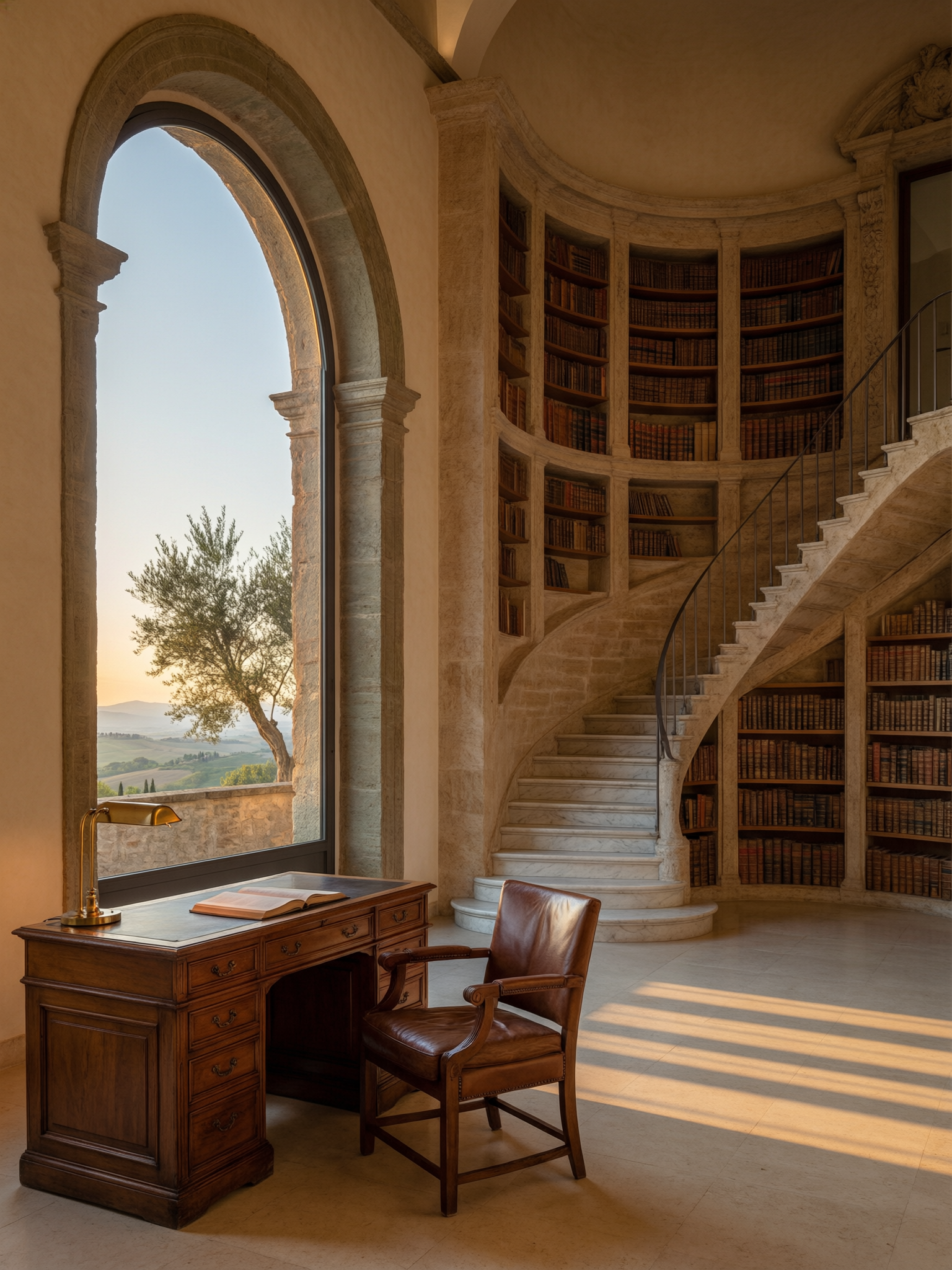
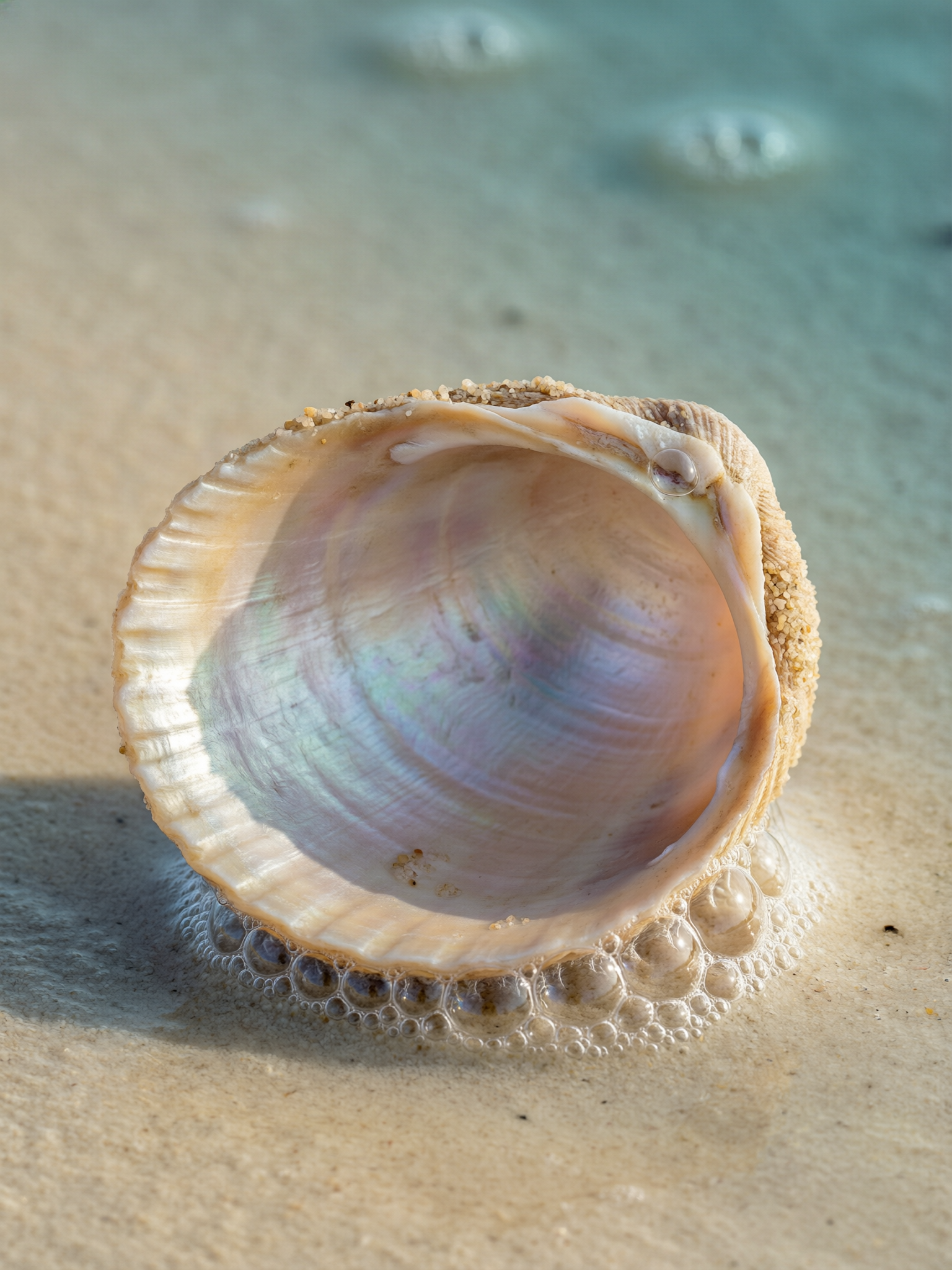
Sechs vorbereitete Prompts mit Beispielergebnissen dienen als Ausgangspunkt. Sie können jeden Prompt kopieren, um Ihre eigenen Experimente zu starten.
Es gibt drei Hauptszenarien, in denen ein alternatives Modell besser geeignet sein könnte:
Die Hauptstärken von Qwen Pro liegen in seiner präzisen Typografie und konsistenten Ausführung. Hier sind fünf effektive Taktiken, um diese optimal zu nutzen:
Produktions-Checkliste
- Wählen Sie Qwen Image 2.0 Pro aus der Modellauswahl.
- Formulieren Sie Ihren Prompt: Stellen Sie sicher, dass Text im Bild in Anführungszeichen gesetzt wird, legen Sie Layoutzonen fest und geben Sie die Sprache für nicht-englische Schriften an.
- Wählen Sie Ihr gewünschtes Seitenverhältnis und die Stapelgröße aus und klicken Sie dann auf „Generieren“. Die Ergebnisse werden synchron in etwa 13 Sekunden zurückgegeben, ohne dass ein Polling erforderlich ist.
- Alibaba Tongyi Lab — offizielle Veröffentlichung von Qwen Image
Kurze, prägnante Prompts lassen sich leichter vergleichen als umfassende kreative Briefings.
Anwendungsfälle
Qwen Image 2.0 Pro im Vergleich zu anderen Modellen auf VideoAny
Diese Beispiele lassen sich in praktische Produktionsmuster auf VideoAny übertragen.
Wie unterscheidet sich Qwen Image 2.0 Pro von der Basisversion Qwen Image 2.0?
Auf VideoAny ist Qwen Image 2.0 Pro sowohl im Text-zu-Bild-Modus als auch im Bildeditor verfügbar. Es unterliegt der gleichen NSFW-Zensur auf Gewichtsebene wie die Basisvariante, was bedeutet, dass keine nackten Inhalte generiert werden.
Wichtige Überlegungen
- Passen Sie Ihre Modellauswahl an die jeweilige visuelle Aufgabe an.
- Formulieren Sie das Ziel des Prompts kurz, konkret und überprüfbar.
- Vor der Skalierung sind Aspekte wie Identität, Beleuchtung, Anatomie und Textgenauigkeit sorgfältig zu prüfen.
- Nutzen Sie die Nachbearbeitungstools von VideoAny für Animationen oder weitere Bearbeitungen, falls die anfängliche Generierung einer Verfeinerung bedarf.
- Pricing model
- Die benötigten Credits hängen vom gewählten Modell und den Ausgabeeinstellungen ab.
- Trade-offs
- Die Ausgabequalität hängt weiterhin von der Klarheit des Prompts, der Qualität der Quellbilder und dem zugewiesenen Iterationsbudget ab.
- Best fit
- Ersteller, die konsistente KI-generierte Bilder wünschen, ohne für jedes Asset neue Arbeitsabläufe einrichten zu müssen.
Unterstützt Qwen Image 2.0 Pro nicht jugendfreie Inhalte?
Sechs Prompts, sechs Ergebnisse. Kopieren Sie einen beliebigen Prompt, um vom selben Ausgangspunkt zu starten.
Wichtige Überlegungen
- Passen Sie Ihre Modellwahl an die jeweilige visuelle Aufgabe an.
- Formulieren Sie das Ziel des Prompts kurz, konkret und überprüfbar.
- Vor der Skalierung sind Aspekte wie Identität, Beleuchtung, Anatomie und Textgenauigkeit sorgfältig zu prüfen.
- Nutzen Sie die Nachbearbeitungstools von VideoAny für Animationen oder weitere Bearbeitungen, falls die anfängliche Generierung einer Verfeinerung bedarf.
- Pricing model
- Die benötigten Credits hängen vom gewählten Modell und den Ausgabeeinstellungen ab.
- Trade-offs
- Die Ausgabequalität hängt weiterhin von der Klarheit des Prompts, der Qualität der Quellbilder und dem zugewiesenen Iterationsbudget ab.
- Best fit
- Kreative, die konsistente KI-generierte Visuals wünschen, ohne für jedes Asset neue Workflows einrichten zu müssen.
Wie schnell ist die Generierung?
Drei Kategorien, in denen ein anderes Modell besser passt:
Wichtige Überlegungen
- Passen Sie Ihre Modellauswahl an die jeweilige visuelle Aufgabe an.
- Formulieren Sie das Ziel des Prompts kurz, konkret und überprüfbar.
- Vor der Skalierung sind Aspekte wie Identität, Beleuchtung, Anatomie und Textgenauigkeit sorgfältig zu prüfen.
- Nutzen Sie die Nachbearbeitungstools von VideoAny für Animationen oder weitere Bearbeitungen, falls die anfängliche Generierung einer Verfeinerung bedarf.
- Pricing model
- Die benötigten Credits hängen vom gewählten Modell und den Ausgabeeinstellungen ab.
- Trade-offs
- Die Ausgabequalität hängt weiterhin von der Klarheit des Prompts, der Qualität der Quellbilder und dem zugewiesenen Iterationsbudget ab.
- Best fit
- Ersteller, die konsistente KI-generierte Bilder wünschen, ohne für jedes Asset neue Arbeitsabläufe einrichten zu müssen.
Kann ich russische Prompts verwenden?
Die zwei Alleinstellungsmerkmale von VideoAny sind Typografie und vorhersagbare Ausführung. Fünf Taktiken:
Wichtige Überlegungen
- Passen Sie Ihre Modellwahl an die jeweilige visuelle Aufgabe an.
- Formulieren Sie das Ziel des Prompts kurz, konkret und überprüfbar.
- Vor der Skalierung sind Aspekte wie Identität, Beleuchtung, Anatomie und Textgenauigkeit sorgfältig zu prüfen.
- Nutzen Sie die Nachbearbeitungstools von VideoAny für Animationen oder weitere Bearbeitungen, falls die anfängliche Generierung einer Verfeinerung bedarf.
- Pricing model
- Die benötigten Credits hängen vom gewählten Modell und den Ausgabeeinstellungen ab.
- Trade-offs
- Die Ausgabequalität hängt weiterhin von der Klarheit des Prompts, der Qualität der Quellbilder und dem zugewiesenen Iterationsbudget ab.
- Best fit
- Ersteller, die konsistente KI-generierte Bilder wünschen, ohne für jedes Asset neue Arbeitsabläufe einrichten zu müssen.
Häufig gestellte Fragen
Häufig gestellte Fragen von Kreativen zur Nutzung dieses Workflows
Was unterscheidet Qwen Image 2.0 Pro von der Standardversion Qwen Image 2.0?
Um den Textstil festzulegen, geben Sie Schriftstärke, -größe und -behandlung zusammen mit dem zitierten Text an – zum Beispiel „fett, Großbuchstaben, serifenlos, 'NORTH STAR' in Creme auf Mitternachtsblau“. **VideoAny** berücksichtigt Typografieplanung während seines Denkprozesses, was zu einer präziseren Ausführung mit expliziten Typvorgaben führt.
Unterstützt VideoAny die Generierung von NSFW-Inhalten?
Verwenden Sie layoutspezifische Formulierungen wie „oberes Drittel“, „untere rechte Ecke“, „oben entlang“ oder „zentrale Komposition“. Die Denkprozesse von Qwen Pro nutzen diese Hinweise für eine präzise Platzierung; vage Layoutbeschreibungen führen zu durchschnittlichen Interpretationen.
Wie schnell ist die Generierung?
Beleuchtung und Kameraeinstellungen klar definieren. Selbst bei textzentrierten Designs führt die Angabe von Lichtrichtung und Kameraparametern zu einem saubereren Ergebnis. Zum Beispiel liefert "weiches Fensterlicht von oben-links, 100mm Makro bei f/4" wertvolle Signale, selbst für die Arbeit an Produktetiketten.
Kann ich russische Prompts verwenden?
Vermeiden Sie Prompt-Erweiterungstechniken. Qwen hat 'prompt_extend' deaktiviert, was bedeutet, dass Ihre Eingabe wörtlich ohne automatische Erweiterung wiedergegeben wird. Daher verschwendet die 'Tag-Suppe'-Syntax (z.B. 'Meisterwerk, ultra-detailliert, 8k') Tokens. Geben Sie stattdessen klare, direkte Anweisungen.
Kann Qwen Image 2.0 Pro nicht-lateinische Schriften rendern?
Vermeiden Sie NSFW- oder provokative Formulierungen, da das Modell solche Inhalte unabhängig von den Inspektions-Einstellungen ablehnt. Vermeiden Sie russische Prompts, da das Verständnis nur mittelmäßig ist; für beste Ergebnisse verwenden Sie Prompts auf Englisch. Verwenden Sie keine unzureichend spezifizierten Textinhalte, da das Modell Text erfinden wird. Vermeiden Sie schließlich Tag-Suppe ohne semantische Bedeutung.
Sind die generierten Bilder kommerziell nutzbar?
Qwen Image 2.0 Pro ist die ideale Wahl, wenn die Textgenauigkeit in Bildern entscheidend ist und die Komplexität des Briefings von einer Reasoning-Passage profitiert. Es eignet sich hervorragend für Anwendungen wie Magazincover, Buchcover, Festivalplakate, Marken-Schaufenster und Produktetiketten – überall dort, wo Typografie das Design bestimmt. Qwen Pro rendert Text mit Design-Qualität zusammen mit dem Rest der Szene. Der Kompromiss ist eine langsamere Generierung im Vergleich zum Basismodell und eine Zensur auf Gewichtsebene. Für schnellere, einfachere Typografie-Aufgaben wählen Sie das Basismodell Qwen Image 2.0; für Inhalte für Erwachsene wechseln Sie zu Flux Klein NSFW.
Erstellen
Einen Qwen Image 2.0 Pro Workflow auf VideoAny erstellen
Nutzen Sie diese Modellrichtlinie als Ausgangspunkt, um Inhalte direkt in Ihrem VideoAny-Workflow zu generieren, zu bearbeiten, zu animieren und zu veröffentlichen.
- Bilder aus präzisen Prompts generieren
- Verwandeln Sie erfolgreiche Standbilder in Videoinhalte
- Speichern Sie wiederholbare Einstellungen für konsistente zukünftige Stapelverarbeitungen