
Overview
Why opt for Qwen Image 2.0
Qwen Image 2.0 by Alibaba excels in integrated text rendering. Offers native 2K output, synchronous API in 5–10 seconds, and is VideoAny's most cost-effective premium image model.
Qwen Image 2.0, developed by Alibaba, stands out for its superior ability to render clear and integrated text within images. It delivers native 2K resolution, processes requests via a synchronous API in 5–10 seconds, and is the most budget-friendly paid image model available on VideoAny.
This model is the top choice on VideoAny for creating images that feature legible text, such as signs, posters, magazine covers, or product labels. Whenever typography is a key element in your visual design, Qwen is the go-to solution.
Its operational efficiency is defined by two core features: a synchronous API that provides result URLs within 5–10 seconds without requiring polling, and the absence of 'prompt_extend'. This means prompts are interpreted literally, without automatic expansion or creative interpretation, making it ideal for design briefs requiring precise text content and layout.
Key takeaways
- For content involving NSFW or explicit themes, Qwen's built-in censorship will prevent generation. Consider alternatives like Flux Klein NSFW or SDXL NSFW for such requirements.
- If you're dealing with complex layouts that the standard model struggles to interpret, Qwen Image 2.0 Pro's 'Thinking-Mode' offers enhanced reasoning for better compositional planning.
- When your primary goal is photorealistic imagery without a strong emphasis on typography, models like Seedream 5 and WAN 2.7 are often more suitable. Qwen's strength lies in text integration, so bypass it for text-agnostic subjects.
- Open the Text-to-Image generator (or the Image Editor for reference-based work).
Use this as a practical checkpoint: compare outputs with the same prompt before you scale the workflow.
Model fit
Experience Qwen Image 2.0 in action
This comparison helps determine when this workflow is an ideal fit and when further consideration is needed.
| Decision area | Why it matters | Practical signal | VideoAny action |
|---|---|---|---|
| Why pick Qwen Image 2.0 | Primary lesson from the source guide | Qwen Image 2.0 by Alibaba — best-in-class in-image text rendering. Native 2K, sync API in 5–10 seconds, the cheapest paid image model on VideoAny. | Use it when this trade-off matters in production. |
| What is Qwen Image 2.0? | Primary lesson from the source guide | Qwen Image 2.0 is the platform's best-in-class at rendering legible text inside images — signs, posters, magazine covers, product labels. For everythi | Use it when this trade-off matters in production. |
| See Qwen Image 2.0 in action | Primary lesson from the source guide | Two operational characteristics shape the workflow. The sync API returns the result URL in 5–10 seconds with no polling. And prompt_extend is disabled | Use it when this trade-off matters in production. |
| Qwen Image 2.0 vs other VideoAny models | Primary lesson from the source guide | On VideoAny, Qwen Image 2.0 is available in Text-to-Image and the Image Editor . Native output is 2K across all aspect ratios (2048×2048 at 1:1, up to | Use it when this trade-off matters in production. |
The strongest results come from testing one visual job at a time instead of mixing multiple goals into a single prompt.
Workflow
What is Qwen Image 2.0?
A practical sequence for translating the source guide's recommendations into consistent VideoAny output.
On VideoAny, Qwen Image 2.0 is accessible through both the Text-to-Image generator and the Image Editor. It produces native 2K output across all aspect ratios (e.g., 2048×2048 for 1:1, up to 2048×1152 for widescreen). It's important to note that the model incorporates Chinese-sourced NSFW censorship, meaning it will refuse nudity even if inspection headers are disabled. Its comprehension of Russian is moderate; for best results, prompt in English, even when generating Russian text within an image. LoRA support is not available.
Explore six distinct prompts and their corresponding results. You can copy any prompt to begin your own creative process.
There are three primary scenarios where an alternative model might be more suitable:
Qwen's advantage lies in its precise text rendering and predictable execution. Here are five strategies to leverage this:
Production checklist
- Select Qwen Image 2.0 from the model options.
- Craft your prompt, ensuring to enclose any in-image text content in quotes and specify the script for non-Latin characters.
- Choose your desired aspect ratio and batch size, then click 'Generate'. Results will be delivered in 5–10 seconds (synchronous, no polling required).
- Alibaba Tongyi Lab — official Qwen Image release
Short, concrete prompts are easier to compare than broad creative briefs.
Use cases
Qwen Image 2.0 versus other VideoAny models
These examples translate into practical production patterns inside VideoAny.

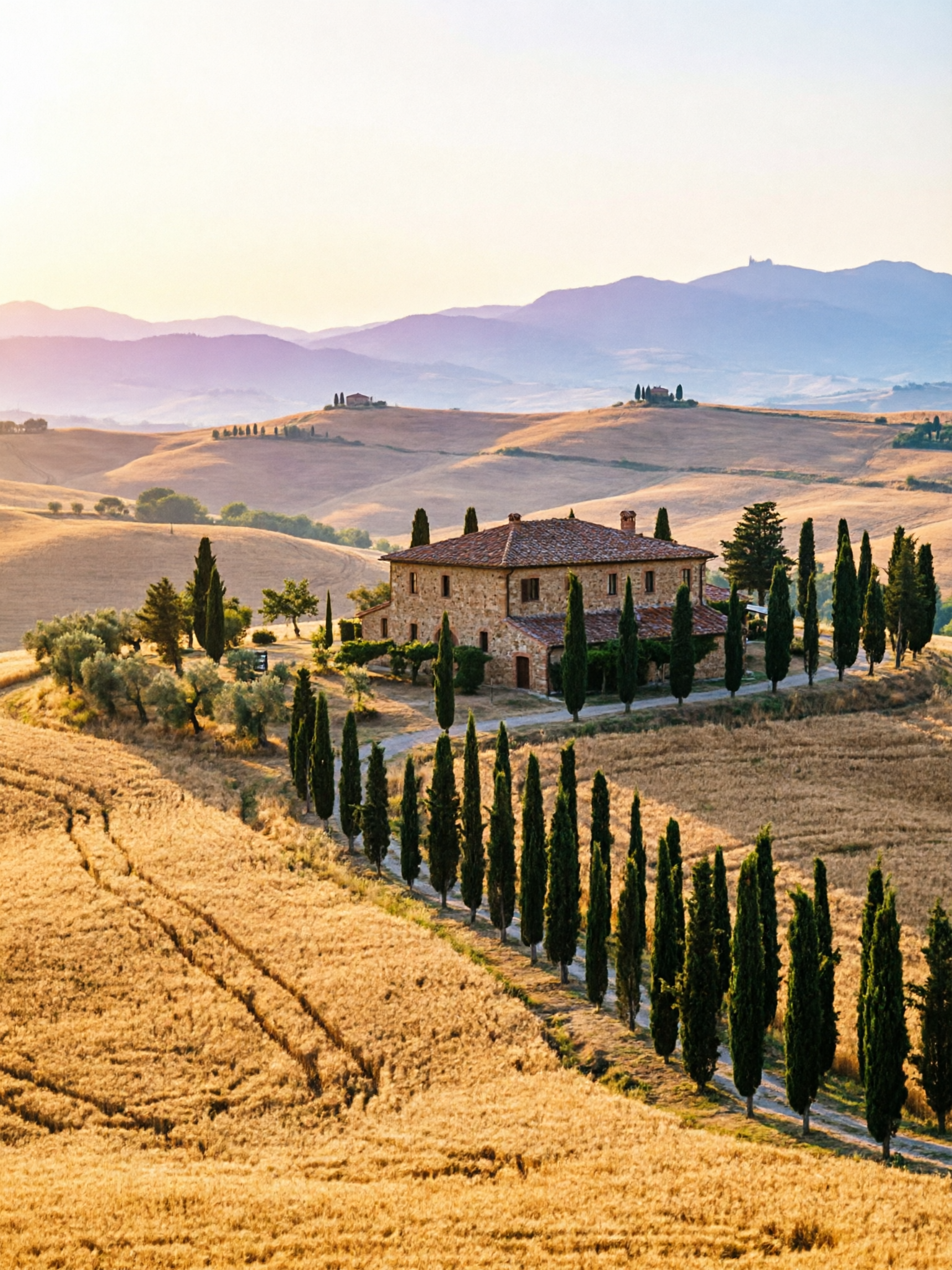
Qwen Image 2.0 — Rapid Typography & 2K AI Image Creation on VideoAny source gallery visual 1
How fast is generation?
On VideoAny, Qwen Image 2.0 is available in Text-to-Image and the Image Editor . Native output is 2K across all aspect ratios (2048×2048 at 1:1, up to 2048×1152 widescreen). Honest framing:
What to watch
- Match the model choice to the exact visual job.
- Keep prompt intent short, concrete, and testable.
- Review identity, lighting, anatomy, and text before scaling.
- Use VideoAny follow-up tools when the first pass needs motion or editing.
- Pricing model
- Standard VideoAny credits depend on the selected model and output settings.
- Trade-offs
- Output quality still depends on prompt clarity, source image quality, and iteration budget.
- Best fit
- Creators who need repeatable AI visuals without rebuilding the workflow for every asset.
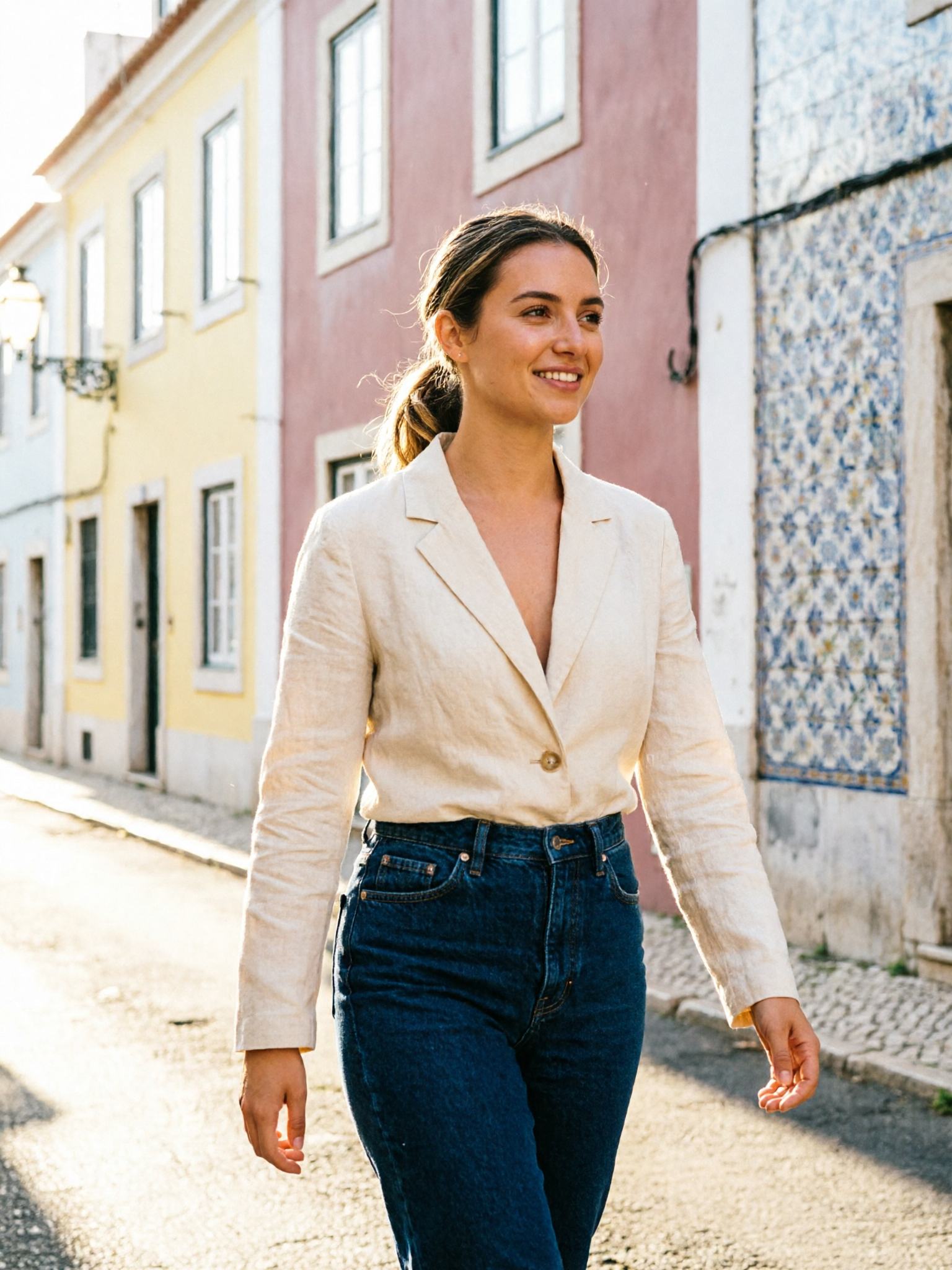
Qwen Image 2.0 — Rapid Typography & 2K AI Image Creation on VideoAny source gallery visual 2
Does Qwen Image 2.0 support NSFW content?
Six prompts, six results. Copy any prompt to start from the same place.
What to watch
- Match the model choice to the exact visual job.
- Keep prompt intent short, concrete, and testable.
- Review identity, lighting, anatomy, and text before scaling.
- Use VideoAny follow-up tools when the first pass needs motion or editing.
- Pricing model
- Standard VideoAny credits depend on the selected model and output settings.
- Trade-offs
- Output quality still depends on prompt clarity, source image quality, and iteration budget.
- Best fit
- Creators who need repeatable AI visuals without rebuilding the workflow for every asset.
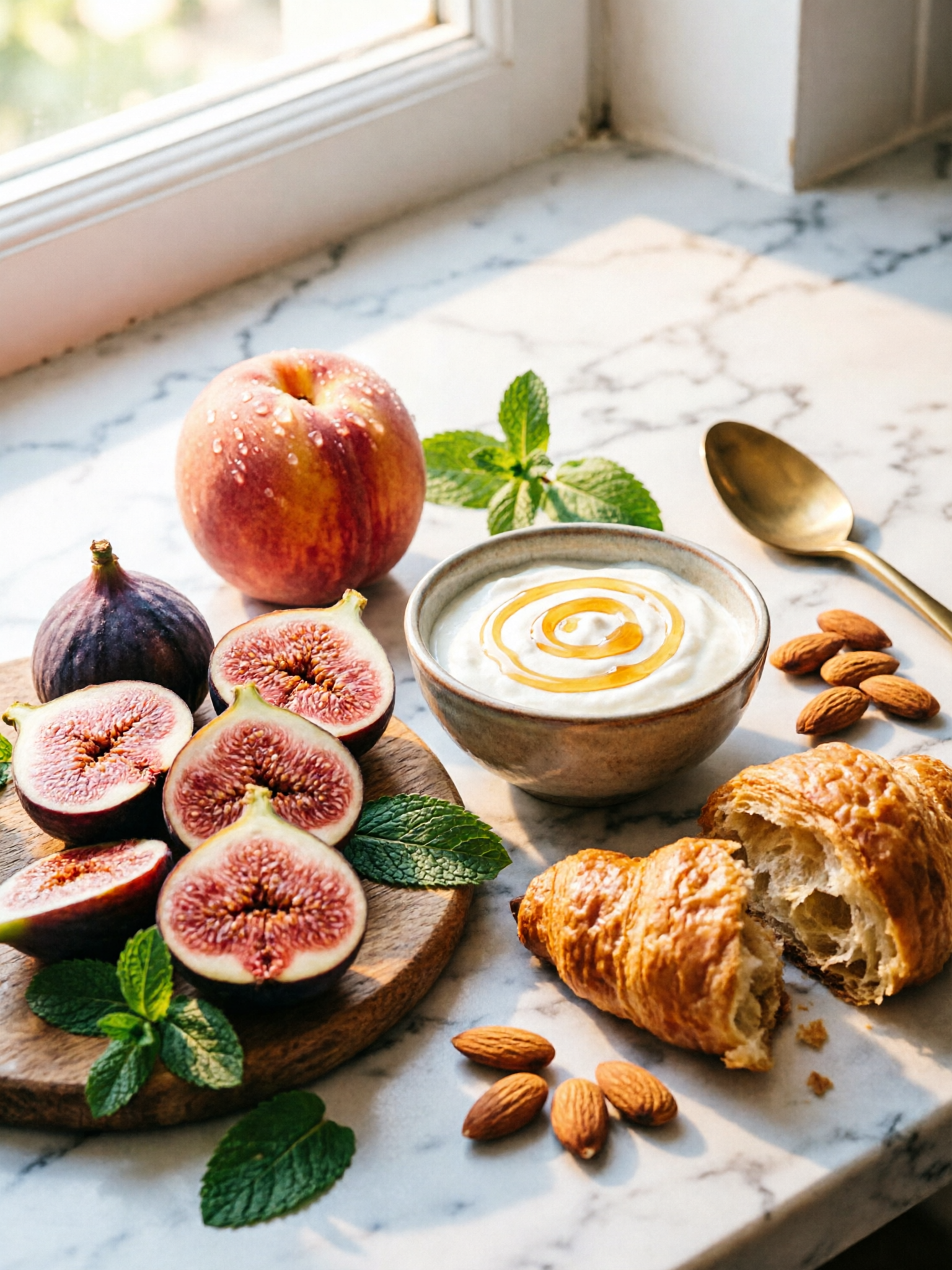
Qwen Image 2.0 — Rapid Typography & 2K AI Image Creation on VideoAny source gallery visual 3
What's the difference between Qwen Image 2.0 and Qwen Image 2.0 Pro?
Three categories where another model fits better:
What to watch
- Match the model choice to the exact visual job.
- Keep prompt intent short, concrete, and testable.
- Review identity, lighting, anatomy, and text before scaling.
- Use VideoAny follow-up tools when the first pass needs motion or editing.
- Pricing model
- Standard VideoAny credits depend on the selected model and output settings.
- Trade-offs
- Output quality still depends on prompt clarity, source image quality, and iteration budget.
- Best fit
- Creators who need repeatable AI visuals without rebuilding the workflow for every asset.

Qwen Image 2.0 — Rapid Typography & 2K AI Image Creation on VideoAny source gallery visual 4
Can Qwen Image 2.0 render non-Latin scripts?
Qwen's edge is text + predictable execution. Five tactics:
What to watch
- Match the model choice to the exact visual job.
- Keep prompt intent short, concrete, and testable.
- Review identity, lighting, anatomy, and text before scaling.
- Use VideoAny follow-up tools when the first pass needs motion or editing.
- Pricing model
- Standard VideoAny credits depend on the selected model and output settings.
- Trade-offs
- Output quality still depends on prompt clarity, source image quality, and iteration budget.
- Best fit
- Creators who need repeatable AI visuals without rebuilding the workflow for every asset.
FAQ
Common questions from creators utilizing this workflow
How fast is generation?
2. Specify font style with the quote. Add weight, case, and treatment alongside the quote — bold uppercase serif "OLIVA · TUSCAN KITCHEN" , script neon "Little Secret" in warm pink glow . Type spec produces tighter execution; vague text descriptions produce va
Does Qwen Image 2.0 support NSFW content?
3. Use layout-zone language. "Upper third", "lower-right corner", "across the top", "central composition". Qwen plans placement from these cues — vague layouts produce average layouts.
What's the difference between Qwen Image 2.0 and Qwen Image 2.0 Pro?
4. Write non-Latin scripts in the native characters. For Japanese kanji, Chinese hanzi, Korean hangul, or Cyrillic, write the actual glyphs inside quotes. Qwen handles all of these correctly when written natively.
Can Qwen Image 2.0 render non-Latin scripts?
5. Skip prompt-extension tricks. Qwen has prompt_extend disabled — what you write is what's rendered. Tag-soup syntax ( masterpiece, ultra-detailed, 8k ) is wasted tokens. Write actual instructions instead.
Can I prompt in Russian?
What to avoid: NSFW or edgy phrasing (refused regardless of inspection settings), Russian prompts (mid-tier comprehension — prompt in English even when generating Russian-text-in-image content), under-specified text content (Qwen will invent text), tag soup.
Are generated images commercially usable?
Qwen Image 2.0 is the default choice for design work where in-image typography drives the brief — wine labels, signage, menus, posters, packaging, book covers. The text renders at design quality on the first pass, the API returns in 5–10 seconds, and the credi
Create
Establish a Qwen Image 2.0 — Rapid Typography & 2K AI Image Creation workflow in VideoAny
Utilize this model guide as a foundation, then generate, edit, animate, and publish all within the integrated VideoAny workflow.
- Generate images from clear prompts
- Transform compelling stills into dynamic video
- Maintain consistent settings for future batches