Problem
The real bottleneck in NSFW AI content
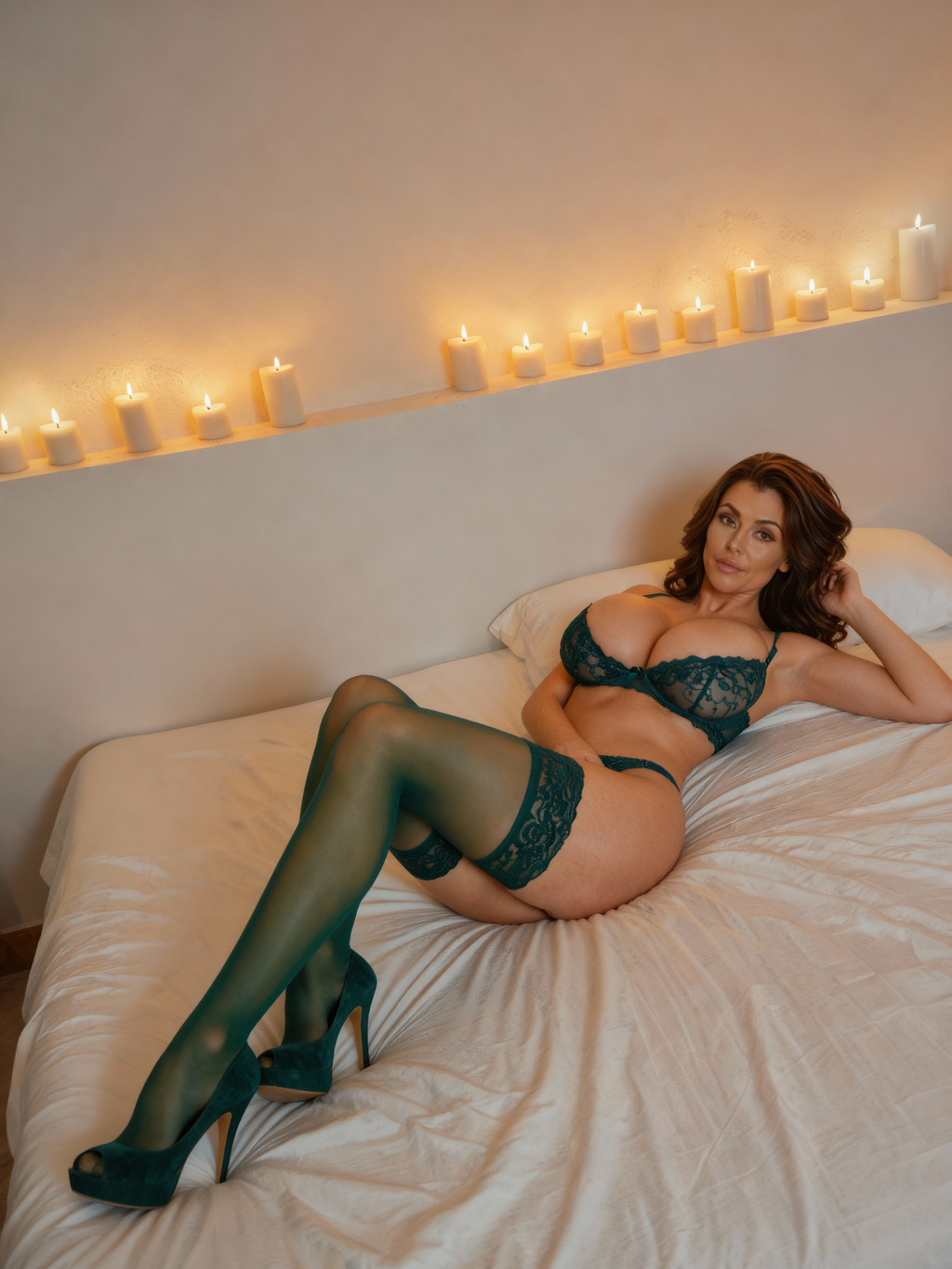
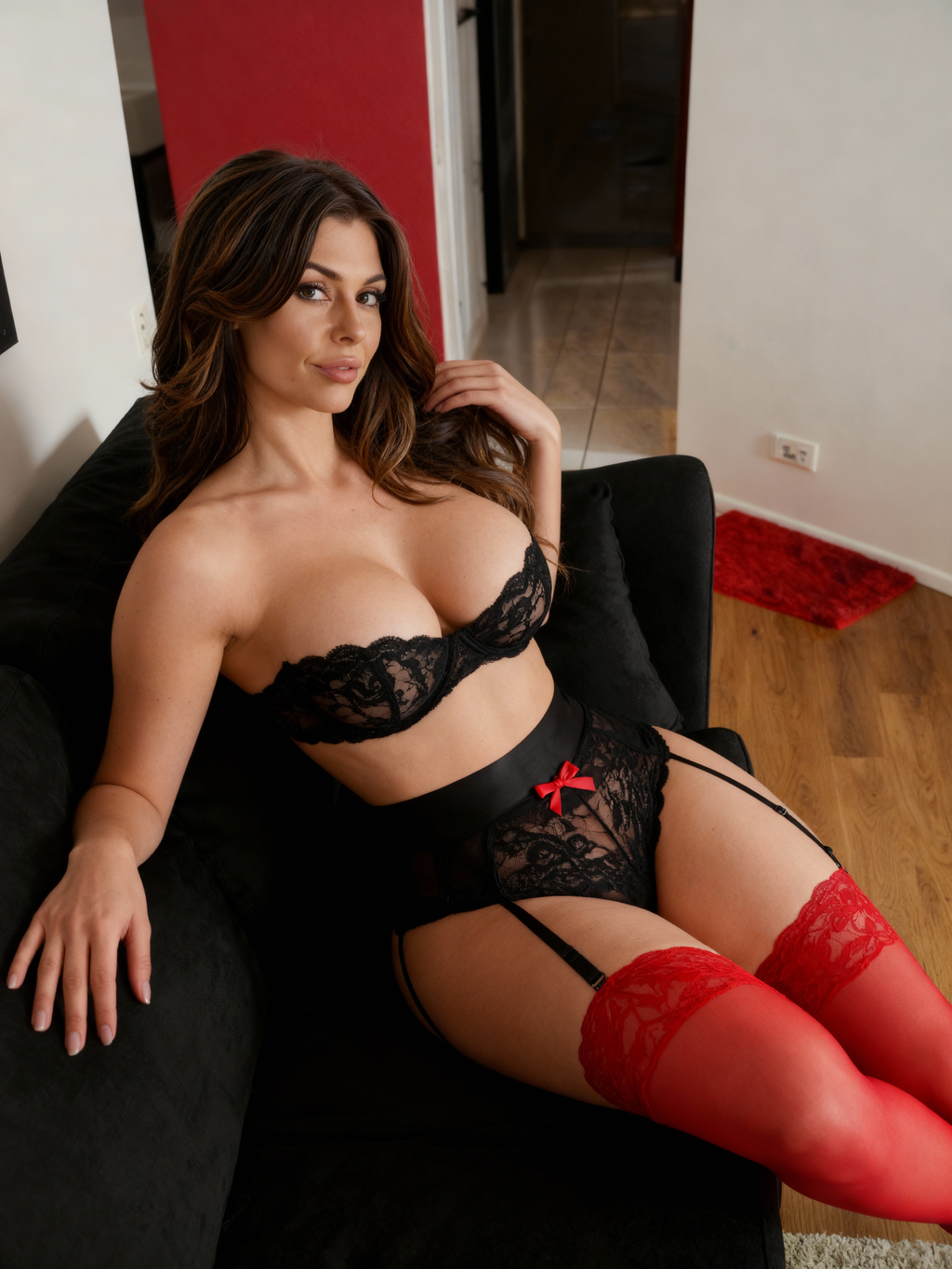
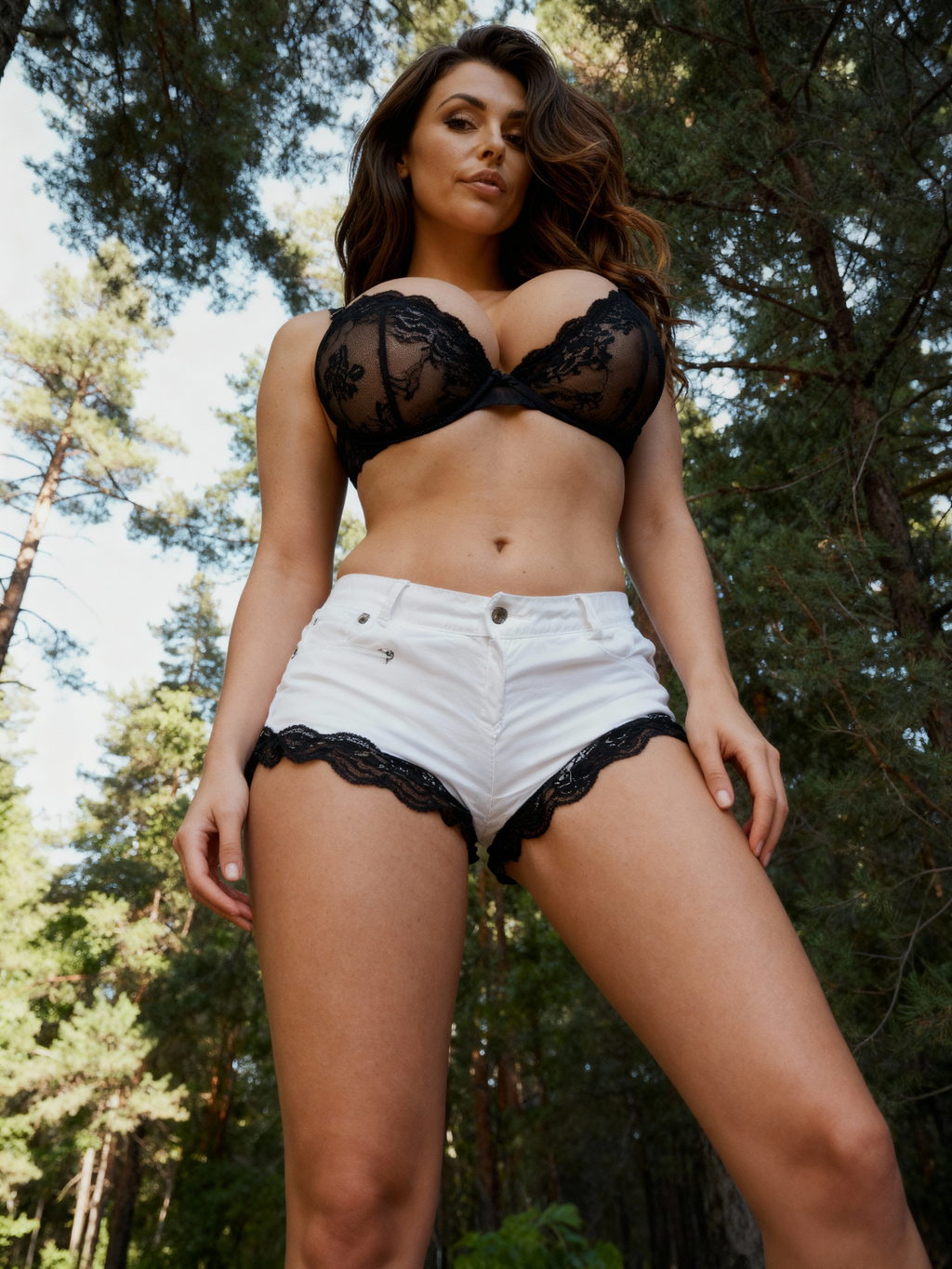
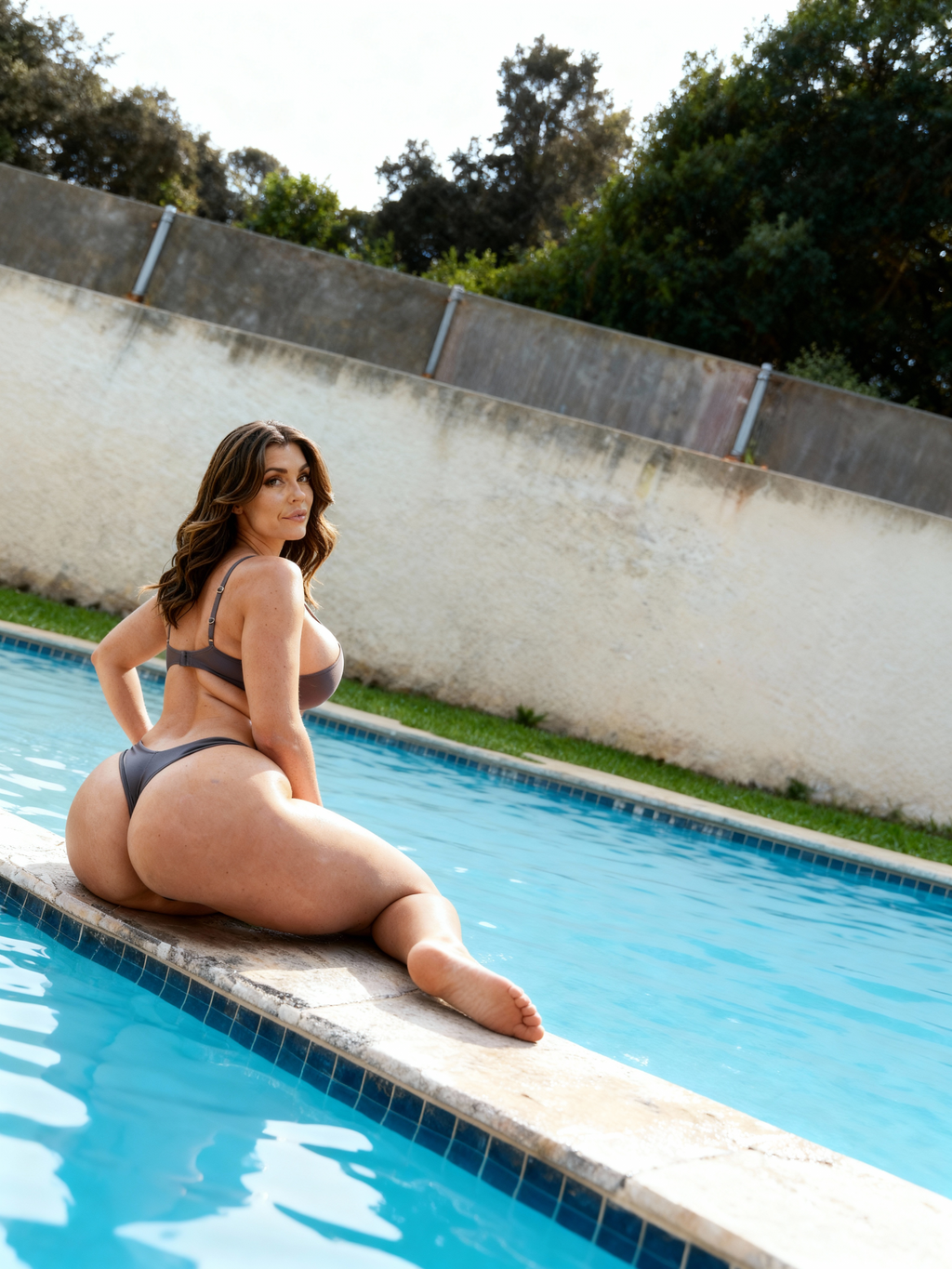
The hardest part is rarely making one good image. It is producing a full consistent set.
Many creators can produce a single strong output, but consistency breaks when they try to extend that result into 10 to 30 images for a full set.
Long prompt stacks often become fragile, and once a good output is generated, the exact prompt recipe can be hard to recover or reuse.
A reliable workflow should focus on preserving subject identity, body proportions, and environment continuity while reducing unnecessary prompt churn.
Common failure points
- Facial similarity and body continuity drift between rounds
- Background and lighting change unexpectedly across variations
- Prompt complexity slows iteration and creates avoidable errors
- Good accidental outputs cannot be scaled because prompt history is lost
Set-level consistency is the real production metric, not one showcase frame.
Approach
A different approach: scale from the image itself
Use source-image-first variation loops instead of rebuilding long prompts each round.
Start with a high-quality anchor frame, then generate controlled variations from that image instead of relying on dense text prompts.
This approach also works when your best image came from an accidental generation and the original prompt is missing or incomplete.
By treating the image as the source of truth, you can scale output while keeping style, body shape, and scene logic much more stable.
Workflow principles
- Reference-first generation to preserve identity stability
- Small controlled deltas instead of full prompt rewrites
- Batch-level quality checks for face, body, and environment continuity
- Reuse winning variation settings as production templates
Prompt-free does not mean random. It means using image anchors as structured guidance.
Execution
Step-by-step prompt-light production framework
Follow this process to move from one image to a scalable NSFW variation set.
| Stage | Goal | What to do | Output |
|---|---|---|---|
| 1. Anchor selection | Lock identity and scene baseline | Choose one high-quality source image that already matches your target look. | Reliable source frame |
| 2. Prompt-light variation | Expand options with minimal drift | Generate small batches with image-to-image settings and only one controlled change each round. | Comparable branches |
| 3. Continuity pass | Filter unstable generations | Check face similarity, body consistency, pose quality, and environment stability before accepting outputs. | High-confidence shortlist |
| 4. Set scaling | Produce final grouped assets | Reuse your winning settings to generate the final collection with consistent visual language. | Production-ready set |
Treat each stage as a quality gate to prevent drift from compounding.
Optimization
What to do when facial similarity drifts
Small control changes usually fix drift faster than full prompt rewrites.
When identity starts drifting, roll back to the last stable image and reduce variation strength rather than adding more textual instructions.
Keep camera framing and environment constraints tighter during correction rounds, then reopen variation range after stability returns.
In production, creators move faster by preserving stable branches instead of trying to rescue every failed output.
Drift-recovery checklist
- Lower variation intensity for one correction round
- Preserve pose and framing while fixing identity
- Run smaller batches to isolate unstable settings
- Promote only stable outputs into your next generation branch
Most drift issues are workflow-control issues, not creativity issues.
FAQ
Frequently asked questions
Do I need long prompts to scale NSFW image variations?
Not necessarily. A source-image-first workflow can scale consistent sets with short or minimal prompts when variation controls are managed carefully.
Can this workflow recover results when the original prompt is lost?
Yes. If you already have one strong image, you can use it as an anchor and generate new controlled branches without reconstructing the full prompt history.
How can I keep body and environment consistency without lore blocks?
Use tight variation ranges, evaluate continuity after each batch, and keep successful settings locked while scaling the final set.
Why does unrestricted access matter in this workflow?
Restriction-heavy tools often interrupt or distort variation loops. More flexible tools improve stability and reduce wasted retries in niche NSFW scenarios.
Next step
Scale NSFW image sets faster with VideoAny
Use VideoAny to move from one strong frame to a full consistent set without overengineering prompts.
- Reference-first image workflows for continuity
- Prompt-light variation loops for faster throughput
- Scalable production process for creator teams
Related