Overview
What this how to make ai twerking videos guide covers
A practical breakdown of the core problem, expected output quality, and the fastest path to consistent results.
If you've attempted to generate dynamic dance clips using general AI video platforms, you've likely encountered limitations. Often, these tools either refuse the prompt outright or produce rigid, unconvincing animations.
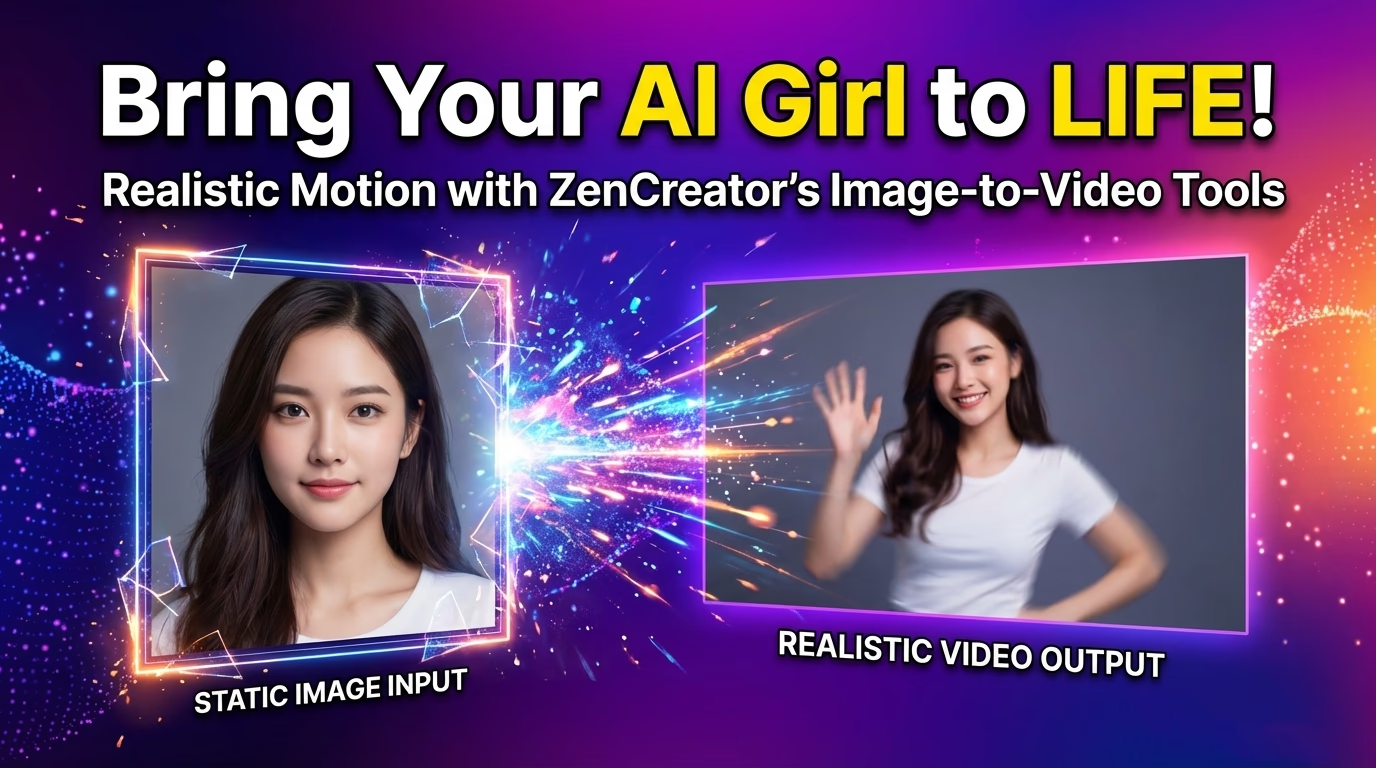
The solution isn't just a better prompt; it's a refined workflow. This guide outlines a two-step process to achieve fluid, rhythmic AI dance videos.
The primary hurdle isn't a lack of capability in AI models, but rather restrictive content filters. Many general video models block prompts that suggest provocative motion, even if the subject is fully clothed. This often leads to more time spent circumventing safety layers than on content creation. The effective workaround is to utilize models designed for more creative freedom.
Key takeaways
- Generate a character still: Create a clear, full-body image with the desired pose and attire.
- Animate with a motion prompt: Feed this image into an image-to-video tool and describe the specific movements.
- How to improve consistency across multiple generations
- Which settings matter most for reliable output
Each step in this process typically takes about a minute to execute.
Step by step
Recommended workflow from idea to publishable output
A concise process you can run repeatedly with minimal cleanup.
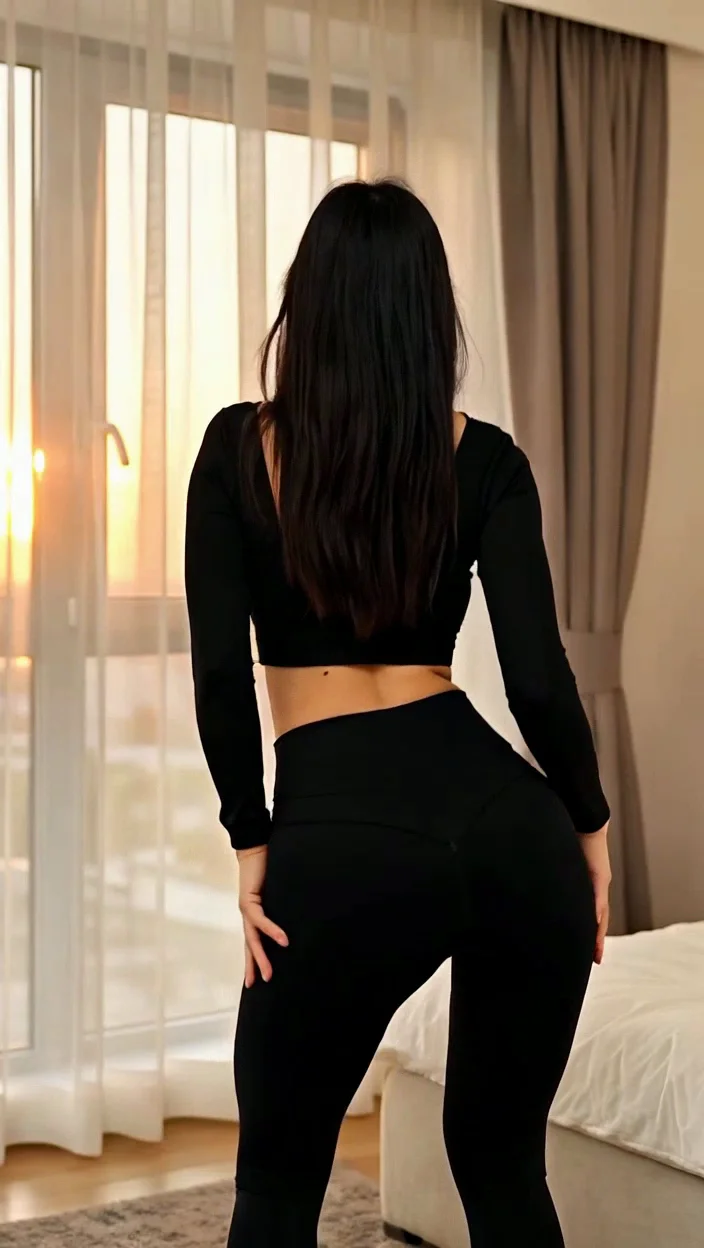
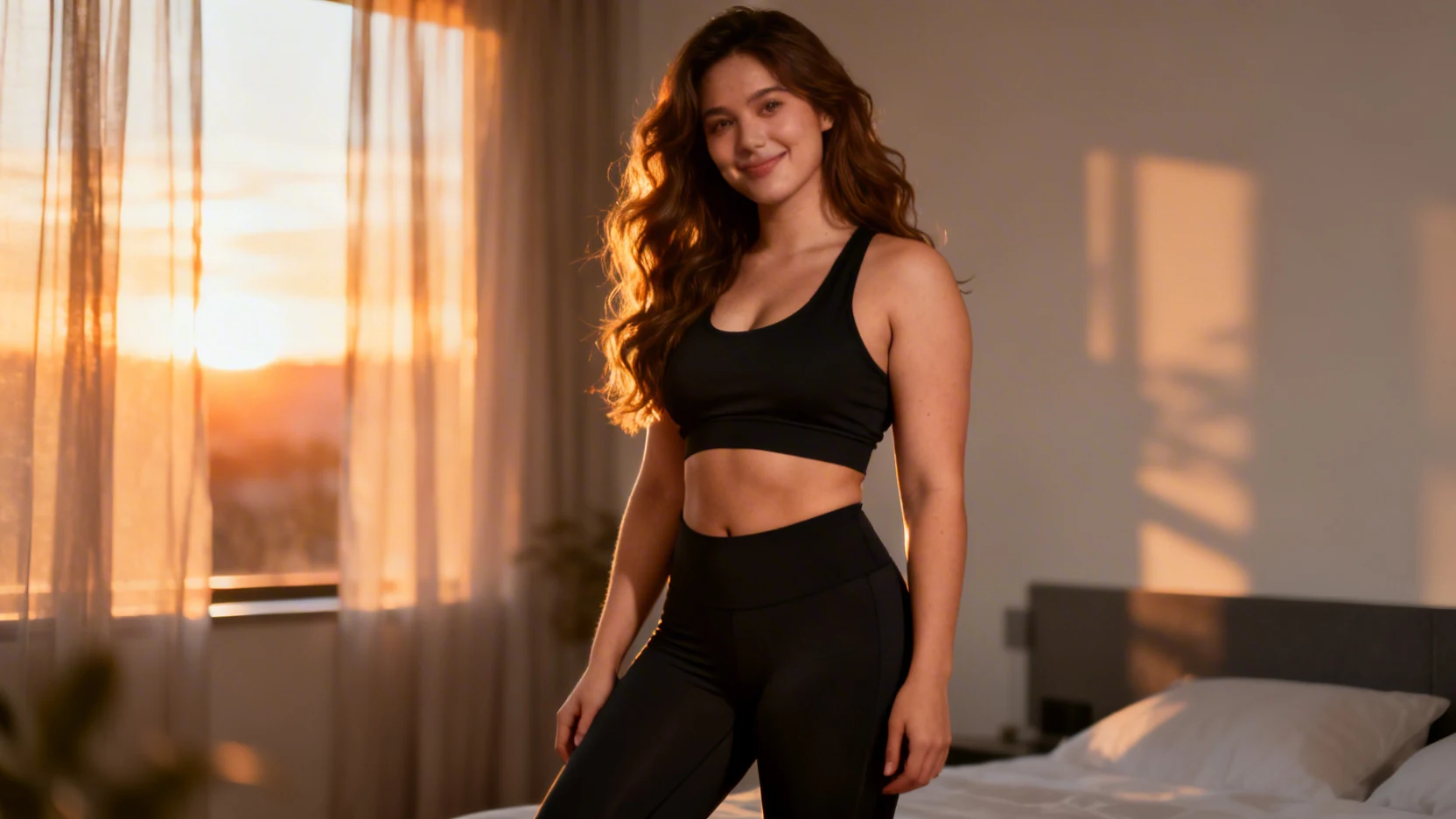
Begin by accessing the Text-to-Image feature within VideoAny's Generator By Prompt tool. Craft a description for a full-body, dance-ready pose. Focus on three critical elements:
Here's a prompt template you can use:
Generate four variations and select the most suitable one. This image will serve as the foundation for all subsequent clips, ensuring character consistency across different angles.
Execution checklist
- Full body in frame: Ensure the character's legs and hips are visible for animation. Always include terms like "full body" or "wide shot."
- Dance-friendly outfit: Opt for clothing that allows clear depiction of movement, such as crop tops, shorts, leggings, or fitted dresses. Avoid flowing garments that can confuse the model.
- Clean background: Use simple backgrounds like a bedroom, studio, or empty street. Complex backgrounds can cause AI hallucinations during motion.
- Direction of movement: Specify actions like "down and up" or "turns away" to give the model an axis for animation.
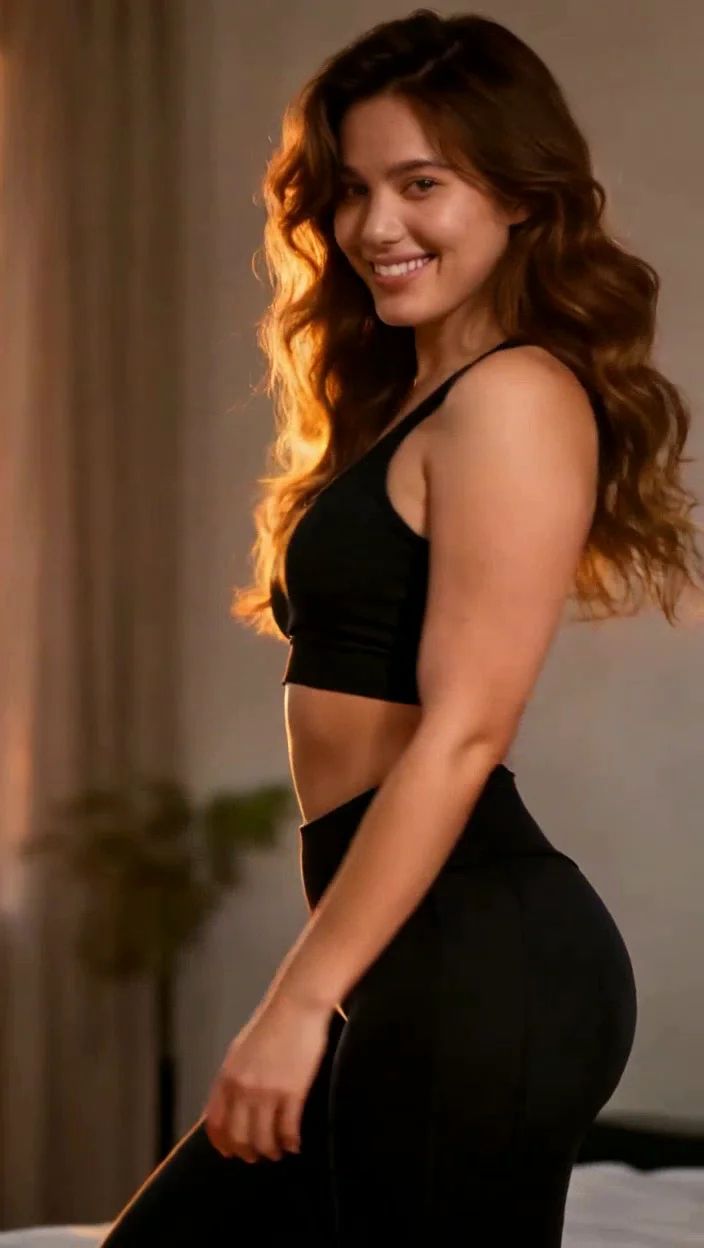
The result of animating the still from Step 1 with the exact prompt provided above will demonstrate the effectiveness of this method.
Comparison
Quick comparison of approach options
Use this table to align tool choice with your production goal.
| Approach | Strength | Limitations | Best for |
|---|---|---|---|
| Template-first workflow | Fast setup and predictable structure | Lower creative freedom | High-volume publishing |
| Prompt-first workflow | Flexible concepts and style control | Needs more iteration | Experimental ideas |
| Hybrid workflow | Balanced speed and control | Requires process discipline | Teams with repeatable output needs |
| VideoAny workflow | Integrated generation and post steps | Less raw parameter exposure | Creators who prioritize shipping speed |
Best choice depends on whether speed, control, or scale is your top constraint.
Use one workflow baseline before adding advanced variations.
Options
Tool and workflow options you can choose from
Pick based on output quality target, turnaround speed, and team skill level.
VideoAny
Use a single browser workflow to generate, iterate, and publish without managing separate stacks.
Why it works
- Fast setup with no local infrastructure
- Supports image and video workflows in one place
- Good balance of speed and quality for creators
- Useful for repeatable output pipelines
- Pricing model
- Free credits to start, then scalable paid usage.
- Trade-offs
- Less low-level tuning than fully self-managed stacks.
- Best fit
- Creators and teams that value shipping speed and consistency.
Prompt-first stack
Maximize prompt and model control when experimentation is the priority.
Why it works
- High flexibility on creative direction
- Strong for niche style exploration
- Works with custom prompt libraries
- Can produce standout one-off results
- Pricing model
- Varies by provider and usage volume.
- Trade-offs
- Requires more iteration and quality filtering.
- Best fit
- Advanced users optimizing for control over speed.
Template-driven tools
Start from prebuilt structures to reduce setup and improve throughput.
Why it works
- Very fast first output
- Lower setup overhead
- Works for repeat campaigns
- Easy to delegate across teams
- Pricing model
- Usually subscription or credit-based.
- Trade-offs
- May feel restrictive for unique creative direction.
- Best fit
- Teams running frequent campaigns with tight deadlines.
Hybrid production workflow
Use templates for speed, then move to prompt refinements for quality control.
Why it works
- Combines fast output with iterative control
- Improves consistency over time
- Scales across content formats
- Reduces wasted generation cycles
- Pricing model
- Moderate to high depending on volume.
- Trade-offs
- Needs clear internal workflow standards.
- Best fit
- Teams balancing quality and publication cadence.
FAQ
Frequently asked questions
What duration should I choose?
Stick to 5 seconds. Longer clips tend to lose rhythm as the AI struggles to maintain consistency, leading to character morphing.
What aspect ratio is best?
Use 9:16 vertical. This is the standard for most short-form platforms and correctly frames the motion.
Can I use a real photo instead of a generated character?
It's recommended to use a generated character. This gives you complete control over framing, outfit, and lighting, and helps avoid any consent or likeness issues.
What is the fastest way to get usable results?
Start with a constrained template or scene plan, generate drafts quickly, then refine only the strongest candidates.
How do I keep character or scene consistency?
Lock composition variables early, reuse strong prompt elements, and avoid changing too many variables per iteration.
Next step
Build your first production-ready version
Use this guide as a baseline, then adapt prompt/style parameters to your own niche and campaign goals.
- Start from one repeatable workflow
- Track quality metrics across iterations
- Scale only after consistency is stable