
Overview
Why pick General
General — VideoAny's flagship universal photoreal image model. Largest native output sizes, face-consistent character generation across multi-shot series, available across six tools.
General is VideoAny's leading universal photorealistic image generation model. It offers the largest native output resolutions and excels at maintaining consistent character faces across multiple image sequences. This model is integrated across six distinct tools within the VideoAny platform.
As VideoAny's foundational photoreal image model, General serves as the reliable engine for six platform tools: Text-to-Image, the Image Editor, PhotoShoot, FaceGenerator, Carousel, and Collabs. It underpins any tool requiring photorealistic output, unless a specialized model (like Nano Banana for text or Flux Klein for anatomy) is specifically chosen.
Its key strength lies in its ability to maintain high consistency in faces and expressions across numerous generations. This means a character will retain their distinct appearance from one shot to the next, making General ideal for projects requiring a consistent character across a series of related visuals. This capability is central to FaceGenerator and Carousel. General also supports the platform's largest native output dimensions, reaching up to 3024×1296 for 21:9 widescreen, with true native resolutions scaling between 2K and 3K depending on the aspect ratio.
Key takeaways
- For detailed body or anatomical work from scratch, General is less specialized. While excellent for faces, models like Flux Klein are purpose-built for accurate, unrestricted anatomical rendering. (General can effectively integrate body details when provided with a reference image, especially when used with the Image Editor.)
- When in-image text is a primary design element, General offers adequate support for short text but isn't a specialist. For high-fidelity typography in designs like posters, magazine layouts, or packaging, dedicated text-focused models such as Qwen Image 2.0 or Nano Banana 2 provide superior clarity.
- General does not support LoRA-driven custom styles. For workflows requiring LoRA stacking, consider SDXL (which boasts the largest library) or Flux Klein + LoRA (offering a modern base with a flexible picker).
- Access General through any of the six integrated VideoAny tools: Text-to-Image, Image Editor, PhotoShoot, FaceGenerator, Carousel, or Collabs.
Use this as a practical checkpoint: compare outputs with the same prompt before you scale the workflow.
Model fit
See General in action
Use this comparison to decide when the workflow is a strong match and where it needs more review.
| Decision area | Why it matters | Practical signal | VideoAny action |
|---|---|---|---|
| Why pick General | Primary lesson from the source guide | General — VideoAny's flagship universal photoreal image model. Largest native output sizes, face-consistent character generation across multi-shot ser | Use it when this trade-off matters in production. |
| What is General? | Primary lesson from the source guide | General is VideoAny's universal photoreal image model — the dependable workhorse behind six tools on the platform: Text-to-Image , the Image Editor , | Use it when this trade-off matters in production. |
| See General in action | Primary lesson from the source guide | The standout capability is high consistency of faces and emotions across multiple generations — the same person looks like themselves shot after shot, | Use it when this trade-off matters in production. |
| General vs other VideoAny models | Primary lesson from the source guide | Operationally, General runs on a sync API in 5–10 seconds with no polling . Trusted users get a private deployment with content filters fully disabled | Use it when this trade-off matters in production. |
The strongest results come from testing one visual job at a time instead of mixing multiple goals into a single prompt.
Workflow
What is General?
A practical sequence for turning the source guide's recommendations into repeatable VideoAny output.
General operates via a synchronous API, delivering results within 5–10 seconds without the need for polling. For trusted users, private deployments are available with content filters completely disabled, ensuring truly unrestricted output rather than superficial workarounds. This model also supports reference-image editing within the Image Editor.
It's important to note that General is not designed to generate complex anatomy from scratch with the same precision as specialized body models. For tasks focused on body details, it's recommended to provide a reference image. This allows General to maintain anatomical accuracy while adapting the style. Without a reference, body outputs may appear generic. For generating unrestricted nude bodies from the ground up, Flux Klein is the purpose-built alternative. Additionally, General does not support LoRA (Low-Rank Adaptation) models.
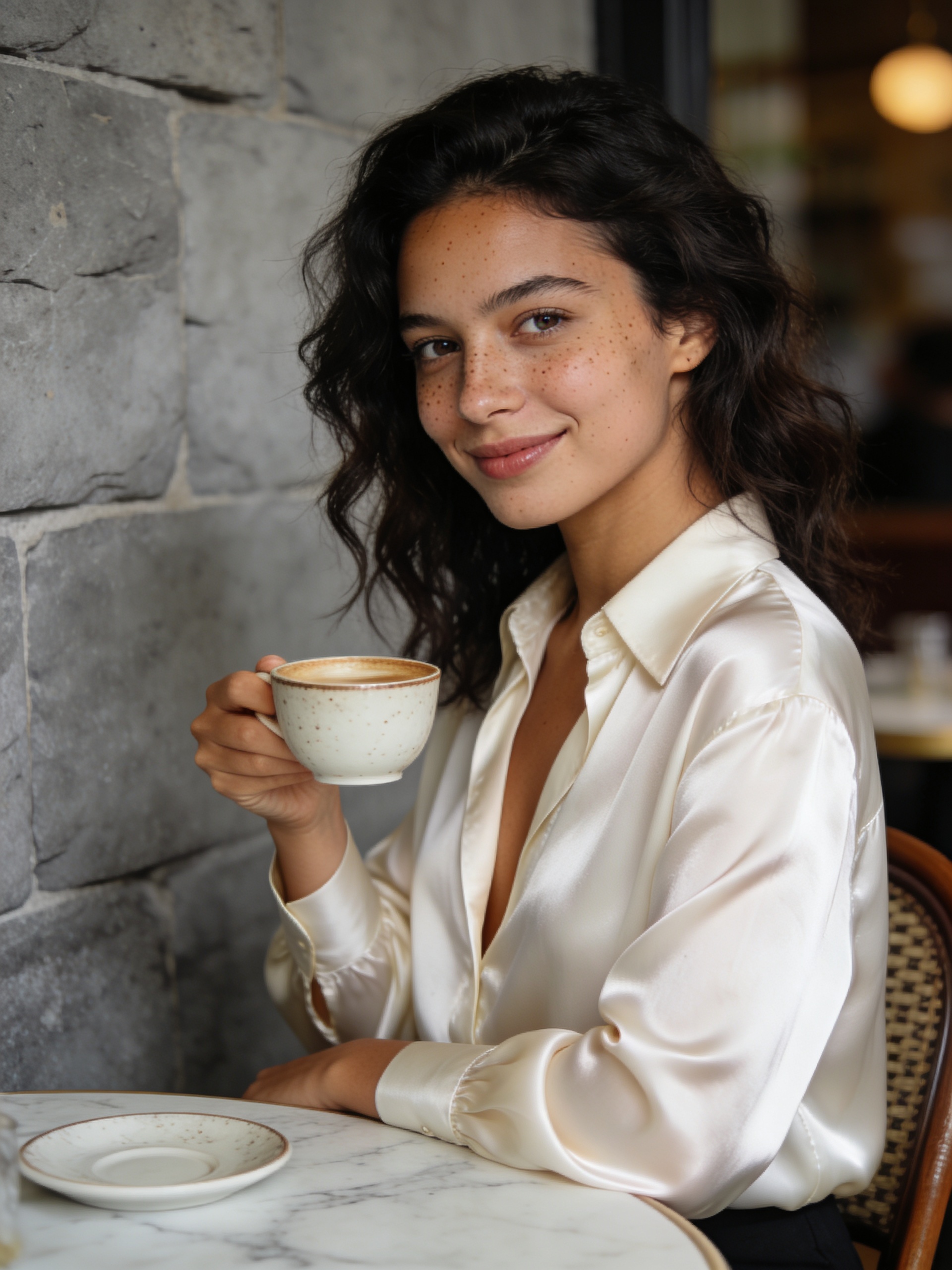
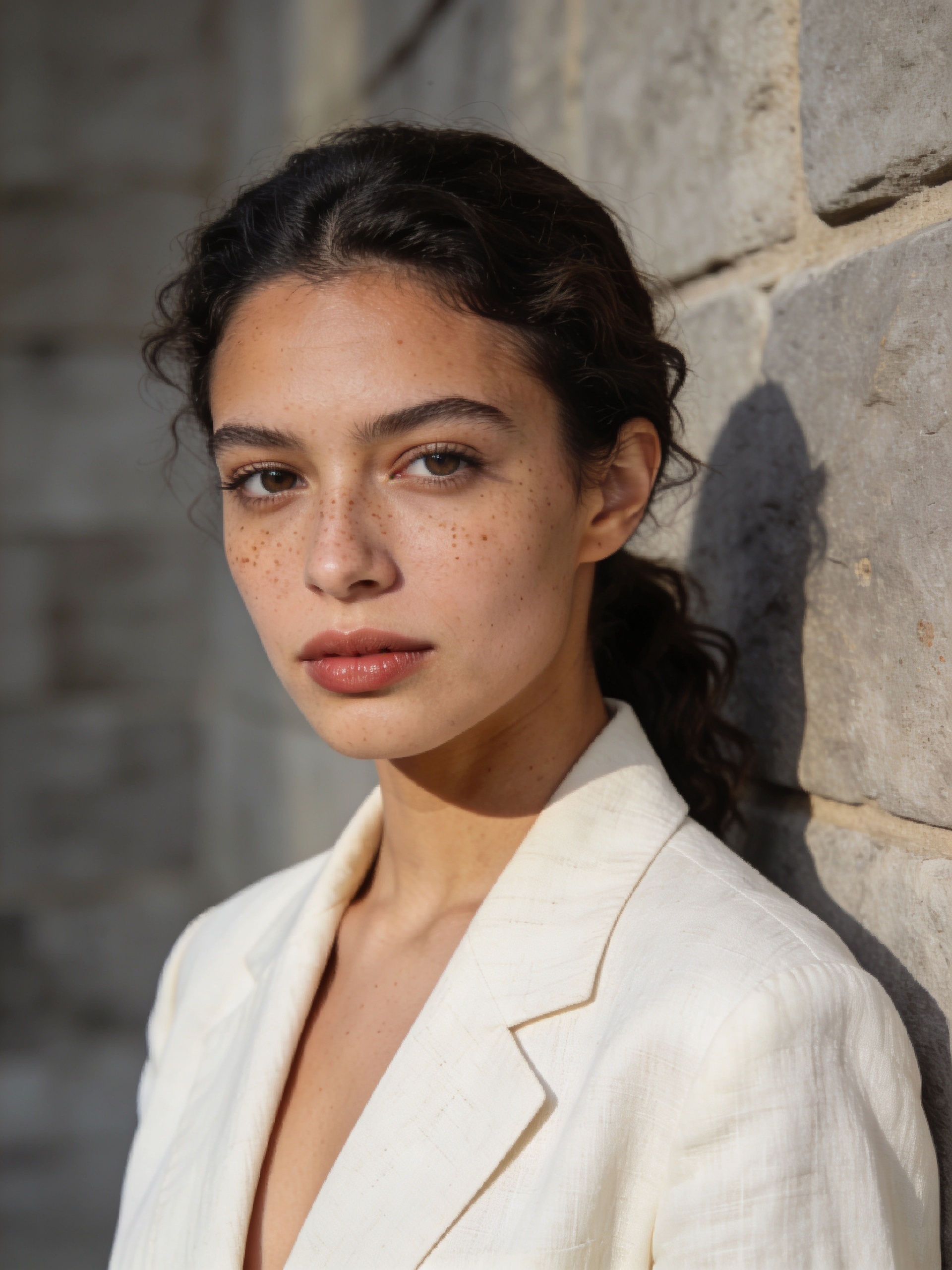
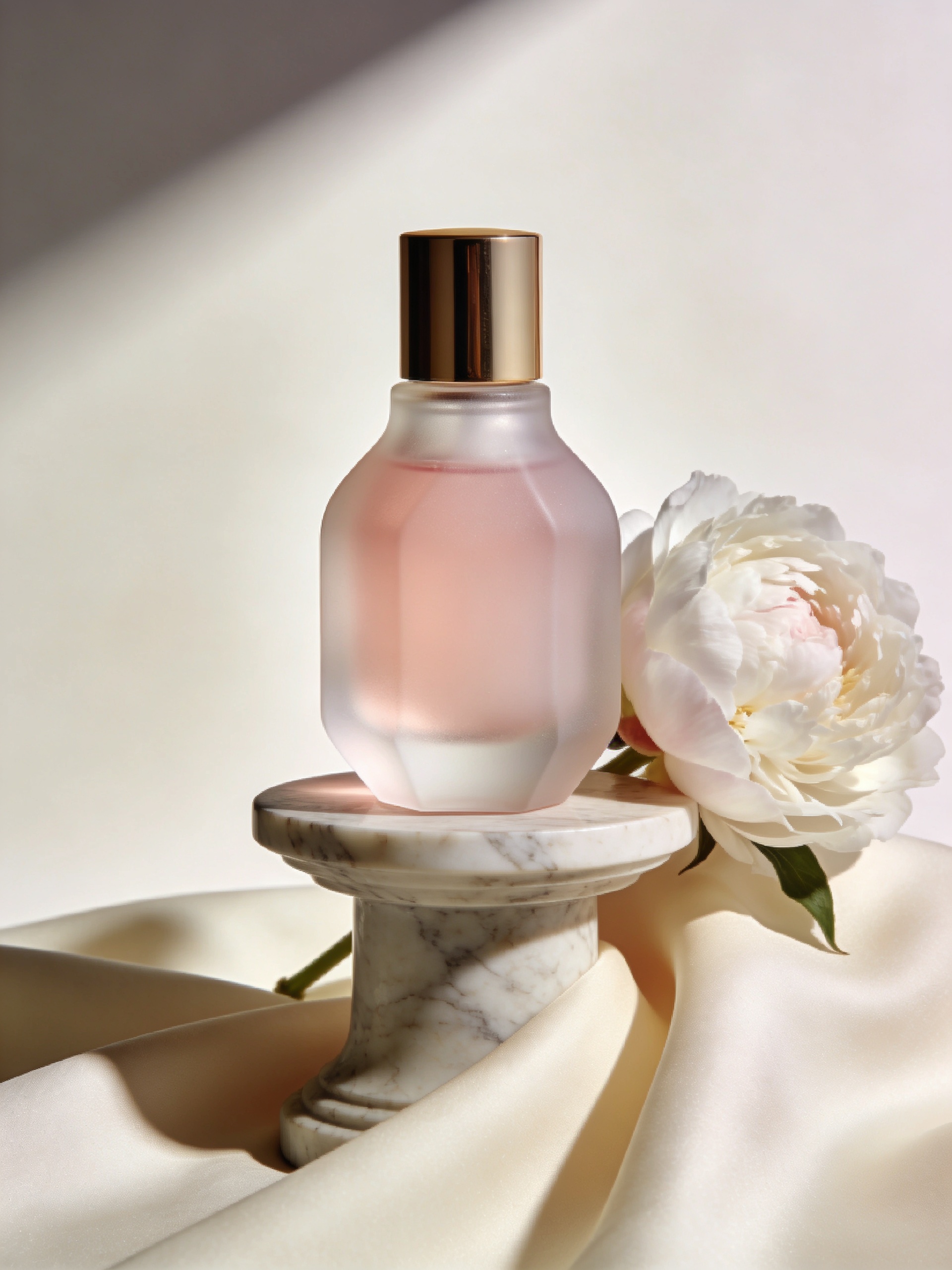
The model's versatility is demonstrated across six example prompts, particularly highlighting how prompts #1 and #5 independently generate the same recognizable character, showcasing its robust face-consistency feature.
There are three primary scenarios where an alternative model might be a better fit:
Production checklist
- Select General from the model options (or utilize one of the higher-level tools where it is the default engine).
- Formulate your prompt. For multi-shot series, begin by thoroughly describing the character in the initial prompt, then refer back to "the same person" for subsequent scenes.
- Choose your desired aspect ratio and batch size, then initiate generation. Results are typically delivered within 5–10 seconds via a synchronous process.
- VideoAny AI Models Review (internal) — General strengths, weaknesses, and use cases
Short, concrete prompts are easier to compare than broad creative briefs.
Use cases
General vs other VideoAny models
These examples translate into practical VideoAny production patterns.
General — VideoAny's Universal AI Image Model source gallery visual 1
What does the "General" name actually mean?
Operationally, General runs on a sync API in 5–10 seconds with no polling . Trusted users get a private deployment with content filters fully disabled — real unrestricted output, not header
What to watch
- Match the model choice to the exact visual job.
- Keep prompt intent short, concrete, and testable.
- Review identity, lighting, anatomy, and text before scaling.
- Use VideoAny follow-up tools when the first pass needs motion or editing.
- Pricing model
- Standard VideoAny credits depend on the selected model and output settings.
- Trade-offs
- Output quality still depends on prompt clarity, source image quality, and iteration budget.
- Best fit
- Creators who need repeatable AI visuals without rebuilding the workflow for every asset.

General — VideoAny's Universal AI Image Model source gallery visual 2
What's the maximum resolution?
Honest framing: General does not draw complex anatomy from scratch as cleanly as the body specialists — for body-focused work, you need to attach a reference image so General can preserve th
What to watch
- Match the model choice to the exact visual job.
- Keep prompt intent short, concrete, and testable.
- Review identity, lighting, anatomy, and text before scaling.
- Use VideoAny follow-up tools when the first pass needs motion or editing.
- Pricing model
- Standard VideoAny credits depend on the selected model and output settings.
- Trade-offs
- Output quality still depends on prompt clarity, source image quality, and iteration budget.
- Best fit
- Creators who need repeatable AI visuals without rebuilding the workflow for every asset.

General — VideoAny's Universal AI Image Model source gallery visual 3
How does face consistency work?
Six prompts showing General's range — note especially how shots #1 and #5 generate the same recognisable character from independent prompts, demonstrating the face-consistency capability.
What to watch
- Match the model choice to the exact visual job.
- Keep prompt intent short, concrete, and testable.
- Review identity, lighting, anatomy, and text before scaling.
- Use VideoAny follow-up tools when the first pass needs motion or editing.
- Pricing model
- Standard VideoAny credits depend on the selected model and output settings.
- Trade-offs
- Output quality still depends on prompt clarity, source image quality, and iteration budget.
- Best fit
- Creators who need repeatable AI visuals without rebuilding the workflow for every asset.
General — VideoAny's Universal AI Image Model source gallery visual 4
Can I use General for NSFW?
Three categories where another model fits better:
What to watch
- Match the model choice to the exact visual job.
- Keep prompt intent short, concrete, and testable.
- Review identity, lighting, anatomy, and text before scaling.
- Use VideoAny follow-up tools when the first pass needs motion or editing.
- Pricing model
- Standard VideoAny credits depend on the selected model and output settings.
- Trade-offs
- Output quality still depends on prompt clarity, source image quality, and iteration budget.
- Best fit
- Creators who need repeatable AI visuals without rebuilding the workflow for every asset.
FAQ
Questions creators ask before using this workflow
What does the "General" name actually mean?
1. Begin with a clear character description in the initial prompt. For multi-shot sequences, the first prompt defines the character – detailing age range, ethnicity, body type, hair, distinctive features (e.g., freckles, eye color), and pose. General then locks this character signature for consistency in subsequent generations.
What's the maximum resolution?
2. In later shots, refer back to "the same person." For the second shot and beyond in a series, use phrases like "The same young woman as shot #1" or reiterate the character description verbatim. General's face-consistency engine uses these cues to maintain identity. Inconsistent descriptions will break this lock.
How does face consistency work?
3. Utilize the largest native aspect ratio for hero shots. General supports exceptionally wide ratios, such as 21:9 at 3024×1296. Employ the widest native dimensions for impactful hero shots and expansive landscape compositions, rather than unnecessarily downscaling.
Can I use General for NSFW?
4. For specific body details, provide a reference image. General does not generate complex anatomy from scratch with the same precision as specialized body models. When working on body-focused prompts in the Image Editor, attach a reference photo; General will then preserve those body details while adapting the surrounding style.
What tools run on General underneath?
5. Maintain explicit lighting and camera specifications across multi-shot series. Clearly defined light direction and camera settings act as crucial signals for visual coherence. Repeat these details in every prompt within a series to ensure consistency. Vague lighting in a later shot can disrupt the series' visual flow, even if the face remains consistent.
Does General support reference images?
Avoid changing the character description between shots in a series (as this breaks identity), expecting anime or painterly LoRA-style outputs (General is photorealistic, not stylized), or assuming perfect body anatomy in body-focused prompts without a reference image.
Create
Build a General — VideoAny's Universal AI Image Model workflow in VideoAny
Use the model guide as a starting point, then generate, edit, animate, and publish from the same VideoAny workflow.
- Generate images from clear prompts
- Turn winning stills into video
- Keep repeatable settings for future batches