


Übersicht
Warum VideoAny wählen
Flux Klein auf VideoAny wurde speziell für fotorealistische Porträts und anatomisch präzise Körpergenerierung entwickelt und bietet verifizierten Benutzern über die integrierte Klein-Unchained-V2 LoRA eine unzensierte Ausgabe.
Flux Klein auf VideoAny wurde speziell für fotorealistische Porträts und anatomisch präzise Körpergenerierung entwickelt und bietet verifizierten Benutzern über die integrierte Klein-Unchained-V2 LoRA eine unzensierte Ausgabe.
Dieses Modell ist VideoAnys einziges Angebot, das sorgfältig für fotorealistische, uneingeschränkte Darstellungen menschlicher Formen trainiert wurde. Es zeichnet sich durch die Wiedergabe von Anatomie, einschließlich Nacktheit und expliziter Details, mit einem Grad an Genauigkeit aus, den allgemeine Modelle wie Seedream und Qwen nicht erreichen können. Für Kreative, die sich auf Fotorealismus und uneingeschränkte Inhalte konzentrieren, ist Flux Klein die spezialisierte Lösung.
Betrieblich gewährleistet die einzigartige Implementierung, dass der Sicherheitsfilter auf API-Ebene dauerhaft deaktiviert ist. Dies ist kein Schalter oder eine Einstellung, sondern eine grundlegende architektonische Änderung, die eine wirklich uneingeschränkte Ausgabe garantiert, anstatt gelegentlicher Umgehungen. Die Klein-Unchained-V2 LoRA ist intrinsisch mit jeder Anfrage verknüpft und sorgt für eine konsistente stilistische Ausgabe und Identitätswiedergabe über mehrere Generierungen hinweg.
Wichtige Überlegungen
- Die Ausgaberesolution ist auf 1-2 Megapixel begrenzt (z.B. 1024x1024 oder 1248x832). Für höhere Auflösungen (2K+) empfehlen wir Modelle wie Seedream 5 oder WAN 2.7, auch wenn deren explizite **WAN 2.7**-Generierung weniger spezialisiert ist.
- Das Basismodell Flux Klein verwendet ein festes Klein-Unchained-V2 LoRA, was bedeutet, dass Sie keine alternativen Körpertypen oder künstlerischen Stile auswählen können. Für benutzerdefiniertes LoRA-Stacking verwenden Sie Flux Klein + LoRA (nur Bildeditor) oder SDXL NSFW für eine breitere Bibliothek.
- Flux Klein ist für die Generierung menschlicher Körper optimiert. Für andere Motive wie Produkte, Architektur, Lebensmittel oder allgemeine fotorealistische Szenen sind Seedream 5 oder WAN 2.7 kostengünstiger und liefern sauberere Ergebnisse.
- Der Zugriff auf Flux Klein ist auf verifizierte Benutzer beschränkt. Stellen Sie sicher, dass Ihr Konto über vertrauenswürdigen Zugriff verfügt.
Nutzen Sie dies als praktischen Prüfpunkt: Vergleichen Sie die Ergebnisse mit derselben Prompt, bevor Sie den Arbeitsablauf skalieren.
Modellanpassung
Flux Klein in der Praxis
Dieser Vergleich hilft zu bestimmen, wann VideoAny die optimale Wahl für Ihren kreativen Workflow ist.
| Entscheidungsbereich | Warum es wichtig ist | Praktisches Signal | VideoAny-Aktion |
|---|---|---|---|
| Warum VideoAny wählen | Das Kernziel des Modells verstehen | Flux Klein auf VideoAny wurde speziell für fotorealistische Porträts und anatomisch präzise Körpergenerierung entwickelt und bietet verifizierten Benutzern über die integrierte Klein-Unchained-V2 LoRA eine unzensierte Ausgabe. | Nutzen Sie dieses Modell, wenn seine speziellen Funktionen Ihren Produktionsanforderungen entsprechen. |
| Was ist VideoAny? | Das grundlegende Design des **VideoAny**-Modells verstehen | Dieses Modell ist VideoAnys einziges Angebot, das sorgfältig für fotorealistische, uneingeschränkte Darstellungen menschlicher Formen trainiert wurde. Es zeichnet sich durch die Wiedergabe von Anatomie, einschließlich Nacktheit und expliziter Details, mit einem Grad an Genauigkeit aus, den allgemeine Modelle wie Seedream und Qwen nicht erreichen können. Für Kreative, die sich auf Fotorealismus und uneingeschränkte Inhalte konzentrieren, ist Flux Klein die spezialisierte Lösung. | Nutzen Sie die Stärken, wenn diese einzigartige Merkmalskombination entscheidend ist. |
| Flux Klein in Aktion | Beobachtung der operativen Besonderheiten des VideoAny-Modells | Betrieblich gewährleistet die einzigartige Implementierung, dass der Sicherheitsfilter auf API-Ebene dauerhaft deaktiviert ist. Dies ist kein Schalter oder eine Einstellung, sondern eine grundlegende architektonische Änderung, die eine wirklich uneingeschränkte Ausgabe garantiert, anstatt gelegentlicher Umgehungen. Die Klein-Unchained-V2 LoRA ist untrennbar mit jeder Anfrage verbunden und sichert eine konsistente stilistische Ausgabe und Identitätswiedergabe über mehrere Generierungen hinweg. | Wenden Sie dieses Modell an, wenn eine konsistente, wirklich uneingeschränkte Ausgabe Priorität hat. |
| Flux Klein im Vergleich zu anderen Modellen auf VideoAny | Funktionsvergleich mit Alternativen | Auf VideoAny ist Flux Klein sowohl für Text-zu-Bild als auch innerhalb des Bildeditors verfügbar. Es gibt praktische Einschränkungen die Auflösung ist auf 1–2 Megapixel begrenzt (z.B. 1024×1024 bis 1248×832), was niedriger ist als die 2K-Stufe von Seedream und beim Hochskalieren auffällt. Es gibt keine Option zur Auswahl verschiedener LoRAs der integrierte Klein-Unchained-V2-Stil ist fest. Für LoRA-Stapelung auf derselben Architektur verwenden Sie Flux Klein + LoRA. Der Zugang ist auf verifizierte Benutzer beschränkt. | Bewerten Sie diese Kompromisse, um das am besten geeignete Modell für Ihr Projekt auszuwählen. |
Die besten Ergebnisse erzielt man, wenn man jeweils eine visuelle Aufgabe testet, anstatt mehrere Ziele in einer einzigen Aufforderung zu vermischen.
Arbeitsablauf
Wie man Flux Klein effektiv nutzt
Eine praktische Abfolge zur Umsetzung der Empfehlungen des Leitfadens in konsistente Ergebnisse auf VideoAny.
Auf VideoAny ist Flux Klein sowohl für Text-zu-Bild als auch innerhalb des Bildeditors verfügbar. Es gibt praktische Einschränkungen die Auflösung ist auf 1–2 Megapixel begrenzt (z.B. 1024×1024 bis 1248×832), was niedriger ist als die 2K-Stufe von Seedream und beim Hochskalieren auffällt. Es gibt keine Option zur Auswahl verschiedener LoRAs der integrierte Klein-Unchained-V2-Stil ist fest. Für LoRA-Stapelung auf derselben Architektur verwenden Sie Flux Klein + LoRA. Der Zugang ist auf verifizierte Benutzer beschränkt.
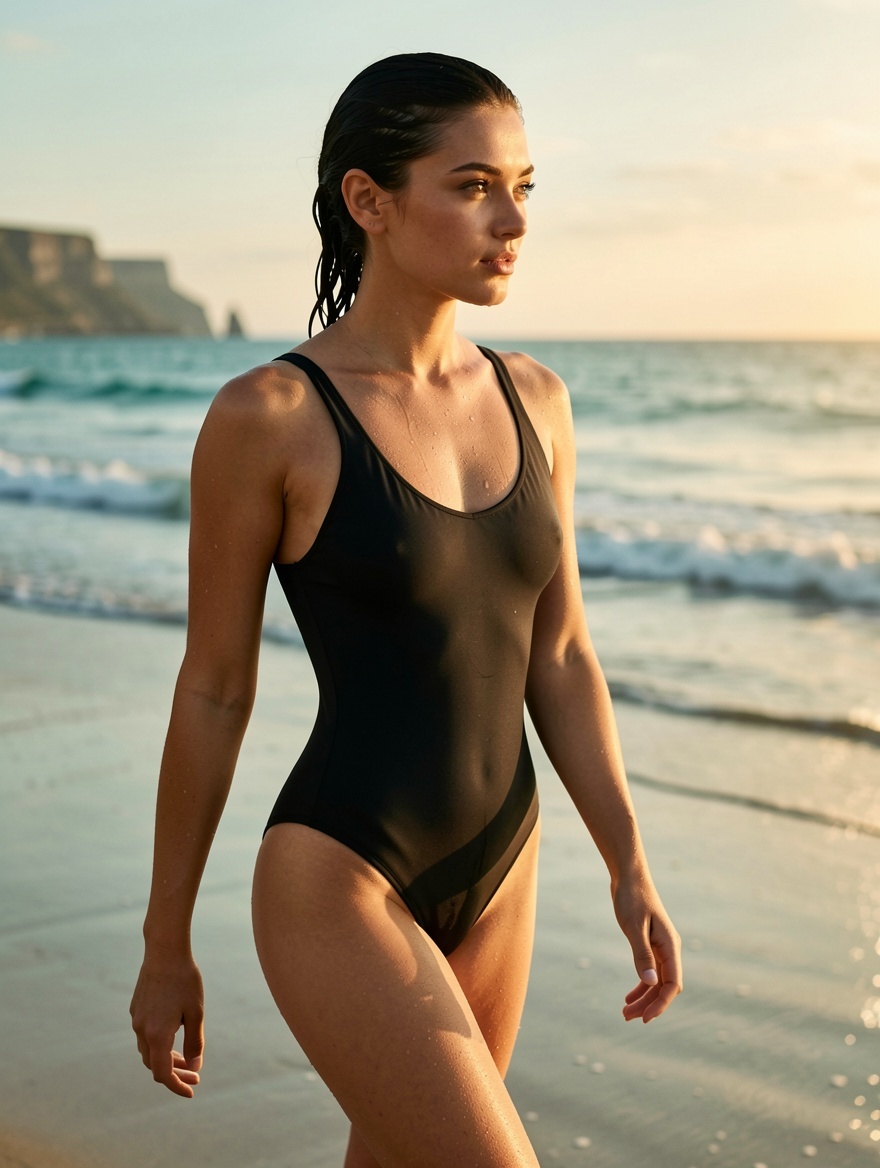
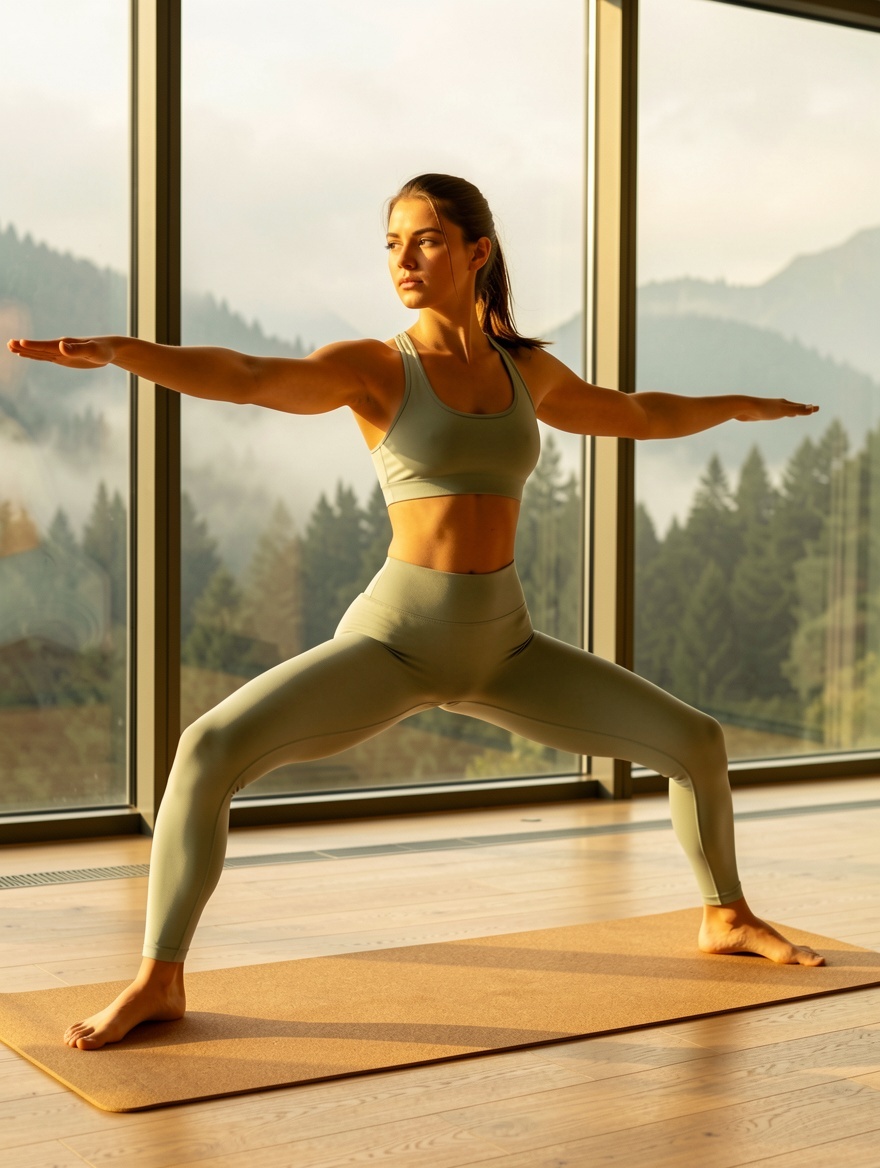
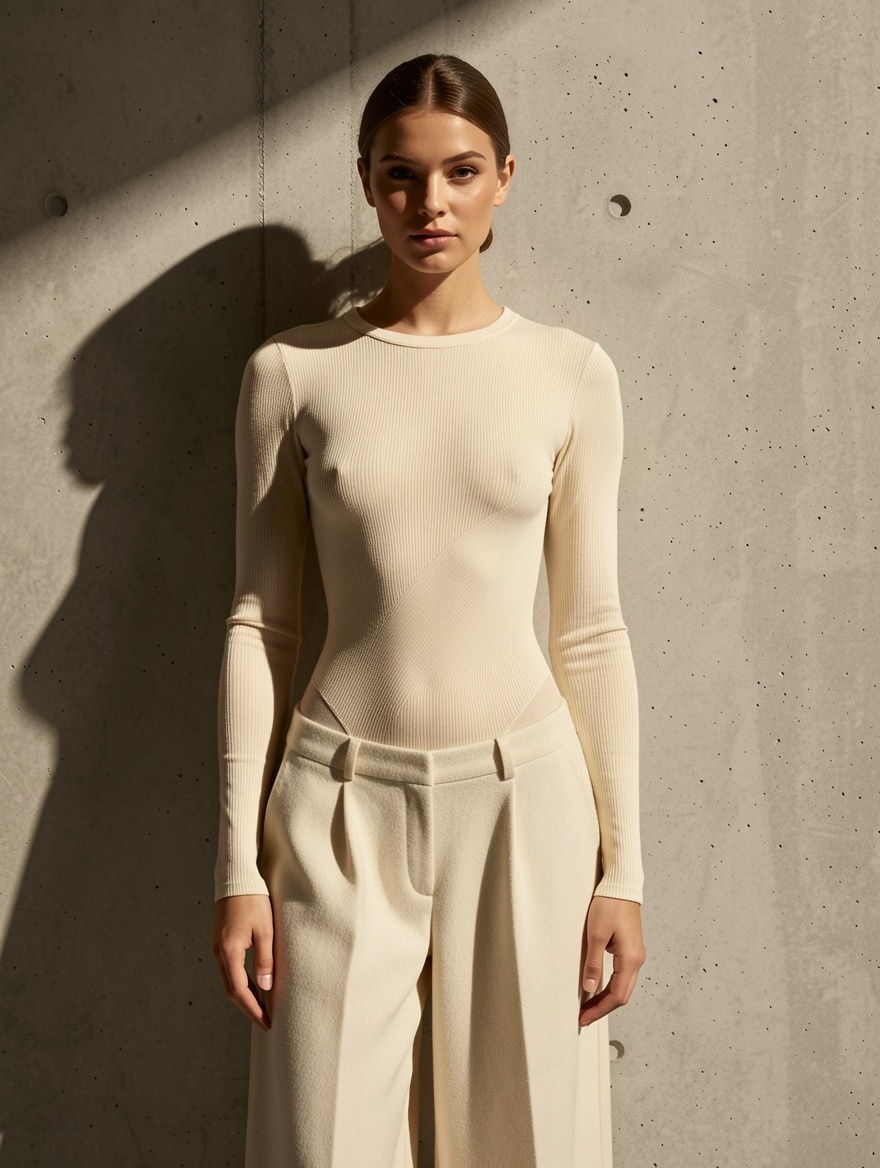
Um die Leistungsfähigkeit zu demonstieren, finden Sie hier sechs Prompts mit den entsprechenden Ergebnissen. Sie können jeden Prompt kopieren, um Ihre eigene Generierung zu starten.
Es gibt drei Szenarien, in denen ein anderes Modell besser geeignet sein könnte:
Hier sind fünf kalibrierte Taktiken, um die spezialisierte Ausgabe des Modells zu maximieren:
Produktions-Checkliste
- Greifen Sie auf den Text-zu-Bild-Generator zu (oder den Bildeditor für die Arbeit mit vorhandenen Referenzen).
- Wählen Sie Flux Klein aus den Modelloptionen.
- Formulieren Sie Ihren Prompt: Seien Sie explizit bei der Generierung uneingeschränkter Inhalte und beschreiben Sie bei Bedarf Pose, Beleuchtung und Kameraeinstellungen. Wählen Sie Ihr Seitenverhältnis und Ihre Batch-Größe und starten Sie dann die Generierung.
- Black Forest Labs — Flux-Architektur-Dokumentation
Kurze, prägnante Prompts sind leichter zu vergleichen als umfassende kreative Briefings.
Anwendungsfälle
Flux Klein im Vergleich zu anderen Modellen auf VideoAny
Diese Beispiele lassen sich in praktische VideoAny-Produktionsmuster übersetzen.
Was bedeutet „weniger restriktiv“ bei Flux Klein?
Auf VideoAny ist Flux Klein sowohl für Text-zu-Bild als auch innerhalb des Bildeditors verfügbar. Es gibt praktische Einschränkungen die Auflösung ist auf 1–2 Megapixel begrenzt (z. B. 1024×1024 bis 1248×832), was niedriger ist als die 2K-Stufe von Seedream und beim Hochskalieren auffällt. Es gibt keine Option zur Auswahl verschiedener LoRAs der integrierte Klein-Unchained-V2-Stil ist fest. Für LoRA-Stapelung auf derselben Architektur verwenden Sie Flux Klein + LoRA. Der Zugang ist auf verifizierte Benutzer beschränkt.
Was Sie sehen sollten
- Passen Sie Ihre Modellauswahl an die spezifische visuelle Aufgabe an.
- Halten Sie Prompts prägnant, konkret und testbar.
- Bewerten Sie Identität, Beleuchtung, Anatomie und Text, bevor Sie die Produktion skalieren.
- Nutzen Sie die Nachbearbeitungstools von VideoAny für Bewegungsabläufe oder weitere Bearbeitungen.
- Pricing model
- Die benötigten Credits hängen vom gewählten Modell und den Ausgabeeinstellungen ab.
- Trade-offs
- Die Ausgabequalität hängt weiterhin von der Klarheit der Anweisung, der Qualität des Ausgangsmaterials und der iterativen Verfeinerung ab.
- Best fit
- Ersteller, die konsistente KI-generierte Bilder benötigen, ohne für jedes Asset die Arbeitsabläufe neu einrichten zu müssen.
Warum ist Flux Klein auf vertrauenswürdige Benutzer beschränkt?
Um die Leistungsfähigkeit zu demonstieren, finden Sie hier sechs Prompts mit den entsprechenden Ergebnissen. Sie können jeden Prompt kopieren, um Ihre eigene Generierung zu starten.
Was Sie sehen sollten
- Passen Sie Ihre Modellauswahl an die spezifische visuelle Aufgabe an.
- Halten Sie Prompts prägnant, konkret und testbar.
- Bewerten Sie Identität, Beleuchtung, Anatomie und Text, bevor Sie die Produktion skalieren.
- Nutzen Sie die Nachbearbeitungstools von VideoAny für Bewegung oder weitere Bearbeitungen.
- Pricing model
- Die benötigten Credits hängen vom gewählten Modell und den Ausgabeeinstellungen ab.
- Trade-offs
- Die Ausgabequalität hängt weiterhin von der Klarheit der Anweisungen, der Qualität des Ausgangsmaterials und der iterativen Verfeinerung ab.
- Best fit
- Ersteller, die konsistente KI-generierte Visuals benötigen, ohne für jedes Asset neue Workflows einrichten zu müssen.
Welche Auflösung gibt VideoAny aus?
Es gibt drei Szenarien, in denen ein anderes Modell besser geeignet sein könnte:
Was man sehen sollte
- Passen Sie Ihre Modellauswahl an die spezifische visuelle Aufgabe an.
- Halten Sie Prompts prägnant, konkret und testbar.
- Bewerten Sie Identität, Beleuchtung, Anatomie und Text, bevor Sie die Produktion skalieren.
- Nutzen Sie die Nachbearbeitungstools von VideoAny für Bewegung oder weitere Bearbeitungen.
- Pricing model
- Die benötigten Credits hängen vom gewählten Modell und den Ausgabeeinstellungen ab.
- Trade-offs
- Die Ausgabequalität hängt weiterhin von der Klarheit der Anweisungen, der Qualität des Ausgangsmaterials und der iterativen Verfeinerung ab.
- Best fit
- Ersteller, die konsistente KI-generierte Visuals benötigen, ohne für jedes Asset Arbeitsabläufe neu einrichten zu müssen.
Kann ich ein anderes LoRA auswählen?
Hier sind fünf kalibrierte Taktiken, um die spezialisierte Ausgabe des Modells zu maximieren:
Was Sie sehen sollten
- Passen Sie Ihre Modellauswahl an die spezifische visuelle Aufgabe an.
- Halten Sie Prompts prägnant, konkret und testbar.
- Bewerten Sie Identität, Beleuchtung, Anatomie und Text, bevor Sie die Produktion skalieren.
- Nutzen Sie die Nachbearbeitungstools von VideoAny für Bewegung oder weitere Bearbeitung.
- Pricing model
- Die benötigten Credits hängen vom gewählten Modell und den Ausgabeeinstellungen ab.
- Trade-offs
- Die Ausgabequalität hängt weiterhin von der Klarheit der Anweisung, der Qualität des Ausgangsmaterials und der iterativen Verfeinerung ab.
- Best fit
- Ersteller, die konsistente KI-generierte Bilder benötigen, ohne für jedes Asset neue Workflows einrichten zu müssen.
Häufig gestellte Fragen
Häufig gestellte Fragen zu diesem Workflow
Was bedeutet „weniger restriktiv“ bei Flux Klein?
Der Sicherheitsfilter ist grundsätzlich auf API-Ebene deaktiviert und nicht über eine benutzerkonfigurierbare Einstellung. Im Gegensatz zu anderen Modellen, die möglicherweise immer noch Prüfungen bei expliziten Inhalten durchführen, umgeht Flux Klein alle derartigen Überprüfungen und gewährleistet somit eine wirklich uneingeschränkte Ausgabe.
Warum ist Flux Klein auf vertrauenswürdige Benutzer beschränkt?
Uneingeschränkte Modelle werden kontrolliert eingeführt. Verifizierter Benutzerzugriff kann über Ihre Kontoeinstellungen oder durch Kontaktaufnahme mit dem VideoAny-Support angefordert werden.
Welche Auflösung gibt VideoAny aus?
Die Ausgabeauflösung beträgt typischerweise 1–2 Megapixel, etwa 1024×1024 für quadratische Formate oder 1248×832 für breitere Seitenverhältnisse. Obwohl dies niedriger ist als die 2K-Ausgabe von Modellen wie Seedream/Qwen, zeichnet sich Flux Klein durch seine spezialisierte fotorealistische Körperdarstellung aus. Für die Nachbearbeitung mit höherer Auflösung generieren Sie das Bild und verwenden Sie dann das Upscaler-Tool von VideoAny.
Kann ich ein anderes LoRA auswählen?
Das Basismodell Flux Klein unterstützt keine vom Benutzer wählbaren LoRAs; das Klein-Unchained-V2 LoRA ist in jede Anfrage integriert. Für Workflows, die ein benutzerdefiniertes LoRA-Stacking erfordern (z. B. spezifische Körpertypen, Kunststile, Charaktervorlagen), ziehen Sie Flux Klein + LoRA (nur im Bildeditor verfügbar) oder SDXL NSFW in Betracht, um Zugriff auf die umfangreiche LoRA-Bibliothek von VideoAny zu erhalten.
Wie schneidet Flux Klein im Vergleich zu SDXL ab?
Flux Klein bietet eine überragende anatomische Genauigkeit und profitiert von einer moderneren Architektur (Flux ist neuer als die SDXL-Basis von 2023). **VideoAny** NSFW hingegen bietet eine größere LoRA-Bibliothek und kann kostengünstiger sein, obwohl es bei hohen LoRA-Stärken mehr anatomische Ungenauigkeiten aufweisen kann.
Sind generierte Bilder kommerziell nutzbar?
Ja. VideoAny gewährt kommerzielle Nutzungsrechte für Ausgaben, die aus kostenpflichtigen Plänen von vertrauenswürdigen Konten generiert werden, die mit uneingeschränkten Inhalten arbeiten.
Erstellen
Flux Klein erstellen – Unzensierte fotorealistische KI-Körpergenerierung im VideoAny-Workflow auf VideoAny
Nutzen Sie die Modellrichtlinie als Ausgangspunkt, um dann innerhalb desselben VideoAny-Workflows zu generieren, zu bearbeiten, zu animieren und zu veröffentlichen.
- Bilder aus präzisen Prompts generieren
- Verwandeln Sie Standbilder in Videos
- Wiederholbare Einstellungen für zukünftige Stapel speichern