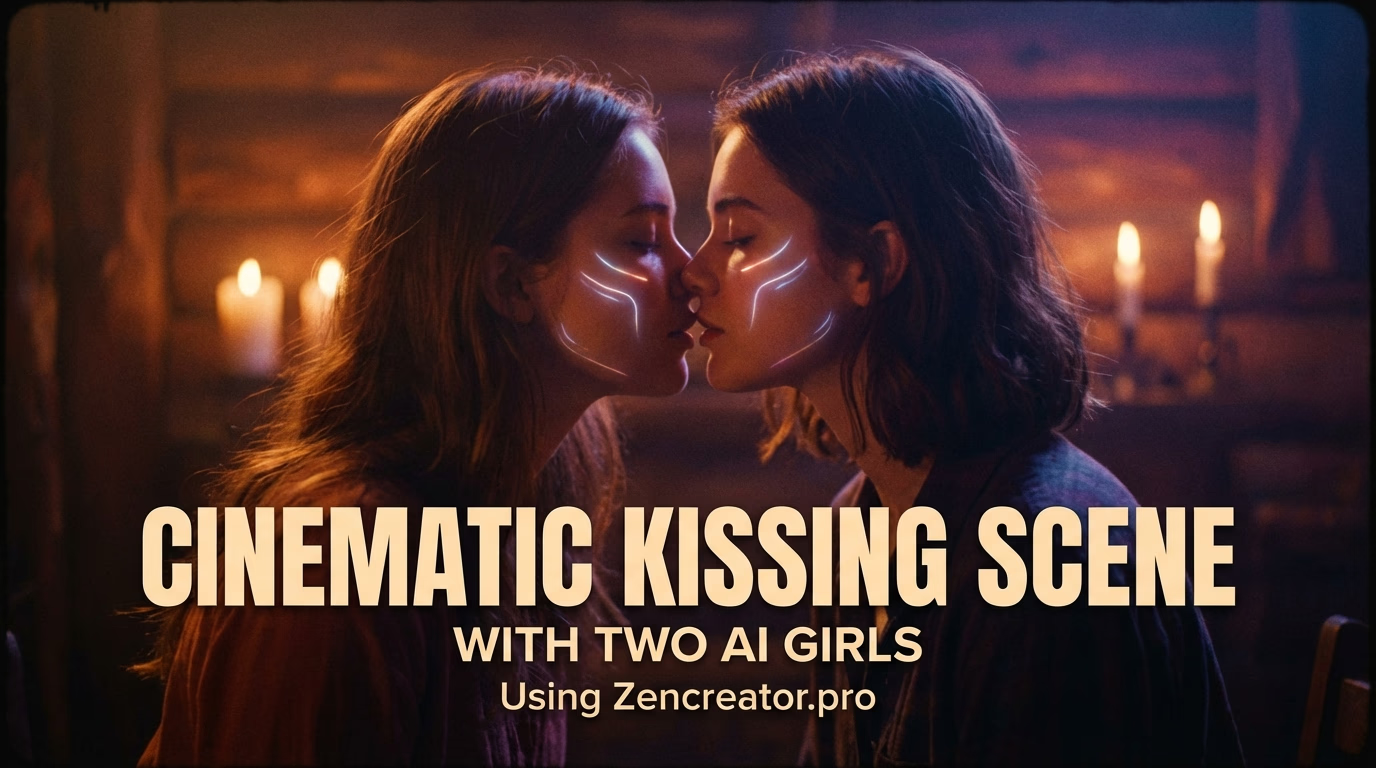


Overview
Crafting AI Embrace Videos: A Practical Guide
This guide simplifies the creation of AI-generated embrace videos, covering everything from character selection to final video generation, without needing advanced skills or expensive tools.
Many believe producing AI embrace videos demands complex video editing or specialized filming. However, this guide demonstrates how to achieve realistic results using a single image and minimal effort.
The process is entirely online and doesn't require any prior experience. We'll walk you through each step to generate a compelling AI embrace scene.
The guidance is structured for people who need repeatable output, not one-off experiments.
What you'll need
- One image featuring two characters in an embrace or about to embrace.
- An active internet connection.
- Approximately 2-5 minutes of your time.
- A VideoAny account.
This method is suitable for generating trending celebrity videos, fictional AI character interactions, or intimate moments in imaginary settings.
Step by step
Step 1: Prepare Your Characters
The foundation of your AI embrace video is a single image with both characters. How you obtain this image depends on your creative vision.
If your subjects are real individuals or public figures, you'll need to source their individual photos. It's acceptable if one person's photo is readily available while the other isn't; you can combine real photos with AI-generated ones.
For entirely fictional scenarios involving AI characters, imaginary people, or fantasy settings, you can generate characters from scratch.
Finalize with motion or post-processing only after you lock character consistency and scene intent.
Character creation options
- **Option 1: Using Real or Famous People**
- Gather separate photos of each person, even from different periods or sources.
- Prioritize image quality, but perfection isn't essential.
- Decide which photo corresponds to each character.
By the end of this step, you should have images of both characters ready for the next stage.
Step by step
Step 2: Combine Characters into a Single Image
Now, you need to merge your individual character images into one frame, positioning them as if they are embracing or about to embrace.
After this step, you should have a single, unified image featuring both characters in the desired embrace pose.
Use one workflow baseline before adding advanced variations.
Step by step
Step 3: Generate the AI Embrace Video
With your combined image ready, the final step is to animate it into a realistic AI embrace video.
FAQ
Frequently asked questions
Can I create an AI embrace video for free?
Yes, VideoAny offers free options to get started, allowing you to generate AI embrace videos without upfront costs.
What kind of results can I expect?
You can expect realistic AI embrace videos with customizable emotions, settings, and character interactions. The output quality depends on your input image and prompt details.
How long does it take to generate a video?
Typically, generating an AI embrace video takes only a few minutes once your combined image and prompt are ready.
Do I need any special skills to use VideoAny?
No, VideoAny is designed for ease of use, requiring no video editing or AI generation skills. Everything is done through an intuitive online interface.
When should I switch tools?
Switch only when your current workflow consistently fails your top constraint: quality, speed, or reliability.
Next step
Ready to create your AI embrace video?
Put this guide into practice and start generating your own realistic AI embrace videos today. Experiment with different characters and prompts to unleash your creativity.
- Begin with your chosen characters and combine them into a single image.
- Select or customize a prompt that best describes the embrace you envision.
- Generate your video and share your creations!