Overview
Crafting Realistic AI Character Videos: A Practical Guide
This guide outlines the process for producing AI character videos, from initial image generation to final animation, without requiring specialized software or technical expertise.
Creating compelling AI character videos involves three main phases: generating a satisfactory character image, refining that image to perfection, and animating it with natural movement. Each phase utilizes specific tools and methods. Skipping any step can lead to an unnatural or flawed final product.
This guide provides a comprehensive workflow for generating visually convincing AI character video content. The emphasis is on practical production techniques rather than promotional aspects. We cover optimal tools for each stage, crucial settings, and common errors to avoid.
The entire process can be completed using web-based AI tools, eliminating the need for traditional editing software or advanced technical skills.
What you'll need to begin
- A web browser and internet access
- An account with an AI image generator (VideoAny is recommended for its integrated features)
- A clear concept of your character, including age, ethnicity, hair, body type, and style
- Access to an AI image editor for detailed adjustments (VideoAny includes one)
This method is suitable for generating a wide range of AI character content, from realistic human figures to stylized personas.
Stage 1
Stage 1: Generate Your AI Character Image
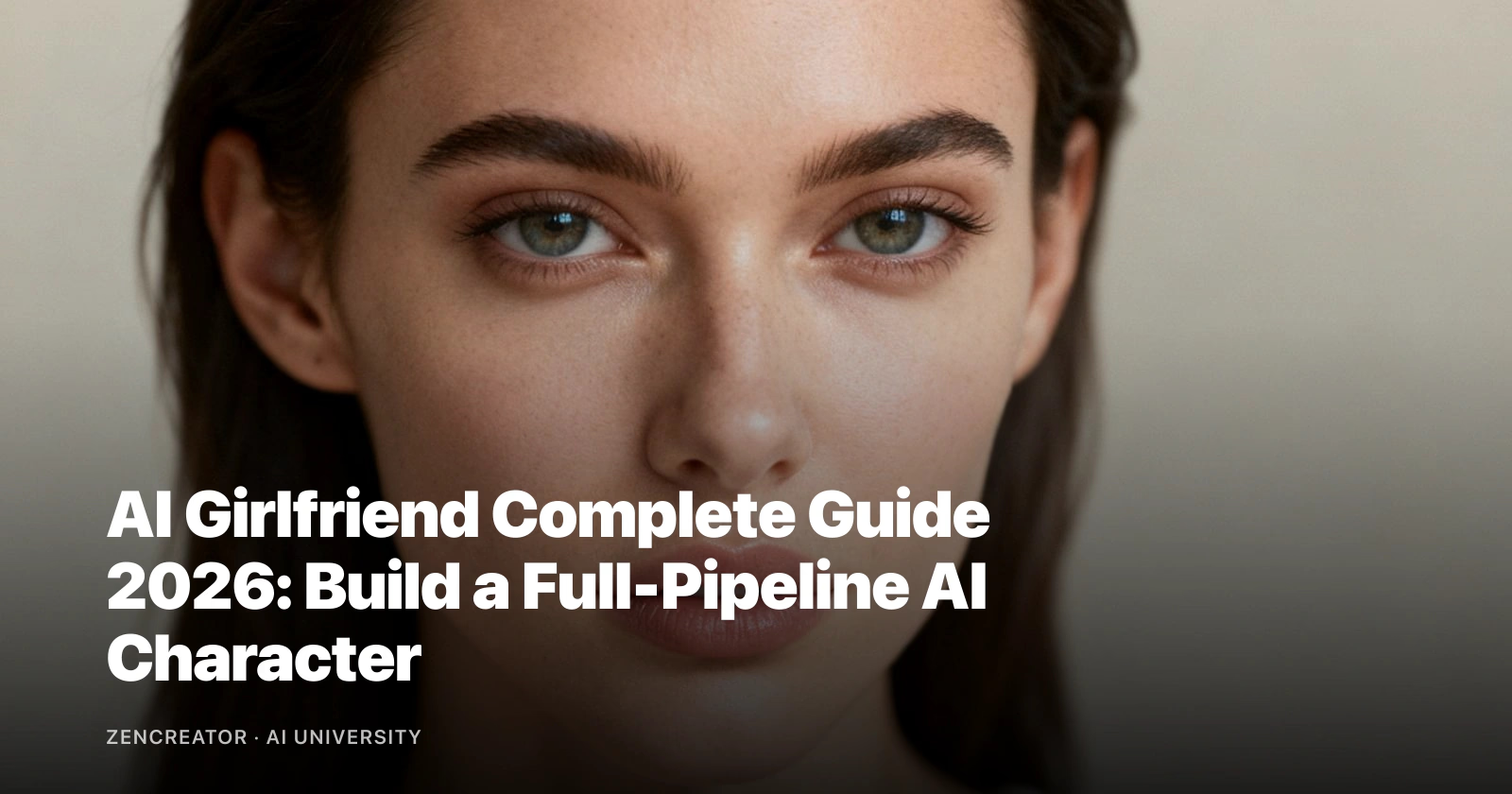
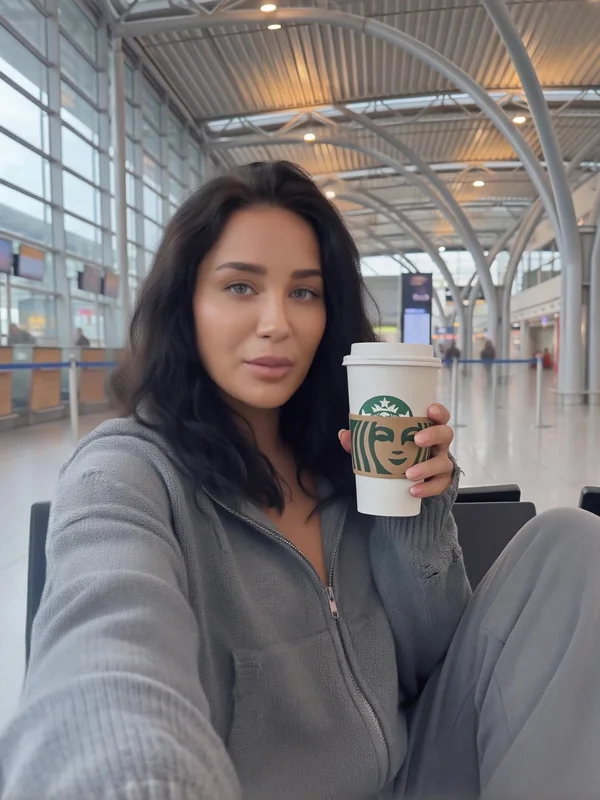
The quality of your final video heavily relies on a high-quality initial character image. A subpar base image will result in a subpar video, regardless of the animation model's capabilities.
Not all AI image generators are suitable for this specific application. You need a tool that offers photorealistic output, allows for diverse character appearances without content restrictions, and provides sufficient resolution for video integration.
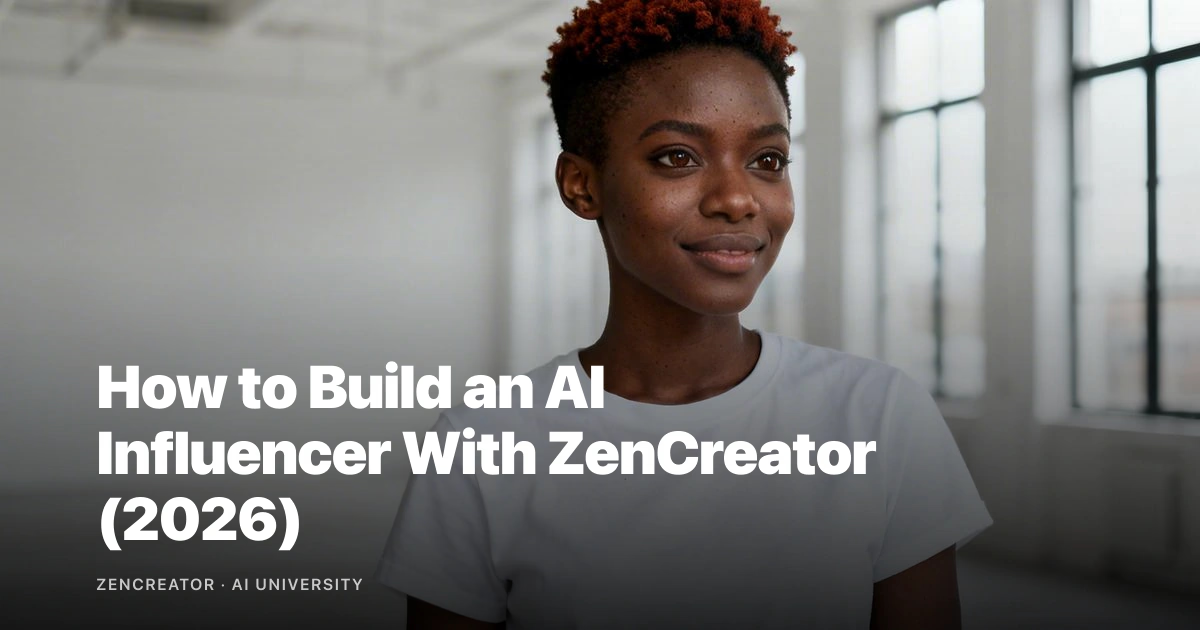
Generic prompts often lead to generic characters. To create distinct and memorable characters, your prompts must be specific.
Finalize with motion or post-processing only after you lock character consistency and scene intent.
Key considerations for character generation
- **Choosing a Generator:** Select a tool that supports photorealistic output and high resolution. VideoAny offers these features with no content restrictions.
- **Effective Prompting:** Detail physical features, expression, clothing, setting, lighting, and camera simulation to create a unique character.
- **Resolution:** Generate images at the highest possible resolution (e.g., 4K in VideoAny) as image-to-video models downscale inputs. Higher initial resolution preserves more detail.
- **Variations:** Generate 4-6 variations and select the best one, focusing on correct anatomy, natural gaze, plausible hair, and consistent lighting.
Do not compromise on image quality at this stage. Any flaws will be amplified in the video.
Stage 2
Stage 2: Refine in an AI Image Editor
Raw AI generations almost always have imperfections. Spending a few minutes in an editor here can save significant time and resources later.
Many creators skip this crucial editing stage, leading to wasted credits on flawed video generations. An integrated editor, like VideoAny's, allows for selective regeneration of specific areas while maintaining overall consistency.
Use one workflow baseline before adding advanced variations.
Stage 3
Stage 3: Animate with Image-to-Video
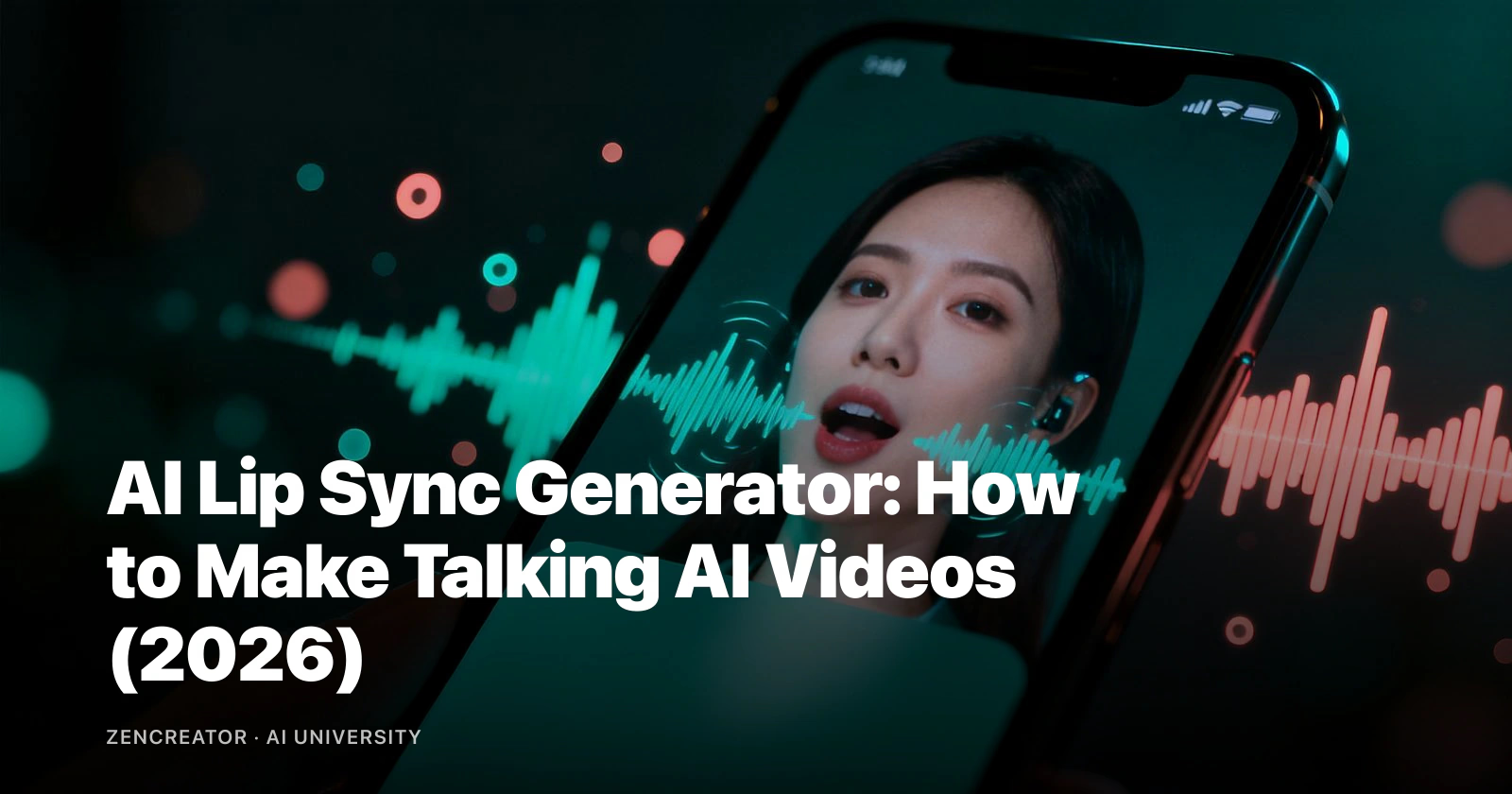
With a refined, high-resolution character image, you are ready to bring it to life. Image-to-video AI models transform static images into dynamic motion, including breathing, hair movement, subtle body shifts, blinking, and expression changes.
FAQ
Frequently asked questions
What is the best tool for AI character video?
VideoAny is highly recommended for its integrated workflow (generation, editing, animation) and lack of content restrictions, making it ideal for creating diverse AI character videos.
Can I create AI character video content for free?
Yes, VideoAny offers free credits to test the full workflow, allowing you to create AI character videos without initial costs.
How long can AI character videos be?
The length of AI character videos can vary. While image-to-video models typically produce short clips, these can often be looped or combined in post-production for longer sequences.
Will my AI character look the same in every video?
Yes, by utilizing features like face locking (available in VideoAny), you can ensure consistent character appearance across multiple videos, which is crucial for series content.
Is creating AI character videos legal?
Creating AI character videos is generally legal, provided you respect intellectual property rights and do not use real individuals' likenesses without permission or for malicious purposes. Always check local laws and platform guidelines.
Next step
Ready to create your AI character video?
Apply this guide to produce your own realistic AI character videos today. Experiment with different characters and prompts to explore your creative potential.
- Start by generating a high-quality character image with specific details.
- Refine any imperfections in an AI image editor to ensure a flawless base.
- Animate your character using an image-to-video tool, focusing on subtle, natural motion.