Overview
What this AI couple image generation guide covers
A practical breakdown of the core problem, expected output quality, and the fastest path to consistent results.
Generating an image of a single AI character is straightforward. The real challenge arises when attempting to create a scene with two distinct AI characters that appear realistic, interact naturally, and avoid visual merging or distortion. This guide addresses precisely this challenge.
VideoAny's specialized functionality allows you to combine two individually designed characters into a single scene with authentic interaction, whether they're holding hands, embracing, or simply standing together. This eliminates the need for complex photo editing, prevents facial blending, and avoids anatomical anomalies.
For generating couple images using a single text prompt without pre-defined characters, refer to our comprehensive guide on AI Couple Photo Generators.
Key takeaways
- Where this approach significantly reduces production time
- Anticipated quality limitations before scaling operations
- Strategies to enhance consistency across multiple generations
- Crucial settings for achieving reliable output
Platform features and model behaviors are subject to change; always verify updates before initiating large-scale projects.
Step by step
Recommended workflow from concept to publishable output
A concise process you can run repeatedly with minimal cleanup.
When using a text-to-image approach, describing two individuals in a single prompt often leads to inconsistent results, such as blended faces or generic appearances. Our method offers a distinct advantage.
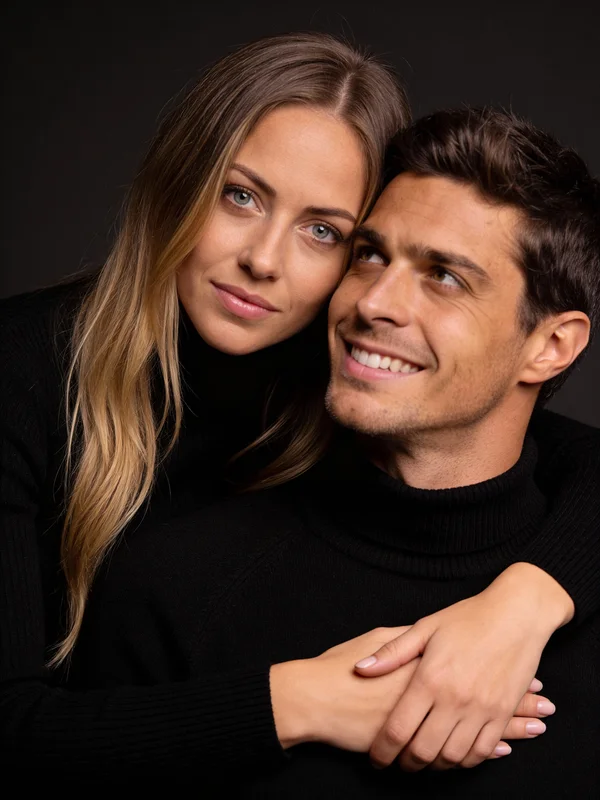
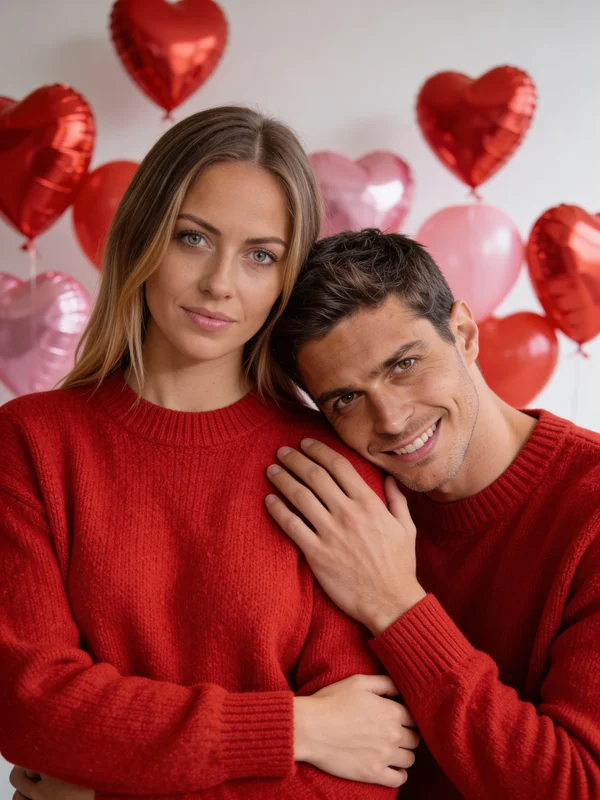
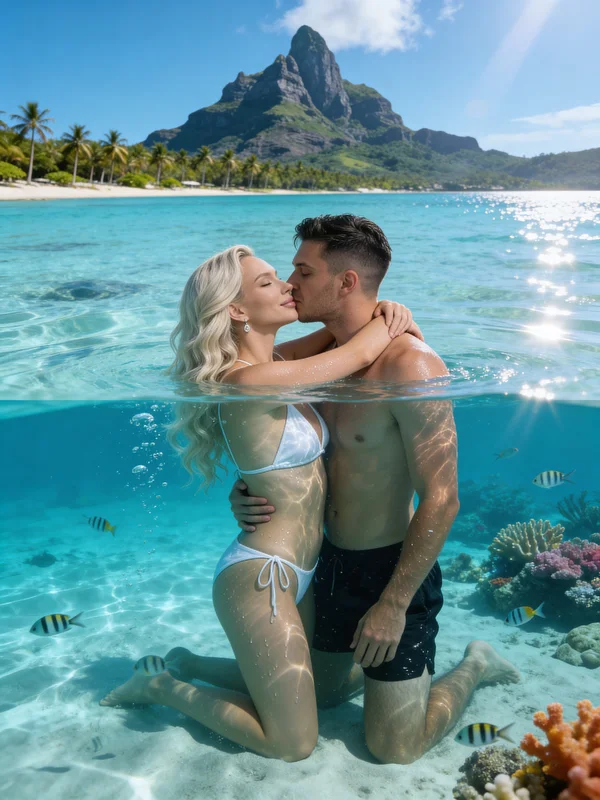
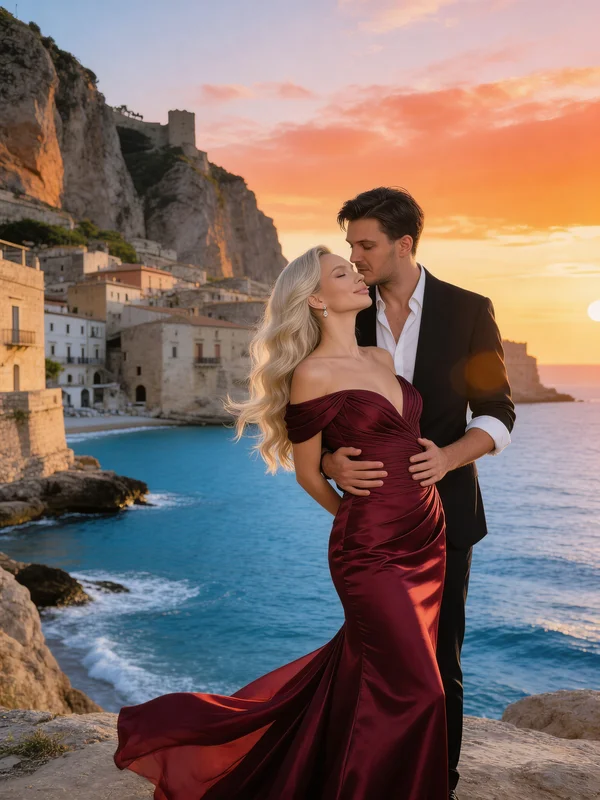
Our approach involves using two pre-defined characters (either generated within the platform or uploaded from existing images) and integrating them into a chosen scene template. Each character retains their unique facial features and identity, while the scene dictates their interaction. This ensures character consistency in multi-person content.
Here's an example from our most frequently used couple photoshoot template:
Execution checklist
- First, clarify subject, perspective, and stylistic requirements
- Utilize low-cost draft generations to validate creative direction
- Advance the most promising drafts to higher-quality rendering stages
- Prepare and export final outputs for social media or campaign deployment
Adhering to a disciplined workflow generally improves output quality more effectively than simply switching models.
Comparison
Quick comparison of approach options
Use this table to align tool choice with your production goal.
| Approach | Strength | Limitations | Best for |
|---|---|---|---|
| Template-driven generation | Rapid setup and predictable scene structures | Reduced creative flexibility | High-volume content production |
| Prompt-based generation | Extensive creative freedom and style control | Requires more iterative refinement | Exploratory and unique concepts |
| Hybrid generation workflow | Balances speed with creative oversight | Demands consistent process adherence | Teams needing repeatable, quality output |
| VideoAny Studio workflow | Integrated generation and post-production steps | Less direct access to raw parameters | Creators prioritizing rapid content delivery |
The optimal choice depends on whether speed, control, or scalability is your primary constraint.
Establish a baseline workflow before incorporating advanced variations.
Options
Tool and workflow options you can choose from
Pick based on output quality target, turnaround speed, and team skill level.
VideoAny Studio
Utilize a single browser-based workflow for generating, iterating, and publishing content without managing disparate tools.
Why it works
- Quick setup with no local infrastructure required
- Supports both image and video workflows in one environment
- Offers a strong balance of speed and quality for creators
- Ideal for establishing repeatable content pipelines
- Pricing model
- Free credits to start, with scalable paid usage options.
- Trade-offs
- Less granular tuning compared to fully self-managed systems.
- Best fit
- Creators and teams that prioritize efficient shipping and consistency.
Prompt-first approach
Maximize control over prompts and models when creative experimentation is the primary objective.
Why it works
- High degree of flexibility in creative direction
- Excellent for exploring niche stylistic variations
- Compatible with custom prompt libraries
- Capable of producing exceptional, unique results
- Pricing model
- Varies by service provider and usage volume.
- Trade-offs
- Requires more iteration and rigorous quality filtering.
- Best fit
- Advanced users optimizing for creative control over speed.
Template-driven platforms
Leverage pre-built structures to minimize setup time and boost production throughput.
Why it works
- Extremely fast initial output generation
- Reduced overhead for setup and configuration
- Effective for recurring campaign needs
- Facilitates easy delegation across team members
- Pricing model
- Typically subscription or credit-based models.
- Trade-offs
- May feel restrictive for highly unique creative directions.
- Best fit
- Teams running frequent campaigns under tight deadlines.
Hybrid production workflow
Combine the speed of templates with prompt refinements for enhanced quality control.
Why it works
- Integrates rapid output with iterative control
- Improves consistency over extended periods
- Scales effectively across various content formats
- Minimizes wasted generation cycles
- Pricing model
- Moderate to high, depending on production volume.
- Trade-offs
- Requires clear internal workflow standards and guidelines.
- Best fit
- Teams balancing quality demands with publication cadence.
FAQ
Frequently asked questions
Can I use real photos instead of AI-generated faces?
Yes, you can upload any two facial images, whether AI-generated or real, and the tool will integrate them into a couple scene.
Does this process support same-sex couples?
Absolutely. You can assign any two characters regardless of gender, and the templates will adapt to the combination you provide.
Can I create unrestricted or intimate couple content?
Yes, the system supports both SFW (safe for work) and NSFW (not safe for work) content workflows without content filters.
How do I convert a couple photo into a video?
Send the generated image to the image-to-video converter and select a suitable animation model, such as Seedance Pro Fast or Kling 1.6, to create a short animated clip.
What is the quickest way to achieve usable results?
Begin with a well-defined template or scene concept, generate drafts rapidly, and then refine only the most promising candidates.
Next step
Build your first production-ready version
Use this guide as a baseline, then adapt prompt/style parameters to your own niche and campaign goals.
- Start from one repeatable workflow
- Track quality metrics across iterations
- Scale only after consistency is stable