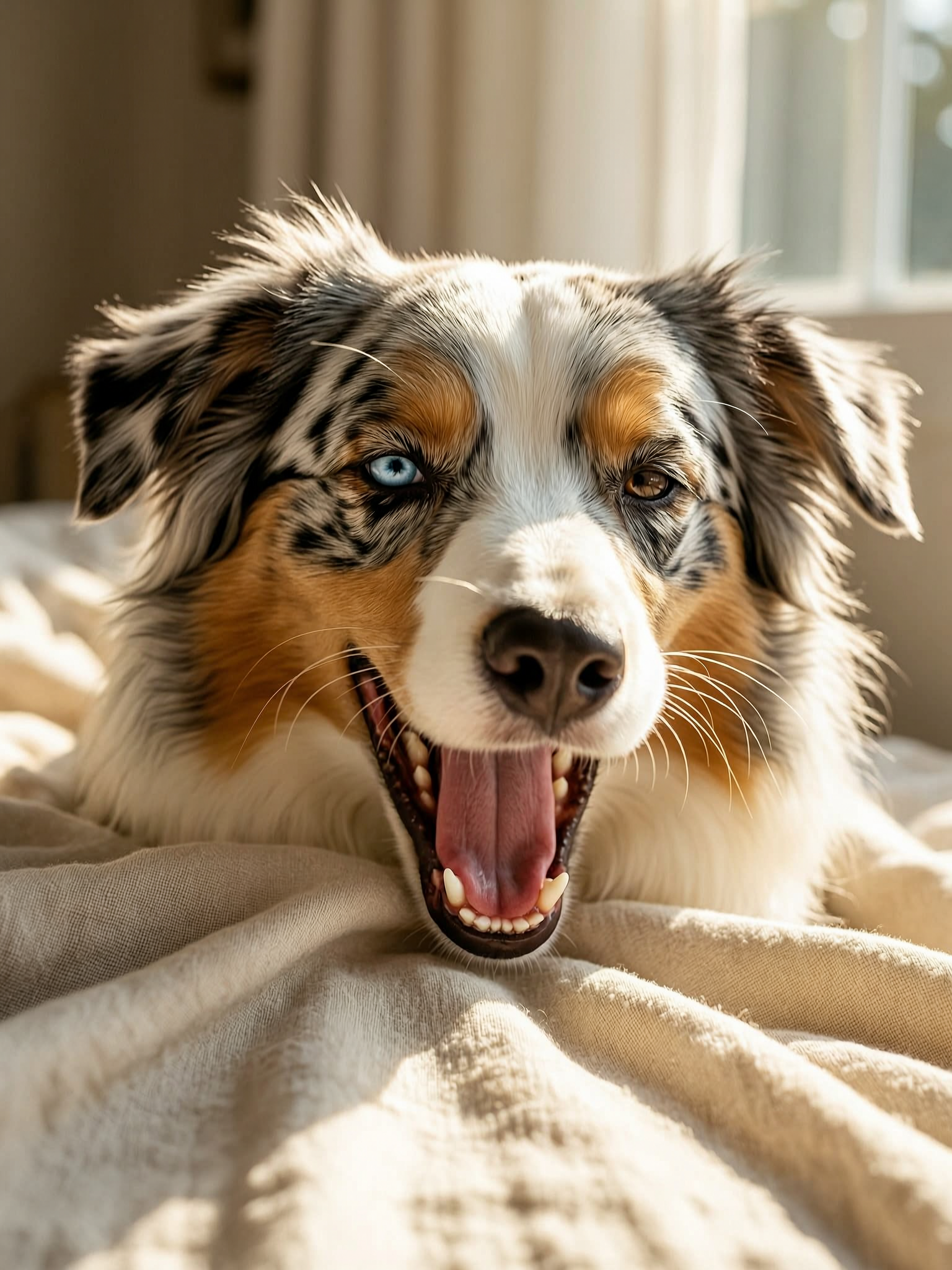

Overview
Why choose WAN 2.7
WAN 2.7 by Alibaba provides sharp 2K output, strong prompt interpretation, and cost-effectiveness. A reliable all-purpose model for photorealistic portraits, product visuals, interior scenes, and illustrations on VideoAny.
WAN 2.7 by Alibaba offers crisp 2K image generation, adheres well to prompts, and is budget-friendly. It's a dependable generalist for creating photorealistic portraits, product shots, interior designs, and various illustrations on VideoAny.
WAN 2.7 represents Alibaba's advanced image generation model on VideoAny, serving as a robust all-rounder. It excels in prompt adherence and delivers clean renders across diverse categories including portraits, product imagery, food, architectural visuals, and stylized art. The model consistently produces 2K-class dimensions across all aspect ratios, mirroring the Qwen Image series. For trusted users, content inspection is disabled, allowing borderline-SFW prompts to proceed without erroneous rejections.
To be clear, WAN 2.7 isn't always the absolute best at precisely following prompts; models like Kling and Seedance often outperform it in this regard, and you might need a few attempts to achieve your exact desired composition. Its API operates asynchronously with a 3-second polling interval, making it noticeably slower than synchronous alternatives such as Seedream 5 or Qwen. While its cost-to-quality ratio is excellent, it's not designed for speed-critical applications.
Key takeaways
- For complex layouts or text-heavy requests that the standard model struggles with, consider WAN 2.7 Pro's 'Thinking-Mode' for enhanced compositional and textual accuracy.
- If speed is a higher priority than versatility, Seedream 5 offers synchronous API responses in 5–10 seconds with richer cinematic colors, whereas WAN 2.7 is asynchronous and slower.
- For anatomically accurate photorealistic NSFW content, Flux Klein NSFW is specifically trained for this purpose. While WAN 2.7 allows trusted users to bypass inspection, it's not optimized for such detailed anatomical rendering.
- Open the Text-to-Image generator (or the Image Editor if you have a reference image).
Use this as a practical checkpoint: compare outputs with the same prompt before you scale the workflow.
Model fit
WAN 2.7 in action
This comparison helps determine when WAN 2.7 is an ideal fit for your project and when other models might be more suitable.
| Decision area | Why it matters | Practical signal | VideoAny action |
|---|---|---|---|
| Why pick WAN 2.7 | Primary lesson from the source guide | WAN 2.7 by Alibaba — clean 2K rendering, strong prompt adherence, low cost. Reliable generalist for photoreal portraits, products, interiors, and illu | Use it when this trade-off matters in production. |
| What is WAN 2.7? | Primary lesson from the source guide | WAN 2.7 is Alibaba's next-gen image generation model on VideoAny — a solid all-rounder with strong prompt adherence and clean rendering across portrai | Use it when this trade-off matters in production. |
| See WAN 2.7 in action | Primary lesson from the source guide | Honest framing: WAN 2.7 isn't the absolute strongest at prompt following — Kling and Seedance lead on that axis, and you may need 2–3 attempts to land | Use it when this trade-off matters in production. |
| WAN 2.7 vs other VideoAny models | Primary lesson from the source guide | On VideoAny, WAN 2.7 is available in Text-to-Image and the Image Editor with reference-image support for edits and variations. Output is native 2K — n | Use it when this trade-off matters in production. |
The strongest results come from testing one visual job at a time instead of mixing multiple goals into a single prompt.
Workflow
Understanding WAN 2.7
A practical approach to applying the guide's recommendations for consistent VideoAny output.
On VideoAny, WAN 2.7 is accessible through both the Text-to-Image generator and the Image Editor, supporting reference images for modifications and variations. It delivers native 2K output; please note that while the platform UI might display a "1K" label on the model card, this is a known display error, and the actual file resolution is 2K. For a similar architecture that includes an advanced 'Thinking-Mode' reasoning step for more challenging tasks, consider WAN 2.7 Pro.
Here are six prompts with their corresponding results. Feel free to copy any prompt to begin your own generation.
WAN 2.7 serves as a dependable default, but there are three scenarios where another model might be a better fit:
WAN 2.7 responds best to clearly structured prompts rather than overly poetic ones. Here are five effective tactics:
Production checklist
- Select WAN 2.7 from the model options.
- Craft your prompt with a clear subject, setting, lighting, and camera details. WAN 2.7 interprets these elements effectively.
- Choose your desired aspect ratio and batch size, then click 'Generate'. Expect a wait time of 10–20 seconds per generation due to the asynchronous API with polling.
- Alibaba Tongyi Lab — official Wan release: wan.video
Short, concrete prompts are easier to compare than broad creative briefs.
Use cases
WAN 2.7 compared to other VideoAny models
These examples translate into practical production patterns inside VideoAny.

WAN 2.7 — Versatile AI Image Creation on VideoAny source gallery visual 1
Is WAN 2.7 truly 2K?
On VideoAny, WAN 2.7 is available in Text-to-Image and the Image Editor with reference-image support for edits and variations. Output is native 2K — note: the platform UI may show a "1K" lab
What to watch
- Match the model choice to the exact visual job.
- Keep prompt intent short, concrete, and testable.
- Review identity, lighting, anatomy, and text before scaling.
- Use VideoAny follow-up tools when the first pass needs motion or editing.
- Pricing model
- Standard VideoAny credits depend on the selected model and output settings.
- Trade-offs
- Output quality still depends on prompt clarity, source image quality, and iteration budget.
- Best fit
- Creators who need repeatable AI visuals without rebuilding the workflow for every asset.
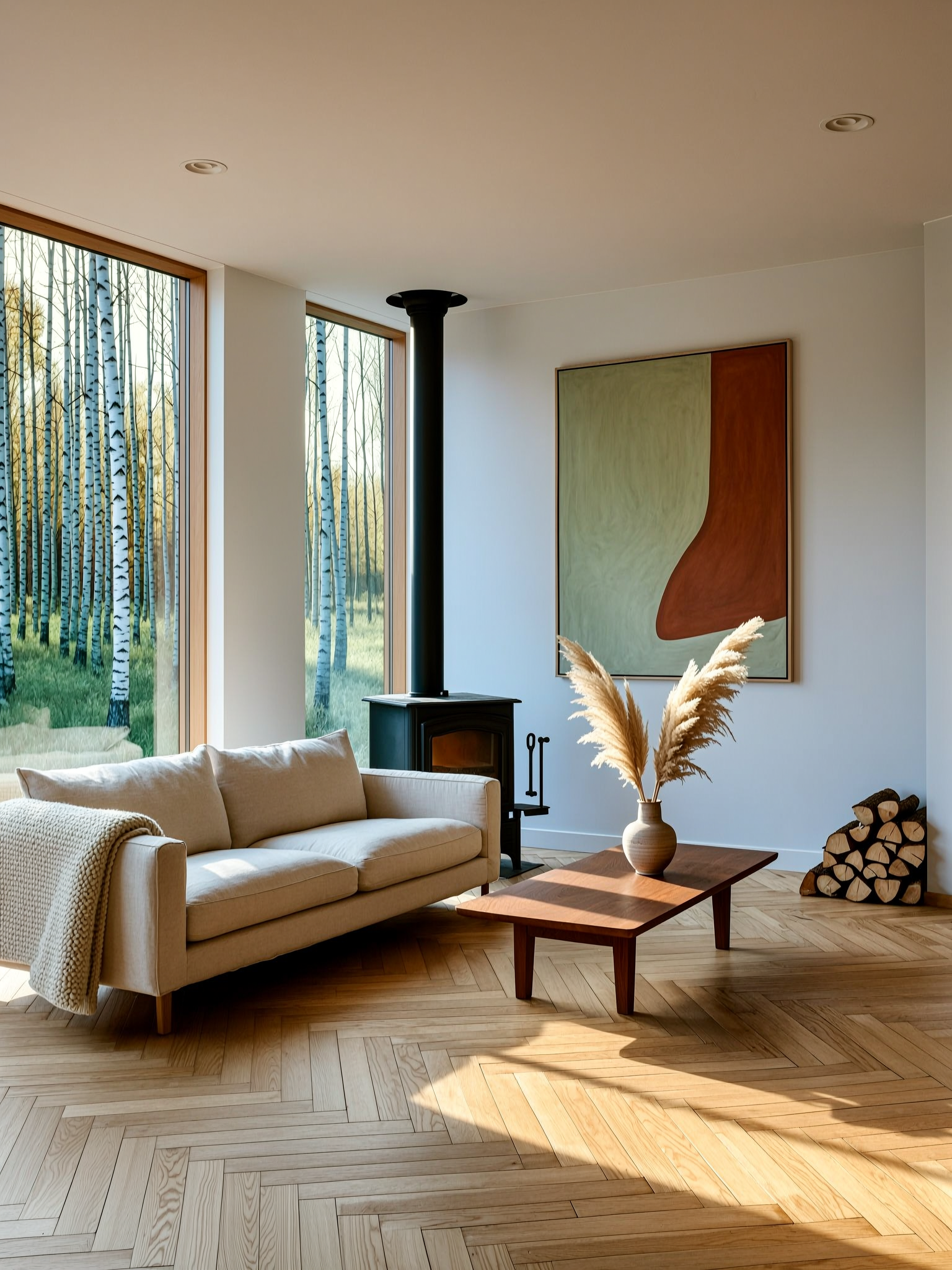
WAN 2.7 — Versatile AI Image Creation on VideoAny source gallery visual 2
What distinguishes WAN 2.7 from WAN 2.7 Pro?
Six prompts, six results. Copy any prompt to start from the same place.
What to watch
- Match the model choice to the exact visual job.
- Keep prompt intent short, concrete, and testable.
- Review identity, lighting, anatomy, and text before scaling.
- Use VideoAny follow-up tools when the first pass needs motion or editing.
- Pricing model
- Standard VideoAny credits depend on the selected model and output settings.
- Trade-offs
- Output quality still depends on prompt clarity, source image quality, and iteration budget.
- Best fit
- Creators who need repeatable AI visuals without rebuilding the workflow for every asset.
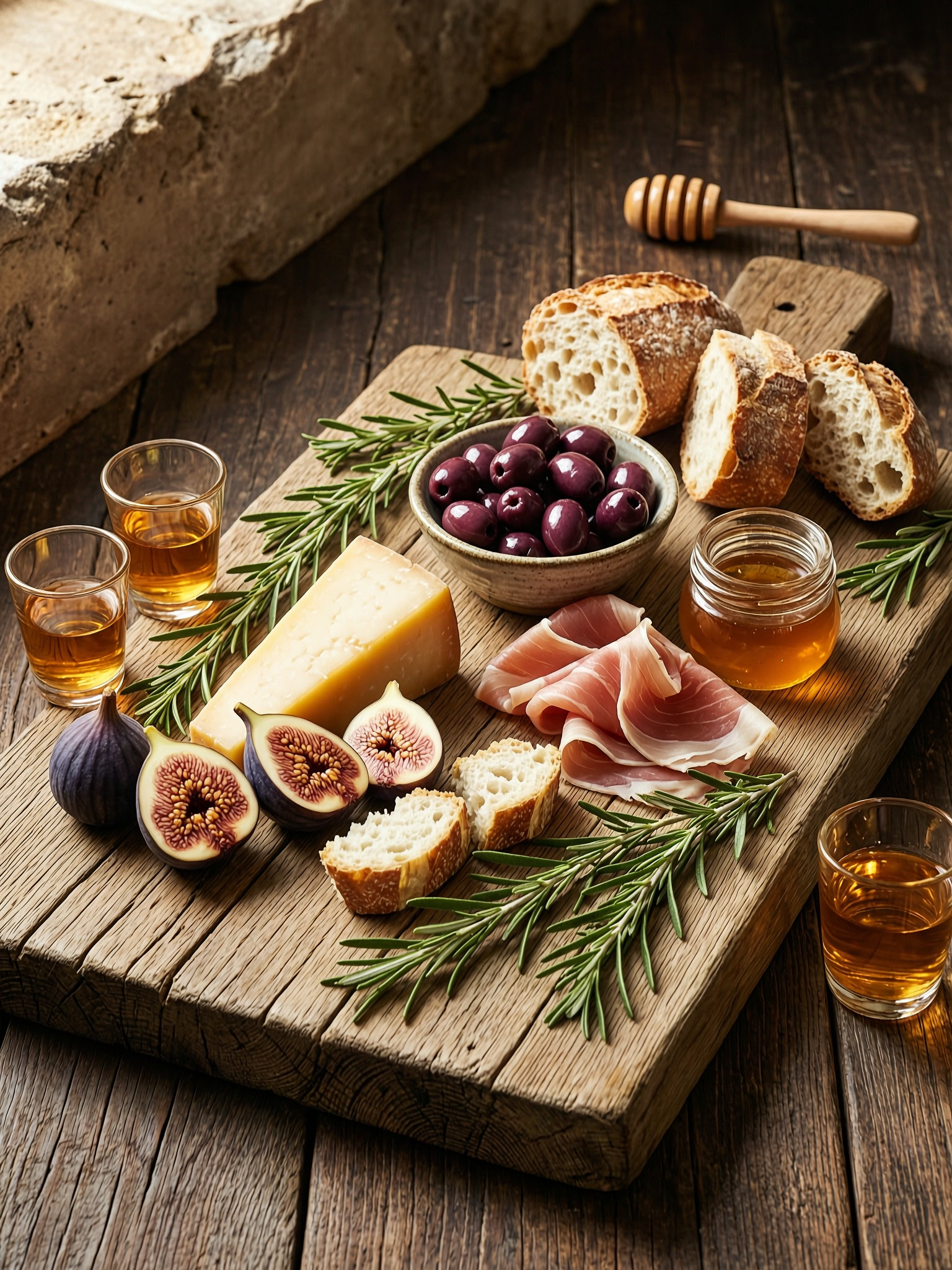
WAN 2.7 — Versatile AI Image Creation on VideoAny source gallery visual 3
How long does image generation take?
WAN 2.7 is a reliable default — three categories where another model fits better:
What to watch
- Match the model choice to the exact visual job.
- Keep prompt intent short, concrete, and testable.
- Review identity, lighting, anatomy, and text before scaling.
- Use VideoAny follow-up tools when the first pass needs motion or editing.
- Pricing model
- Standard VideoAny credits depend on the selected model and output settings.
- Trade-offs
- Output quality still depends on prompt clarity, source image quality, and iteration budget.
- Best fit
- Creators who need repeatable AI visuals without rebuilding the workflow for every asset.
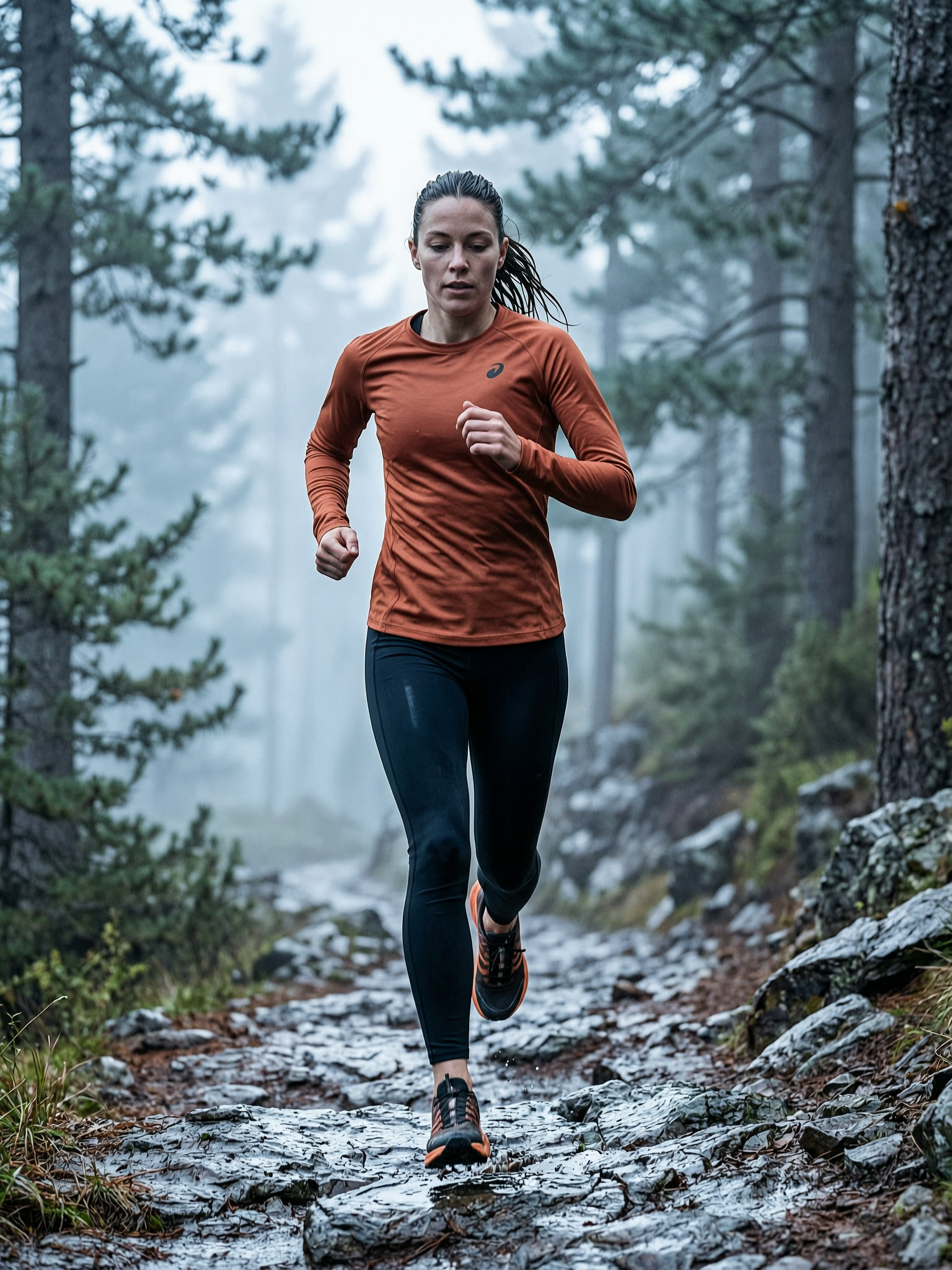
WAN 2.7 — Versatile AI Image Creation on VideoAny source gallery visual 4
Can WAN 2.7 embed text within images?
WAN 2.7 rewards clean structured prompts more than poetic ones. Five tactics:
What to watch
- Match the model choice to the exact visual job.
- Keep prompt intent short, concrete, and testable.
- Review identity, lighting, anatomy, and text before scaling.
- Use VideoAny follow-up tools when the first pass needs motion or editing.
- Pricing model
- Standard VideoAny credits depend on the selected model and output settings.
- Trade-offs
- Output quality still depends on prompt clarity, source image quality, and iteration budget.
- Best fit
- Creators who need repeatable AI visuals without rebuilding the workflow for every asset.
FAQ
Common questions before using this workflow
Is WAN 2.7 truly 2K?
Yes, its native output is 2K across all aspect ratios. The platform UI might incorrectly display a "1K" label on the model card, but this is a known bug; the actual file is 2K. For 4K-class print quality, generate a 2K image and then use the Upscaler tool.
What distinguishes WAN 2.7 from WAN 2.7 Pro?
They share the same underlying model and training, producing identical 2K output. The 'Pro' version adds `thinking_mode: True`, which is a reasoning step before the diffusion process. This enhances composition, refines small details, and improves text adherence for more complex prompts. The base version is faster and more economical, while Pro justifies its cost when the base model struggles with layout interpretation. Refer to the WAN 2.7 Pro guide for more details.
How long does image generation take?
It's slower than synchronous alternatives like Seedream 5. WAN 2.7 uses an asynchronous API with 3-second polling. You can expect each generation to take between 10–20 seconds, depending on the complexity of your prompt.
Can WAN 2.7 embed text within images?
Yes, but it's not its strongest feature for typography. Simple, short text usually renders clearly. For designs where text is a primary element, such as posters, packaging, or signage, consider using Nano Banana 2, which is VideoAny's specialized model for in-image text.
Are generated images commercially usable?
Yes. VideoAny grants commercial usage rights for outputs generated from paid plans. This includes use in client projects, advertisements, product designs, packaging, and print materials.
Can I use WAN 2.7 for NSFW work?
For trusted users, WAN 2.7 has content inspection disabled, leading to fewer false-positive rejections for borderline-SFW prompts. However, for dedicated photorealistic nude anatomy, Flux Klein NSFW is purpose-trained and yields superior results. For broader, unrestricted creative work, SDXL NSFW is another suitable alternative.
Create
Build a WAN 2.7 — Versatile AI Image Creation workflow in VideoAny
Use this model guide as a foundation, then generate, edit, animate, and publish all within the VideoAny workflow.
- Generate images from clear prompts
- Transform successful stills into video
- Maintain consistent settings for future batches