Overview
Outfit Change: What this guide covers
This guide demonstrates how to leverage VideoAny's Image Editor and Video Generator to create compelling outfit transformations, starting from a single photo.
Whether you need to update a model's attire without a new photoshoot or compile various looks into a captivating instant outfit-change video, VideoAny provides the tools to achieve both. This workflow is particularly powerful for fashion brands, content creators, and anyone looking to showcase multiple styles efficiently.
For a broader comparison of video generation engines, consult our comprehensive guide on all video engines and our specific comparison of Kling vs WAN vs Seedance.
Use this as a practical playbook when you need repeatable outputs instead of one-off experiments.
What you will get from this guide
- A clear step-by-step workflow for changing outfits in photos.
- Instructions for animating these variations into a video.
- Insights into why this method is highly effective for content creation.
- Practical tips for optimizing your output for various platforms.
The final copy will be rewritten from source-page headings, paragraphs, and list logic via LLM.
Workflow Steps
Step 1: Change the Outfit in a Photo (Image Editor)
Begin by modifying the clothing in your initial image using VideoAny's Image Editor. This process allows for extensive customization without needing new photography.
| Action | Description | Example Prompts | Benefits |
|---|---|---|---|
| Upload Image | Start with a single photo of your model. | N/A | Foundation for all variations |
| Describe Changes | Use a text prompt to specify the new outfit details. | Change the dress style; Replace casual clothing with evening wear; Change shoe color or type; Add or remove accessories; Switch fabrics or textures. | Unlimited creative freedom; No physical reshoots needed |
| Generate Variations | Produce multiple images with different outfits. | N/A | Diverse portfolio from one base image; Fast experimentation |
| VideoAny workflow | Integrated toolchain | Less low-level parameter tuning | Creators shipping fast |
This initial step focuses on generating diverse outfit options from a single source image.
Workflow Steps
Step 2: Turn Outfit Variations Into an Instant Outfit-Change Video
Once you have several images of your model in different outfits, animate them into a smooth, instant outfit-change video using VideoAny's Video Generator.
Source visual 1 from outfit-change guide
Upload Images
Gather all the outfit variations you generated in Step 1.
Why it works
- Seamless transition from image editing to video creation.
- Ensures consistency across all animated clips.
- Supports multiple images for diverse video content.
- Good balance between speed and output quality
- Pricing model
- Included with VideoAny subscription.
- Trade-offs
- Requires pre-generated outfit images.
- Best fit
- Users with multiple outfit variations ready for animation.
Source visual 2 from outfit-change guide
Write Motion Prompt
Provide a simple prompt to guide the animation.
Why it works
- Creates natural movement for each outfit.
- Allows for specific animation styles (e.g., 'model walking').
- Generates short, engaging video clips.
- Can produce standout one-off results
- Pricing model
- Included with VideoAny subscription.
- Trade-offs
- Motion complexity depends on prompt detail.
- Best fit
- Adding dynamic movement to static outfit images.
Source visual 3 from outfit-change guide
Stitch Clips
Combine the generated video clips in a video editor like CapCut.
Why it works
- Creates a smooth 'instant outfit transformation' effect.
- Enables control over pacing and transitions.
- Showcases multiple looks from a single photo efficiently.
- Easy to delegate across teams
- Pricing model
- External tool (e.g., CapCut is free).
- Trade-offs
- Requires basic video editing skills.
- Best fit
- Finalizing the instant outfit-change video for publication.
Source visual 4 from outfit-change guide
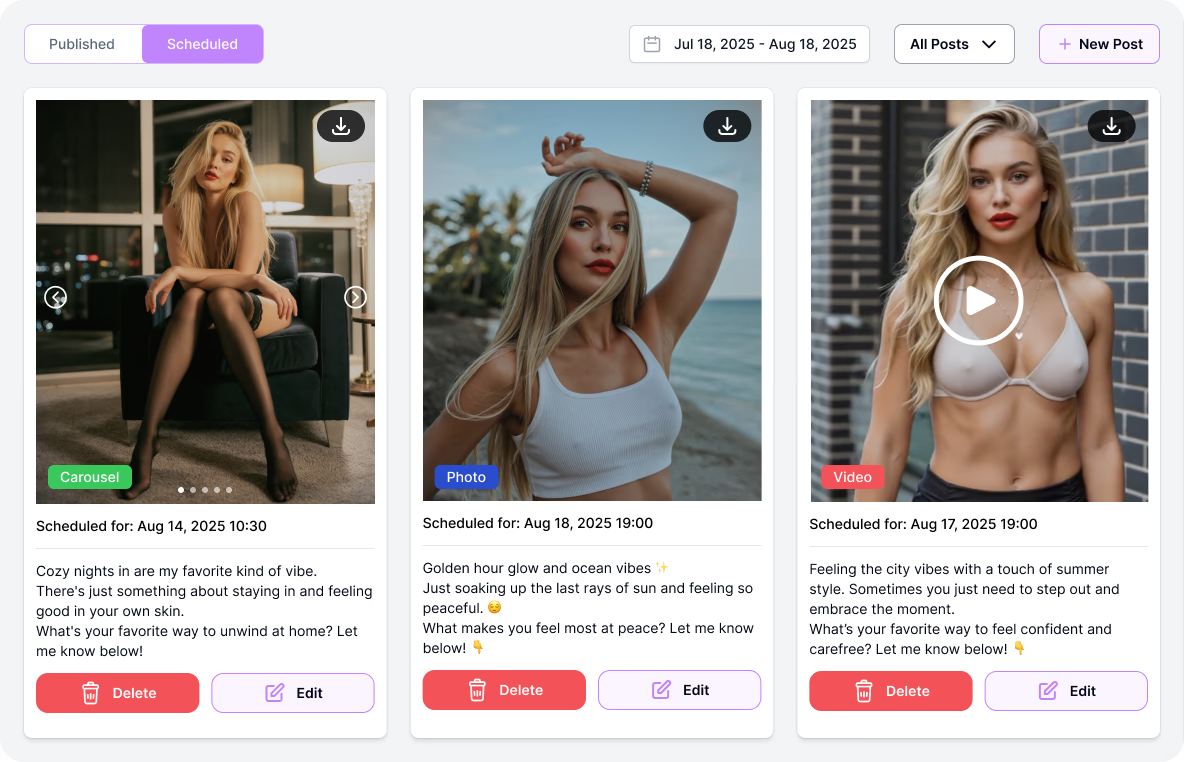
Final Result
A complete, dynamic video showcasing multiple outfit changes.
Why it works
- Perfect for fashion, UGC, creators, and brands.
- Ideal for Reels, TikTok, Shorts, and ads.
- Fast experimentation with styles and looks.
- Reduces wasted generation cycles
- Pricing model
- Moderate to high depending on volume.
- Trade-offs
- Needs clear internal process standards.
- Best fit
- Teams balancing quality and publication cadence.
Benefits
Why This Workflow Is Powerful
This integrated approach on VideoAny offers significant advantages for content creators and businesses alike, streamlining the production of fashion-related content.
The ability to generate multiple outfit variations and animate them into a cohesive video from just one initial photo eliminates many traditional hurdles in content creation. It's a game-changer for rapid prototyping, marketing campaigns, and social media engagement.
Kling particularly excels when prompts utilize cinematic terminology—the language used by photographers and cinematographers. Here are four guiding principles:
1. Employ camera language: Phrases like 'slow dolly in,' 'handheld tracking,' 'whip pan,' 'crane reveal,' and 'rack focus from foreground to subject' are understood and executed by Kling.
Key advantages of this workflow
- No changing rooms, extra shooting, or wasted time.
- Experiment with prompts, outfits, and pacing for eye-catching transformations.
- One photo leads to unlimited variations and creative possibilities.
- Showcase multiple looks from a single photo without extensive resources.
This workflow significantly reduces the time and cost associated with producing diverse fashion content.
Related Content
Expand Your Creative Horizons with VideoAny
Beyond outfit changes, VideoAny offers a suite of tools to tackle various creative challenges, from promotional reels to unique artistic trends.
Explore other guides to maximize your use of VideoAny's AI capabilities. Our platform is designed to empower creators with efficient and high-quality content generation across different niches.
For content that is lightly stylized or romantic (e.g., couples, intimate moments without explicit framing), Kling 2.6 typically performs well. However, for anything beyond these boundaries, it is advisable to switch to a different engine.
Archive prompt and setting decisions so the same result quality can be reproduced later.
More guides to explore
- How to Instantly Create a Fashion Brand Promo Reel: A complete guide to professional fashion brand promotional videos.
- How to Recreate the Viral 'City Made of Any Material' Trend: Transform cities into unique material-based worlds.
- How to Create Lingerie Store Photos Using an Unrestricted AI Photo Generator: High-quality e-commerce content without models or studios.
- Prompt/workflow notes documented for reuse
VideoAny supports a wide range of creative workflows beyond simple outfit changes.
FAQ
Common Questions About Outfit Changes and Video Creation
Can I use my own photos for outfit changes?
Yes, you can upload any photo of a model to start the outfit change process in VideoAny's Image Editor.
How many outfit variations can I create from one photo?
The number of variations is virtually unlimited, depending on your prompts and creative needs.
What aspect ratios are best for the instant outfit-change videos?
For Reels and TikTok, 9:16 is ideal. For YouTube, 16:9 works best. VideoAny supports various aspect ratios.
Do I need advanced video editing skills to stitch the clips?
Basic video editing skills are sufficient. Tools like CapCut are user-friendly for combining short clips.
Can this workflow be used for commercial purposes?
Yes, this workflow is perfect for fashion brands, e-commerce, and promotional content on social media platforms.
Next Steps
Ready to Transform Your Content?
Start experimenting with VideoAny today to create stunning outfit changes and dynamic videos.
The power to generate diverse fashion content quickly and efficiently is now at your fingertips. Dive into VideoAny's tools and unleash your creativity.
Turn successful runs into reusable templates so future projects launch faster.
Keep your creative direction stable while iterating on only the variables that materially improve outcomes.
Recommended actions
- Open VideoAny and upload your first image.
- Experiment with different outfit prompts in the Image Editor.
- Generate multiple variations and animate them into a short video.
- Share your creations and explore further possibilities.
Consistent production systems outperform one-off prompt experiments over time.
Conclusion
Launch Your Next Fashion Campaign with VideoAny
Experience the seamless integration of image editing and video generation to produce high-quality, engaging content.
- Generate and refine outfits in one browser workflow.
- Keep output quality consistent across all your creative projects.
- Scale from test runs to full production volume with ease.