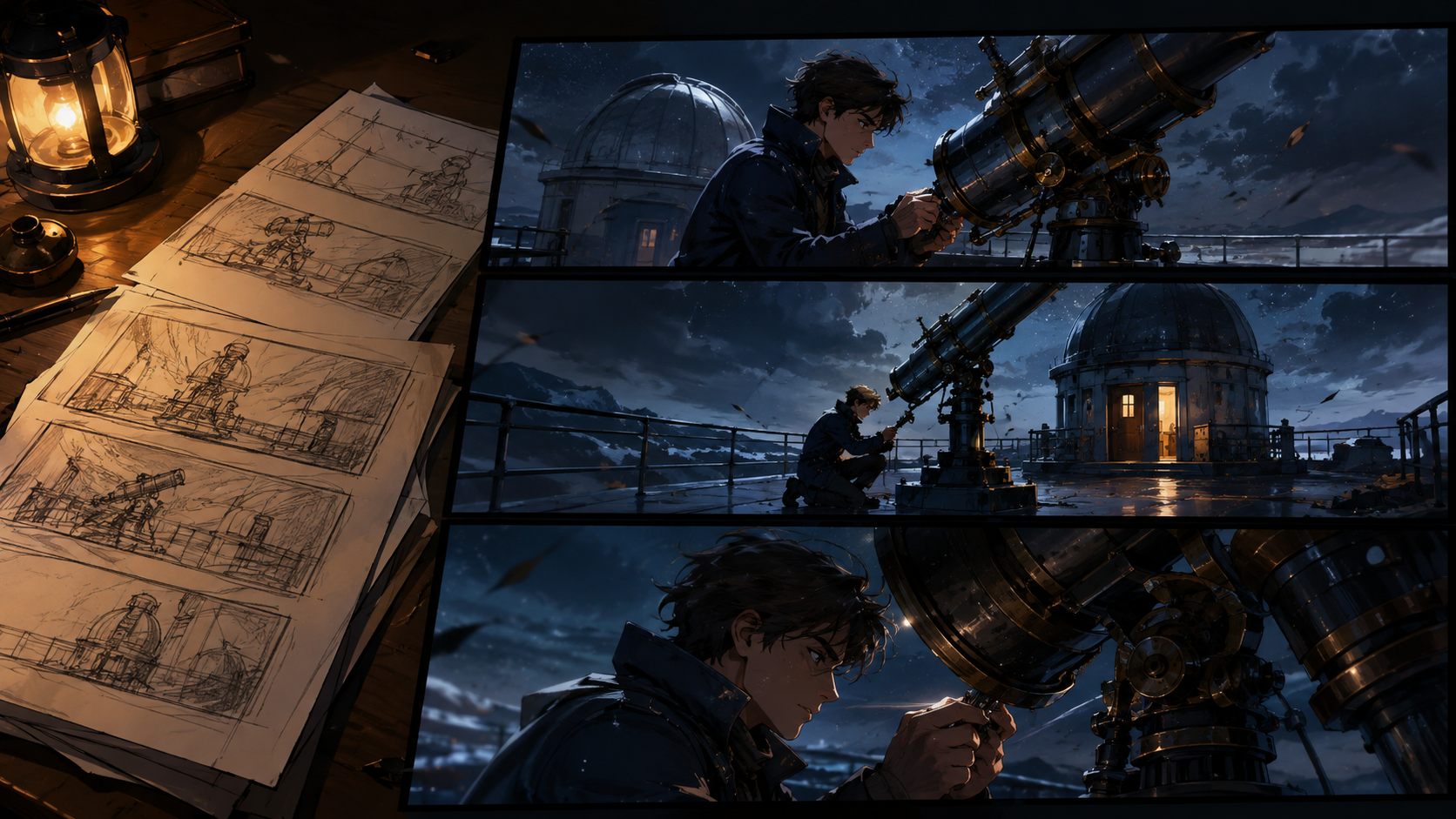
Crafting an anime script that translates effectively into animation requires more than just dialogue; it demands a clear visual and auditory blueprint. The process begins by defining a character's core choice and then meticulously detailing the sequence of actions, props, and timing. This structured approach ensures that every element can be reviewed and refined before any media generation begins.
GPT-6 Astra, a large language model from OpenAI, can be a valuable tool in the script development phase, assisting with text drafting and refining descriptions. It accepts both text and image input, but its native output is text. While Astra can facilitate image generation through a separate tool, it does not natively support audio or video output modalities, as verified in its specification checked September 7, 2026. For detailed information, consult the official Astra model documentation.
This guide outlines a manual script-to-production workflow using an original example and adaptable editorial prompts. It focuses on how to leverage text-based AI for script development and then transition to visual asset creation using other tools, rather than describing an automatic integration or tested outcome between Astra and any specific media generation platform.
Define a Premise with a Visible Choice
A strong premise for animation centers on a character making a clear, observable decision. This choice drives the narrative and provides visual opportunities.
Consider this example: At dawn, an observatory apprentice is extinguishing corridor lanterns. As they reach the final lantern, they pause their routine to help a moth find an open window.
Let's name the apprentice Tavi. Their routine task is mundane, which highlights the significance of their small, empathetic choice. The scene can effectively convey this decision without needing extensive backstory or narration.
Before engaging Astra for drafting, clarify these foundational questions for yourself:
- What is Tavi's initial objective? To complete the morning shutdown by extinguishing all lanterns.
- What disrupts this objective? A moth is circling the last lit lantern, near a closed window.
- What action demonstrates Tavi's changed decision? Tavi opens the window and waits for the moth to leave before extinguishing the lantern.
You can then ask Astra to help identify any missing visual information. It's crucial to discern which details are essential for the scene. For instance, the observatory's historical context is likely irrelevant to this specific moment, but the precise location and type of window are critical.
Solidify the Story Spine Before Expanding the Script
Establishing the core narrative early prevents scope creep and maintains focus. For our example, let's set some production constraints: aim for a one-minute scene, confine the action to a single corridor, feature only one human protagonist, and limit dialogue to a brief, impactful line. These are creative targets for planning, not guarantees of generation speed or duration.
An initial prompt to Astra could be:
"Develop a quiet anime scene based on the observatory premise. Focus on Tavi's morning routine, the moth's presence, and Tavi's decision to wait. Suggest two distinct ways to visually establish that the window is closed before Tavi makes the choice, explaining what each method communicates to the viewer. Do not introduce additional characters, narration, or new locations."
After reviewing Astra's suggestions, select the approach that best serves your story. For instance, if the window latch is visible near the lantern early in the scene, Tavi's later action of opening it feels deliberate and grounded in the established environment.
Keep the approved story beats concise and separate from any discarded ideas. Maintain a short, definitive document for the core narrative, allowing other creative notes to reside in a separate file.
Develop Character Details Relevant to Production
Character design should serve the animation process. For Tavi, details might include a low, dark bun, round spectacles, a rust-colored vest, and a cream shirt with rolled sleeves. Their movement could start efficient and become more deliberate or slower after noticing the moth. The lantern itself might remain consistently on the window ledge throughout the scene.
Distinguish between static character identity and dynamic state changes. Tavi's glasses and vest are consistent. However, their right hand's action (from reaching for the lantern to opening the latch), the window's state (from shut to open), and the moth's position are all changes that drive the narrative. A well-scripted state change is not a continuity error; it's part of the story.
If you provide an image of your character to Astra, ask it to describe what it observes and any ambiguities it perceives before accepting a written description. This helps prevent misinterpretations, such as a shadow being mistakenly described as a permanent costume detail. Always keep the approved character image and its final description together.
Draft Timed Action Before Refining Dialogue
A timed outline helps visualize the scene's pacing and flow. Here’s an illustrative sixty-second sequence for Tavi's scene. These timings are editorial targets and should be adjusted once actual footage and sound are available.
- 0–8 seconds: Tavi walks down the dimly lit corridor, approaching the last lit lantern. The only sounds are soft footsteps and the distant, subtle hum of morning air.
- 8–14 seconds: Tavi's hand reaches toward the lantern's control. Just as it does, a moth flutters across the light. Tavi's footsteps halt, and the sound of fabric shifting is heard.
- 14–22 seconds: Tavi's gaze follows the moth as it circles the light. Their eyes then drift to the closed window latch nearby. The ambient room sounds continue without interruption.
- 22–29 seconds: Tavi's hand withdraws from the lantern and moves deliberately toward the window. There's a brief, noticeable pause before the latch is engaged.
- 29–38 seconds: Tavi gently pushes the window open. A cool, pale daylight begins to mix with the warm glow of the lantern. A distinct latch click is heard, followed by the faint sound of a breeze entering.
- 38–44 seconds: Tavi steps back from the window, waiting patiently. A soft, almost whispered line of dialogue: "You first."
- 44–52 seconds: The moth flies out through the open window, disappearing into the brighter morning air. The gentle breeze continues.
- 52–60 seconds: Tavi extinguishes the lantern with a quiet click of the control. They watch the now-empty window opening for a moment. The scene ends without any closing narration.
The dialogue is minimal because Tavi's choice is already evident in their actions. Reading the script aloud helps gauge pacing and ensure there's enough time for the character's actions and pauses. If the scene communicates effectively without dialogue, consider removing the line rather than adding unnecessary exposition.
Convert Each Action into a Detailed Shot Card
While the timed outline describes the story's progression, a shot card provides the specific visual information needed for production. For example, let's break down the action from the 22–29 second mark (Shot 4 in the previous outline):
Shot Card Example (for Tavi opening the window):
- Subject: Tavi's right hand, the lantern, the window latch.
- Framing: Medium close-up, focusing on the interaction.
- Starting Pose: Hand paused near the lantern, then retracting.
- Main Movement: Hand moves away from the lantern, then reaches for and manipulates the window latch.
- Fixed Details: Lantern remains on the ledge, window is initially closed.
- Required Ending Position: Hand resting on the opened latch, window beginning to open.
The critical instruction here is the sequence: the hand abandons the lantern before approaching the latch. If these actions occur simultaneously, the clarity of Tavi's choice might be lost. If a wider shot obscures this detail, consider requesting a closer insert.
Review these cards as a series of visual thumbnails. Ensure continuity: the window should consistently appear on the same side of the corridor, and Tavi's gaze should always orient toward the moth's established location. The scene's core reveal is Tavi's changed action, making decorative shots of the observatory dome unnecessary unless they directly contribute to this narrative purpose.
Prepare Visual Prompts from Approved Shot Cards
When preparing prompts for image or video generation, clarity and specificity are key. OpenAI's guidance for Astra recommends explicitly defining the desired writing style and structure. Apply this principle to request concise, production-oriented descriptions rather than overly descriptive prose. Refer to Astra prompting guidance for best practices.
An adaptable prompt for generating the window-opening shot might look like this:
"Tavi, wearing a rust-colored vest and round spectacles, releases the window latch and gently pushes the narrow window outward. The warm lantern remains on the ledge at the left of the frame. Cool morning light begins to stream through the opening. Use a fixed medium side view. The shot should end with the window fully open and Tavi's hand resting just below the latch. Maintain the established corridor layout and Tavi's character design."
Before generating motion, it can be beneficial to create or prepare a still frame that accurately establishes the desired positions and lighting. You can use VideoAny image-to-image to refine an initial reference image based on your script's visual requirements. Once you have an approved still, you can then use that image along with your motion description in tools like VideoAny image-to-video to generate the animated sequence. Always review the specific controls and capabilities available for your chosen generation workflow, as features can vary between models and tools.
Refine Challenging Actions Without Losing Scene Cohesion
Sometimes, a particular action proves difficult to render clearly. If the interaction with the latch becomes confusing, consider breaking it into two distinct views: a close-up insert of the hand manipulating the latch, followed by a wider shot of the window already beginning to open. If the moth's flight path appears erratic, a shorter departure shot, allowing Tavi's reaction to convey the moth's exit, might be more effective.
These are editorial solutions, not guarantees that a single prompt revision will resolve every rendering issue. Always compare any proposed fix against the original story requirement before generating new assets. It's also good practice to label and archive rejected clips to prevent them from accidentally being included in the final edit.
After assembling a rough cut in your video editor, update your script document with the actual durations of each shot. Then, revise voice and sound cues to align precisely with these new timings. Ensure that any voices used are authorized and that all audio, whether licensed or original, is appropriate for your project's release.
Audit the Script and Review the Final Cut
Once you have a near-final version, you can ask Astra to perform a continuity audit. Provide it with your approved script, shot cards, and any character state notes, asking it to identify potential contradictions. Request that it pinpoint the location of each suspected issue and distinguish between confirmed conflicts and questions that require further human review. While selected still frames can aid visual checks, they cannot replace watching the full motion between them.
Your final human review is crucial. Confirm that the moth appears before Tavi changes course, the window opens before the moth departs, and the lantern is extinguished after the moth has left. Watch the entire scene at normal speed and on the intended display device. If this causal order is clear and compelling, you have a strong foundation that can be further refined through performance nuances and pacing adjustments.
Finally, save your completed script alongside the accepted asset filenames and any revision notes. The ultimate deliverable is a concise production packet where every story decision successfully transitions from text to visuals, movement, and sound.