AI Cat Anime Cartoon DanceTurn a cat photo into an anime-style dancing clip
Upload a cat photo and generate an anime/cartoon dance video. Pick a dance vibe, keep the background consistent, then download and share.
How to Make an Anime Cat Dance Video
Upload • Prompt • Generate • Download
For best results, use a clear cat photo and keep your prompt focused on one anime/cartoon style. Generate a few variations for smoother motion.
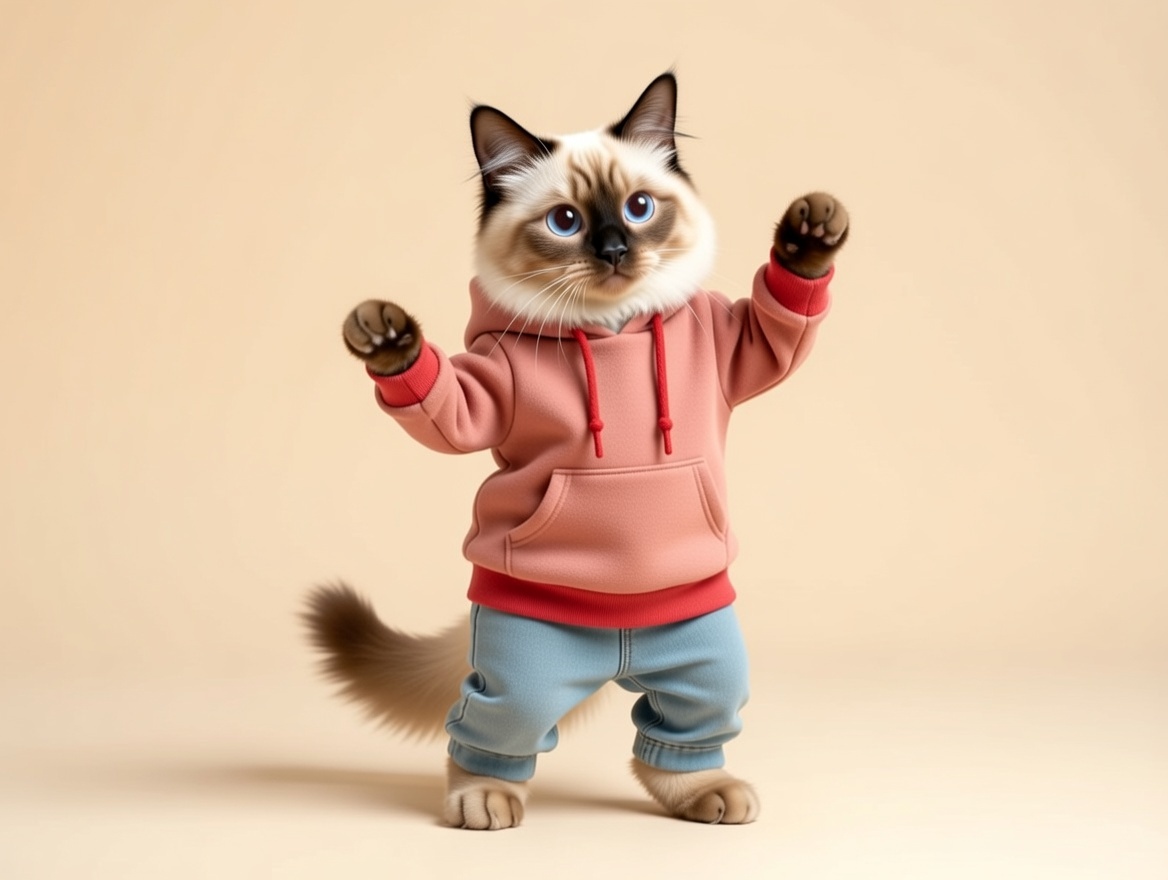
Upload a Cat Photo
Use a clear, well-lit photo where your cat is fully visible.
Choose an Anime Style
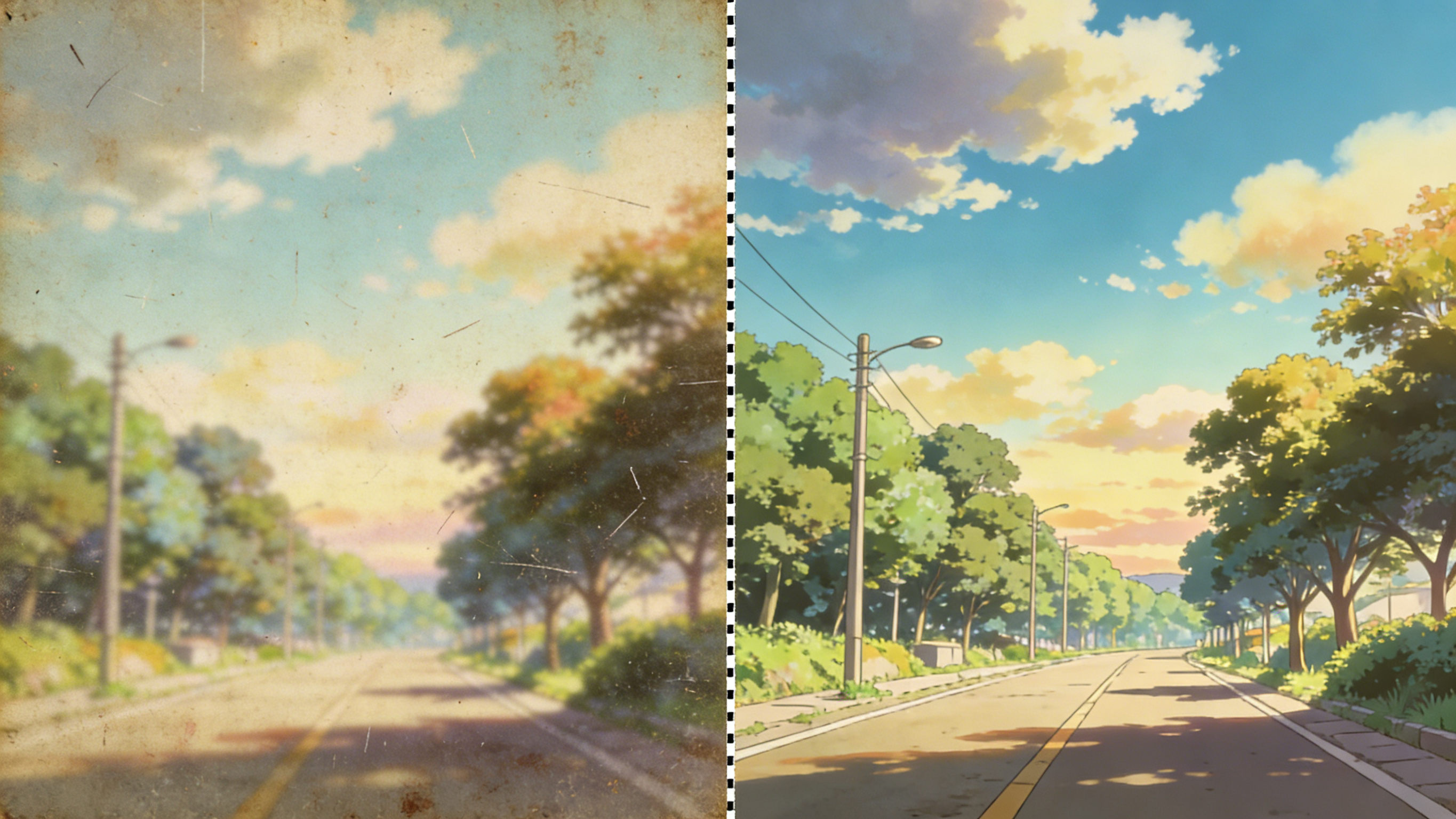
Ask for a clean cartoon look, big expressive eyes, and a simple background.
Generate and Refine
If style drifts, simplify the prompt and regenerate a couple of times.
Download and Share
Download the MP4 and share it, or convert it to a looping GIF.
AI Cat Anime Cartoon Dance FAQ
Common questions
Quick answers about inputs, style control, and sharing.
It turns a single cat photo into a short dancing video while applying an anime/cartoon look.
Use a high-resolution cat photo with good lighting. Full-body shots usually animate better than tight crops.
Describe one clear style and avoid conflicting details. If it drifts, simplify the prompt and regenerate.
You can preview results for free; higher quality exports or more generations may require credits depending on your plan.
Commercial usage can be allowed, but only upload content you own or have permission to use and follow applicable laws.
Avoid sensitive content and only upload images you have rights and consent to use; retention depends on product settings.
Download the MP4, then convert it to a GIF with your favorite tool and trim it to a clean loop.
Still have questions? Contact our support team
Limited Time Offer
Make an Anime Cat Dance
Create a clip in seconds
Upload a cat photo, generate an anime/cartoon dancing video, then download and share.
- Anime/cartoon style transfer
- Image-to-video dance motion
- Fast variations to refine
- Download in MP4