Overview
Why choose Flux Klein + LoRA
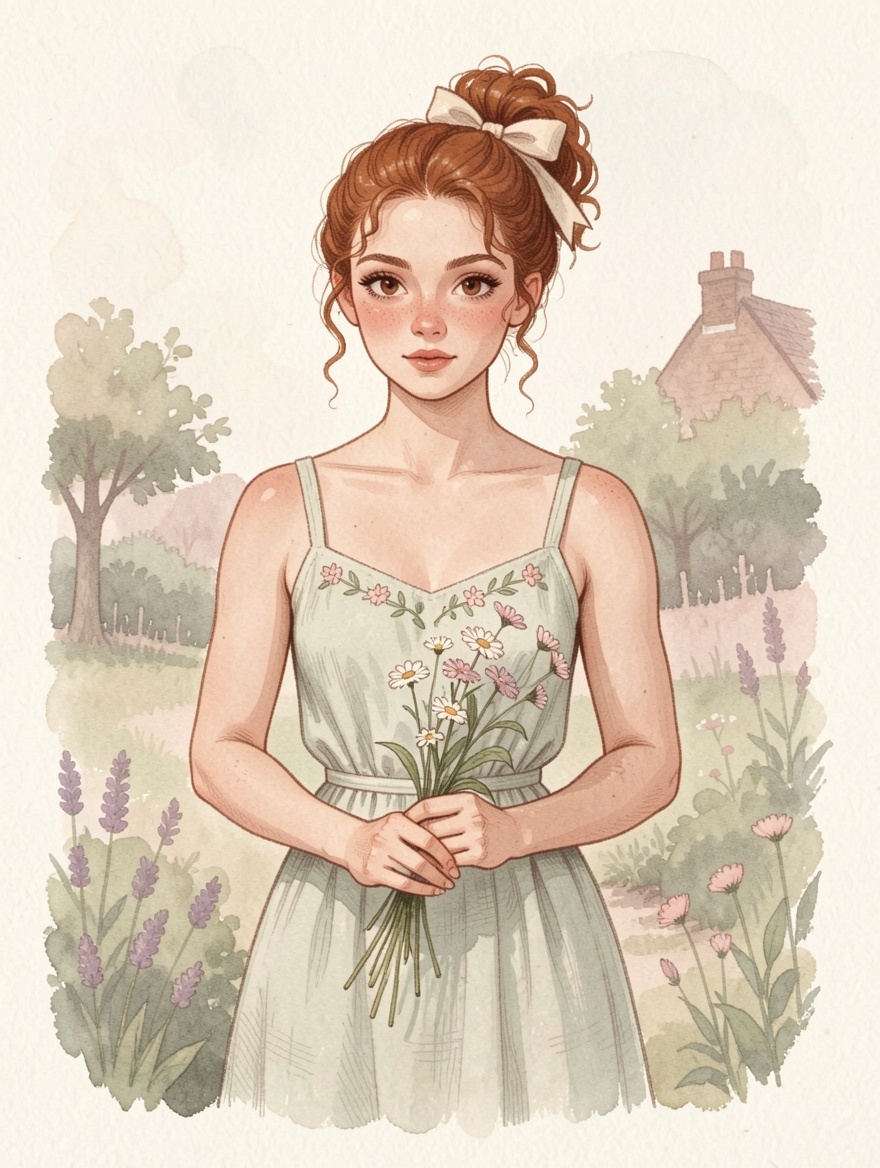
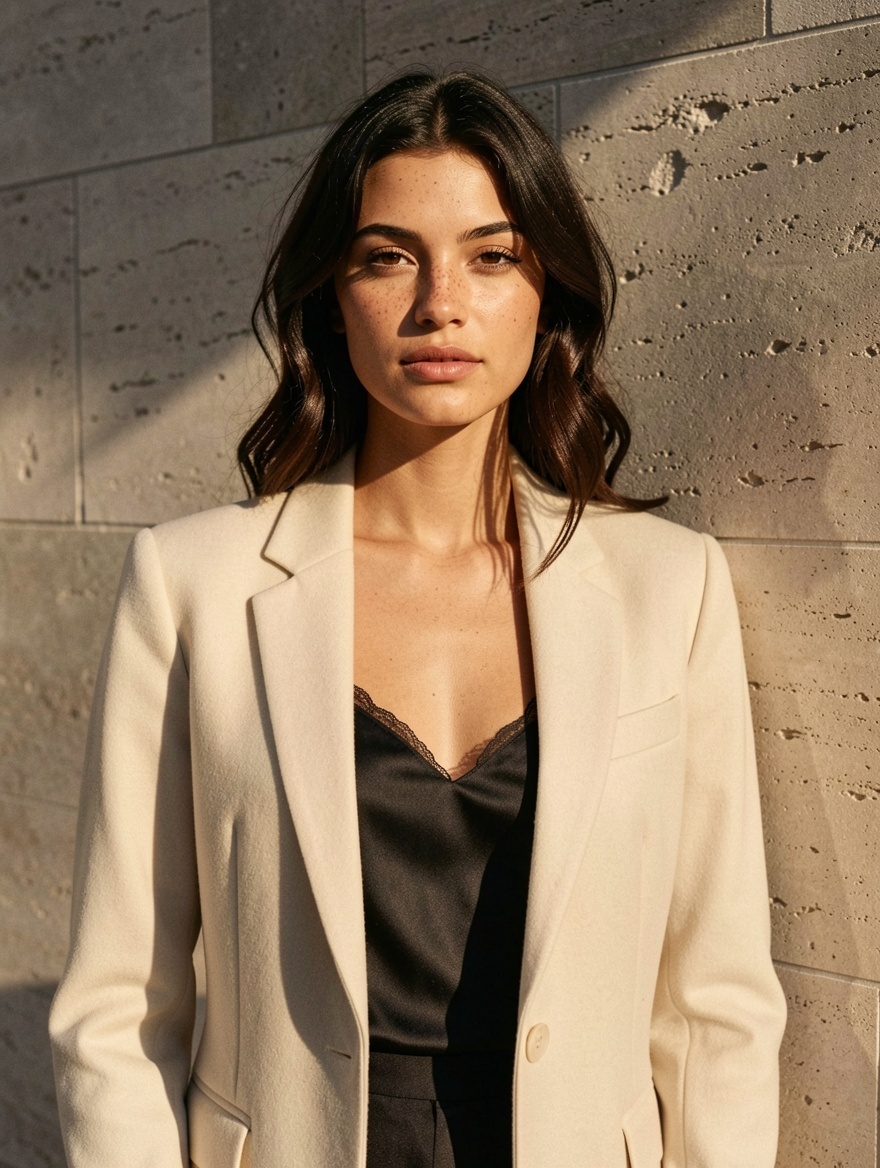
Flux Klein + LoRA stands alone on VideoAny for its customizable LoRA stacking capabilities. Users can select from a diverse library of body types, artistic styles, and character templates, applying up to three distinct LoRAs per image generation.
Flux Klein + LoRA is the singular model on VideoAny that empowers users to combine LoRA styles from an extensive platform library. This includes various body types (such as bombshell, curvy, slim, muscular, or hourglass), diverse art styles, and specific character templates. You can layer up to three LoRAs simultaneously for each generation, each with independent strength controls.
This workflow supports 1–3 reference images in conjunction with your LoRA selections. This feature is particularly useful for applying chosen LoRA layers to a user's own photo, enabling precise style transfer. The model operates without censorship and is available for both image editing and stylized photoshoots within the Image Editor.
Flux Klein + LoRA is the only model on VideoAny that allows users to select and layer LoRA styles from the platform's extensive library. This includes options for body types, art styles, and character templates. You can stack up to three LoRA layers per generation, each with its own adjustable strength.
Key considerations
- This model is exclusive to the Image Editor; it does not support Text-to-Image generation. For prompt-only LoRA stacking, consider SDXL.
- If the available LoRA library doesn't suit your needs, this variant may underperform compared to the default Flux Klein, which includes a fixed style.
- Output resolution is capped at 1 megapixel. For higher resolutions, alternatives like SDXL (up to 4K) or Seedream 5 (2K) are available.
- Access to Flux Klein + LoRA is restricted to trusted user accounts.
Use this as a practical checkpoint: compare outputs with the same prompt before you scale the workflow.
Model fit
Understanding Flux Klein + LoRA's performance
This comparison helps determine when this workflow is optimal and when other VideoAny models might be more suitable.
| Decision area | Why it matters | Practical signal | VideoAny action |
|---|---|---|---|
| Why pick Flux Klein + LoRA | Primary lesson from the source guide | Flux Klein + LoRA is the only model on VideoAny that allows users to select and layer LoRA styles from the platform's extensive library. This includes options for body types, art styles, and character templates. You can stack up to three LoRA layers per generation, each with its own adjustable strength. | Utilize when precise stylistic layering is crucial for your project. |
| What is Flux Klein + LoRA? | Primary lesson from the source guide | This workflow supports 1–3 reference images in conjunction with your LoRA selections. This feature is particularly useful for applying chosen LoRA layers to a user's own photo, enabling precise style transfer. The model operates without censorship and is available for both image editing and stylized photoshoots within the Image Editor. | Employ when combining reference images with custom LoRA applications is key. |
| See Flux Klein + LoRA in action | Primary lesson from the source guide | Flux Klein + LoRA is the singular model on VideoAny that empowers users to combine LoRA styles from an extensive platform library. This includes various body types (such as bombshell, curvy, slim, muscular, or hourglass), diverse art styles, and specific character templates. You can layer up to three LoRAs simultaneously for each generation, each with independent strength controls. | Leverage for granular control over aesthetic and character attributes. |
| Flux Klein + LoRA vs other VideoAny models | Primary lesson from the source guide | It's important to note its limitations: this variant is exclusive to the Image Editor, meaning it's not available for Text-to-Image generation. Its resolution is capped at 1 MP, similar to the standard Flux Klein. Critically, its effectiveness hinges on the quality and relevance of your LoRA choices; suboptimal selections can lead to results inferior to the default Flux Klein NSFW model with its integrated Klein-Unchained-V2 style. Access to this model is granted to trusted users only. | Consider alternatives if Text-to-Image, higher resolution, or a fixed style is preferred. |
The strongest results come from testing one visual job at a time instead of mixing multiple goals into a single prompt.
Workflow
Operating Flux Klein + LoRA
A practical sequence for turning the source guide's recommendations into repeatable VideoAny output.
It's important to note its limitations: this variant is exclusive to the Image Editor, meaning it's not available for Text-to-Image generation. Its resolution is capped at 1 MP, similar to the standard Flux Klein. Critically, its effectiveness hinges on the quality and relevance of your LoRA choices; suboptimal selections can lead to results inferior to the default Flux Klein NSFW model with its integrated Klein-Unchained-V2 style. Access to this model is granted to trusted users only.
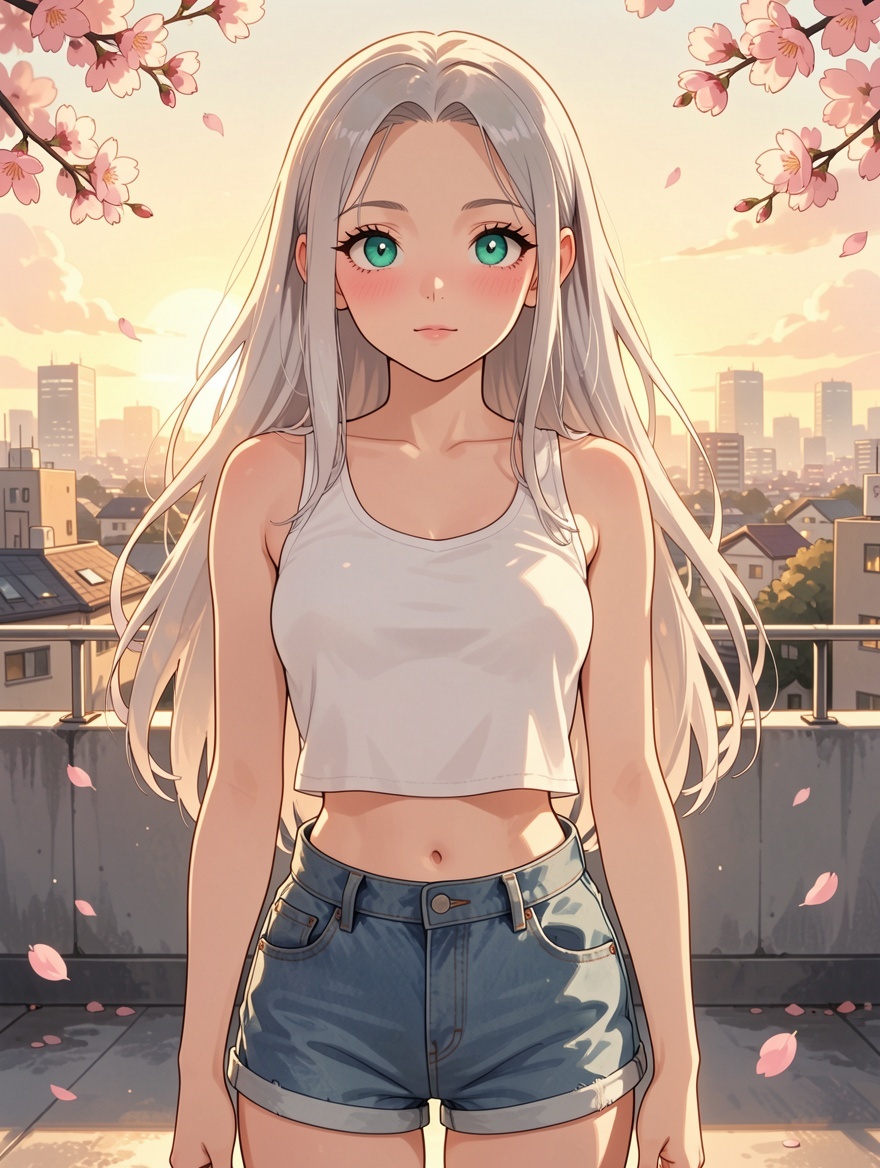
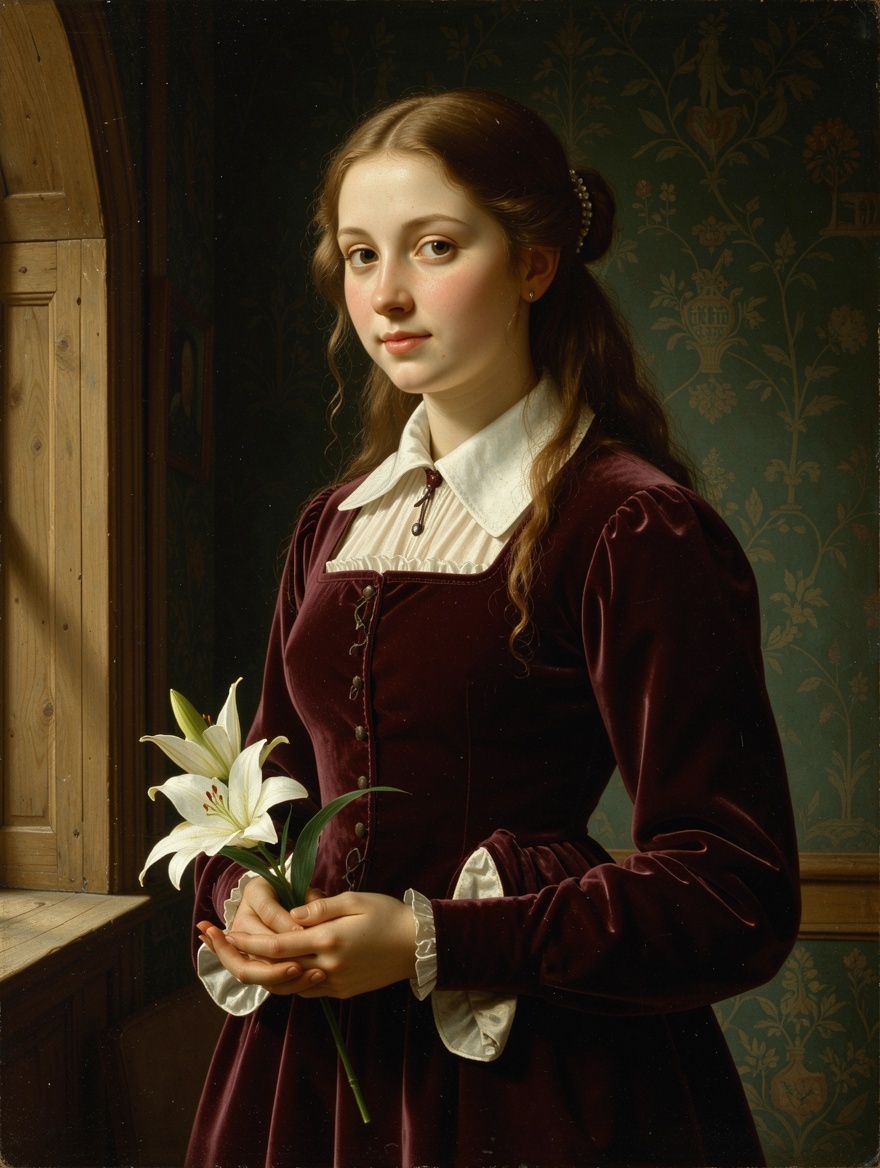
The platform showcases six prompts with corresponding results, demonstrating the range of the LoRA library. You can copy any prompt to begin from a consistent starting point, pairing it with the appropriate LoRA selections in the Editor.
There are three primary scenarios where an alternative model might be more suitable:
Here are five refined strategies for optimizing your LoRA-stacked workflow:
Production checklist
- Ensure your account has trusted access to the model.
- Open the Image Editor and upload 1–3 reference images.
- Select Flux Klein + LoRA from the model options. Choose up to three LoRAs (e.g., body type, art style, character) and adjust their individual strengths.
- Craft a prompt that harmonizes with your chosen LoRA selections. Initiate generation.
Short, concrete prompts are easier to compare than broad creative briefs.
Use cases
Flux Klein + LoRA versus other VideoAny models
These examples translate into practical VideoAny production patterns.
Flux Klein + LoRA — Advanced LoRA Image Editing on VideoAny source gallery visual 1
Why is Flux Klein + LoRA Image Editor only?
This variant is exclusive to the Image Editor, meaning it's not available for Text-to-Image generation. Its resolution is capped at 1 MP, similar to the standard Flux Klein. Critically, its effectiveness hinges on the quality and relevance of your LoRA choices; suboptimal selections can lead to results inferior to the default Flux Klein NSFW model with its integrated Klein-Unchained-V2 style. Access to this model is granted to trusted users only.
What to watch
- Match the model choice to the exact visual job.
- Keep prompt intent short, concrete, and testable.
- Review identity, lighting, anatomy, and text before scaling.
- Use VideoAny follow-up tools when the first pass needs motion or editing.
- Pricing model
- Standard VideoAny credits depend on the selected model and output settings.
- Trade-offs
- Output quality still depends on prompt clarity, source image quality, and iteration budget.
- Best fit
- Creators who need repeatable AI visuals without rebuilding the workflow for every asset.
Flux Klein + LoRA — Advanced LoRA Image Editing on VideoAny source gallery visual 2
How is this different from base Flux Klein?
The platform showcases six prompts with corresponding results, demonstrating the range of the LoRA library. You can copy any prompt to begin from a consistent starting point, pairing it with the appropriate LoRA selections in the Editor.
What to watch
- Match the model choice to the exact visual job.
- Keep prompt intent short, concrete, and testable.
- Review identity, lighting, anatomy, and text before scaling.
- Use VideoAny follow-up tools when the first pass needs motion or editing.
- Pricing model
- Standard VideoAny credits depend on the selected model and output settings.
- Trade-offs
- Output quality still depends on prompt clarity, source image quality, and iteration budget.
- Best fit
- Creators who need repeatable AI visuals without rebuilding the workflow for every asset.
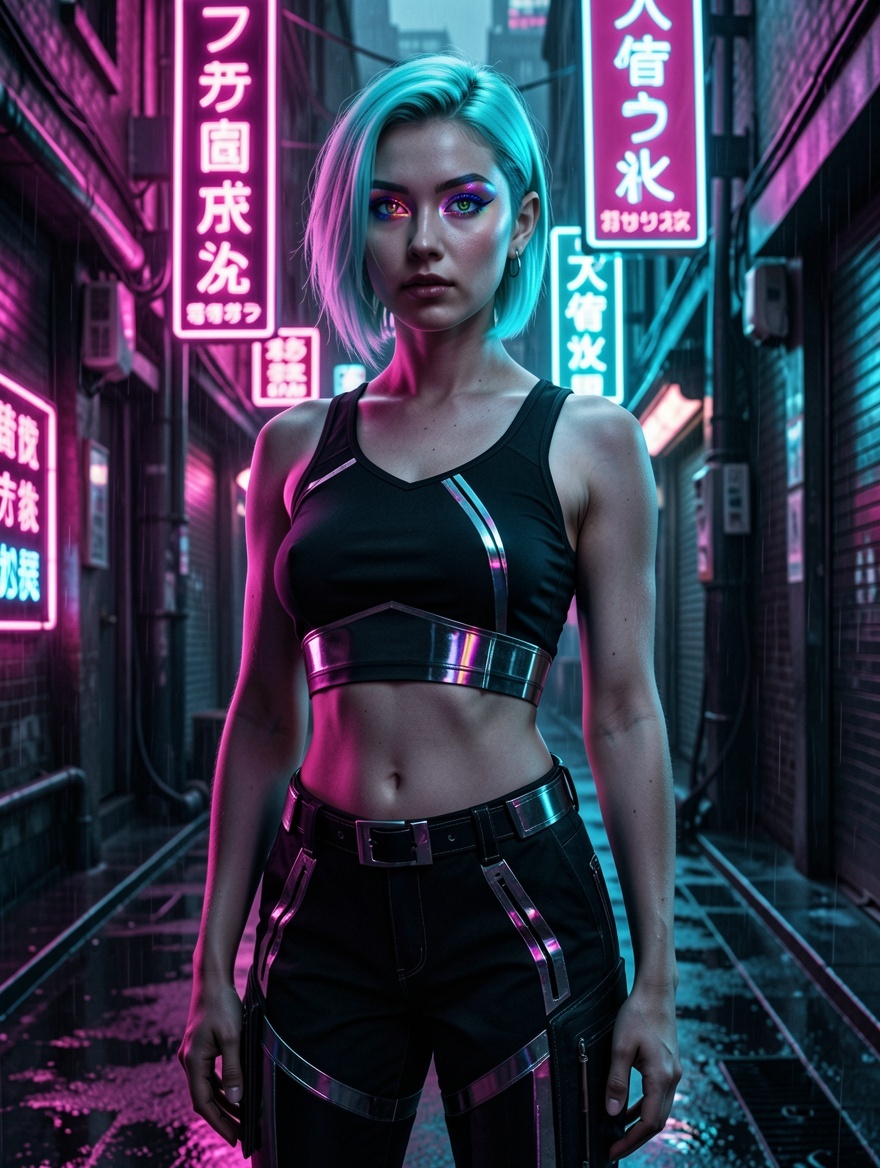
Flux Klein + LoRA — Advanced LoRA Image Editing on VideoAny source gallery visual 3
How is this different from SDXL?
There are three primary scenarios where an alternative model might be more suitable.
What to watch
- Match the model choice to the exact visual job.
- Keep prompt intent short, concrete, and testable.
- Review identity, lighting, anatomy, and text before scaling.
- Use VideoAny follow-up tools when the first pass needs motion or editing.
- Pricing model
- Standard VideoAny credits depend on the selected model and output settings.
- Trade-offs
- Output quality still depends on prompt clarity, source image quality, and iteration budget.
- Best fit
- Creators who need repeatable AI visuals without rebuilding the workflow for every asset.
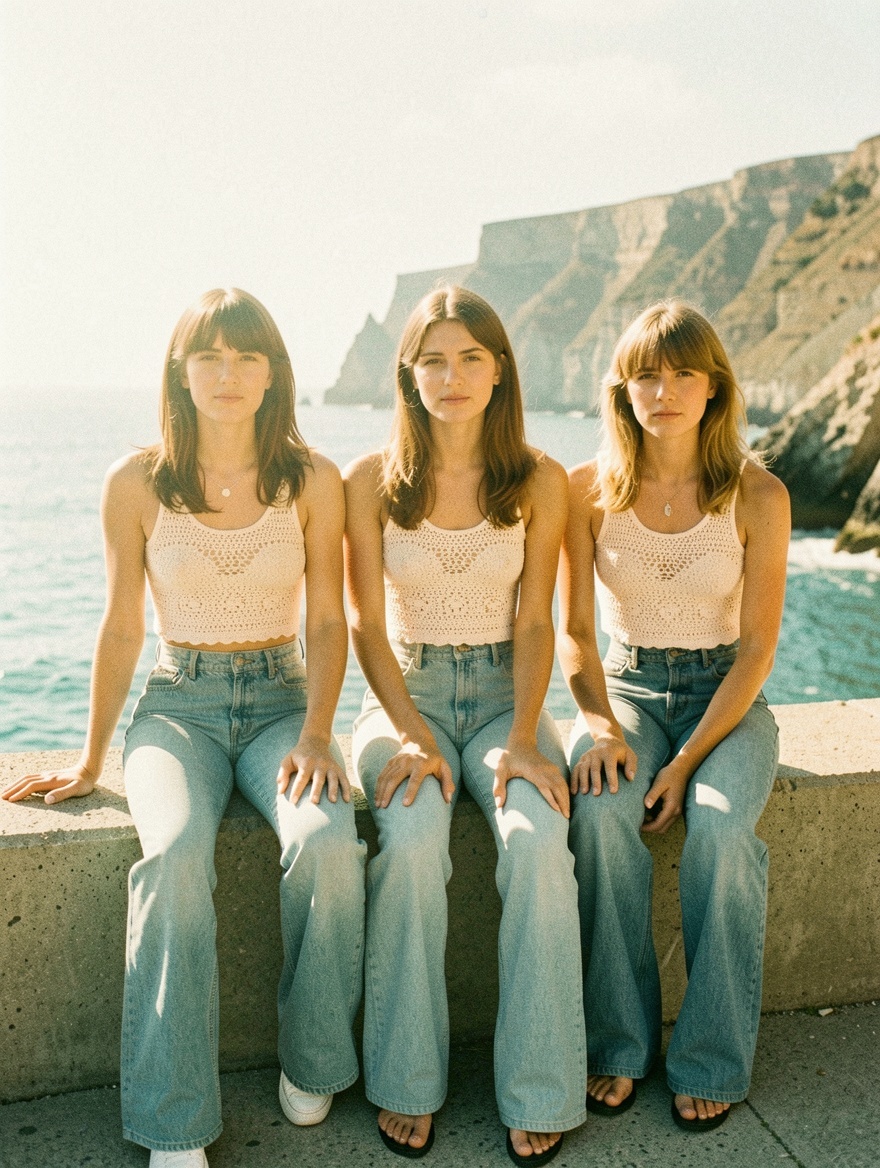
Flux Klein + LoRA — Advanced LoRA Image Editing on VideoAny source gallery visual 4
How many LoRAs can I stack?
Here are five refined strategies for optimizing your LoRA-stacked workflow:
What to watch
- Match the model choice to the exact visual job.
- Keep prompt intent short, concrete, and testable.
- Review identity, lighting, anatomy, and text before scaling.
- Use VideoAny follow-up tools when the first pass needs motion or editing.
- Pricing model
- Standard VideoAny credits depend on the selected model and output settings.
- Trade-offs
- Output quality still depends on prompt clarity, source image quality, and iteration budget.
- Best fit
- Creators who need repeatable AI visuals without rebuilding the workflow for every asset.
FAQ
Common questions about this workflow
Why is Flux Klein + LoRA limited to the Image Editor?
This variant was specifically developed for image editing, integrating 1–3 reference images alongside LoRA stacks, a feature seamlessly supported by the Image Editor. For pure text-to-image LoRA stacking, SDXL is a better choice, as it also handles three LoRAs without requiring references.
How does this differ from the standard Flux Klein?
The base Flux Klein model incorporates the Klein-Unchained-V2 LoRA by default, offering a fixed style without user selection. This variant, however, provides access to VideoAny's complete LoRA library, allowing you to choose body types, art styles, or character templates for each generation and stack up to three LoRAs with independent strength controls.
What are the differences between this and SDXL?
While SDXL also supports LoRA stacking, it operates on the 2023-era Stable Diffusion XL architecture. Flux Klein, built on a newer Flux foundation, offers superior prompt understanding, more accurate anatomy at comparable LoRA strengths, and a contemporary Flux aesthetic. SDXL's advantages include higher maximum resolution (up to 4K dynamic vs. 1 MP) and availability in Text-to-Image workflows.
What is the maximum number of LoRAs I can stack?
You can stack up to three LoRAs per generation, with individual strength settings ranging from 0.5 to 3.0. An effective combination often includes one body-type LoRA, one art-style LoRA, and one character LoRA. Stacking more than three LoRAs can lead to model confusion and degraded output quality.
What if the LoRA library doesn't have what I need?
If a suitable LoRA is not available, this variant will perform less effectively than the standard Flux Klein, which always applies the Klein-Unchained-V2 style. In such cases, it's advisable to use the base model rather than selecting arbitrary LoRAs, as inappropriate choices can worsen the output.
Can I use reference images with this model?
Yes, you can use 1–3 reference images per generation. To ensure optimal results, explicitly label each reference in your prompt (e.g., 'Reference 1 for the face,' 'Reference 2 for the outfit style') so the model can accurately route the visual information to the corresponding output areas.
Create
Build an advanced LoRA image editing workflow with VideoAny
Utilize this model guide as your foundation, then seamlessly generate, edit, animate, and publish within the integrated VideoAny workflow.
- Generate images from clear prompts
- Transform compelling stills into dynamic video
- Maintain consistent settings for batch processing