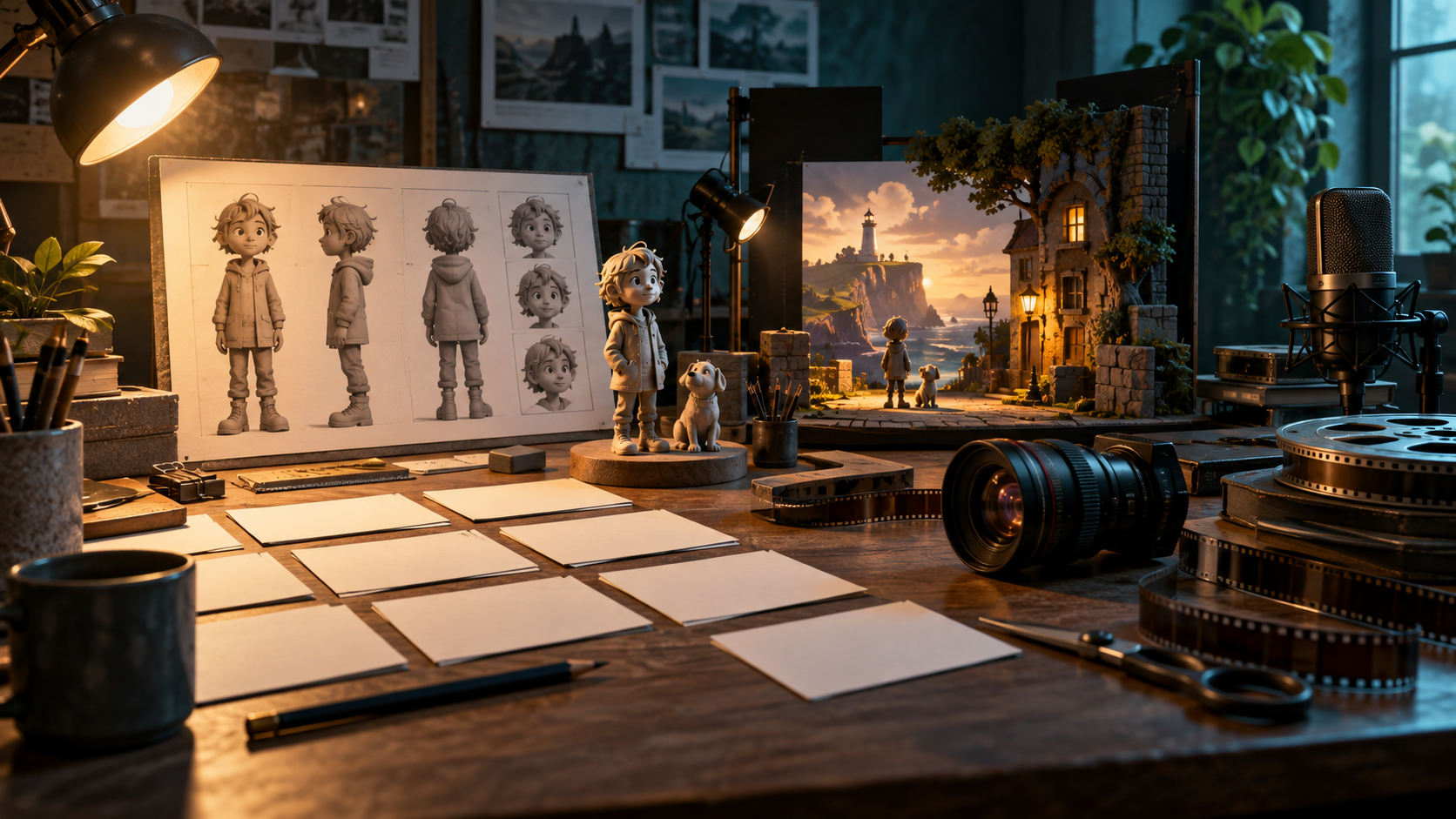
An AI story-to-video studio is a descriptive workflow or category for organizing creative and technical decisions throughout a production. It is not a standardized product certification, and various tools can implement its principles. The core idea is a traceable process where choices, from initial concept to final delivery, are recorded. This record-keeping allows for review of decisions but does not guarantee identical outputs or coherent storytelling across iterations or tools.
The Records That Give a Production Memory
Effective video production, especially with AI assistance, relies on meticulous record-keeping to maintain consistency and facilitate revisions. These are not necessarily features of a specific application, but essential data points for any team:
- Source Excerpt/Version: The specific passage, dialogue, or description from the original story document that a scene or shot is based on, including its version number or date.
- Adaptation Decision: A brief note explaining how the source material was interpreted or modified for visual representation, detailing creative choices made.
- Approved Reference: Any visual or audio asset (e.g., character art, mood board, sound clip, previous take) designated as a standard for future generations or edits.
- Shot Specification: Detailed instructions for generating or capturing a specific shot, including camera angle, character action, setting, and desired mood.
- Accepted/Rejected Take: A clear record of which generated or captured takes meet the shot specification and which do not, along with reasons for rejection.
- Edit/Delivery Version: The specific version of a sequence or final cut, noting any changes from previous iterations and its intended purpose (e.g., internal review, final delivery).
These records are crucial for directors, editors, and AI operators. When a revision is requested, such as altering a character's expression, the team can trace back through the adaptation decision, shot specification, and approved references to understand the original intent. This dependency check prevents unintended consequences, ensuring that a change in one element doesn't contradict earlier creative choices or break continuity elsewhere in the production.
A Conservator's Discovery, Planned as Evidence
Consider Neri, a museum conservator, meticulously scanning a 17th-century painting. As her scanner passes over a specific area, she notices a faint, second signature beneath the visible one – a significant historical discovery. Before she can fully document it, an urgent call pulls her away, forcing her to quickly hide her findings. The audience, however, only sees Neri's hurried actions and a fleeting, almost imperceptible flicker on her monitor. They don't yet know what she discovered, only that something important happened.
For the audience to eventually understand the significance of the hidden signature, the production must prepare for it. This means that while AI generation might create the visual of Neri's monitor, if the actual text of the signature is critical, a readable graphic insert will be prepared in editing, rather than relying on AI to render legible, historically accurate script.
The three audience takeaways from this scene are: Neri made a discovery, it was important, and she had to conceal it. To achieve this, reusable references are vital. The painting's texture, Neri's lab coat, and the scanner's interface become approved references, ensuring visual consistency across multiple takes and angles. Accepted-take checks confirm that Neri's expression conveys urgency and that the monitor flicker is subtle but noticeable. If a later revision requires Neri to look more startled in Scene03 -> Shot03B -> RefPainting02 -> Take04 -> Cut02, this altered shot might necessitate re-evaluating the preceding shot (e.g., her initial calm scan) and the subsequent shot (e.g., her glance at the phone) to maintain a smooth emotional arc and visual flow.
Test a Handoff Before Committing
Before fully committing to a particular AI story-to-video workflow, it's prudent to conduct a handoff test. This involves having a different editor or team member attempt to pick up a project and make a specific revision. For instance, ask them to locate a chosen clip, identify the exact edit version, and replace one specific take with an alternative.
During this test, evaluate the clarity of the project files. Are they editable, or are they merely exported video files? How are links to media handled – are they robust, or do missing files cause immediate breakdowns? Can the system recover gracefully from a missing asset? Crucially, examine the metadata: are the original reference images, prompts, AI model versions, providers, and generation dates clearly noted and accessible for each generated take? This information is vital for debugging, consistency, and future iterations.
Understanding "lock-in" is key. While no system guarantees complete future compatibility, consider the concrete recovery work required if you need to move away from a specific tool. Can you export all your project data, including references and metadata, in a usable format? Beyond proprietary project files, ensure that you retain ordinary exported video and audio files, which represent the most basic level of asset retention, regardless of the tools used to create them.
Local Storage, Offline Work and Billing Are Separate Questions
Investigating an AI story-to-video workflow requires distinguishing three independent questions: where project files reside, where computation occurs, and how services are billed. A project might be saved locally, containing your manuscript and reference images. However, this local storage does not establish whether AI generation requires a network connection. For instance, a manuscript could be sent to a provider's infrastructure for processing, with the generated video file then returned for local saving or backup elsewhere. The actual setup depends on the specific tool and model chosen.
Always check the service's current terms regarding data retention, whether inputs are used for model training, deletion policies, and commercial use rights. Billing models vary, from subscriptions to pay-per-generation credits. Supplying an API key changes account and billing arrangements with the service provider, but does not inherently prove privacy benefits or cost savings. Each service's terms dictate these specifics.
Match the Workspace to the Story
The organizational records needed for an AI story-to-video project vary with its scope. One-off concept footage might require minimal tracking, whereas recurring scenes or collaborative projects benefit from more structured record-keeping. A valid workflow can combine a text editor or notebook for script development, a dedicated generation tool for creating visual assets, and a video editor for assembly and refinement. This modular approach involves setup and handoff costs that require testing to optimize for your specific needs.
Rather than assuming integrated or modular apps are inherently superior, assess how well any chosen setup supports accepted-take access, revision tracking, and project recovery. For example, a tool like VideoAny could serve as one step in a generation pipeline. Separating tools allows for specialized focus on each part of the creative process. Ensure you have appropriate permission and consent for any stories, artwork, recognizable faces, or voices used as input.
Run a Small Pilot and a Real Revision
Before committing to a large-scale project, conduct a small, self-contained pilot to test your workflow and assumptions. Imagine a 20-second museum scene depicting a character observing an ancient artifact. First, plan your target audience's existing knowledge and gather approved visual references for the artifact and setting. Generate a minimum viable trial of this scene, perhaps just a few key shots. Crucially, record your decisions at each step: what prompts you used, which takes you accepted, and why.
Assemble and edit these trial shots into a coherent sequence. Then, show the completed pilot to an unfamiliar viewer and ask them what they understood or what changed in the narrative. This feedback is invaluable. Next, simulate a revision: suppose the museum curator decides the artifact needs to be replaced with a different one. Time how long it takes to locate the original evidence shot, generate a replacement based on the new reference, and seamlessly integrate it into your existing edit. This exercise reveals the practicalities of asset management and iteration. If this small pilot proves cumbersome, simplify your plan before scaling up. A "pass" for a pilot project means you have usable evidence shots, an understandable sequence, and all project files are recoverable, not merely that the images are aesthetically perfect.
FAQ
Is an all-in-one app necessary for AI story-to-video?
No, an all-in-one application is not necessary. A modular approach using separate tools for scriptwriting, generation, and editing can be effective, allowing you to tailor your workflow.
Does "local storage" mean I can work offline?
Not necessarily. Whether AI generation requires a network connection depends on the selected tool and model. The location of your project files alone does not establish where computation occurs.
What does "portability" mean in this context?
Portability refers to the ability to recover and export your project records and media. Practical handoff testing between tools establishes the actual limits of this capability, rather than guaranteeing no lock-in.
How should I evaluate a promise of generating a "full movie"?
Before planning a full movie, request a complete-scene trial. Focus on evaluating character and setting consistency, and narrative flow within that scene. Budget for the intended human decisions and iterative refinement required to achieve your creative vision.