Categories: AI Video, AI Image, Creator Guides
Tags: videoany, ai video, ai video generator, ai content creation, creator guide
Introduction
Modern AI video workflows are most effective when they prioritize clarity and intentionality in production. For creators looking to build complex fantasy worlds, the challenge lies in moving from a raw prompt to a coherent, cinematic sequence. This guide outlines a professional workflow for planning, generating, and refining AI-assisted fantasy content using VideoAny.
We focus on establishing a repeatable production pipeline that allows for creative experimentation while maintaining high visual standards.
Responsible use: Mature-content workflows must be limited to lawful material involving consenting adults. Never create or share content involving minors, non-consensual imagery, unauthorized likenesses, or material that violates platform terms or applicable law.
Core Creative Modules
1) Bringing Fantasy Visions to Life
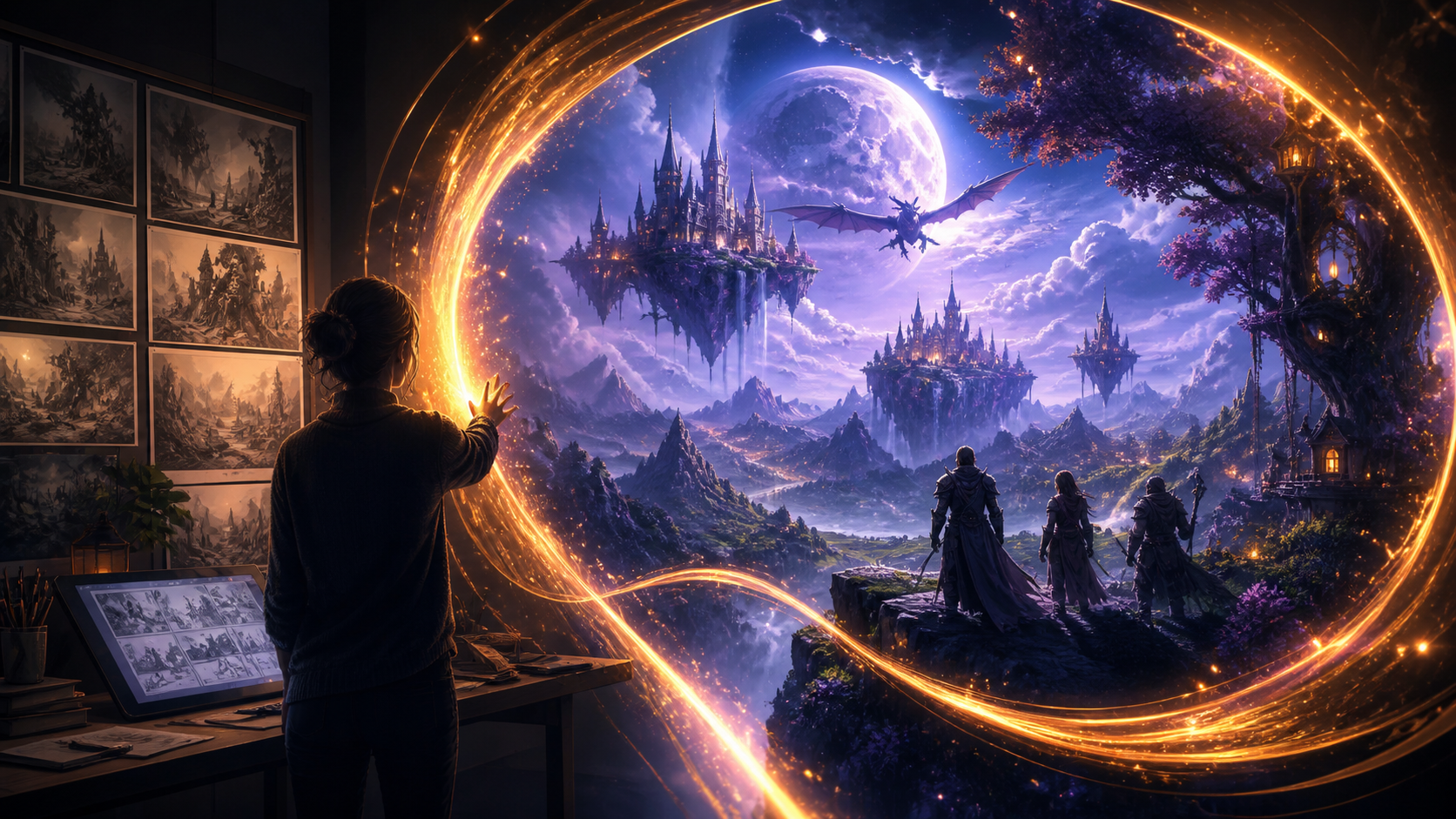
The foundation of any successful fantasy project is the ability to translate abstract imagination into visual reality. By leveraging advanced text-to-video technology, creators can describe intricate scenes, character interactions, and immersive environments in natural language. The goal is to use these tools to iterate rapidly on visual concepts, allowing for a more fluid creative process.

2) Animating Static Concepts
Fantasy storytelling often begins with character designs or concept art. Using image-to-video capabilities, you can take static illustrations and transform them into dynamic clips. This is an essential step for maintaining visual consistency across a project, as it allows you to animate your own pre-designed assets rather than relying solely on text-based generation.

3) Character Personalization
Consistency is the hallmark of professional-grade fantasy content. The face swap feature enables creators to maintain character identity across multiple scenes and varied environments. When using these tools, it is essential to prioritize responsible creation, ensuring that all content involving likenesses is produced with appropriate consent and adheres to ethical standards regarding digital identity.
Practical Weekly Workflow
To move from an idea to a finished video, treat your production as a systematic process rather than a single generation event:
- Define the Outcome: Start by identifying the format—whether it is a short narrative scene, a character showcase, or a world-building montage.
- Asset Preparation: Gather your reference images, character designs, and scripts. Having a clear storyboard frame before you begin generating helps guide the AI toward the desired aesthetic.
- Iterative Generation: Generate clips in small, manageable passes. It is often more effective to refine a single shot through multiple iterations than to attempt a long, complex sequence in one go.
- Review and Refine: Evaluate each clip for continuity, pacing, and visual clarity. Check that the motion quality aligns with your narrative goals.
- Documentation: Save your successful prompts and export settings. Building a library of effective prompts makes future variations significantly faster to produce.
Conclusion
AI-assisted video production is most powerful when viewed as a repeatable system. By combining clear creative intent with structured iteration, you can transform raw AI generations into polished, immersive fantasy content. Always remember that the best results come from a balance of human direction and machine-assisted execution.
FAQs
1) Is this workflow suitable for a solo creator? Yes. By focusing on a repeatable format and keeping your asset list organized, a single creator can manage the entire production pipeline, from initial prompt to final edit.
2) Should I write a plan before generating? Absolutely. Even a simple outline or storyboard helps you judge whether the AI output supports your final vision, saving time on unnecessary generations.
3) What should I check before finalizing a video? Review for continuity, motion quality, aspect ratio, and pacing. Ensure the video effectively communicates the intended narrative without needing external explanation.
4) How does VideoAny fit into this process? Use VideoAny for the core visual generation and character consistency tasks, then integrate those clips into your broader editing workflow for final assembly, sound design, and formatting.