Categories: AI Video, AI Image, Creator Guides
Tags: videoany, ai video, ai video generator, ai content creation, creator guide
Introduction
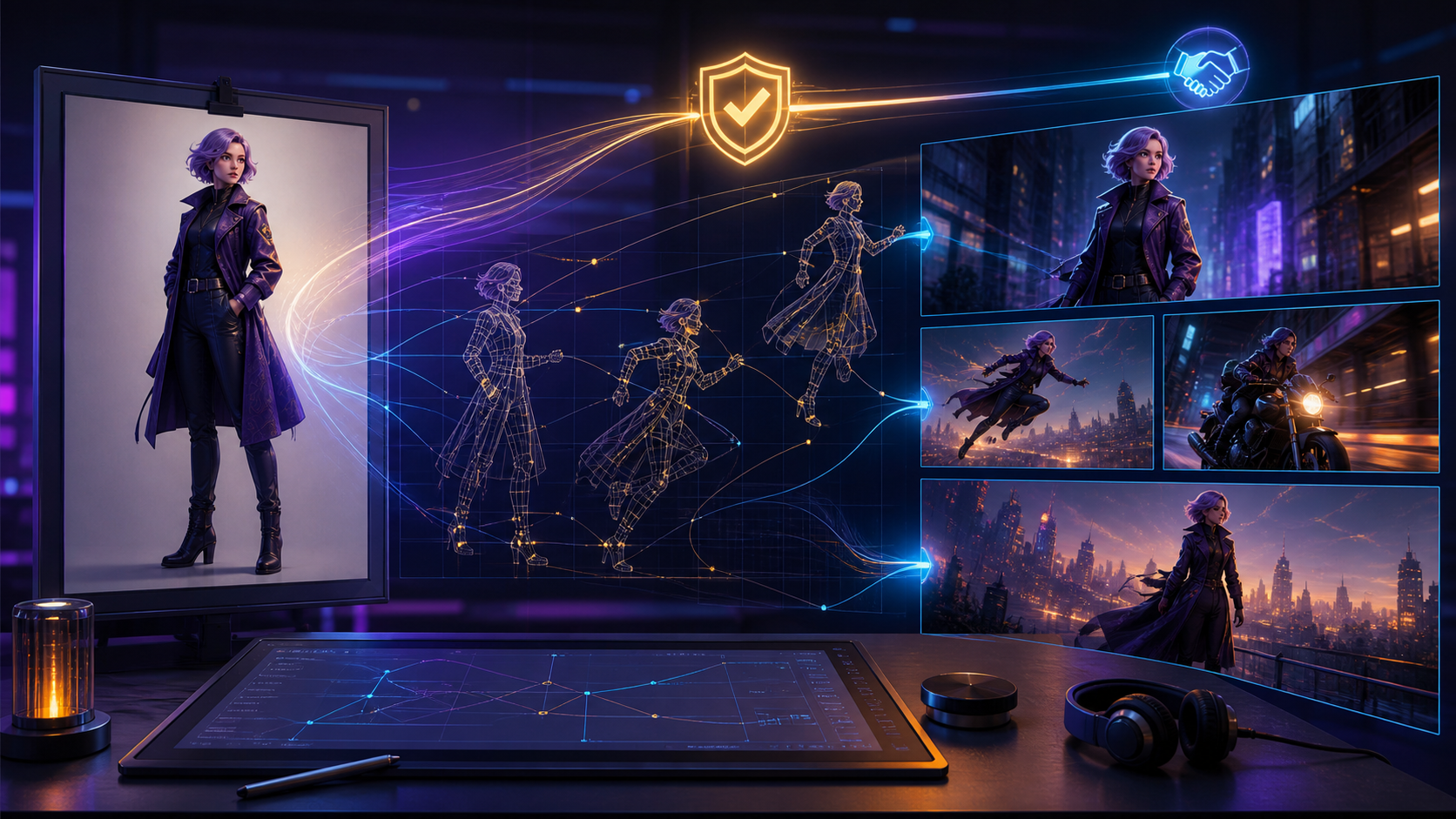
Modern AI video workflows are most effective when they prioritize consistency and creative control. By using a reference image, creators can bridge the gap between a static vision and a dynamic final product. This guide explores how to integrate reference-based generation into your production pipeline, ensuring that your final output remains true to your original intent.
As you explore these tools, always remember that responsible AI creation relies on consent. Ensure that all generated content involving individuals is created with appropriate permissions and adheres to all applicable laws and platform safety guidelines regarding mature or adult-themed content.
Responsible use: Mature-content workflows must be limited to lawful material involving consenting adults. Never create or share content involving minors, non-consensual imagery, unauthorized likenesses, or material that violates platform terms or applicable law.
Core Creative Capabilities
1) Leveraging Reference Images for Continuity
The "Reference Image to Video" feature is the cornerstone of thematic accuracy. By providing a specific image, you guide the AI to maintain character design, style, and composition across your video frames. This is essential for creators who need to ensure that their visual narrative remains cohesive from start to finish.

2) Dynamic Face Swap Technology
Face swapping allows for significant personalization, enabling you to place specific characters into diverse scenarios. This tool is particularly useful for maintaining character identity across multiple shots, providing a layer of creative flexibility while respecting the importance of digital identity and consent.

3) Advanced Transformation Tools
Beyond simple animation, modern AI platforms offer robust transformation suites. Whether you are using Image-to-Video to bring a still to life or Video-to-Video to iterate on existing footage, the goal is to enhance your creative output through iterative refinement.
Practical Production Workflow
To move from concept to finished video, follow this systematic approach:
- Define the Outcome: Clearly identify your goal—whether it is a short social clip, a character study, or a narrative scene.
- Prepare Your Inputs: Gather your reference images, scripts, or storyboards. Having high-quality source material significantly improves the AI's output.
- Iterative Generation: Rather than attempting to generate a long sequence at once, work in small, manageable passes. This allows for better control over motion and detail.
- Review and Refine: Evaluate each clip for visual clarity, pacing, and continuity. Use these checkpoints to decide if a segment is ready for final export or requires further adjustment.
- Finalize: Once your clips are polished, combine them into your final project, ensuring the aspect ratio and resolution meet your platform requirements.
Conclusion
AI-assisted video production is a powerful system for creators who value precision. By combining clear inputs with a structured review process, you can transform raw AI generations into professional-grade media.
Explore the full suite of creative tools at VideoAny.
FAQs
1) Can this workflow work for a solo creator? Yes. By focusing on a repeatable format and keeping your asset list organized, a solo creator can produce high-quality content efficiently.
2) Should I generate first or write the edit plan first? Always write a plan first. A simple outline helps you determine if your AI-generated assets will actually support your final video goals.
3) What should I check before publishing an AI video? Review your work for continuity, motion quality, pacing, and whether the video effectively communicates your intended message.
4) How does VideoAny fit into this workflow? VideoAny serves as the engine for your visual generation and transformation needs, allowing you to create the core assets that you will later assemble into your final production.