Categories: AI Video, AI Image, Creator Guides
Tags: videoany, ai video, ai video generator, ai content creation, creator guide
Introduction
Modern AI video production is moving beyond simple experimentation. For creators, the real value lies in building a repeatable, efficient workflow that bridges the gap between static concepts and dynamic visual storytelling. Whether you are developing narrative sequences, social media content, or promotional assets, the key to success is treating AI as a component of a larger production system rather than a "one-click" solution.
This guide outlines how to structure your creative process using VideoAny to ensure your final output is polished, intentional, and ready for your audience.
Responsible use: Mature-content workflows must be limited to lawful material involving consenting adults. Never create or share content involving minors, non-consensual imagery, unauthorized likenesses, or material that violates platform terms or applicable law.
The Anatomy of a Professional AI Workflow
To move from a raw generation to a finished product, you must treat each stage of the pipeline with the same rigor as traditional video editing.
1. Pre-Production and Asset Preparation
Before generating a single frame, define your creative outcome. Are you producing a short product demo, a narrative scene, or a social media hook? Start by gathering your inputs: reference images, character designs, and scripts. Using image-to-video tools is most effective when you have a clear visual anchor—such as a high-quality base image—that dictates the lighting, composition, and style of the resulting motion.
2. Iterative Generation
Avoid the "all-in-one" trap. Instead of attempting to generate a full-length video in a single pass, break your project into smaller, manageable segments. By generating short, controlled clips, you maintain better oversight of motion quality and visual continuity. This modular approach allows you to swap out individual clips that don't meet your standards without needing to re-render the entire sequence.
3. Review and Refinement
Once your clips are generated, evaluate them against your original storyboard. Check for:
- Visual Continuity: Do the lighting and character details remain consistent across cuts?
- Motion Pacing: Does the speed of the AI-generated motion match the intended narrative rhythm?
- Platform Readiness: Ensure your aspect ratio and composition are optimized for your target platform.
Maintain Continuity Across Motion Studies
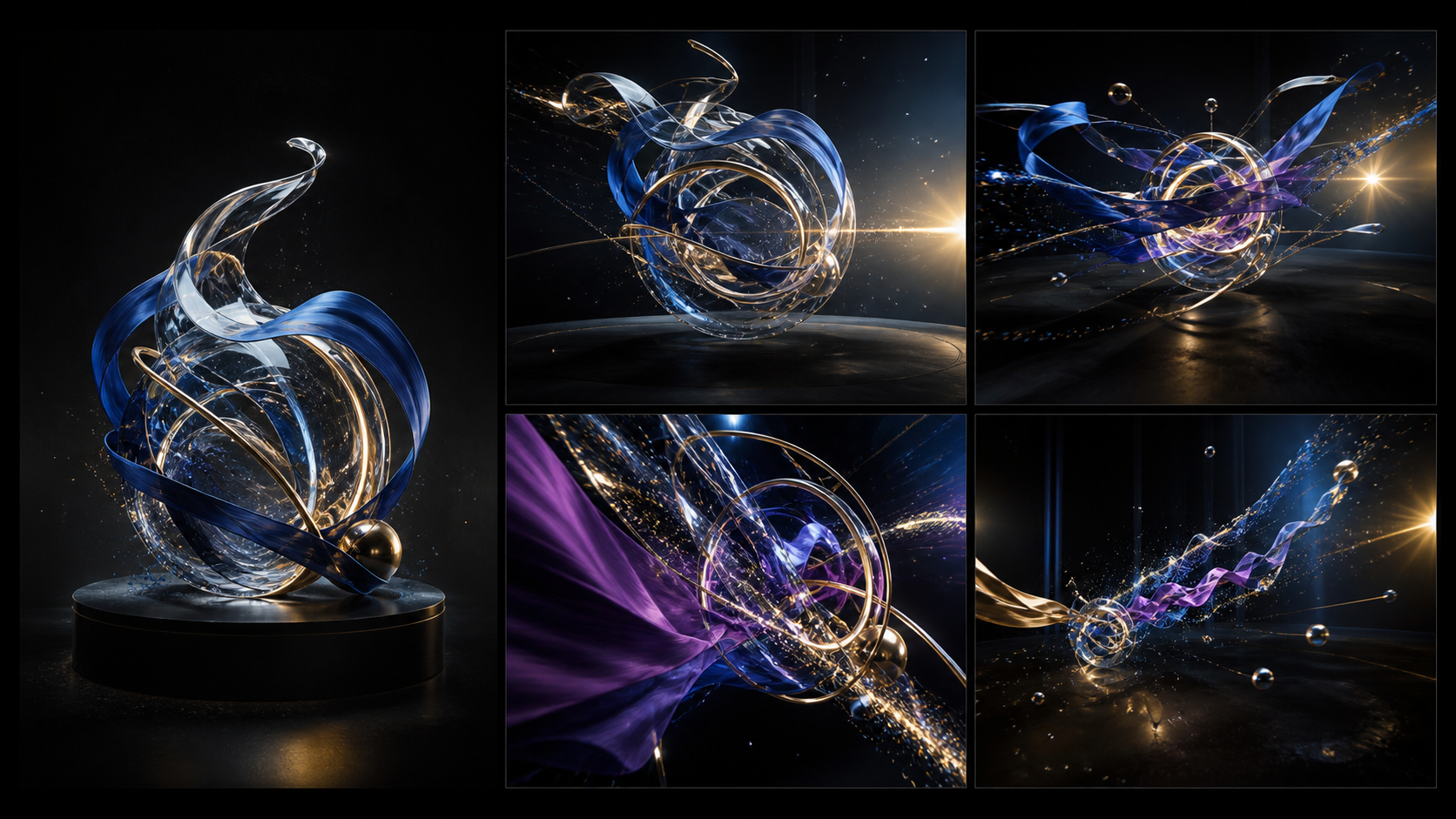
Abstract art permits more invention than a portrait or product, but continuity still matters. Decide which shapes, materials, colors, and spatial relationships define the source. Then assign a specific motion to each element: orbit the sculpture, move one ribbon, shift the light, or push the camera toward a detail. Too many simultaneous transformations make it difficult to tell whether the clip preserved the artwork.
Generate several short shots rather than demanding a long multi-scene sequence. One can be a slow orbit, another a macro detail, and a third a change in lighting. Reuse the same invariants and palette in every prompt so the edit feels like one coherent object filmed from different positions.
Before export, compare the first and final frames, then inspect the whole clip for shape drift, sudden material changes, flicker, and particles that cross object surfaces incorrectly. Confirm duration, aspect ratio, frame rate, and caption-safe space on the target platform. Assemble the strongest shots in an editor and store the prompt log with the final sequence.
Responsible AI Creation
As you explore the capabilities of AI-generated media, it is essential to prioritize ethical standards. Always ensure that the content you generate is created with the consent of all parties involved. AI tools should be used to enhance human creativity, not to facilitate impersonation, non-consensual content, or the violation of individual rights. By maintaining a focus on responsible, lawful use, you protect your creative integrity and contribute to a healthier digital ecosystem.
Practical Weekly Workflow
- Define the Outcome: Identify the specific format (e.g., tutorial, ad, or story).
- Gather Inputs: Collect your prompts, reference assets, and audio requirements.
- Generate in Passes: Create short, focused clips rather than long, complex sequences.
- Review and Edit: Combine your clips using external editing software to add transitions, captions, and sound design.
- Archive: Save your successful prompts and source assets to build a library of "proven" styles for future projects.
Conclusion
The most effective AI-assisted video work is built on a foundation of clear inputs and controlled iteration. By treating your workflow as a repeatable system, you can move from raw generation to professional-grade communication.
Next Step
Explore the full suite of creative tools at VideoAny.
FAQs
1) Is this workflow suitable for solo creators?
Absolutely. By focusing on one repeatable format and keeping your asset list organized, you can significantly increase your output speed without sacrificing quality.
2) Should I write a plan before generating?
Yes. A simple storyboard or outline helps you evaluate whether the AI output is actually serving your narrative goals, saving you time on unnecessary generations.
3) What are the final checks before publishing?
Always verify continuity, motion quality, audio-visual synchronization, and whether the final video clearly communicates your intended message without requiring external explanation.
4) How does VideoAny fit into this process?
VideoAny serves as the engine for visual generation and variation. Once you have generated your core assets, you can combine them with traditional editing, audio, and platform-specific formatting to finalize your project.