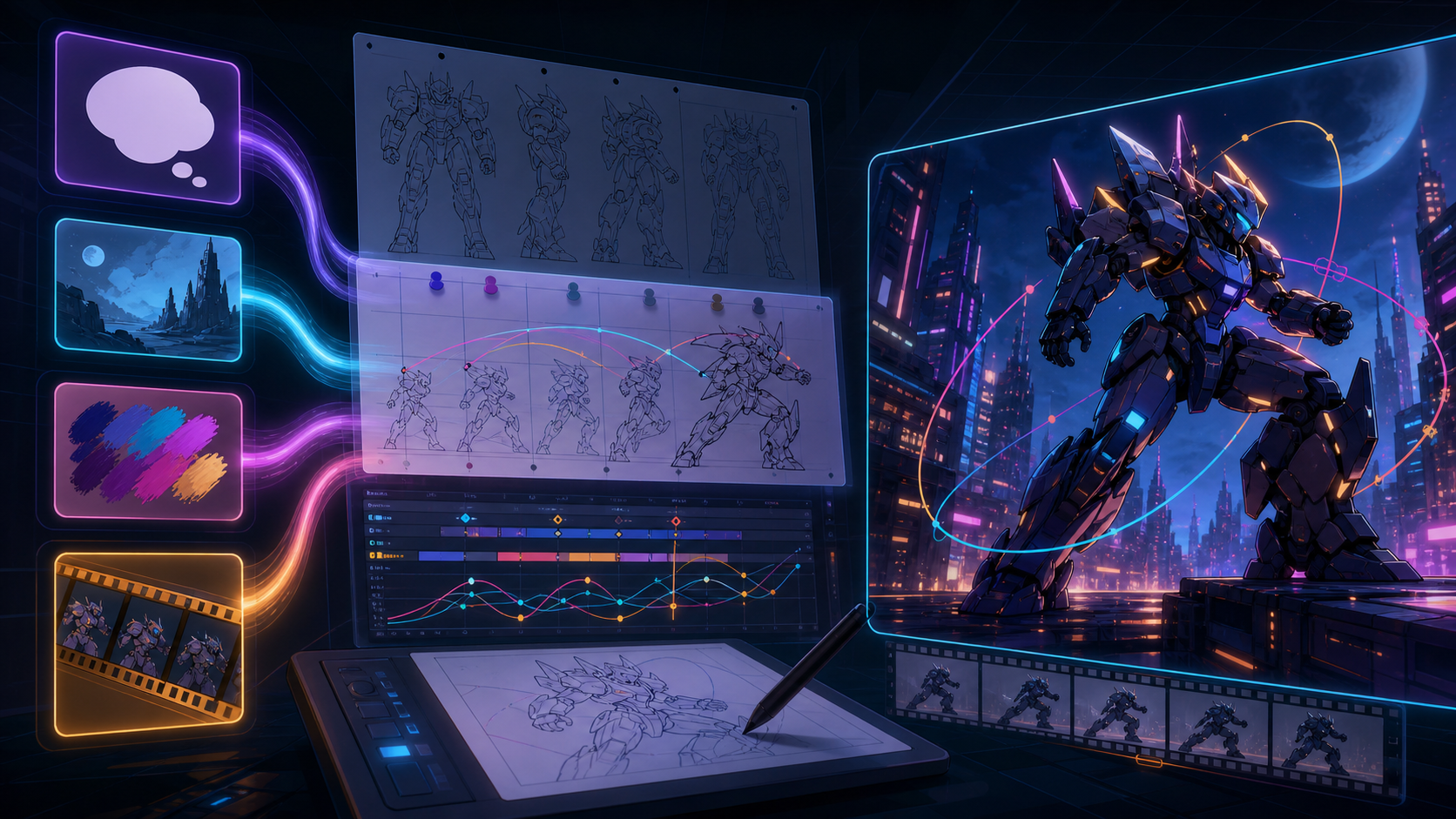
An anime-style NSFW AI video project can start from words, a finished illustration, a style or character reference, or moving footage. Those inputs are not interchangeable. Text gives the model freedom to invent a scene. Image-to-video tries to preserve a still while adding motion. Reference inputs can guide selected models. Video-to-video inherits motion and composition from existing footage.
The right choice depends on what already exists and what must remain stable. It also depends on a non-negotiable adult-only boundary: mature animation must involve clearly adult fictional characters or verifiably adult, consenting participants. Anime style can make age presentation ambiguous across frames, so “adult” in a prompt is not enough if the visual result appears childlike or uncertain.
This guide preserves the source page’s four-input structure, creation sequence, pricing discussion, format considerations, comparison, seven-topic FAQ, and conclusion while replacing blanket 1080p, fixed-price, and “no filters” claims with current VideoAny model-specific facts.
Adult-only boundary: Never sexualize minors, childlike characters, school-age characters, or anyone whose age is unclear. Do not use real people or public figures without explicit authorization, and never create non-consensual intimate media. Exclude coercion, exploitation, incest involving minors, voyeurism, age-play that presents someone as a child, and illegal content.
Choose the workflow by starting input
| Starting material | Best-fit workflow | What it tends to preserve | Main risk to review |
|---|---|---|---|
| Written concept | Text-to-video | Prompted scene and style at a high level | Invented character details and age ambiguity |
| Licensed illustration | Image-to-video | Composition and some character appearance | Face, line, anatomy, and costume drift |
| Approved style/character reference | Model-level reference input | Selected visual traits, model-dependent | Overfitting, identity drift, and IP rights |
| Rights-cleared footage | Video-to-video | Motion, timing, and composition | Performer rights and inconsistent anime restyle |
Do not choose by a universal “anime mode” claim. Inspect the active model’s input requirements, duration, resolution, aspect ratios, credits, and output behavior.
Safety and rights preflight
Define an unmistakably adult cast
Create a character record before prompting or animating:
- stated adult age and role;
- mature life context and setting;
- stable body and facial design;
- wardrobe and color palette;
- prohibited child-coded traits or contexts;
- relationship and consent boundaries;
- real-person resemblance check;
- final age-clarity reviewer.
Avoid school-child settings, child uniforms, toys or bedrooms coded for children, childlike proportions, ambiguous age language, and any attempt to “age up” an existing minor character. If the final frames do not clearly present an adult, reject them.
Clear every source asset
Fan art, manga panels, anime screenshots, model sheets, and online character images can be copyrighted. A recognizable character can also be tied to a franchise or performer. Use your own original art, properly licensed assets, public-domain material where valid, or explicit permission.
Separate fictional design from real identity
Do not use an adult performer, creator, celebrity, former partner, or private person as an unapproved character reference. Stylization does not remove recognizability or consent requirements.
Define distribution before generation
Record whether the result is an internal test, private commission, public post, subscription content, advertisement, or game asset. Check the destination platform’s adult-content, synthetic-media, copyright, labeling, and monetization rules.
Workflow 1: text-to-video for a new anime scene
Use VideoAny Text to Video when the project starts as a script or visual concept rather than a fixed character image.
Build a non-explicit production prompt
A useful safe structure is:
- clearly adult fictional subject;
- ordinary non-sexual action;
- environment and time of day;
- camera framing and movement;
- cel-shading, linework, palette, and lighting;
- duration or ratio only if the selected model exposes it;
- exclusions for minors, childlike appearance, real-person likeness, text, logos, and unstable anatomy.
Example:
A clearly adult fictional space-opera pilot in a fully covered flight suit stands inside a neon observatory, slow confident head turn toward the window, medium shot with a gentle camera arc, crisp cel shading, stable ink outlines, deep indigo and amber palette, no minors, no childlike proportions, no real-person resemblance, no text or logos.
This tests anime aesthetics and adult-age clarity without providing explicit sexual instructions.
What to expect
Text-to-video offers broad invention but less control over exact character identity. Generate a short character and motion test before building a sequence. Save the selected model, prompt, settings, and output ID.
Workflow 2: image-to-video for licensed anime art
Use VideoAny Image to Video when you already have an original or licensed still and want controlled motion.
Prepare the still
- Use high-resolution linework without compression or watermarks.
- Keep important limbs and costume edges inside frame.
- Separate foreground and background visually.
- Remove accidental text, signatures, or unrelated characters only when rights allow.
- Confirm the character is clearly adult in both design notes and appearance.
- Check that the pose has room for the intended motion.
Plan one primary motion
A still contains no true movement information. Start with one action—head turn, breathing, hair movement, light shift, or camera push—rather than a crowded sequence. Non-explicit motion tests reveal whether face, outline, costume, and age presentation remain stable.
End-frame support is model-specific
Some current image-to-video models expose an optional end frame; others do not. Use it only when visible for the selected model. An end frame can constrain composition but does not guarantee the path between frames or solve rights and age issues.
Workflow 3: reference-guided generation when a model supports it
VideoAny does not present one universal public “reference-to-video” route. Reference inputs exist on selected models or modes, with different requirements and effects.
Decide what the reference controls
Label each approved reference by purpose:
- character silhouette and palette;
- costume design;
- line weight and cel shading;
- environment architecture;
- camera composition;
- motion or pose example.
Do not assume one image can lock all traits. Run a harmless consistency test across several clips and inspect whether the model copies unwanted identity or copyrighted details.
Use a reference sheet, not scraped media
Create a licensed sheet with front, three-quarter, profile, palette, costume, and prohibited variations. Keep the clearly adult age statement and visual presentation consistent in every view.
Workflow 4: video-to-video anime restyling
Use VideoAny Video to Video when the target motion and editing already exist and you want an anime treatment.
Clear the underlying performance
The original performer, voice, choreography, location, audio, and brands remain relevant after stylization. Obtain alteration and distribution rights. Do not treat an anime filter as anonymization.
Choose restyle footage carefully
Stable lighting, clear silhouettes, deliberate camera movement, and manageable occlusion usually give a better test. Fast cuts, crowds, motion blur, thin fingers, patterned fabric, and reflections can cause line flicker or shape changes.
Prompt the treatment, not an identity theft
Describe cel shading, line weight, palette, environment treatment, and motion preservation. Do not ask the model to imitate a living artist, copyrighted character, or real person without authorization.
Model-specific resolution, ratio, duration, and credits
The source page advertises every video as 1080p, the same three aspect ratios, and a fixed dollar price per second. Those claims do not transfer to VideoAny.
Current VideoAny video models vary:
- some offer 480p or 720p;
- some support 1080p;
- selected models can expose higher resolutions;
- available ratios depend on the model and input mode;
- duration options and end-frame support vary;
- credits may be fixed, per second, per frame, resolution-dependent, or model-specific.
Choose the model from the live studio, record its visible options, and calculate the test budget there. Do not promise a universal ratio, resolution, time, or cost in an anime workflow.
A seven-step adult anime production loop
1. Write the content and age brief
Define the clearly adult cast, non-negotiable exclusions, story beat, platform, and rights. Assign an age-clarity reviewer.
2. Select the input route
Use text for invention, an image for still animation, a supported reference control for consistency, or video-to-video for inherited motion. Do not mix their capabilities in one description.
3. Build a short safe motion test
Use a non-explicit action that exercises face, hands, linework, costume, and camera. A safe test reveals technical stability before sensitive material or a long sequence is considered.
4. Generate with the live model controls
Record model, mode, prompt, input asset IDs, resolution, ratio, duration, reference settings, credits, and date. Use only settings visible for that model.
5. Review frame-by-frame
Check adult presentation, face identity, body proportions, hands, outline flicker, color, background warping, costume continuity, motion, cuts, and unintended text.
6. Edit and add sound conventionally
Assemble short approved clips, manage pacing, add licensed audio, captions, disclosure, and required platform formatting. Do not claim native audio if the selected model did not generate it.
7. Run final rights and safety approval
Confirm that every frame remains clearly adult, original or licensed, non-deceptive, and within platform rules. Reject ambiguous or prohibited frames rather than trying to explain them in a caption.
Anime-specific quality checklist
Adult-age continuity
Does the character remain unmistakably adult in close-up, profile, wide shot, stylized expression, and transitional frames? Reject any childlike or uncertain frame.
Line stability
Do facial contours, hair strands, costume seams, and background edges shimmer or redraw? Inspect slow playback and individual frames.
Character consistency
Do face shape, eye design, hairstyle, costume, palette, and accessories remain consistent? A style match is not enough if the character changes identity.
Anatomy and hands
Check finger count, joint bending, limb length, body proportion, overlaps, and contact with props. Reject distortions that alter age presentation or scene meaning.
Cel shading and light
Do shadow blocks follow motion and light direction, or crawl independently? Does the background share the same visual logic as the character?
Temporal motion
Check ease-in/ease-out, camera motion, foot contact, hair follow-through, fabric, and transition frames. Avoid flicker that only disappears at full speed.
IP and likeness
Compare against references and real people. Remove unauthorized franchise identifiers, artist imitation, public-figure resemblance, logos, and text artifacts.
Delivery properties
Inspect the downloaded resolution, ratio, duration, frame rate, codec, container, and audio. Model selections do not guarantee that every downstream requirement is met.
Compare the four workflows
| Decision | Text | Image | Reference-capable model | Video-to-video |
|---|---|---|---|---|
| Best for | New concept | Animate owned art | Selected consistency controls | Restyle owned motion |
| Identity control | Low to moderate | Tied to still, may drift | Model-dependent | Performer remains recognizable |
| Motion source | Generated | Inferred from still | Generated/model-dependent | Existing footage |
| Main QA | Invention and age clarity | Line/face drift | Reference leakage and consistency | Flicker and performer rights |
| Main rights need | Prompt and output originality | Illustration license | Every reference license | Footage, performer, audio, location |
No route is inherently “uncensored.” Every route remains subject to law, consent, platform policy, model behavior, and adult-only boundaries.
FAQ
The source FAQ asks about unrestricted generation, 1080p output, a fixed per-second credit price, anime styles, aspect ratios, help and support, and commercial use. The questions below preserve those topics while replacing unsupported universal claims with model-, rights-, and destination-specific answers.
Is anime-style NSFW AI video generation truly uncensored?
No route is outside law, consent, service terms, model behavior, or publishing rules. Mature work must involve clearly adult fictional characters or verifiably adult, consenting participants, with no minors, ambiguous age, non-consensual intimacy, or unauthorized likenesses.
Is every anime-style output delivered at 1080p?
No. Resolution depends on the selected model, mode, and settings. Verify the live configuration and the downloaded file instead of applying one resolution claim across VideoAny.
Does every video cost a fixed amount per second?
No. VideoAny uses credits, but many video models calculate them from duration and may also vary by resolution or settings, while other tools use fixed per-generation costs. Check the displayed configuration before submitting; do not carry the source page’s fixed rate into VideoAny.
Which anime styles can I explore?
Describe observable properties such as line weight, cel-shading levels, palette, background density, camera language, and motion cadence. Results depend on the model and input. Avoid copying a protected character or asking for imitation of a living artist.
Are 16:9, 9:16, and 1:1 always available?
They are common delivery shapes, but available ratios vary by selected model. Confirm the active selector and compose for the destination instead of assuming all three are universal.
What if I need assistance or have generation questions?
Record the selected model, input type, settings, displayed cost, generation time, and exact failure before seeking help through the current VideoAny support path. Keep sensitive source media out of screenshots or public reports, and check the active model interface because controls and limits vary.
Can I use an AI anime video commercially?
Commercial use is not automatic. It depends on the rights to every illustration, reference, performance, character, audio asset, and other input; the selected service and model terms; and the intended distribution. Obtain the necessary permissions and legal review for the project.
Choose the input that matches the asset
Anime-style adult video becomes easier to control when the workflow begins with an honest inventory: a concept, an illustration, a licensed reference package, or moving footage. Select the corresponding model and use only its visible controls.
Then apply the harder gate. Every character must remain clearly adult, every input must be authorized, and every frame must pass age, rights, motion, and quality review. If the output becomes ambiguous, reject it rather than relying on a prompt or label.