Categories: AI Video, AI Image, Creator Guides
Tags: videoany, ai video, ai video generator, ai content creation, creator guide
Introduction
Modern AI video workflows are most effective when they prioritize clarity and intentionality in the production process. For creators looking to explore character-driven storytelling or cosplay-inspired visuals, the challenge lies in moving from a static concept to a dynamic, high-quality video sequence. This guide outlines how to structure your creative pipeline using VideoAny to plan, generate, and refine your character-based content.
As with all AI-assisted media, it is essential to prioritize responsible creation. Ensure that your content adheres to platform safety guidelines, respects intellectual property, and involves only consenting participants. By maintaining an ethical approach, creators can push the boundaries of digital artistry while fostering a safe and professional environment.
Responsible use: Mature-content workflows must be limited to lawful material involving consenting adults. Never create or share content involving minors, non-consensual imagery, unauthorized likenesses, or material that violates platform terms or applicable law.
Core Creative Capabilities
When developing cosplay-themed content, the ability to translate a specific character vision into motion is paramount. Creators often utilize a combination of tools to achieve their desired aesthetic:

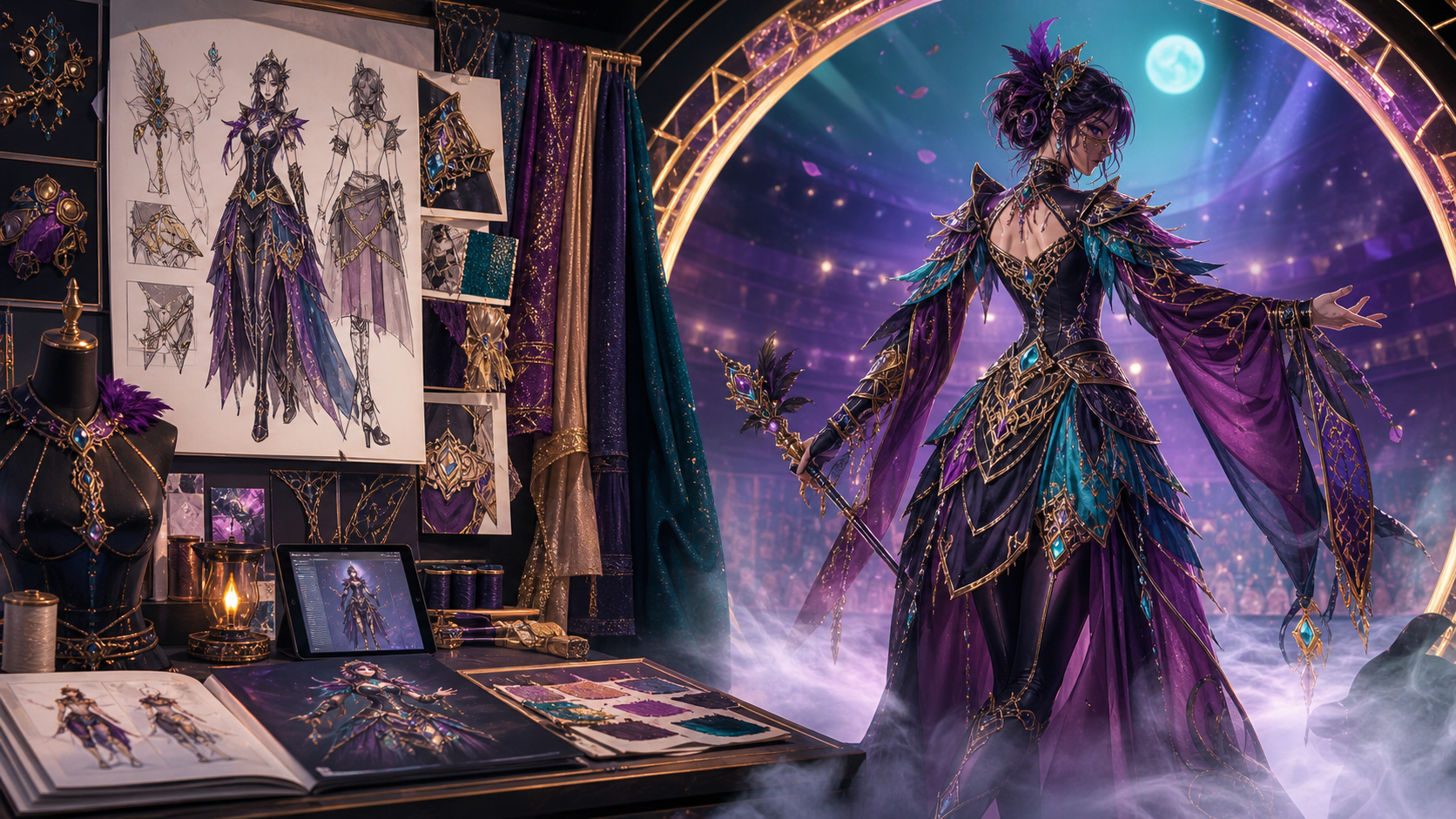
- Image-to-Video Transformation: This is the cornerstone of character animation. By starting with a high-quality reference image of a costume or character design, creators can animate specific poses, transitions, or action sequences.
- Dynamic Character Consistency: Maintaining the look of a specific character across multiple clips is a common hurdle. Using consistent reference assets allows for a more cohesive final edit.
- Refining Motion: Beyond simple generation, the ability to iterate on movement ensures that the final output matches the intended energy of the character, whether it is a subtle portrait or a complex action scene.
Practical Weekly Workflow
To maintain a consistent output, treat your AI video production as a systematic pipeline rather than a series of random experiments:
- Define the Outcome: Determine the purpose of your clip—whether it is a short social media post, a character showcase, or a narrative scene.
- Asset Preparation: Gather your inputs, including character reference images, style prompts, and any necessary audio or script elements.
- Iterative Generation: Work in small, manageable passes. Generate short segments and review them before moving to the next sequence. This allows for better control over the final result.
- Review and Refine: Evaluate each clip for visual continuity, pacing, and clarity. Ensure the output aligns with your original vision.
- Documentation: Save your successful prompts and settings. This creates a "creative library" that makes future variations faster to produce.
Conclusion
AI-assisted video production is most powerful when it is treated as a repeatable system. By focusing on clear inputs and controlled iteration, creators can transform raw AI generations into polished, professional-grade content.
Next Steps
Explore the full suite of creative tools at VideoAny to begin your next project.
FAQs
1) Is this workflow suitable for solo creators? Yes. By focusing on one repeatable format and keeping your asset list organized, a single creator can produce high-quality content efficiently.
2) Should I generate first or plan first? Always start with a plan. Even a simple storyboard or outline helps you judge whether your AI outputs are serving the narrative of your video.
3) What should I check before publishing an AI video? Review your work for continuity, motion quality, pacing, and aspect ratio. Ensure the final video communicates your intended idea clearly.
4) How does VideoAny fit into this workflow? VideoAny serves as the core engine for visual generation. You can use it to create the primary clips, which are then combined with external editing, sound design, and platform-specific formatting to create a finished piece.