Categories: AI Video, AI Image, Creator Guides
Tags: videoany, ai video, ai video generator, ai content creation, creator guide
Introduction
Modern AI video workflows are designed to assist creators in translating complex imaginative concepts into visual media. Whether you are an artist, a storyteller, or a fantasy enthusiast, the ability to generate consistent character-driven content is a powerful addition to your creative toolkit. This guide explores how to leverage VideoAny to build a professional production pipeline for character-based video projects.
Responsible use: Mature-content workflows must be limited to lawful material involving consenting adults. Never create or share content involving minors, non-consensual imagery, unauthorized likenesses, or material that violates platform terms or applicable law.
The Creative Potential of AI Video
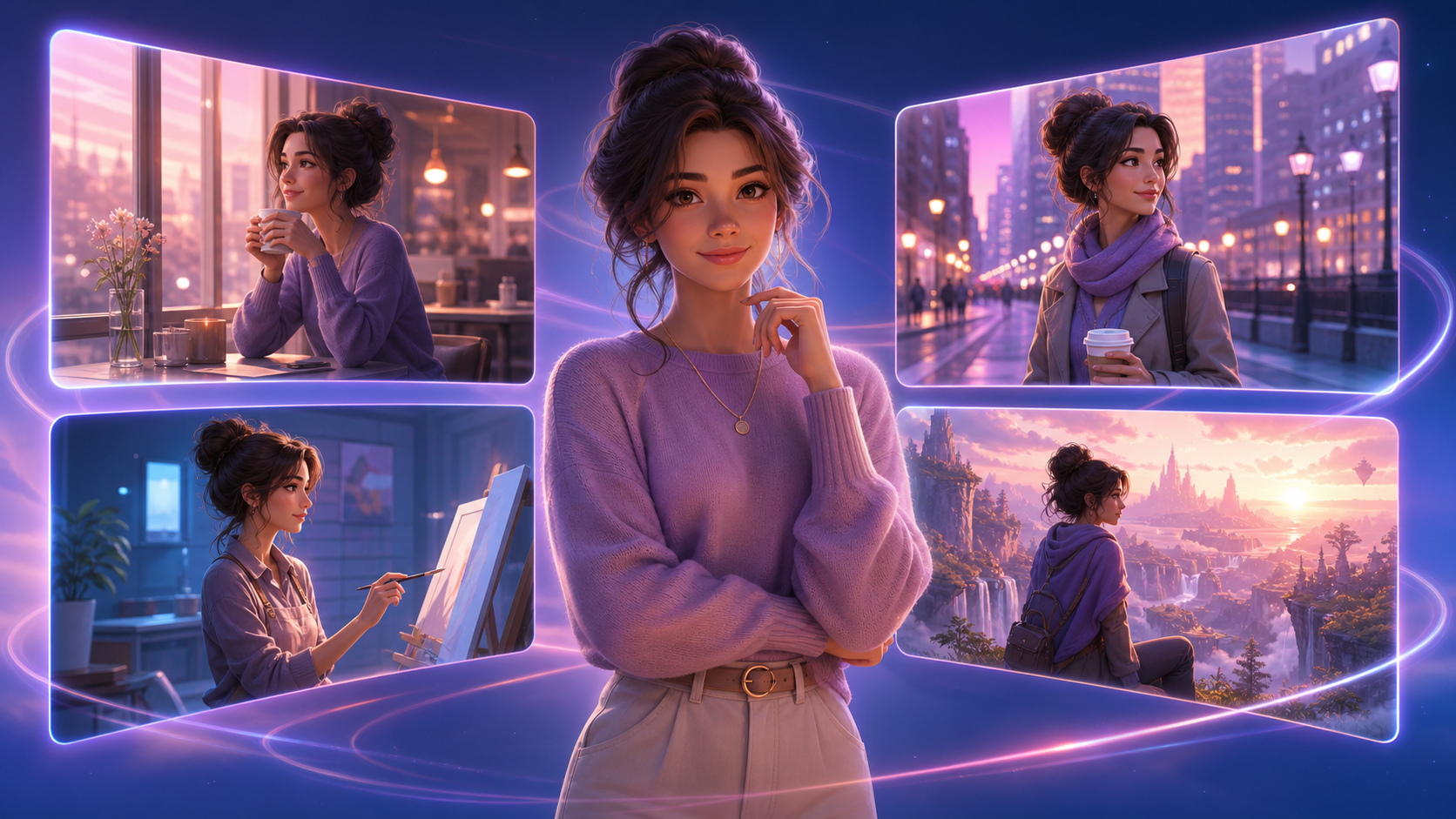
The primary advantage of AI-assisted video generation is the ability to iterate on visual ideas rapidly. For creators focusing on character development, the goal is to maintain artistic consistency while exploring diverse scenarios. By moving away from static imagery and into motion, you can bring depth to your characters, allowing them to interact with environments in ways that were previously time-consuming or technically difficult to animate.

Key Features for Character Animation
To build a cohesive video project, creators should utilize a variety of generation techniques. Understanding how these tools function is essential for achieving professional results:
- Face Swap Technology: This feature allows for character consistency across multiple clips. By using a reference face, you can ensure your character remains recognizable throughout your project. Note: Always ensure you have the necessary rights and consent when using real-world likenesses in your work.
- Image-to-Video Animation: If you have a high-quality static portrait of your character, you can use this tool to add subtle movements, expressions, and life, effectively turning a still image into a dynamic scene.
- Text-to-Video Generation: This is the foundation for scene building. By providing detailed, descriptive prompts—such as lighting conditions, character attire, and environmental context—you can generate unique video clips from scratch.
- Reference Image to Video: To maintain a specific art style or color palette, use a reference image. This guides the AI to produce clips that match your established aesthetic, ensuring that your final video feels like a unified piece of work.
- Video-to-Video Transformation: This tool is ideal for remixing existing footage. You can apply new styles or alter the environment of a clip to create variations without needing to start the generation process from the beginning.

Building a Production Workflow
AI-assisted video work is most effective when treated as a repeatable system. Rather than attempting to generate a final product in one attempt, follow this structured approach:
- Define the Outcome: Determine the purpose of your video—whether it is a short story, a character showcase, or a social media post.
- Prepare Inputs: Gather your reference images, character descriptions, and scripts.
- Iterative Generation: Generate small clips in passes. Review each clip for pacing, continuity, and visual clarity before moving to the next segment.
- Refinement: Use VideoAny to transform or refine clips that don't quite meet your vision.
- Final Assembly: Combine your clips using external editing software to add sound, captions, and platform-specific formatting.
Responsible Creation
As with any creative medium, responsible use is paramount. When creating content featuring human-like characters, always prioritize consent and adhere to ethical standards. Ensure that your content complies with all applicable laws and platform terms of service. By focusing on creative storytelling and respecting the rights of others, you can build a sustainable and professional presence as an AI creator.
Frequently Asked Questions
1) Can this workflow work for a solo creator? Yes. By keeping your asset list organized and focusing on one repeatable format at a time, a single creator can produce high-quality, consistent video content.
2) Should I generate first or write the edit plan first? Always write a plan first. Even a simple outline helps you determine if your AI-generated clips will effectively tell the story you have in mind.
3) What should I check before publishing an AI video? Review for continuity, motion quality, pacing, and whether the video clearly communicates your intended message. Ensure the aspect ratio is correct for your target platform.
4) How does VideoAny fit into this workflow? Use VideoAny as your primary engine for visual generation and variation, then integrate those assets into your broader production pipeline.