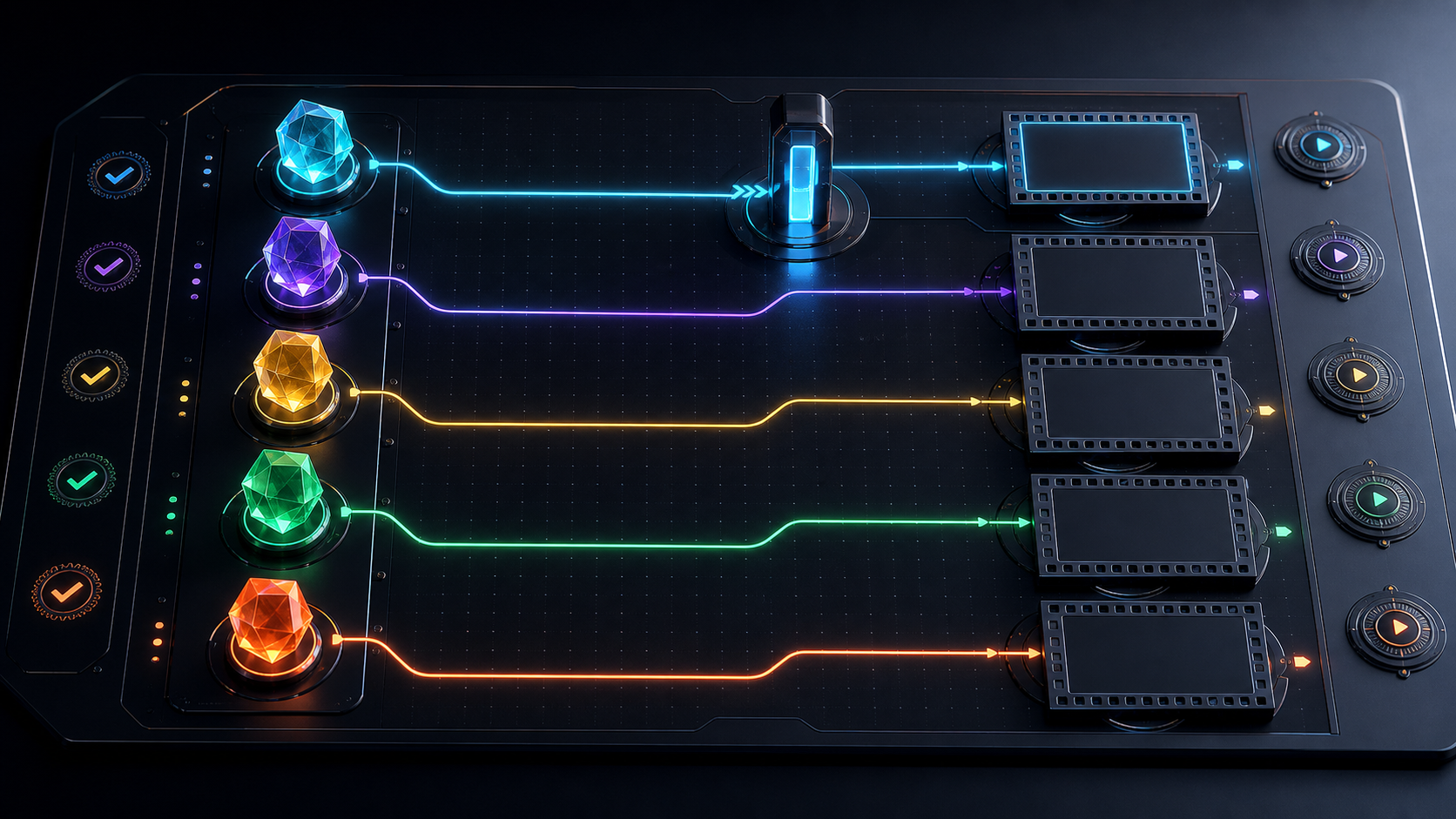
Multi-face swap AI video sounds like a single face swap repeated several times. In practice, a group scene adds a different class of problems: which source identity belongs to which target performer, what happens when people cross, whether a face remains distinguishable at different scales, and whether every person approved both the original footage and the replacement context.
There is also an important product boundary. VideoAny’s current public face-swap interface does not provide simultaneous multi-face mapping. A job accepts one target media item and one source face image, and the public request maps to the first detected target face. There is no interface for uploading several source faces, assigning each to a person, drawing regions, or correcting identity order.
This guide preserves the multi-person planning intent while separating a real production method from a feature that is not currently available. It explains how to build a consent map, evaluate difficult group footage, decide when a scene can be split into one-person jobs, and recognize when a dedicated multi-mapping or conventional compositing tool is required.
Responsible-use baseline: Every source identity and every target performer must be a clearly adult person who gave informed, context-specific authorization. Never involve minors or age-ambiguous people, create non-consensual intimate media, use celebrities or private individuals without permission, fabricate conduct or endorsements, or impersonate anyone deceptively.
Why multi-face is not a repeated single swap
A single-face test asks whether one source portrait can follow one target performance. A multi-person shot adds relationships among faces.
Detection order can change
“First face” may mean the leftmost, largest, clearest, or first detected face, depending on the provider and frame. If people move, enter, leave, or overlap, detection order may not stay stable. A control fixed to the first target is therefore not a reliable identity-assignment system for a moving group.
Identities can collide
Two performers may have similar head size, angle, lighting, hair, or skin-edge contrast. During a crossing or camera pan, the model may drift, jump, or apply the source appearance to the wrong target. A convincing individual frame can still conceal a temporal identity swap.
Each person has separate rights
Replacing Person A’s face does not eliminate Person B’s rights in the same footage. Background performers, voices, bodies, tattoos, wardrobe, choreography, locations, and audio can remain identifiable. Every participant needs appropriate clearance for the base footage and new context.
One failed face can invalidate the scene
Group interaction makes errors more visible. Eye lines, reactions, hand-to-face contact, shadows, and shared lighting must remain coherent. A result cannot pass merely because the primary subject looks acceptable.
VideoAny’s current one-face-per-job boundary
The approved VideoAny Face Swap entry leads to video, photo, and GIF modes. Each current job uses one target media item plus one source face image.
The source face picker lists JPEG, PNG, or WebP up to 10MB. Photo targets use the same listed formats and limit. Video/GIF mode currently lists MP4, WebM, MOV/QuickTime, or GIF targets up to 50MB.
The current request contains a single source-face URL and a target index fixed to zero. The interface does not expose:
- an array of source faces;
- per-person labels or role assignments;
- target-face selection;
- tracking boxes or masks;
- simultaneous multi-face generation;
- prompt, style, strength, or motion controls;
- output aspect ratio, resolution, frame rate, or duration settings.
Do not interpret automatic face detection as multi-person assignment. Do not upload a group shot and several portraits expecting VideoAny to preserve a face-to-role map; the required controls are not present.
Build a face-to-role consent map first
Before selecting software, create one row for every visible or audible person.
| Role ID | Target performer | Source identity | Approved scene and context | Distribution | Final approver |
|---|---|---|---|---|---|
| A | Performer in target shot A | Licensed adult source A | Named fictional scene | Internal plus approved channels | Source A and performer A |
| B | Performer in target shot B | Licensed adult source B | Named fictional scene | Approved channels only | Source B and performer B |
| Background | Extras or incidental people | No replacement planned | Original licensed appearance only | As contracted | Production reviewer |
Use neutral project IDs rather than personal data in routine filenames. Keep signed releases in a controlled rights folder. The map should answer:
- Who owns or controls each source portrait?
- Did the depicted adult authorize synthetic identity use?
- Did each target performer authorize the altered scene?
- Does permission cover mature, comedic, commercial, political, or other sensitive framing?
- Are the audio, script, location, logos, and background people cleared?
- Who sees the final composite before release?
- How will synthesis be disclosed?
- What happens if a participant withdraws or reports misuse?
If any row is incomplete, pause the scene. “They are only in the background” is not a substitute for production clearance.
Evaluate group footage before generation
Count faces across the entire shot
Do not count only the opening frame. Note every entry, exit, reflection, screen, poster, photo, and face-shaped object. A mirror or monitor can introduce a second detectable face unexpectedly.
Mark crossings and occlusions
Scrub frame by frame and note when:
- one head passes in front of another;
- hands, hair, props, glasses, masks, or microphones block features;
- people hug, kiss, fight, dance, or exchange positions;
- the camera whips or racks focus;
- a face moves from frontal to profile;
- cuts change which person appears first.
These moments are likely identity-collision points.
Measure face scale and sharpness
A face that occupies only a tiny part of the frame contains fewer stable features. Heavy compression, low light, motion blur, and blown highlights reduce usable information. Note the smallest face size and hardest lighting state rather than judging the cleanest close-up.
Separate the audio claim
Face replacement does not rewrite the target audio, but the new identity can make the existing speech appear to come from someone else. Transcribe the dialogue and ask whether the composite would fabricate a statement, confession, endorsement, or intimate participation.
A five-step multi-person production decision
Step 1: Define the intended identity map
Create a storyboard that labels every target person by role ID and every approved source identity by asset ID. Include shot numbers, timecodes, and the exact mapping. Never use labels such as “celebrity face” or “friend” as though public familiarity were a license.
Step 2: Decide whether the scene can be split safely
A sequence of separate close-ups may be handled as independent, one-person jobs if each clip contains only the intended first target face. A continuous group shot with crossings cannot be converted into simultaneous multi-face support by running the same one-face tool repeatedly.
Split only at editorially natural cuts. Cropping another performer out of a working copy does not erase their rights in the original production.
Step 3: Prepare one authorized pair per eligible shot
For an eligible single-person shot, choose a sharp, evenly lit source portrait with angle and expression compatible with the target. Trim a short test containing the most difficult turn or obstruction. Use the public format and file-size limits rather than assuming arbitrary inputs.
Step 4: Generate one controlled test
The current studio shows 5 credits per photo job and 30 credits per video or GIF job. These are per-item values in the present interface, not a per-second rate or permanent promise. Check current credit options before a production batch.
Run the hardest short clip first. If the intended person is not consistently the first detected target, stop; the interface has no selector to correct that mapping.
Step 5: Reassemble and run per-person approval
Edit only the eligible, separately generated shots back into the sequence. Review the complete timeline for identity continuity and context. Route the exact final cut to every affected approver, not just a still from their own shot. Add clear synthetic-media disclosure before publication.
Occlusion, crossings, scale, and identity collisions
Use a timeline log for each shot:
| Timecode | Visible roles | Event | Expected mapping | Result | Action |
|---|---|---|---|---|---|
| 00:00–00:02 | A | Frontal close-up | Source A → A | Review | Pass or replace input |
| 00:02–00:03 | A, B | B crosses foreground | No safe single-target mapping | Blocked | Use original, reshoot, or dedicated tool |
| 00:03–00:05 | B | Solo profile | Source B → B | Review | Test separately |
This log prevents a smooth-looking average from hiding one serious collision. Mark any frame where:
- the source identity jumps between people;
- facial boundaries detach from head motion;
- eyes, teeth, jaw, ears, glasses, or hairline distort;
- a face disappears and returns as a different identity;
- lighting changes independently of the target;
- reflections or background faces receive the effect;
- the result resembles an unauthorized third person.
One severe identity error is a failure, even if the rest of the clip looks realistic.
Per-person review and approval
Technical review should be performed both by shot and by individual.
Review by shot
Check first, middle, and final frames; turns; cuts; occlusions; shared shadows; interaction points; audio continuity; downloaded resolution; duration; frame rate; codec; and container.
Review by person
For every mapped identity, verify adult status, source authorization, target-performer authorization, context approval, visual consistency, dialogue meaning, distribution scope, and disclosure. Record the reviewer and date.
Review the social meaning
Ask what a viewer will infer from the interaction. Two independently approved portraits can still become harmful when combined into a false romance, fight, endorsement, political alliance, or sexual scenario. Consent must cover the combined scene, not only each image in isolation.
When to use another tool or production method
Use a dedicated multi-mapping system only after verifying that its live interface actually supports multiple source faces, stable per-target assignment, tracking through crossings, and correction controls. Test with non-sensitive, fully authorized assets before trusting it in production.
Choose conventional compositing, masks, tracking, reshoots, or licensed visual-effects work when:
- multiple faces remain visible in one continuous shot;
- exact target selection is contractually required;
- people cross or occlude one another;
- the final edit needs deterministic revisions;
- approval must trace each identity frame by frame;
- the scene is high stakes, realistic, or commercially prominent.
The right answer may be “do not replace these faces.”
Responsible use cases
Licensed ensemble previs
A production can test approved looks across separate close-ups of contracted adult performers. Keep outputs internal, watermarked, and linked to the consent map until final approval.
Original fictional casts
Create distinct fictional adult characters that do not imitate real people. Assign a visual bible and role ID to each, then check for accidental resemblance before distribution.
Self-directed group comedy
Creators can combine their own authorized performances or work with consenting collaborators. The joke should not fabricate harmful claims, and every collaborator should approve the final context and posting locations.
Marketing with contracted talent
Use explicit commercial releases that cover synthetic alteration and the exact brand. Do not imply that a celebrity, customer, employee, or stock model endorsed a product unless the authorization clearly supports it.
Mature fictional narratives
All depicted people and source identities must be verifiably adult and must specifically authorize the intimate context. Exclude minors, age ambiguity, coercion, voyeurism, and unauthorized real-person likenesses. A multi-person scene requires approval of the interaction itself.
Compare single-face and true multi-face workflows
| Capability | Current VideoAny face swap | Verified multi-mapping tool | Manual VFX workflow |
|---|---|---|---|
| Source faces per job | One | Must verify live | As production permits |
| Target assignment | First target in public request | Must expose explicit mapping | Editor controlled |
| Group crossings | Not a supported mapping workflow | Test tracking and correction | Track and mask manually |
| Prompt or ratio controls | Not exposed in swap route | Product-dependent | Edit-dependent |
| Per-person audit trail | Production must create it | Product-dependent | Production controlled |
| Best fit | One eligible target per item | Authorized continuous group scene | Precision and complex interaction |
Do not choose by “unrestricted” marketing. Choose by observable controls, rights evidence, failure recovery, and the ability to explain who approved each identity.
FAQ
Can VideoAny swap multiple faces in one video simultaneously?
Not through the current public interface. It accepts one source face and maps the first detected target. There is no multi-source upload or per-person mapping control.
Can I run the same group clip several times for different people?
That does not create stable target assignment. Each run still addresses the first detected target, which can change or collide. Only separate shots containing one eligible target may fit the current workflow.
Does face swap anonymize the original performers?
No. Voice, body, tattoos, clothing, movement, location, background, metadata, and context can remain identifying. Use established redaction methods when anonymity is required.
Can I use friends or public figures in a group meme?
Only when every real person has explicitly approved the identity use, combined context, and distribution. Public visibility or friendship does not create permission. Never create unauthorized intimate, defamatory, fraudulent, or deceptive media.
Is multi-face output guaranteed to be realistic?
No. Detection order, crossings, occlusion, scale, lighting, compression, and motion can cause visible or contextual failure. Inspect every person across the entire timeline.
Does buying credits grant rights to all faces?
No. Credits pay for processing. Source portraits, performers, target footage, audio, brands, and distribution require separate authorization.
Map people before pixels
Multi-face swap AI video is an identity-management problem before it is a rendering problem. Build the face-to-role map, clear every person and context, inspect crossings and detection order, and verify that the selected tool exposes the controls the scene requires.
VideoAny currently serves one-source-face, one-target-media jobs—not simultaneous group mapping. Treat that limit as a production gate. Split only genuinely eligible solo shots, use a verified multi-mapping or manual workflow when necessary, and never let an invented feature turn a consent problem into a publishing problem.