Responsible use: Use faces, voices, and other identity signals only with clear permission from the person depicted and the rightsholder. Never create deceptive impersonations, non-consensual intimate imagery, sexualized material involving minors, or content intended for fraud, harassment, or political manipulation.
Categories: AI Video, AI Image, Creator Guides
Tags: videoany, ai video, ai video generator, ai content creation, creator guide
Introduction
AI video generation has evolved into a comprehensive ecosystem, moving far beyond simple face-swapping tools. Today’s platforms offer a suite of interconnected features that allow creators to synthesize visuals from text, animate static imagery, and manipulate existing footage with high precision. For those looking to integrate these technologies into their workflow, understanding the capabilities of tools like VideoAny is the first step toward mastering AI-assisted storytelling.
The Modern AI Video Ecosystem
A robust AI video platform functions as a complete creative studio. Rather than relying on a single function, modern workflows often combine several distinct generation methods:
- Text-to-Video: This capability allows creators to translate written scripts into dynamic visual narratives. By inputting descriptive prompts, the AI generates corresponding animations, making it an efficient solution for explainer videos, marketing materials, and conceptual storytelling.
- Image-to-Video: This feature bridges the gap between static art and motion. By uploading photographs or illustrations, users can prompt the AI to generate fluid video sequences, adding a layer of dynamism to existing visual assets.
- Reference-Guided Planning: Authorized reference media can define lighting, angle, expression range, style, and motion before generation. Record those observations in a brief instead of assuming a dedicated reference-to-video mode.
- Video-to-Video: This process involves transforming existing footage. Whether you are looking to apply new artistic styles, modify character appearances, or experiment with visual effects, video-to-video tools provide a framework for iterative editing.
Advanced Face Swapping in Creative Projects
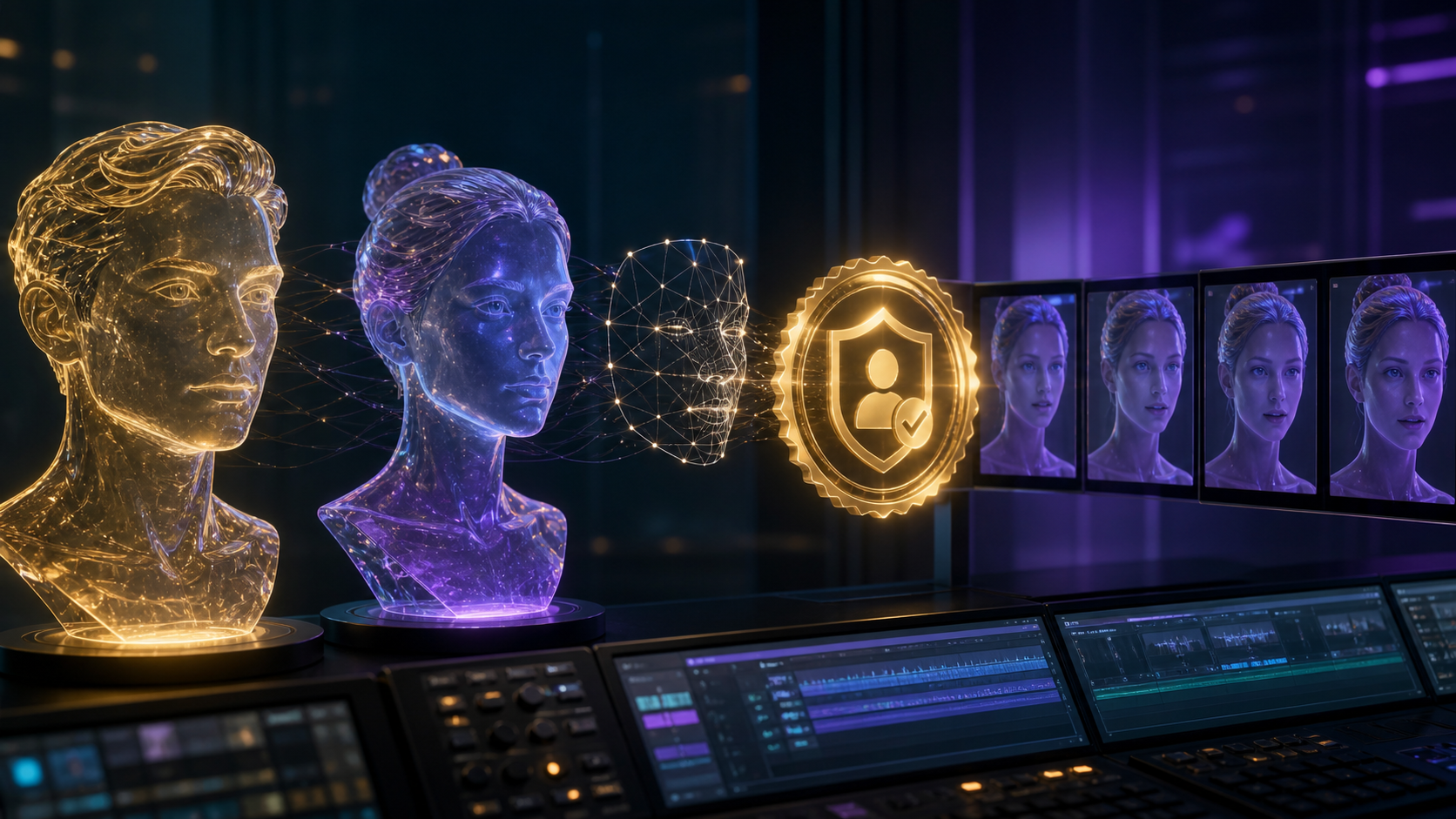
Face swapping is a specialized application within the broader AI video landscape. When used responsibly, it allows for creative transformations that were previously labor-intensive or impossible for independent creators.
Effective face-swapping workflows often rely on high-quality source materials and clear, consistent lighting. By integrating these tools with VideoAny's face swap capabilities, creators can achieve realistic results that maintain the integrity of the original performance while updating the character's likeness.
Prepare Source and Target Media
The source portrait and target footage should be compatible before generation begins. Compare head angle, focal length, lighting direction, expression range, resolution, and visible occlusions such as glasses, hair, hands, or microphones. A front-lit portrait cannot cleanly cover every extreme profile or shadowed frame without additional artifacts.
Use the highest-quality authorized source available, but avoid aggressive beauty filters that erase natural facial structure. Trim the target footage to a short test and choose a segment with moderate motion. A small controlled clip reveals whether the tool can maintain identity, skin tone, edges, and expression without spending a full production budget.
Keep a rights record beside the project files: who consented, which source image is approved, which target performance may be altered, where the result may appear, and when the permission expires. Commercial permission should be written and specific to the intended campaign or distribution context.
Review the Swap Frame by Frame
Watch once at normal speed for overall believability, then scrub slowly. Inspect the hairline, jaw, ears, teeth, eyes, glasses, and any point where the face crosses another object. Look for skin-tone shifts, double features, flicker, expression lag, or a face that changes shape as the head turns.
The generated identity should not erase the original performance's timing or introduce an emotion the actor did not perform. If artifacts appear, shorten the clip, choose a better-matched source, or use a less demanding camera angle. Do not conceal known defects with heavy compression and publish anyway.
Label and Store the Result Responsibly
Disclosure is part of audience trust. Label synthetic or altered identity media when context could otherwise mislead viewers. Store source portraits and generated files with restricted access, remove unused uploads when the platform supports deletion, and never reuse an approved likeness in a new context without renewed permission.
Best Practices for AI Video Creation
To get the most out of AI video generation, consider the following strategies:
- Iterative Refinement: Start with simple prompts and gradually introduce more complex references to guide the AI’s output.
- Platform Versatility: Utilize tools that support multiple aspect ratios. Whether you are producing content for social media platforms like TikTok or cinematic projects, ensuring your video is optimized for the intended display orientation is critical.
- Creative Control: Reuse an approved reference brief to maintain lighting, framing, and identity expectations across related shots.
Frequently Asked Questions
Q: What is a face swap AI video maker? A: It is a tool that utilizes artificial intelligence to map one person's facial features onto another in a video sequence. These tools are designed to facilitate creative transformations and character-based storytelling.
Q: Can I use AI video tools for commercial purposes? A: Many platforms allow for commercial use, but it is essential to review the specific terms of service of your chosen platform. Always ensure you have the necessary rights to the content you are generating and that your use of likenesses is fully authorized.
Q: How do I choose the right AI video tool? A: Look for platforms that offer a comprehensive suite of features—such as VideoAny—that allow you to scale your projects from simple image animation to complex video-to-video transformations. Prioritize platforms that provide clear documentation and support for various creative workflows.
Q: Why is responsible use important in AI video generation? A: Because AI can generate highly realistic likenesses, it is vital to respect privacy and consent. Responsible creation involves using only the likenesses you have permission to use and avoiding the creation of content that could be used for deception or harm.