Categories: AI Video, AI Image, Creator Guides
Tags: videoany, ai video, ai video generator, ai content creation, creator guide
Introduction
AI video workflows are most effective when they clarify and streamline the production process, rather than just accelerating it. This guide explores the core concepts behind AI face swap tools and other generative video capabilities, translating them into a practical workflow for planning, generating, editing, and publishing video content with platforms like VideoAny.
Our goal is to provide a structured understanding of these tools: what each concept means, where it fits within a production pipeline, when it offers the most benefit, and what to verify before considering a clip complete.
Responsible use: Use faces, voices, and other identity signals only with clear permission from the person depicted and the rightsholder. Never create deceptive impersonations, non-consensual intimate imagery, sexualized content involving minors, or material intended for fraud, harassment, or political manipulation.
Beyond Face Swapping: A Suite of AI Video Creation Tools
VideoAny offers a comprehensive ecosystem for dynamic video creation, extending far beyond just an AI face swap tool. Our platform is designed to support a diverse range of creative needs, providing intuitive tools that transform initial concepts into engaging video content.
Text-to-Video Generation: Craft Stories from Words
Imagine bringing a script or scene description to life as a high-quality video. Our text-to-video feature leverages advanced AI to interpret your text prompts and generate corresponding visual narratives. This capability is ideal for developing quick prototypes, producing explainer videos, or even creating animated shorts, offering remarkable creative agility. Text-to-video can support storyboarding and surrounding shots when no source footage exists.
Image-to-Video Transformation: Animate Your Stills
Do you have static images that you wish could tell a story? With our image-to-video functionality, you can infuse life into any still photograph or artwork. From subtle movements to dramatic transformations, this tool allows you to animate elements, add camera movements, and create dynamic video sequences directly from your images. It's particularly valuable for artists and photographers looking to repurpose their portfolios into engaging video content. Image-to-video can animate authorized still artwork or portraits when a face replacement is not required.
Reference-Guided Planning: Match the Source Before Generating
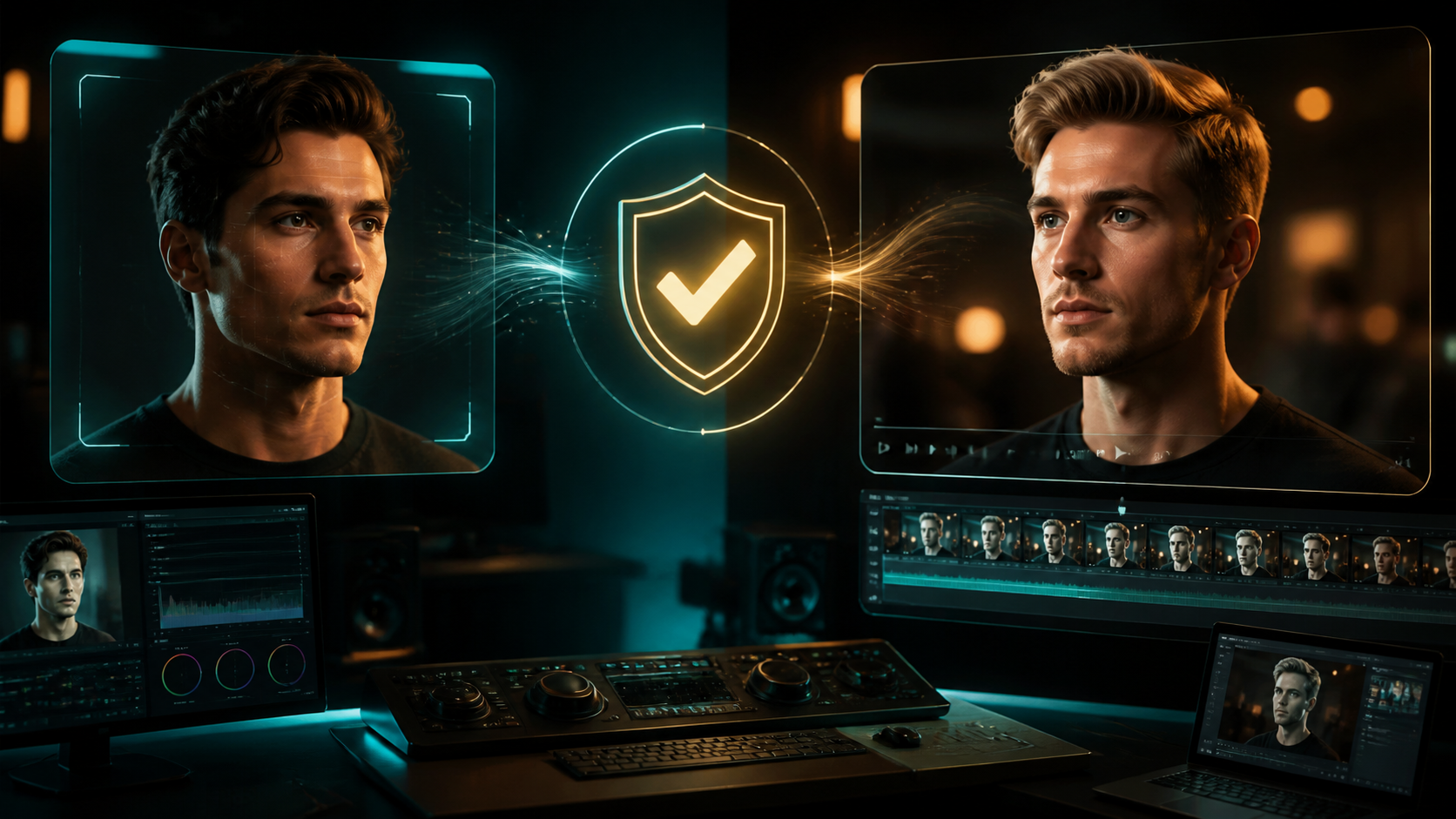
Before generating, compare the authorized source portrait and target footage for camera angle, expression range, lighting direction, resolution, and occlusion. A well-matched pair reduces artifacts and gives you clear criteria for reviewing the result. This is a preparation method, not a claim that every platform provides a dedicated reference-to-video mode.
Video-to-Video Generation: Transform Existing Footage
Existing footage can also be restyled or reworked with video-to-video tools, but identity replacement deserves its own controlled workflow. Use VideoAny Face Swap only with authorized source and target media, then inspect every frame for identity drift, edge artifacts, and unintended changes.
Creative Expression and Responsible AI Media
In a landscape where creative expression is highly valued, the tools we use play a significant role. AI video generation platforms offer immense potential for innovation. At VideoAny, we advocate for responsible and consent-based AI media creation. While AI tools offer immense creative potential, it's essential for creators to respect privacy, obtain necessary permissions, and adhere to all applicable laws and platform guidelines when generating and sharing content, especially when using features like face swapping.
Key Considerations for AI Video Platforms
When choosing an AI video platform, several factors contribute to a seamless and effective creative process.
Seamless Creation at Your Fingertips
A well-designed platform prioritizes ease of use, allowing creators to concentrate on their vision rather than technical complexities. Look for intuitive interfaces that streamline the generation process.
Flexible Pricing Models
Many AI video platforms utilize a credit-based system, where users pay for the content they generate. This model can offer flexibility, allowing both casual users and professional studios to manage their budgets effectively. Credits are typically purchased and managed within your account, providing transparency over usage.
High-Quality Output
The quality of generated video content is paramount. Platforms should aim to deliver crisp, clear visuals that meet modern broadcast and digital media standards, ensuring your creations look professional and polished.
Multiple Aspect Ratios: Tailored for Every Platform
Whether you're creating content for social media platforms like YouTube, Instagram Reels, or TikTok, or for a cinematic project, support for multiple aspect ratios is crucial. The ability to choose from standard cinematic, vertical for social media, or custom dimensions ensures your videos are optimized for their intended audience and distribution channels.
Choosing Your AI Video Creation Partner
Many AI video generation platforms approach content policies and technical capabilities differently. When seeking an AI face swap tool online or any form of AI video generation, consider a platform that provides a robust set of tools, supports creative endeavors, and delivers quality output. VideoAny aims to equip creators with a diverse toolkit to bring their ideas to life.
Getting Started with AI Video Creation
Ready to explore the world of AI video generation and utilize advanced tools like face swapping? Begin your creative journey by exploring platforms designed to support your vision.
Practical Weekly Workflow
- Define the content outcome first: Short ad, story scene, tutorial clip, music visual, product demo, or social post.
- List the required inputs: Prompt, reference image, product shot, character design, storyboard frame, script, or audio.
- Generate or edit in small passes instead of trying to finish the whole video in one attempt.
- Review the clip for continuity, pacing, visual clarity, caption space, sound needs, and platform format.
- Save the prompt, source assets, and export settings so the next variation is easier to reproduce.
Conclusion
AI-assisted video work is most powerful when treated as a repeatable production system. While the creative idea remains central, the workflow also requires clear inputs, controlled iteration, and a review step that transforms raw generations into polished, communicative content.
Next Step
Explore VideoAny: https://videoany.io
FAQs
Q: What exactly is an AI face swap tool online, and how should I use VideoAny Face Swap? A: An AI face swap tool detects a face in source footage and synthesizes an authorized replacement from a reference image. Use the dedicated face swap workflow only when every depicted person has consented, and review the result before sharing it.
Q: Is VideoAny's AI video generation truly unrestricted and uncensored? A: VideoAny operates with content policies designed to promote responsible and ethical AI media creation. Our platform supports creative exploration while adhering to guidelines that ensure a safe and respectful environment for all users.
Q: How much does it cost to use an AI face swap tool online? A: Pricing and generation limits can change. Check the current pricing page before production and budget for test passes as well as the final render.
Q: What quality can I expect from generated face swaps? A: Quality depends on the source material, target footage, lighting, motion, occlusion, and settings. Test a short clip first and inspect frame-by-frame rather than assuming a particular resolution guarantees a convincing result.
Q: Can I use a face swap in a commercial project? A: Review the current platform terms and obtain written permission covering the person's likeness, the underlying media, the intended audience, and the commercial scope.