Categories: AI Video, AI Image, Creator Guides
Tags: videoany, ai video, ai video generator, ai content creation, creator guide
Introduction
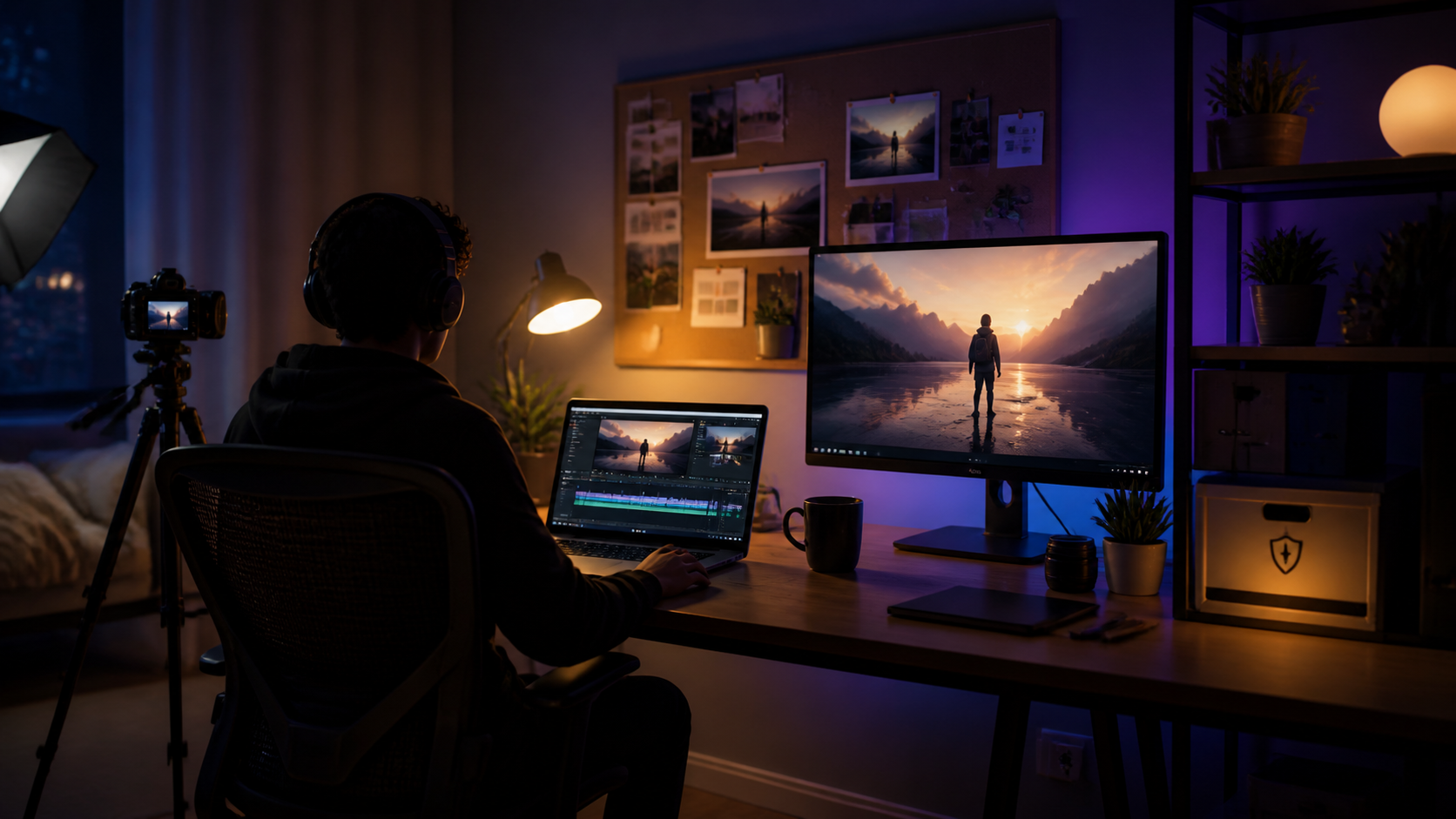
Modern AI video workflows are most effective when they prioritize clarity and intentionality. Rather than simply rushing through generation, successful creators treat AI tools as part of a structured production pipeline. This guide outlines how to approach AI video creation—from initial concept and prompt engineering to final refinement—ensuring your creative vision remains the primary driver of your work.
We emphasize responsible creation, reminding all users that AI media should be produced with respect for consent and in accordance with legal standards. By focusing on a systematic approach, you can transform raw AI outputs into polished, professional-grade visual narratives.
Responsible use: Mature-content workflows must be limited to lawful material involving consenting adults. Never create or share content involving minors, non-consensual imagery, unauthorized likenesses, or material that violates platform terms or applicable law.
Establishing Your Production Workflow
To maintain quality, break your project into manageable phases. A repeatable system allows you to iterate on your ideas without losing focus.
- Define the Outcome: Before generating, clarify the goal. Are you creating a short social media clip, a narrative scene, or a product demo?
- Prepare Your Inputs: Gather your reference materials, such as character designs, storyboard frames, or specific scripts.
- Iterative Generation: Use VideoAny to generate clips in small, controlled passes rather than attempting to create a finished product in one go.
- Review and Refine: Evaluate each clip for pacing, visual consistency, and clarity. Use the iterative process to adjust your prompts based on the results.

Step-by-Step Creation Guide
1. Accessing the Studio
Start by visiting the VideoAny creation suite. An intuitive interface is essential for keeping your workflow organized and efficient.
2. Crafting Effective Prompts
The quality of your output is directly tied to the detail in your prompt. Describe the scene, lighting, camera angle, and subject movement clearly. If the AI doesn't capture your vision on the first try, refine your keywords to provide more specific visual cues.
3. Selecting Aspect Ratios
Framing is critical for final delivery. Whether you are creating content for mobile platforms or widescreen displays, select the appropriate aspect ratio early in the process to ensure your composition is correct from the start.

4. Generation and Iteration
Once you click "Generate," the AI will process your request. Use this time to prepare your next prompt or adjust your storyboard. Remember that mastery comes from experimentation—don't hesitate to tweak your descriptions to achieve the desired result.
5. Final Review
Before finalizing your project, check for continuity and pacing. Ensure that the visual narrative flows logically and that the output aligns with your original creative plan.
Choosing the Right Platform
When selecting a tool for your creative work, consider the balance between ease of use and the level of control offered. Many platforms impose rigid constraints that can stifle creative expression. Look for a service that provides the flexibility to explore diverse themes and genres while maintaining a user-friendly environment.
At VideoAny, we focus on providing creators with the tools necessary to bring complex visual concepts to life. By choosing a platform that supports your specific creative requirements, you can spend less time navigating technical limitations and more time focusing on your storytelling.
Conclusion
AI-assisted video production is most successful when treated as a systematic process. By combining clear inputs, iterative generation, and a rigorous review phase, you can turn raw AI outputs into compelling visual content. Start small, document your successful prompt structures, and refine your workflow with every new project.
Next Step: Explore the full range of tools at VideoAny.
FAQs
1) Can this workflow work for a solo creator? Yes. By starting with a repeatable format and keeping your asset list organized, a single creator can manage the entire production cycle efficiently.
2) Should I generate first or write the edit plan first? Always write a plan first. Even a simple outline helps you evaluate whether the AI-generated clips effectively support your final video narrative.
3) What should I check before publishing an AI video? Verify continuity, pacing, visual clarity, and audio-visual synchronization. Ensure the video clearly communicates your intended message without requiring external explanation.
4) How does VideoAny fit into this workflow? Use VideoAny for the visual generation phase, then integrate those clips into your broader editing workflow, adding captions, music, and platform-specific formatting as needed.