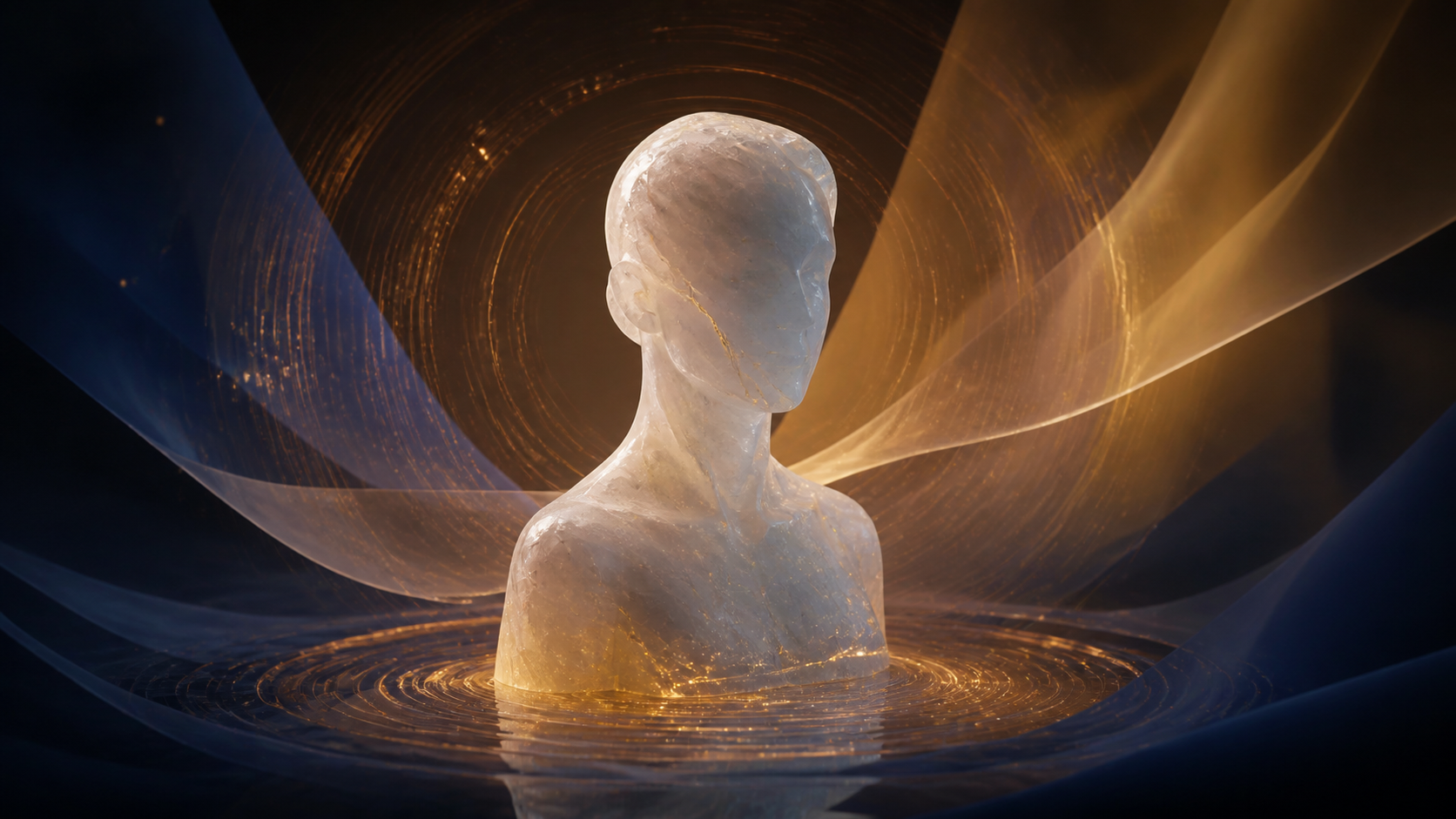
A portrait already contains a story, but it tells that story in a single frozen instant. AI video can extend the instant: a restrained smile arrives, fabric responds to a breeze, light shifts across the background, or the camera eases closer. The best result does not simply make every pixel move. It preserves the subject while adding one believable beat of time.
That distinction matters even more when a portrait represents a real person. Animation can change how the person appears to speak, behave, or participate in a scene. Before thinking about style or spectacle, confirm that you own the image or have permission to use it, that any identifiable person has authorized the transformation, and that the intended context is not misleading.
Responsible-use baseline: Mature portrait workflows must involve consenting adults and lawful material. Never animate minors or age-ambiguous subjects in mature contexts, create non-consensual intimate imagery, impersonate someone deceptively, or use an unauthorized likeness.
This guide explains how to bring a portrait to life with controlled motion in VideoAny. It follows the familiar path from choosing a creation mode through prompting, aspect ratio, generation, review, and export, while treating identity consistency and consent as production requirements rather than afterthoughts.
What “bringing a portrait to life” actually means
Portrait animation is an image-to-video task with a narrow tolerance for error. A landscape can survive a slightly altered tree. A familiar face may look wrong when the eye spacing, jawline, hairline, or expression changes between frames. A successful portrait clip therefore balances two goals:
- Preserve identity-bearing details. Facial proportions, age cues, hairstyle, distinctive accessories, and wardrobe should remain coherent.
- Introduce intentional motion. The subject, environment, and camera should move only as much as the shot needs.
Motion can come from several layers:
- Facial micro-motion: a blink, a small change in gaze, a subtle breath, or a restrained smile.
- Body motion: a slight head turn, shoulder adjustment, hand gesture, or step.
- Environmental response: drifting dust, moving curtains, rain, smoke, foliage, or changing light.
- Camera behavior: a slow push-in, gentle orbit, locked shot, or shallow handheld feel.
Trying to animate all four layers aggressively in one short generation often produces drift. For a first pass, choose one primary layer and one supporting layer. A locked-camera portrait with a small head turn and softly moving background light is easier to control than a full-body walk, dramatic expression change, storm, and orbiting camera combined.
VideoAny tools that can support a portrait workflow
VideoAny provides several creation modes, but they solve different problems:
- Image to Video starts with the portrait itself. This is usually the direct choice when likeness, wardrobe, and composition should remain recognizable.
- Face Swap transfers a permitted face into compatible image or video material. It is a separate identity-editing workflow, not a substitute for obtaining consent or usage rights.
- Text to Video builds a new scene from language. It can help explore a concept before committing a portrait, but a text-only generation does not inherently preserve a specific person.
- Reference-guided options on selected models can help carry visual cues into a generation. Reference support and behavior vary by model.
- Video to Video restyles existing motion. It is useful when the timing is already captured and the goal is a visual transformation rather than animating a still from scratch.
For a single still portrait, begin in Image to Video. Do not assume every model exposes the same duration, resolution, ratio, end-frame, or reference controls. Inspect the current settings for the selected model before designing the shot.
Prepare the portrait before uploading
The input image establishes the generation’s geometry. A few minutes of preparation usually save more credits than repeated prompting.
Confirm rights, identity, and context
Record who created the image, who appears in it, what permission covers, and where the output may be published. Consent for a normal portrait does not automatically authorize an adult, political, commercial, or deceptive edit. For brand work, document approvals for the script, scene, distribution channels, and duration of use.
If the subject cannot provide permission, use an original fictional character, licensed artwork, or an anonymous design instead. Historical and educational projects also require care: label reconstructions clearly and avoid presenting invented gestures or speech as documentary evidence.
Choose a clean visual anchor
Use a portrait with:
- a clearly visible face at a useful scale;
- sufficient light and contrast around the eyes, mouth, and jaw;
- minimal obstruction from hands, hair, glasses glare, or foreground objects;
- a crop that leaves room for the intended movement;
- a background that does not merge with the subject’s silhouette.
A tightly cropped headshot has little room for a large turn or step. A three-quarter portrait can support more body motion, but also gives the model more anatomy and clothing to keep stable. Match the source framing to the action.
Remove accidental ambiguity
Multiple faces, mirrored surfaces, photos inside the background, or a bystander at the frame edge can create competing identity targets. Crop or mask distractions before upload when you have the right to edit the image. Also remove unnecessary metadata from sensitive source files and keep an untouched original outside the generation workflow.
A five-step portrait animation workflow
Step 1: Choose the appropriate creation mode
Open the image-to-video studio and compare available models. Choose based on the required ratio, visual style, duration, and resolution rather than assuming the most expensive option will preserve identity best. A short test at modest settings can reveal whether the model understands the portrait before you spend credits on a delivery pass.
If your real goal is to place an authorized face into an existing performance, use the dedicated Face Swap workflow instead. Keep the distinction clear: image-to-video creates motion from a still; face swap changes identity within supplied media.
Step 2: Upload and inspect the framing
After upload, check the preview for unintended crop, rotation, or compression. Decide whether the final frame should be landscape, vertical, or square.
- 16:9 works well for a professional scene, presentation background, cinematic environment, or horizontal player.
- 9:16 prioritizes the subject for short-form mobile feeds and story formats.
- 1:1 is useful for profile-led compositions and flexible feed placement.
These are common targets, not universal model guarantees. Available aspect ratios depend on the selected model. Compose important facial details away from the extreme edges so reframing does not cut them off.
Step 3: Write a motion-first prompt
A portrait prompt should describe change over time, not just repeat what is already visible. Use this compact order:
identity invariants + primary action + supporting motion + camera + lighting/style + stability constraints
For example:
Preserve facial proportions, hairstyle, dark blazer, and calm expression. The subject makes a small head turn toward camera and gives a restrained smile. City lights drift softly in the background. Locked camera, natural evening light, realistic motion, stable eyes and hands, no sudden pose change.
“Preserve” language does not force perfect consistency, but it makes the intent explicit. Avoid contradictory instructions such as “locked camera” and “dramatic orbit,” or “subtle expression” and “rapid emotional transformation.”
Step 4: Select settings for the destination
Choose duration, ratio, resolution, and other controls that the current model actually exposes. Maximum output varies by model; selected options may offer 2160p/4K, while others top out at 1080p or 720p. Higher resolution cannot repair identity drift or bad motion, so validate the sequence before paying for a higher-cost version.
For portrait work, a short motion arc is often enough:
- Opening: hold the source pose long enough to establish identity.
- Middle: perform one readable action.
- Ending: settle into a stable pose that can cut cleanly.
If a selected workflow supports an end frame or reference input, treat it as an additional constraint, not a guarantee. Keep the start and end subjects compatible in pose, framing, lighting, and wardrobe.
Step 5: Generate, review, and export
Review the whole clip at normal speed and frame by frame. Look first at the eyes, mouth, teeth, hairline, fingers, jewelry, and the boundary between the face and background. Then check whether the action matches the prompt and whether the final frame settles cleanly.
Do not publish a technically smooth clip if its meaning is misleading. An animation that makes a real person appear to endorse a product, deliver a statement, enter an adult context, or perform an action they did not authorize requires explicit permission and clear disclosure.
Four prompt directions for different portrait types
The same workflow can support very different creative goals. These examples preserve the professional, fantasy, abstract, and adult-editorial directions while narrowing each to a controllable motion beat.
1. Professional portrait — 16:9
Preserve the subject’s facial features, navy jacket, and professional demeanor. A gentle breath and one natural blink, then a slight turn toward camera. Warm office lights shift subtly behind them. Locked medium shot, polished editorial lighting, stable identity, no lip-sync, no wardrobe change.
This works for an authorized team introduction, speaker card, or campaign visual. If the clip accompanies real speech, use an approved recording and review synchronization separately.
2. Fantasy character — 9:16
Preserve the original fictional warrior’s face design, silver armor, and braided hair. Wind lifts a few strands as the character raises their gaze toward distant lightning. Slow vertical camera push, storm mist moving behind the cliff, cinematic contrast, consistent armor, no new weapons or characters.
Vertical framing keeps the character dominant while leaving space above for environmental movement.
3. Abstract art portrait — 1:1
Keep the central painted silhouette and cobalt-orange palette recognizable. Thin bands of color flow outward in slow waves while the eyes remain fixed. Symmetrical square composition, gallery lighting, fluid painterly motion, no realistic face replacement, no text.
An abstract piece can tolerate more transformation, but naming the visual anchors prevents the entire image from dissolving into unrelated motion.
4. Consensual adult editorial portrait — 16:9
Preserve the consenting adult subject’s identity, age cues, robe, and seated pose. A small change in gaze and gentle fabric movement in warm window light. Static camera, tasteful editorial mood, anatomically stable, no exposure change, no additional people, no identity substitution.
Keep the prompt consistent with the documented consent and intended distribution. “Adult” is not a substitute for verifying age, identity rights, or permission for the specific context.
Use cases beyond a talking head
Social and profile content
A restrained blink, head turn, or background light shift can turn a static profile image into an attention-catching loop. Design for the destination ratio and leave room for interface overlays. Avoid pretending the subject said or endorsed something they did not.
Brand characters and campaigns
Original mascots and licensed spokespeople can gain motion without a full production shoot. Maintain a character sheet for face shape, palette, wardrobe, accessories, and permitted behaviors. Approval should cover both the visual identity and the generated action.
Memes and comedic beats
Simple reaction motion often reads better than complex choreography. Use fictional, public-domain, or explicitly authorized subjects; comedy does not cancel publicity, privacy, or impersonation concerns.
Art, illustration, and fantasy storytelling
Portrait animation can create character reveals, living paintings, visual-novel moments, and exhibition loops. Separate what must stay on-model from what may transform, then create several short shots rather than forcing a whole scene into one generation.
Adult editorial creation
Lawful creators can animate authorized images involving consenting adults for an approved project. Minimize retained source files, control access, review every frame for unintended identity or anatomy changes, and confirm that the output stays within the agreed boundaries before distribution.
Education and historical interpretation
An animated illustration can make a lesson more engaging, but a generated movement is still an interpretation. Label synthetic reconstructions, cite the underlying source material, and do not invent apparent testimony from a real historical person.
Credits, iteration, and delivery planning
VideoAny uses credits. Cost depends on the chosen model and settings; many video models calculate usage per generated second, while some configurations use a fixed per-generation amount. Resolution and duration can also change the estimate. Check the live calculation and pricing options before a large batch.
A practical portrait budget has three stages:
- Motion test: verify that one short prompt produces the intended direction.
- Identity pass: refine the prompt or input crop until face and wardrobe remain stable.
- Delivery pass: select the needed resolution and create the final candidate set.
Generate a small number of purposeful variants rather than changing five variables at once. Record the model, prompt, settings, input version, and review notes for each approved clip. That log makes later revisions reproducible and helps prove what was authorized.
Responsible freedom versus careless generation
Creative range is useful when it supports legitimate art, education, brand work, or consensual adult expression. It does not remove limits created by law, consent, platform terms, intellectual-property rights, or distribution policies. A trustworthy portrait workflow asks three questions before generation:
- May I use this identity? Ownership of the file is not always ownership of the likeness.
- May I depict this action and context? Permission must cover the transformation, not only the original photo.
- May I publish it here? A lawful private experiment may still violate a marketplace, social network, client, or community policy.
If any answer is unclear, pause and obtain permission or replace the subject with an original fictional character.
Frequently asked questions
Can VideoAny animate any portrait?
The result depends on the selected model and input quality. Clear, well-lit portraits with an unambiguous subject generally provide a stronger anchor than tiny, obstructed, or multi-person images. The right to animate the portrait is separate from technical compatibility.
Which image format should I upload?
Use the formats accepted by the current upload control. If a source file is rejected, export a clean PNG or JPEG copy while preserving an untouched original. Avoid repeated recompression before generation.
How long does portrait generation take?
Processing time varies with model, duration, settings, service load, and queue conditions. Do not promise a fixed completion time; plan room for review and a controlled retry.
Can I combine references or existing video?
Some models and workflows support reference inputs, while video-to-video can transform existing footage. Availability and behavior are model-specific. Decide whether you need identity guidance, motion guidance, or a restyle, then use the matching mode.
What is the maximum video length or resolution?
Both depend on the chosen model. Select models offer high-resolution outputs, including up to 4K, while other options use lower maximums. Duration choices also vary. Read the active model controls rather than assuming that credits alone permit an unlimited clip.
Are uploaded portraits automatically private?
Do not assume an absolute privacy guarantee. Review the current policy and account settings, upload only material you are authorized to process, remove unnecessary metadata, and retain sensitive files only as long as the project requires.
What if the face drifts during motion?
Reduce the action, shorten the shot, use a cleaner crop, remove competing faces, lock the camera, and state the identity-bearing details that must remain unchanged. Change one variable per retry so you can identify what improved the result.
Bring one portrait into one believable moment
The strongest portrait animation is rarely the one with the most movement. It is the clip that protects the subject’s identity, introduces one purposeful action, and fits the destination without misleading the viewer. Start from an authorized image, define what must remain fixed, prompt a compact motion arc, choose model-specific settings, and review both technical quality and meaning before export.
That approach can support professional portraits, fantasy characters, abstract art, social clips, educational reconstructions, and lawful adult editorial work without treating consent as a checkbox. A portrait comes to life convincingly when motion serves the story—and when the person or character at its center remains respected.