Responsible use: Mature-content workflows must be limited to lawful material involving consenting adults. Never create or share content involving minors, non-consensual imagery, unauthorized likenesses, or material that violates platform terms or applicable law.
Categories: AI Video, AI Image, Creator Guides
Tags: videoany, ai video, ai video generator, ai content creation, creator guide
Introduction to AI-Powered Creation
The digital content landscape is continually evolving, with artificial intelligence opening up new frontiers for artists, marketers, and storytellers. Platforms like VideoAny are at the forefront of this transformation, offering sophisticated tools that streamline the creative process and unlock previously unimaginable possibilities. This guide delves into the core functionalities of AI-driven media generation, illustrating how these technologies can convert concepts into compelling visuals and narratives.
Core AI Creative Capabilities
VideoAny functions as a comprehensive AI creative platform, accessible directly through a web browser. It is designed as a multimedia application, empowering users to generate diverse content through intuitive AI models.
1. Text-to-Video Generation
Transforming a written script or a simple idea into a dynamic video sequence is now a reality with text-to-video technology. By inputting descriptive text, creators can prompt the AI to generate corresponding video clips, complete with scenes, characters, and actions. This capability is invaluable for rapid prototyping, visualizing storyboards, or efficiently producing short-form content.
Explore VideoAny Text-to-Video when a project needs surrounding shots that are not present in the still.
2. Image-to-Video Animation
Bringing still images to life adds a new dimension to visual storytelling. Image-to-video tools enable users to animate static pictures, introducing motion, subtle effects, or even complex scene transitions. This feature is particularly useful for enhancing photographs, creating dynamic presentations, or generating engaging social media content from existing visual assets.
Use VideoAny Image-to-Video for the core still-animation pass.
3. AI Image Generation
Beyond video, AI also excels at creating entirely new images from textual descriptions. AI image generation allows users to conjure unique visuals, characters, environments, and abstract art simply by describing them. This feature is a powerful asset for concept art, digital illustration, or generating custom graphics for any project, providing a limitless canvas for imagination.
Choose Motion the Image Can Support
A still contains visual clues about plausible movement. In a landscape, clouds, water, mist, foliage, and light can move while mountains and architecture remain fixed. A product photo usually needs a restrained dolly or orbit with strict geometry preservation. A portrait benefits from a subtle blink, breathing, hair movement, or a small head turn; aggressive action often causes identity drift.
Write two lists before prompting. The first names invariants such as facial features, product shape, clothing, line art, text, background layout, and lighting direction. The second names the intended motion. This separation gives the model clearer instructions and gives you an objective checklist for the review.
Build a Reviewable Prompt
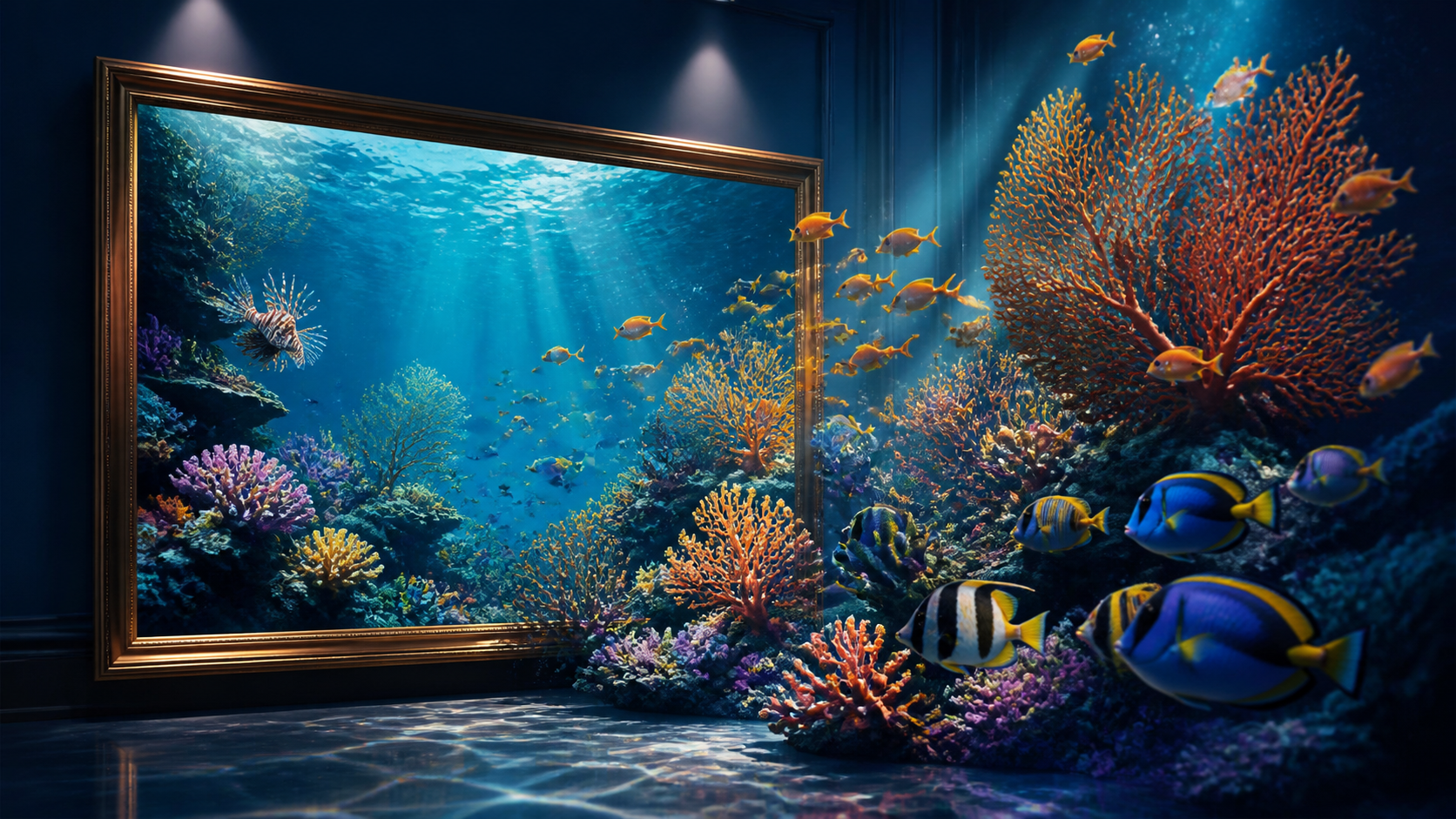
Combine four elements: subject action, environmental movement, camera behavior, and preservation constraints. For example: “Small reef fish move slowly between coral; light rays and particles drift; gentle camera push-in; preserve coral shapes, species colors, frame composition, and water clarity.” Observable instructions are easier to judge than broad phrases such as “make it cinematic.”
Start with one action and one camera instruction. If the result is stable, add a second effect in the next pass. Saving each prompt and output makes it possible to identify which change improved or damaged the clip.
Inspect Every Generated Frame
Watch the clip once at normal speed, then scrub slowly. Check shape, edge stability, object count, faces, hands, reflections, text, and background geometry. Look for flicker, sudden camera jumps, duplicated elements, or motion that contradicts the scene. Trim weak frames, add captions and sound in an editor, and archive the source image, prompt, settings, rights note, and accepted export together.
For a final check, watch once without sound and once at reduced playback speed.
Responsible AI Media Creation
At VideoAny, we are deeply committed to fostering a creative environment that prioritizes responsible and ethical AI use. Our platform is developed with robust content policies to ensure that all generated media adheres to community guidelines and legal standards. We emphasize the critical importance of consent-based creation, respecting intellectual property rights, and actively preventing the generation of harmful or misleading content. Users are encouraged to create responsibly and with integrity, thereby contributing to a positive and innovative digital space for all.
Conclusion
AI-powered tools are revolutionizing how we create and interact with digital media. VideoAny provides a robust platform for exploring these advancements, offering intuitive text-to-video, image-to-video, and AI image generation capabilities. By embracing these tools responsibly, creators can unlock new levels of efficiency and creativity, transforming their visions into reality.
Next Step
Explore VideoAny after defining the shot, motion, and review checklist.