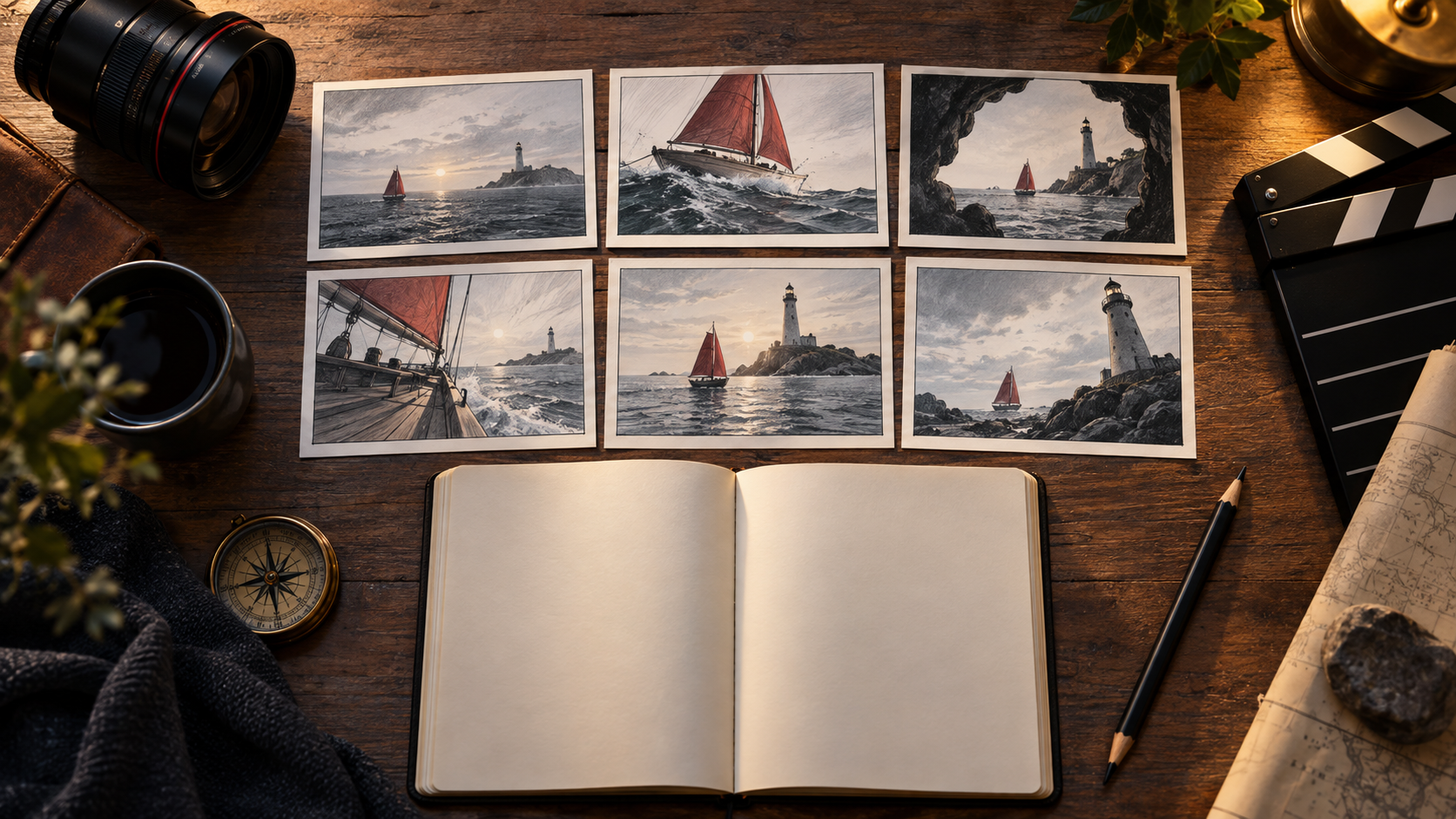
A well-crafted shot list is essential for any video production, especially when working with AI generation tools. It serves as a critical communication document, translating your creative vision into actionable instructions for generating individual clips. This guide outlines a structured approach to developing a shot list that prioritizes narrative clarity, continuity, and efficient production, using a fictional scene as an example.
Defining the Scene's Core Narrative
Before detailing camera angles or actions, identify the fundamental narrative shift within your scene. What changes for the audience or characters? This core change dictates the emotional beats and visual requirements. For our example, consider a night-ferry scene:
Dock attendant Ren has received orders to close the gate for the night's final departure. As Ren moves to secure it, a late passenger approaches, carrying a small bicycle. Ren observes the passenger and, in a moment of decision, chooses to delay departure and reopen the gate. The passenger crosses, and Ren signals the ferry to leave.
This scene's narrative change is Ren's shift from following procedure to making an exception, driven by the passenger's visible need.
From Beats to Shot List: A Structured Approach
Effective AI video production benefits from a clear hierarchy of planning documents. This ensures that creative intent is preserved through each stage, from story concept to final edit.
Scene Beat List: The Narrative Foundation
Start with a concise beat list that outlines the causal chain of events. This focuses purely on story progression, not camera work.
- Ren receives or acknowledges the order to close the gate.
- Ren moves to close the gate.
- A late passenger with a bicycle approaches.
- Ren recognizes the passenger's situation.
- Ren reopens the gate.
- The passenger crosses onto the ferry.
- Ren signals for departure.
The Shot List: Coverage and Continuity
The shot list translates the beat list into specific visual coverage. Each entry defines what the camera sees, the action, and its purpose in advancing the story or establishing continuity. This document remains provider-neutral, allowing flexibility if you change generation tools. An impressive AI-generated clip is only useful if it fulfills the shot's specific narrative and continuity requirements.
Prompt Requests: Model-Specific Instructions
Finally, the prompt is the specific text and parameters sent to an AI video generation model. It's derived from the shot list but tailored to the model's capabilities.
Crafting a Detailed Shot List
Here is a six-row shot list for our ferry scene, designed to ensure narrative clarity and continuity. The "Rejection Test" column is crucial for evaluating AI-generated takes.
| Shot ID | Visible Job | Action/Endpoint | Continuity | Rejection Test | Planned Duration (s) |
|---|---|---|---|---|---|
| F01 | Establish setting | Wide shot of dock, ferry left, gate closed | Ferry position, gate state | Geography contradicts later shots | 4 |
| F02 | Ren's decision | Ren's hand moves to latch, pauses, looks up | Hand position, gaze direction | Gate fully locks before look | 5 |
| F03 | Introduce conflict | Passenger approaches from screen right with bicycle | Passenger's path, bicycle present | Missing bicycle, wrong direction | 6 |
| F04 | Ren's reaction | Close-up of Ren, sees passenger, turns back | Gaze direction, expression | Gaze in wrong direction | 4 |
| F05 | Action: gate opens | Insert shot of latch, Ren releases, gate swings inward | Latch mechanism, gate movement | Hand geometry incorrect, mechanism failure | 5 |
| F06 | Resolution | Wide shot, passenger passes through, Ren signals | Passenger crosses, ferry departs | Departure before passenger crosses | 6 |
Note: These durations are planning examples. Actual timing will be adjusted during the editing process, not determined by generation length.
The total planned duration for this sequence is 30 seconds. This provides a framework for pacing but is not a guarantee of generated clip lengths.
Preparing Visual References for Consistency
Approved references establish a standard for reviewing visual consistency, but they cannot guarantee that generated outputs will perfectly match. Use them as a guide for evaluation, understanding that AI generation may still produce variations. Be direct in your expectations.
For our ferry scene, this might include:
- Dock Map: A simple overhead sketch showing the relative positions of the ferry, gate, and passenger approach.
- Ren's Outfit: Reference images for Ren's uniform, including details like a reflective vest or specific jacket.
- Gate Reference: Photos of the gate in both open and closed states, showing its design and latch mechanism.
- Boat Position: A consistent visual of the ferry's location relative to the dock.
- Bicycle Color/Type: A specific image of the small bicycle the passenger carries.
Distinguish between planned continuity (e.g., the gate's consistent design) and unintentional variation (e.g., a character's outfit changing between shots). Maintaining these references helps prevent costly re-generations.
Writing Effective Prompts for AI Generation
Prompts should be precise, focusing on observable actions and visual states rather than internal thoughts. For example, instead of "Ren feels conflicted," describe the external manifestation of that conflict.
Consider Shot F02: Ren's decision. A prompt might be:
"Medium shot of ferry dock attendant Ren, wearing a dark uniform and reflective vest, standing beside a metal gate. Ren's right hand reaches towards the gate's latch, pauses for two seconds, then Ren's head turns sharply to look off-screen right. Nighttime, subtle dock lighting."
This prompt specifies framing, starting posture, a single main movement (hand to latch, pause, look), and an end state (looking off-screen). It avoids unsupported model parameter syntax and focuses on what can be visually rendered. Camera movement is an optional addition, but for clarity, static shots are often easier to control initially.
Strategic Generation: Risk-First Approach
Not all shots are equally complex or critical. Prioritize generating the most challenging shots first, as their success or failure can impact the entire sequence. This "risk-first" approach saves time and resources.
For our ferry scene, the risk order might be:
- F05 (Latch Insert): Hardware interaction and precise movement (Ren releasing the gate) can be difficult to render accurately. If the gate mechanism or hand geometry fails, it might require a script revision (e.g., showing the latch already open with a sound cue).
- F03 (Passenger with Bicycle): Ensuring the prop (bicycle) is consistently present and correctly positioned, and the character's movement is natural, is important for readability.
- F04 (Ren's Reaction): A close-up requires accurate facial expression and eye-line, which can be subtle but crucial for conveying emotion.
Tracking rejection reasons (e.g., "wrong prompt," "wrong reference," "impossible staging") helps refine future generations. If a shot consistently fails, consider if the staging is too complex or if the prompt needs simplification.
Assembling and Refining the Sequence
Once individual shots are generated and selected, the real work of assembly begins. This is where the shot list's continuity planning pays off.
When reviewing the assembled clips:
- Eyelines: Do characters look where they are supposed to?
- Action Overlap: Is there enough overlap in action between cuts to ensure smooth transitions?
- Incoming/Outgoing Sound: Does sound bridge cuts effectively?
- Hold Before Cuts: Allow a brief "hold" on important actions or reactions before cutting to the next shot, giving the audience time to process.
A critical test is to ask a viewer, "Why did Ren reopen the gate?" If they cannot answer, the visual storytelling is incomplete. This might mean adding a clearer reaction shot (F04) or choosing a closer passenger shot (F03) before another establishing view.
Remember to use authorized story material, artwork, music, and voices. Obtain consent for identifiable people appearing in your generated content. Always check the data policies of any service you use regarding privacy and content ownership.
Frequently Asked Questions
What is the difference between shot coverage and camera cuts?
Shot coverage refers to the range of angles and distances used to film a scene, ensuring all necessary actions and reactions are captured. Camera cuts are the specific edit points that transition between these pieces of coverage to tell the story. A shot list defines the coverage, while the editing process determines the cuts.
How many actions should one AI video shot contain?
A shot can contain one primary action or a brief, interconnected sequence. For the ferry example, choose an observable transition, like the ferry departing or arriving. Divide sequences when separate information requires distinct framing, ensuring each shot conveys a clear, singular focus.
What is an acceptable timing deviation for AI-generated clips?
AI generation tools may produce clips of varying lengths. Focus on whether the clip contains the necessary action and visual information for its purpose, rather than strict adherence to a planned duration. The final timing is adjusted in the edit.
When is a storyboard useful?
A storyboard is particularly useful when composition, blocking, or complex camera motion needs visual clarification. For our ferry scene, a storyboard could help visualize the gate's geometry, the precise positions of Ren and the passenger, or the subtle handoff of the bicycle. For simpler moments with clear written shot descriptions and stable references, a storyboard may not be mandatory.
To explore tools for generating video from text descriptions, you can visit a platform like VideoAny's text-to-video page.