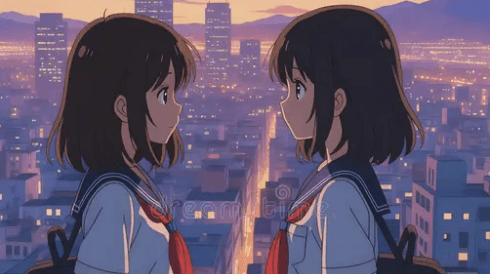
Categories: AI Anime, AI Video Workflow, Creator Strategy
Tags: ai anime story generator, anime episode generator, ai anime video, character consistency, videoany
Introduction
AI anime story generation has moved beyond the old "make one pretty frame" phase. A useful 2026 workflow can now help creators turn a premise into scenes, keep a protagonist recognizable, and build a short episode without drawing every panel by hand.
That does not mean a vague prompt magically becomes a finished show. The creator still has to direct the story. The difference is that AI can now handle more of the production load: structure, scene planning, character references, motion tests, and revisions. For solo creators, that changes the practical question from "Can I animate?" to "Can I guide a repeatable story workflow?"
What an AI Anime Story Generator Actually Does
An AI anime story generator should do more than output disconnected clips. It should help translate an idea into a sequence.

A strong workflow usually supports:
- a premise or logline
- scene breakdowns
- reusable character references
- shot prompts
- visual style direction
- regeneration of weak scenes
- final editing for social or long-form platforms
The most important part is continuity. If every scene looks like it came from a different project, the output will not feel like an anime episode, even if each shot looks good by itself.
Start With a Logline
The fastest way to improve results is to start with a clear logline. A logline is the story in one sentence: protagonist, conflict, and hook.
Weak prompt:
Make an anime about a magical girl.Better prompt:
A retired magical girl returns to protect her city after her former sidekick becomes the villain.The second version gives the AI a relationship, a conflict, and a reason for scenes to progress. Keep the first idea simple. Add lore later, after the story structure exists.
Let the AI Build the First Structure
Once the logline is clear, ask for a simple scene outline. For a short episode, use a beginning, problem, escalation, turning point, and payoff. For a TikTok or Shorts format, reduce that to hook, reveal, and ending.

Treat the first structure as a storyboard draft, not the final story. Review it with practical questions:
- Does the first scene show the premise quickly?
- Does the protagonist have a clear motivation?
- Does each scene add something new?
- Is the ending visually memorable?
- Can the story fit the target length?
If the outline is weak, fix it before generating video. Beautiful scenes cannot save a story that has no shape.
Define Characters Before Generating Scenes
Character consistency is the feature that separates a story workflow from a random clip workflow. Anime depends on recognizable identity: hair shape, eye style, costume silhouette, color palette, accessories, and facial expression.
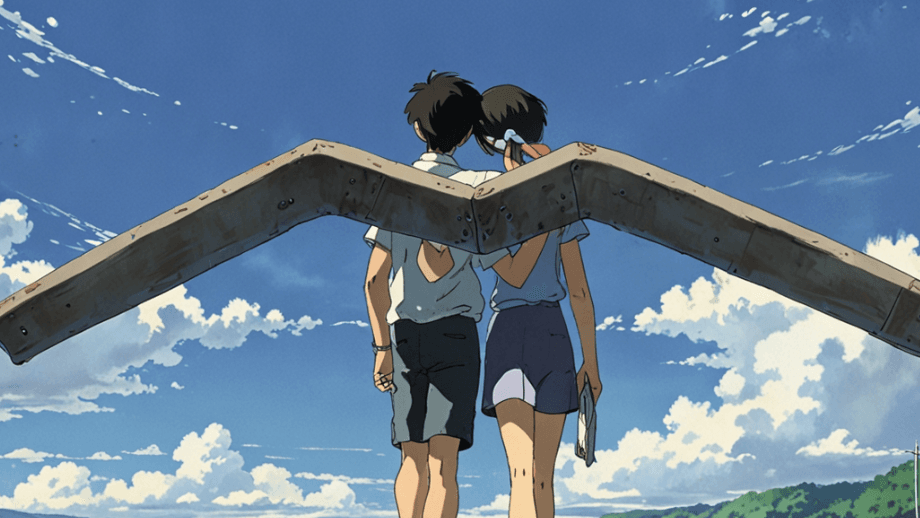
Before scene generation, create a compact character sheet:
- name and role
- hair, eyes, outfit, and palette
- signature accessory or mark
- personality and expression range
- details that must never change
VideoAny can fit this stage by helping creators develop visuals with Text to Image, test motion with Text to Video, and animate approved frames with Image to Video.
Generate in Controlled Batches
Do not ask for a whole season in one pass. Start with short batches.
A practical batch plan:
- Opening hook and character reveal.
- Conflict setup.
- Action, discovery, or emotional turn.
- Payoff and loop-friendly ending.
This works for 30 to 60 second shorts and can expand into longer episodes. The longer the output, the more review time you need. A tight short with consistent characters usually beats a long episode that drifts halfway through.
Review Like a Director
The first generation will not be perfect. That is normal. The advantage of AI is that revision can happen at the scene level.
Check for:
- character drift
- inconsistent outfit or colors
- unclear camera movement
- missing reaction shots
- slow pacing before the hook
- mismatched captions or audio
- background style changes
Keep the scenes that work. Regenerate only the scenes that fail. If the protagonist looks right in three shots but changes in the fourth, preserve the good material and repair the weak beat.
What You Can Create Now
AI anime story tools are already useful for concept pilots, micro-episodes, anime TikToks, opening scene tests, character-driven Shorts, and rough long-form drafts. More advanced systems are pushing toward multi-minute stories, but longer formats still need planning, review, and editing.
For most creators, the best first target is a 30 to 60 second story. It is short enough to control and long enough to test character, pacing, and audience response.
Conclusion
The best AI anime story generator is not just the tool with the flashiest single clip. It is the workflow that helps you move from premise to scenes, preserve character identity, and revise weak moments without starting over.
Start with a logline. Build a simple structure. Lock the character. Generate in batches. Review like a director. That is how AI anime becomes a production workflow instead of a novelty demo.
Next Step
Start building your anime workflow with VideoAny.
FAQs
1) Can AI create a full anime episode from one idea?
It can create a structured draft, but creators should still review pacing, regenerate weak scenes, and edit the final sequence.
2) What matters most for AI anime storytelling?
Character consistency and story structure. Without them, the output feels like disconnected clips.
3) Should beginners start with a full episode?
No. Start with a 30 to 60 second short, then scale once the workflow is stable.