Categories: AI Video, AI Image, Creator Guides
Tags: videoany, ai video, ai video generator, ai content creation, creator guide
Introduction
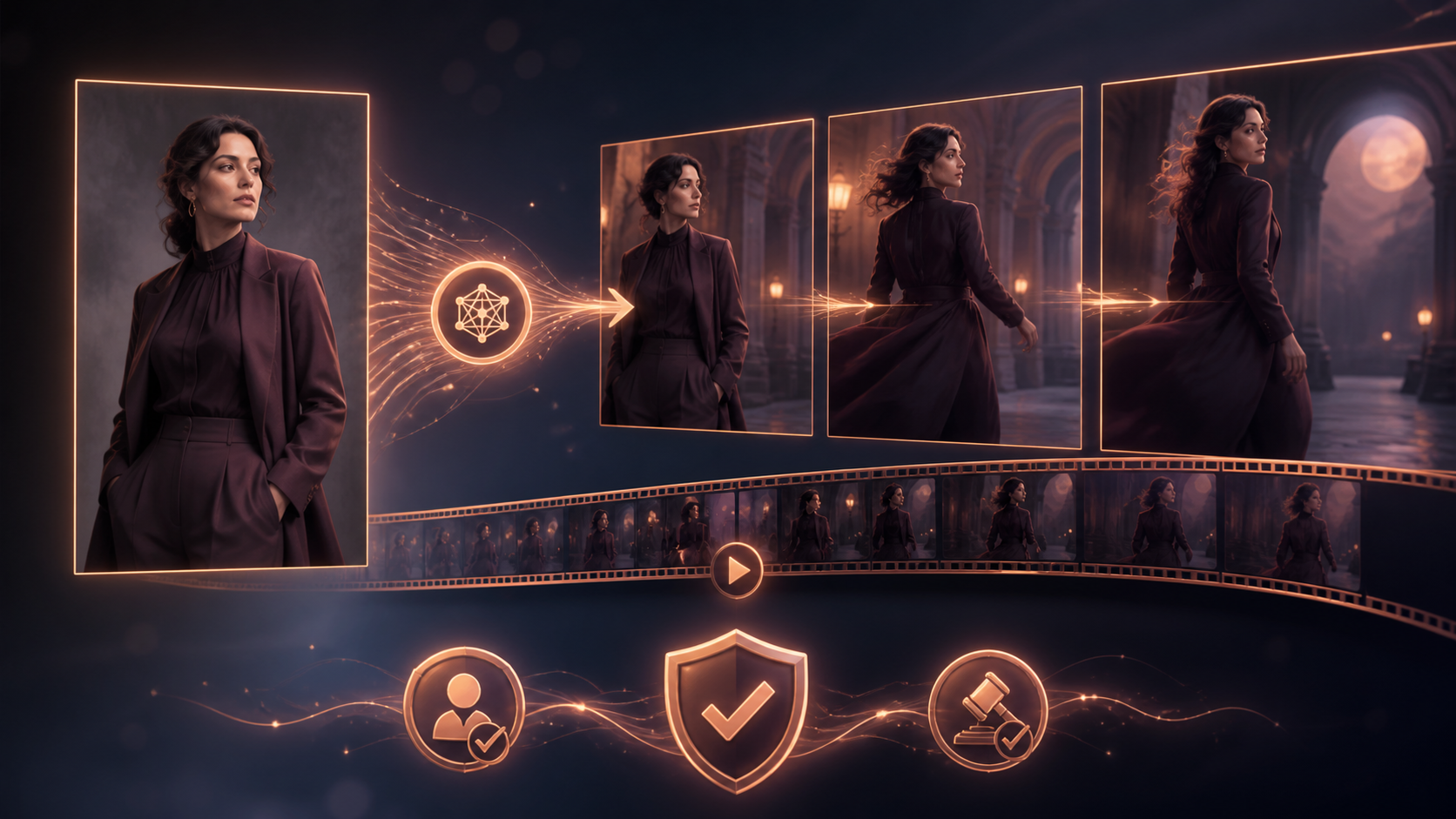
Modern AI video workflows are most effective when they serve as a structured extension of your creative process rather than just a shortcut. By moving from raw generation to a deliberate production pipeline, creators can maintain higher quality and consistency across their projects. This guide explores how to integrate image-to-video generation into a professional workflow, focusing on planning, iterative refinement, and responsible content creation.
As you explore these tools, always prioritize ethical standards. Ensure that all generated media—particularly content involving human likenesses—is created with the full consent of the subjects involved. Responsible AI use is the foundation of sustainable content creation.
Responsible use: Mature-content workflows must be limited to lawful material involving consenting adults. Never create or share content involving minors, non-consensual imagery, unauthorized likenesses, or material that violates platform terms or applicable law.
Establishing a Production Pipeline
To move beyond simple experiments, treat your AI generation as a modular system. A robust workflow involves defining your goals, preparing your assets, and reviewing the output against your original creative vision.
1. Define the Creative Outcome
Before generating, clearly define the purpose of your video. Are you creating a social media short, a narrative sequence, or a product demonstration? Having a clear objective helps you choose the right input assets and prompts.
2. Prepare Your Inputs
High-quality outputs start with high-quality inputs. Whether you are using a reference image or a specific text prompt, ensure your source material is well-composed. Using consistent character designs or thematic elements across multiple generations will help maintain visual continuity.
3. Iterative Generation
Avoid the "one-shot" mentality. Professional workflows rely on small, controlled passes. Generate short clips, review them for motion quality and visual clarity, and then iterate. This approach allows you to refine specific segments without needing to restart the entire project.
4. Review and Refine
Before finalizing, check your clips for pacing, continuity, and technical requirements like aspect ratio and caption space. If a clip doesn't meet your standards, use the feedback from that generation to adjust your prompt or input settings for the next pass.
Practical Workflow Steps
- Planning: Outline your scene or story. Identify the specific assets needed, such as reference images or character descriptions.
- Generation: Use tools like VideoAny to generate your base clips. Focus on one segment at a time to maintain control over the final look.
- Editing: Combine your AI-generated assets with traditional editing techniques. Add audio, transitions, and text overlays to polish the final product.
- Documentation: Save your successful prompts and settings. Creating a library of effective prompts will significantly speed up your future projects.
Conclusion
AI-assisted video production is strongest when treated as a repeatable system. By focusing on clear inputs, controlled iteration, and a disciplined review process, you can turn raw AI generations into professional-grade communication.
Explore the full suite of creative tools at VideoAny to start building your own production workflow.
FAQs
1) Can this workflow work for a solo creator? Yes. Solo creators benefit most from this system by building a library of reusable assets and prompts, which reduces the time spent on repetitive tasks.
2) Should I generate first or write the edit plan first? Always write a plan first. Even a simple storyboard or outline helps you determine if the AI output will effectively serve your narrative goals.
3) What should I check before publishing an AI video? Verify visual continuity, motion quality, and sound alignment. Ensure the video clearly communicates your intended message and adheres to all platform guidelines and ethical standards regarding consent.
4) How does VideoAny fit into this workflow? VideoAny serves as the engine for your visual generation and transformation needs. You can use it to create base clips from images or text, then integrate those results into your broader editing environment.