AI Fisheye Lens FilterTurn Any Photo or Video into a Viral Wide-Angle Effect
Experience the viral fisheye lens filter that's exploding on TikTok and Instagram. With just one click, create fun fisheye video effects and bold wide-angle distortions that instantly make your selfies, vlogs, and short clips stand out. Whether you're jumping on the TikTok fisheye trend, seeking a fast fisheye tutorial, or just playing with creative styles, our online fisheye tool gives you professional results—no editing experience or costly equipment required.
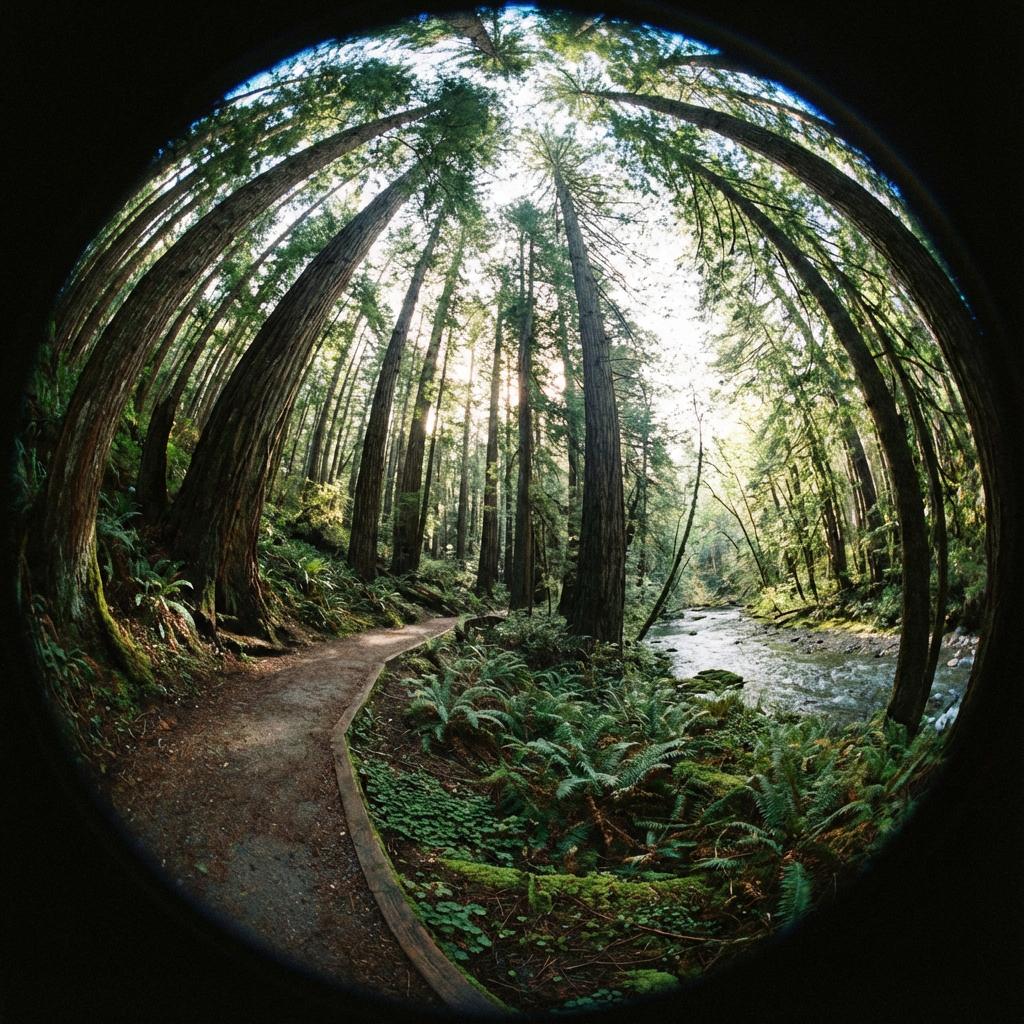
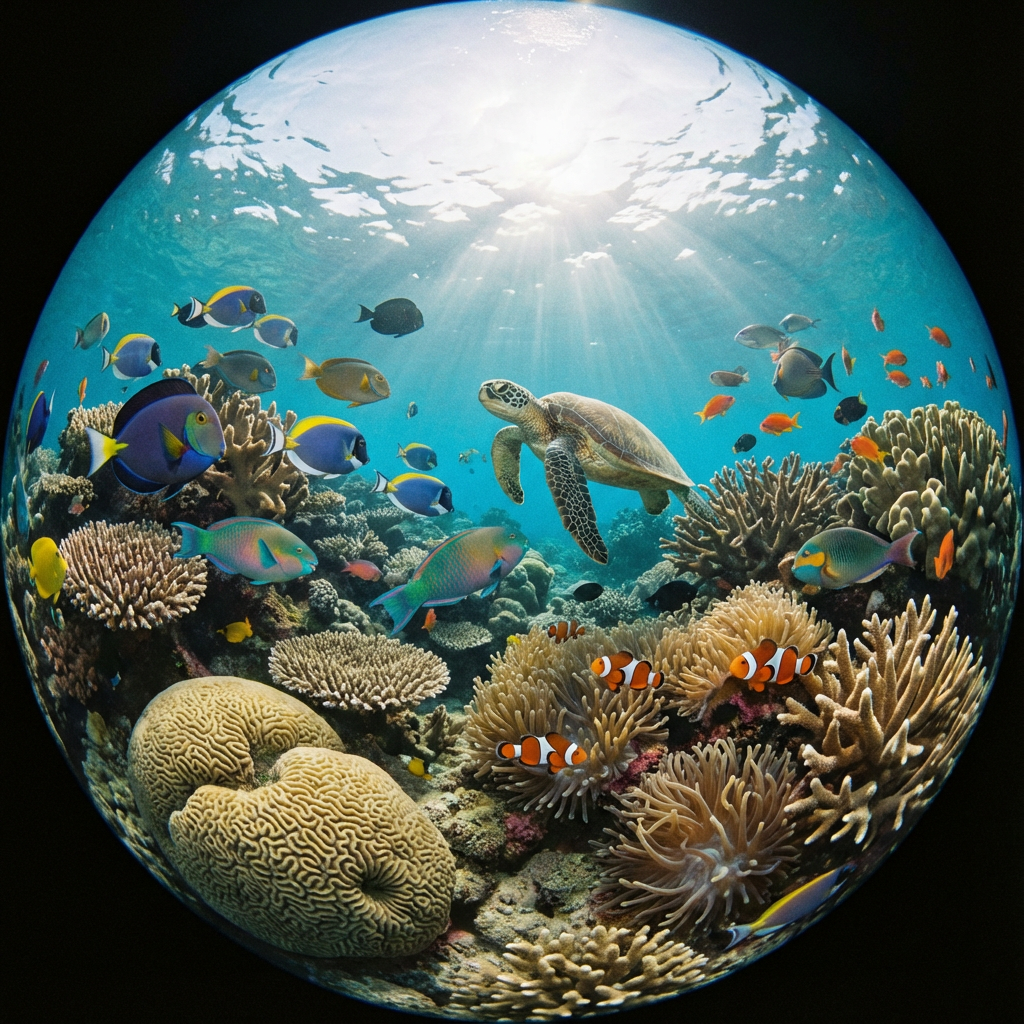
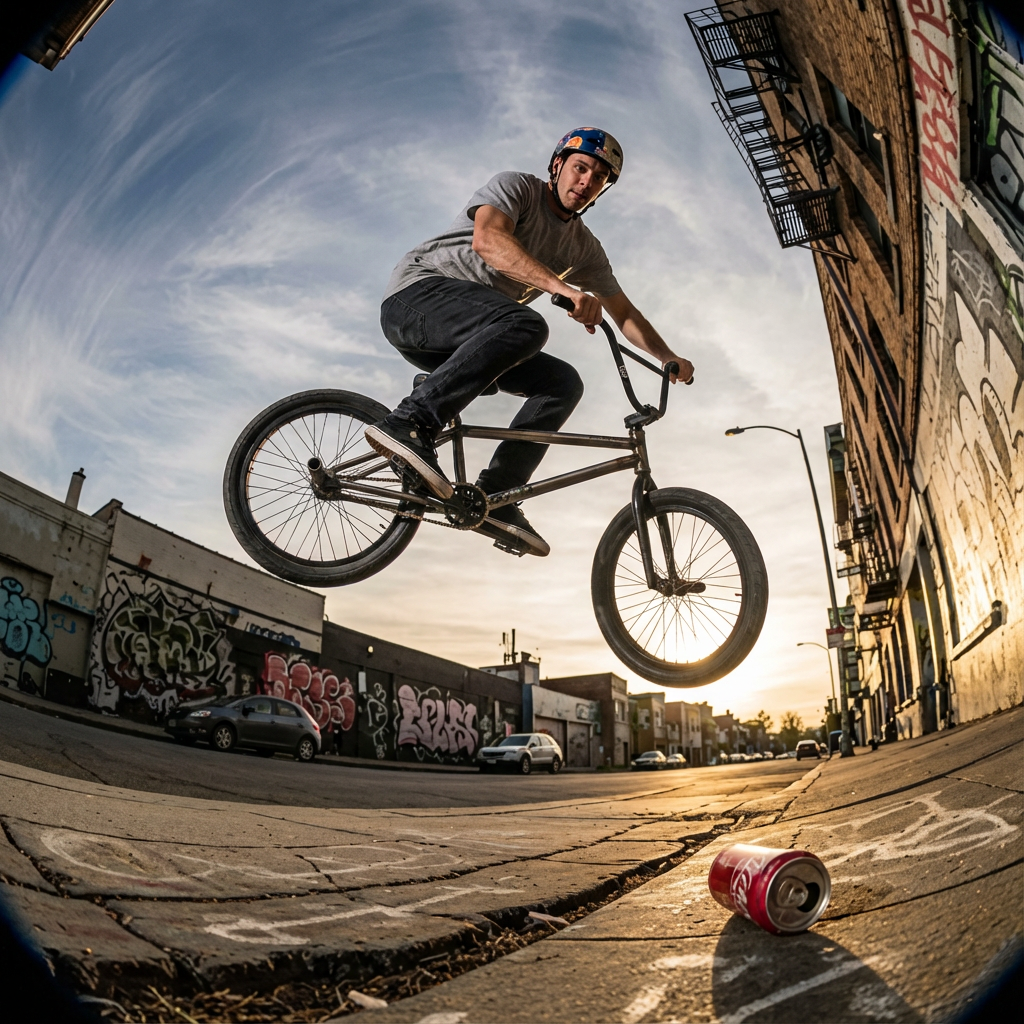
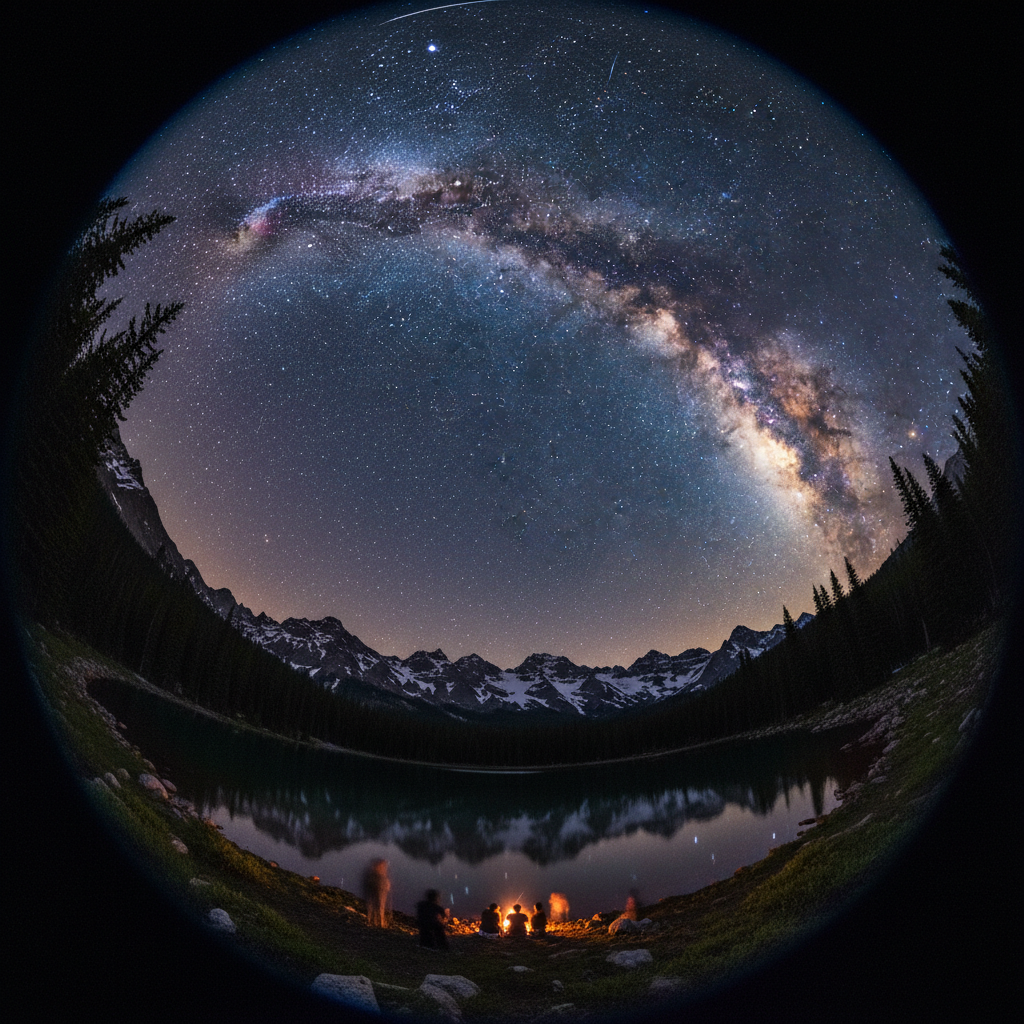
How to Use the Fisheye Lens Filter
Upload, prompt, generate
Upload a photo, optionally add a creative prompt, then generate and download a high-quality fisheye result in seconds.
Fisheye Filter Tool
Head over to our online fisheye filter generator to start your creative journey. The tool works directly in your browser—no need for complex editing software—so you can instantly explore fisheye effects for both photos and videos.
Upload Your Photo and Enter a Prompt
Choose the image you’d like to transform—whether it’s a portrait selfie or a landscape shot—and upload it to the tool. For AI-powered customization, you can also enter a creative prompt to fine-tune the fisheye lens distortion and highlight the exact mood you want, from playful exaggeration to dramatic wide-angle depth.
Generate and Download Your Fisheye Photo
Click Generate and watch as your photo instantly transforms with the fisheye video effect. In seconds, you’ll have a high-quality download that’s ready to share on TikTok, Instagram, or any platform.
Go viral with wide-angle fun
Whether you’re creating fun edits, artistic photos, or viral memes, the fisheye effect helps your content stand out—perfect for TikTok/Reels-style looks.
Fisheye Lens FAQ
Common questions
Quick answers about fisheye lenses and fisheye filter effects.
Still have questions? Contact our support team
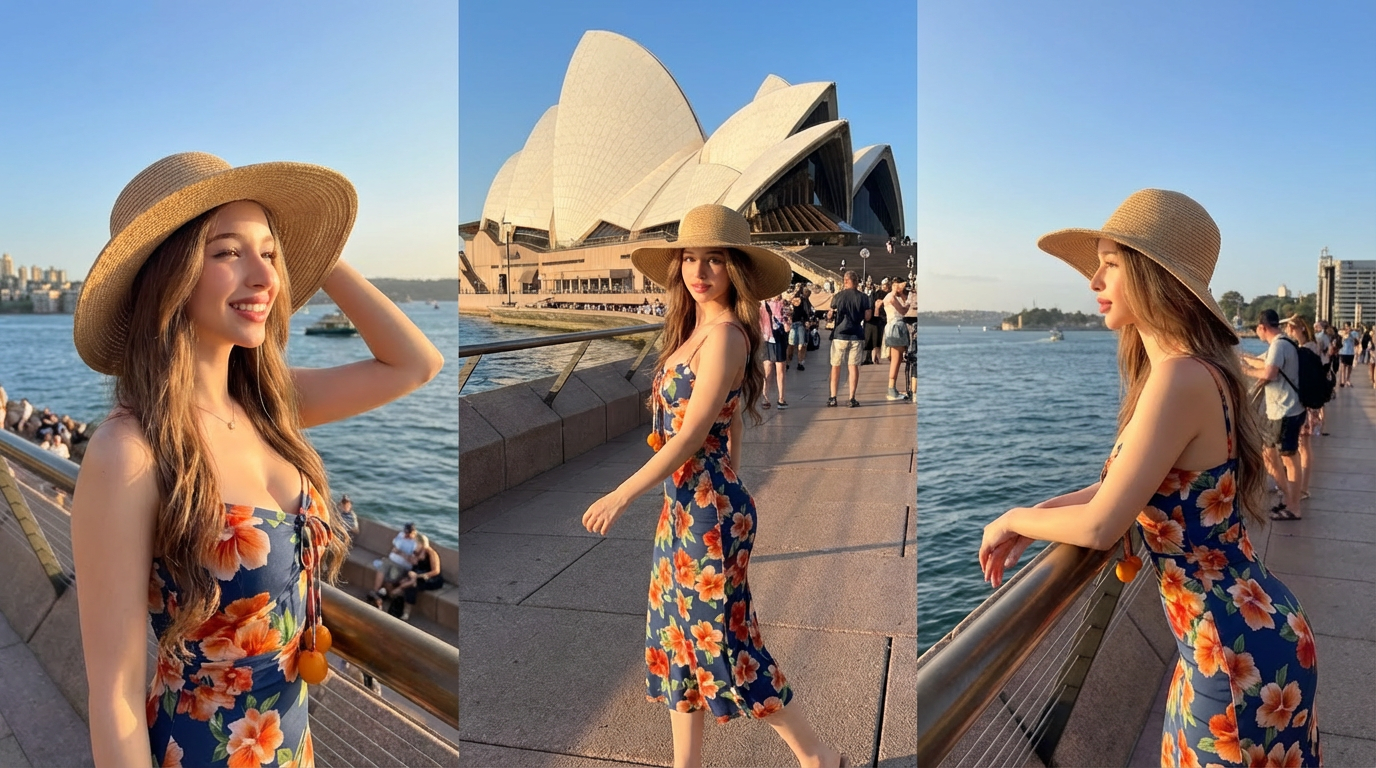
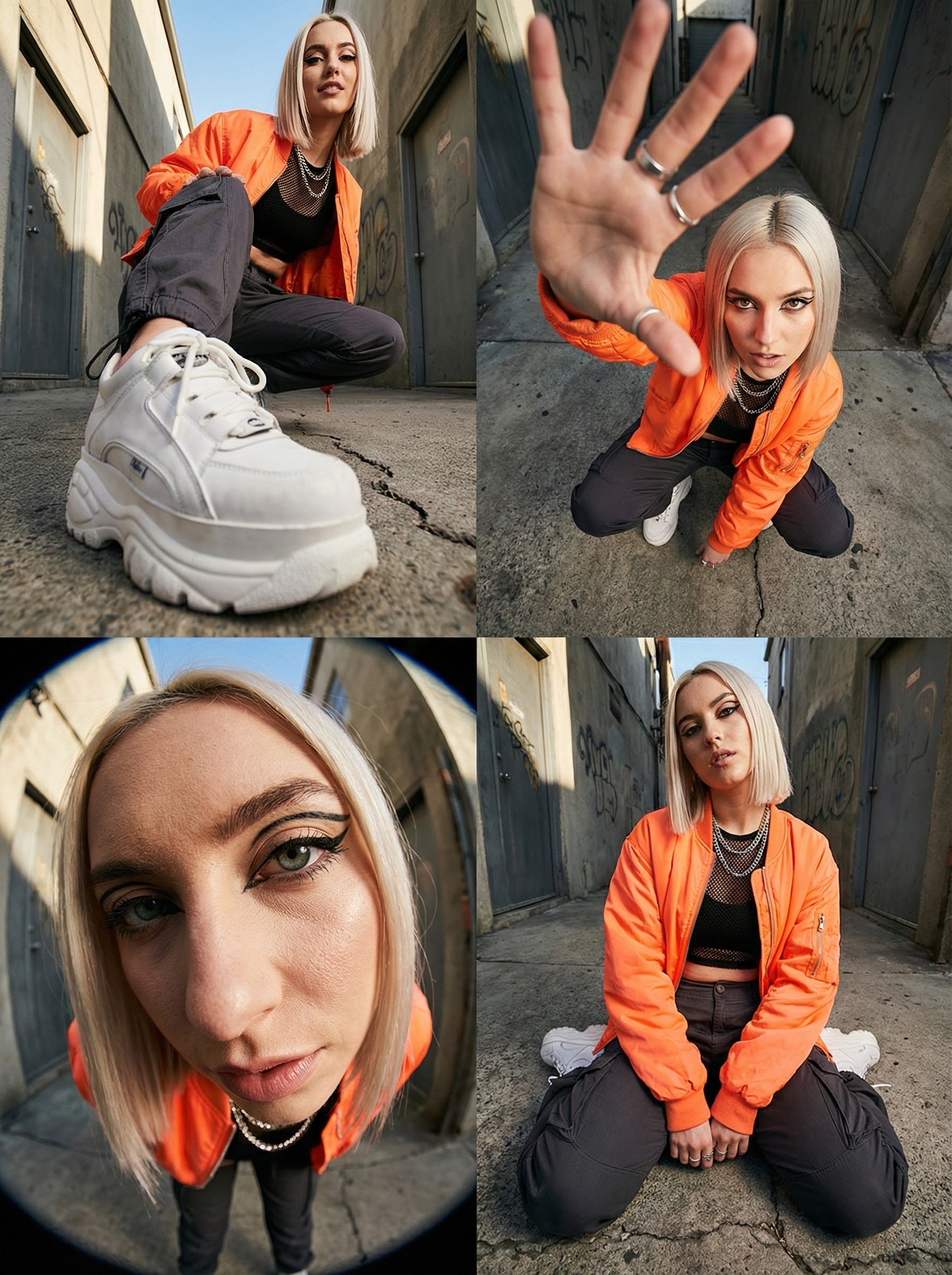

Discover the World Through a Fisheye Lens
Start for Free
Create viral fisheye lens distortion for selfies, vlogs, and short clips—one click, optional prompts, and instant downloads.
- Viral TikTok/Instagram fisheye look
- One-click wide-angle distortion
- Optional prompts for creative styles
- Instant high-quality downloads