AI Perler Bead Pattern MakerTurn photos into printable pixel art patterns
Convert any photo into a clean, color-accurate fuse bead grid. Great for cute pixel art ideas, Minecraft designs, and more—ready to print in seconds.
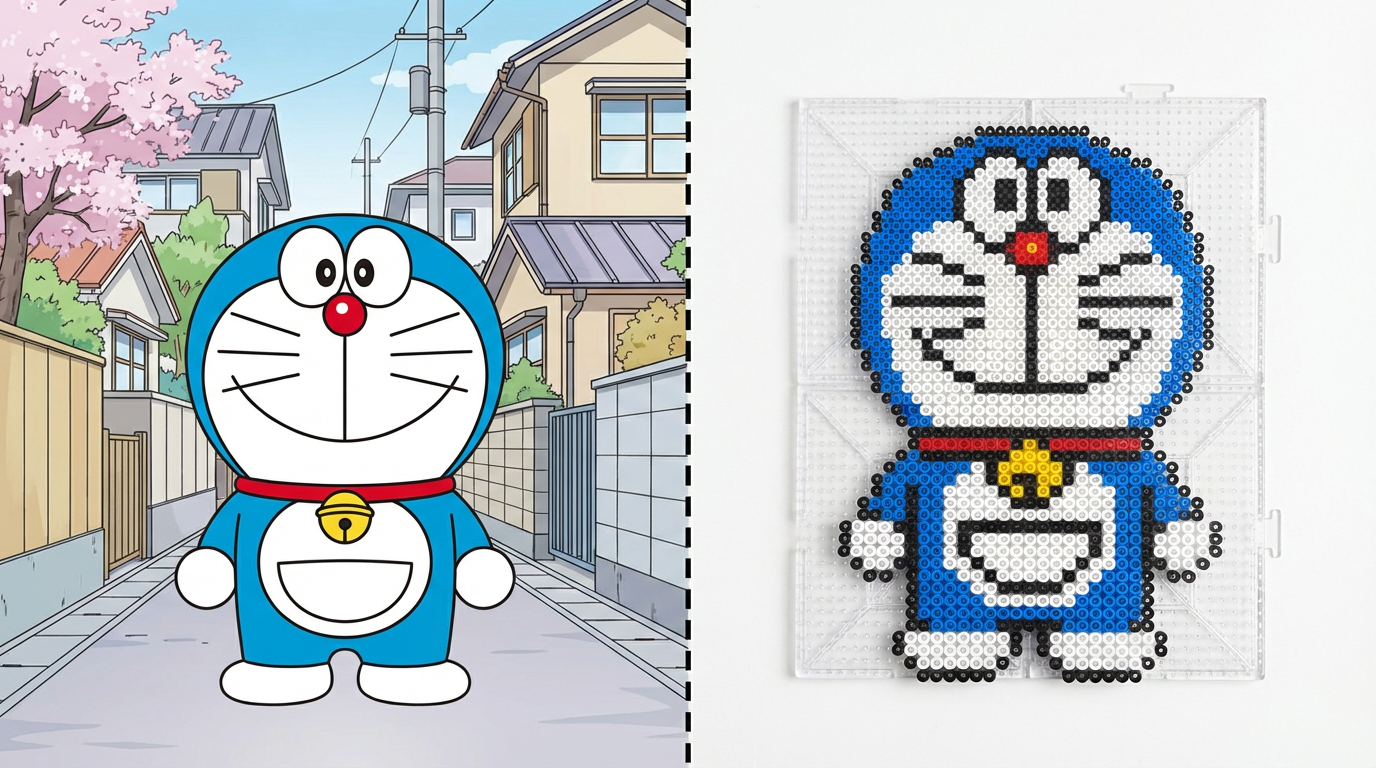
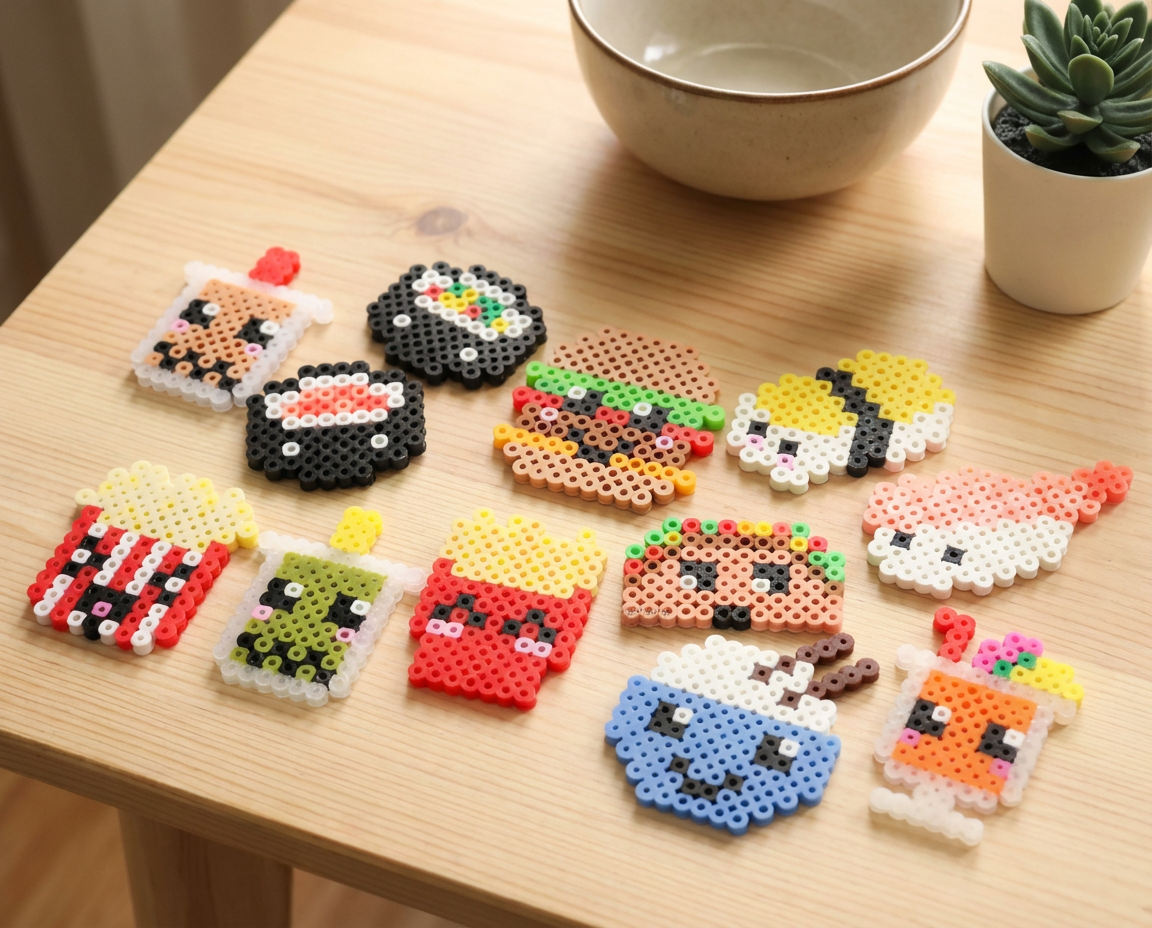
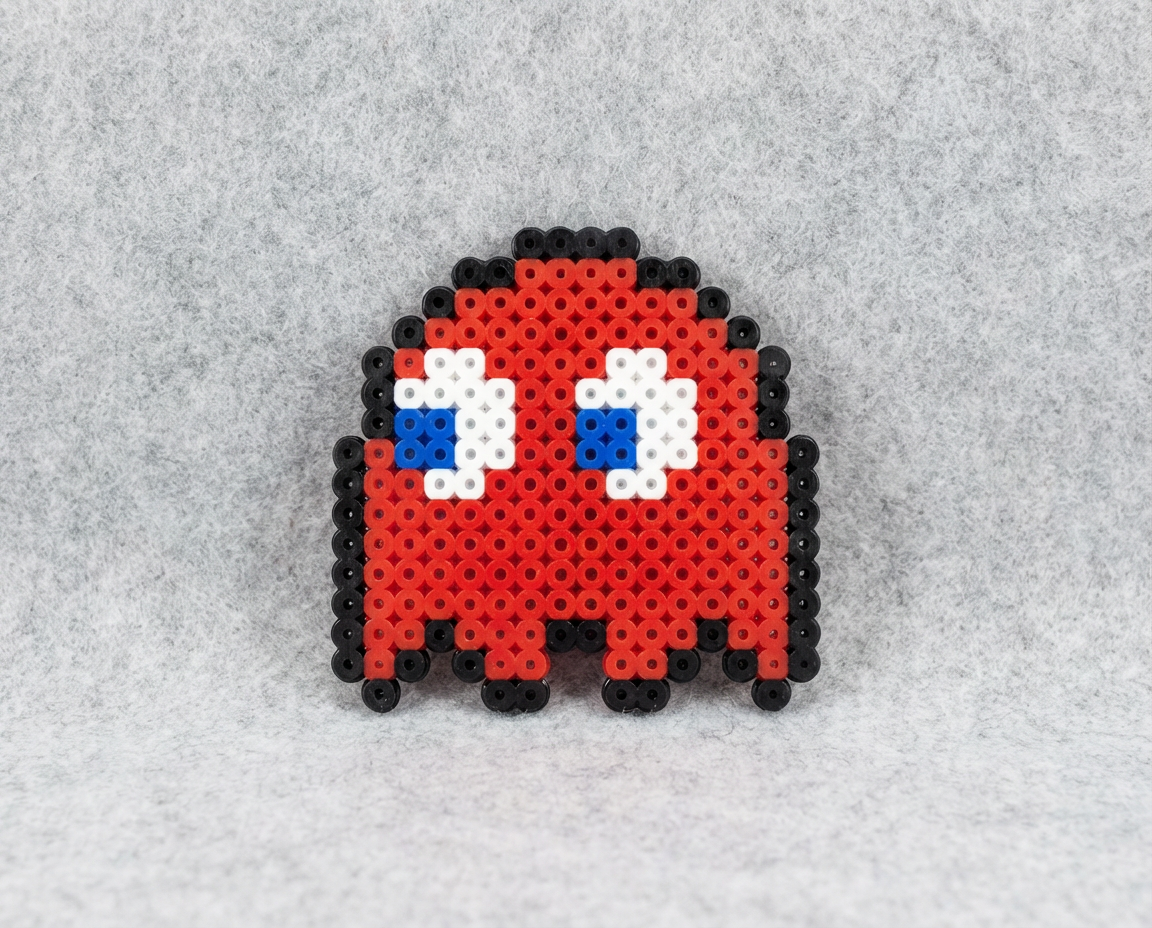
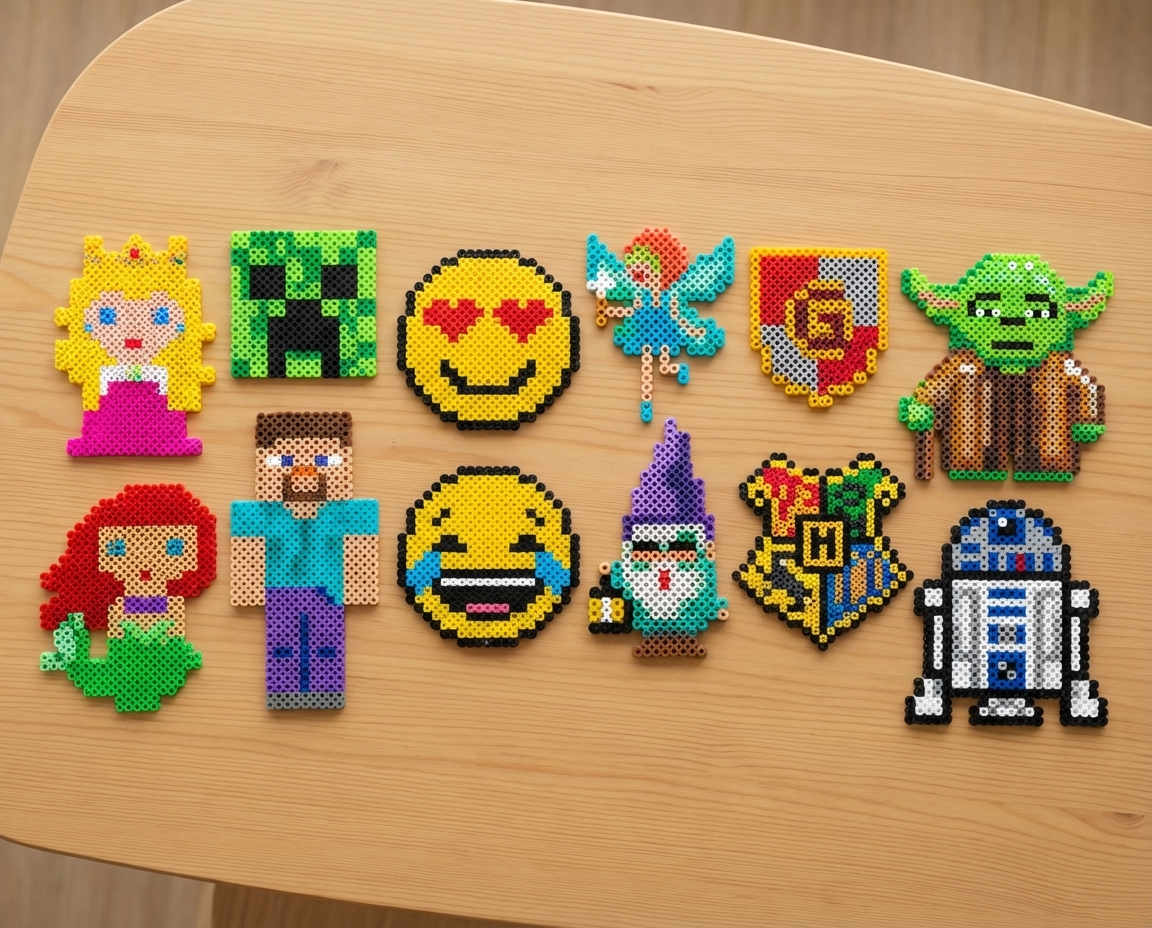
How to Make Perler Bead Patterns Fast
Upload, generate, print, craft
Upload a photo, let AI map it into a bead-ready grid, then download and craft your design with confidence.
Upload Any Image
Photos, drawings, and designs work great—start from whatever you have.
AI Grid + Color Mapping
Automatically creates a clean, color-accurate perler bead grid.
Printable Output
Download a pattern you can print and follow while placing beads.
Fast Iteration
Regenerate in seconds until the pattern looks right for your craft.
Perler Bead Pattern Maker FAQ
Common questions for beginners
Tips for generation and crafting, plus quick fixes when results look off.
Still have questions? Contact our support team
Make a Perler Bead Pattern in Minutes
From photo to printable grid
Upload a photo, generate a bead-ready pixel pattern, then download and start crafting.
- Convert photos into pixel art patterns
- Clean, color-accurate bead grids
- Printable output for easy crafting
- Fast regeneration for new ideas