Categories: AI Video, AI Image, Creator Guides
Tags: videoany, ai video, ai video generator, ai content creation, creator guide
Introduction
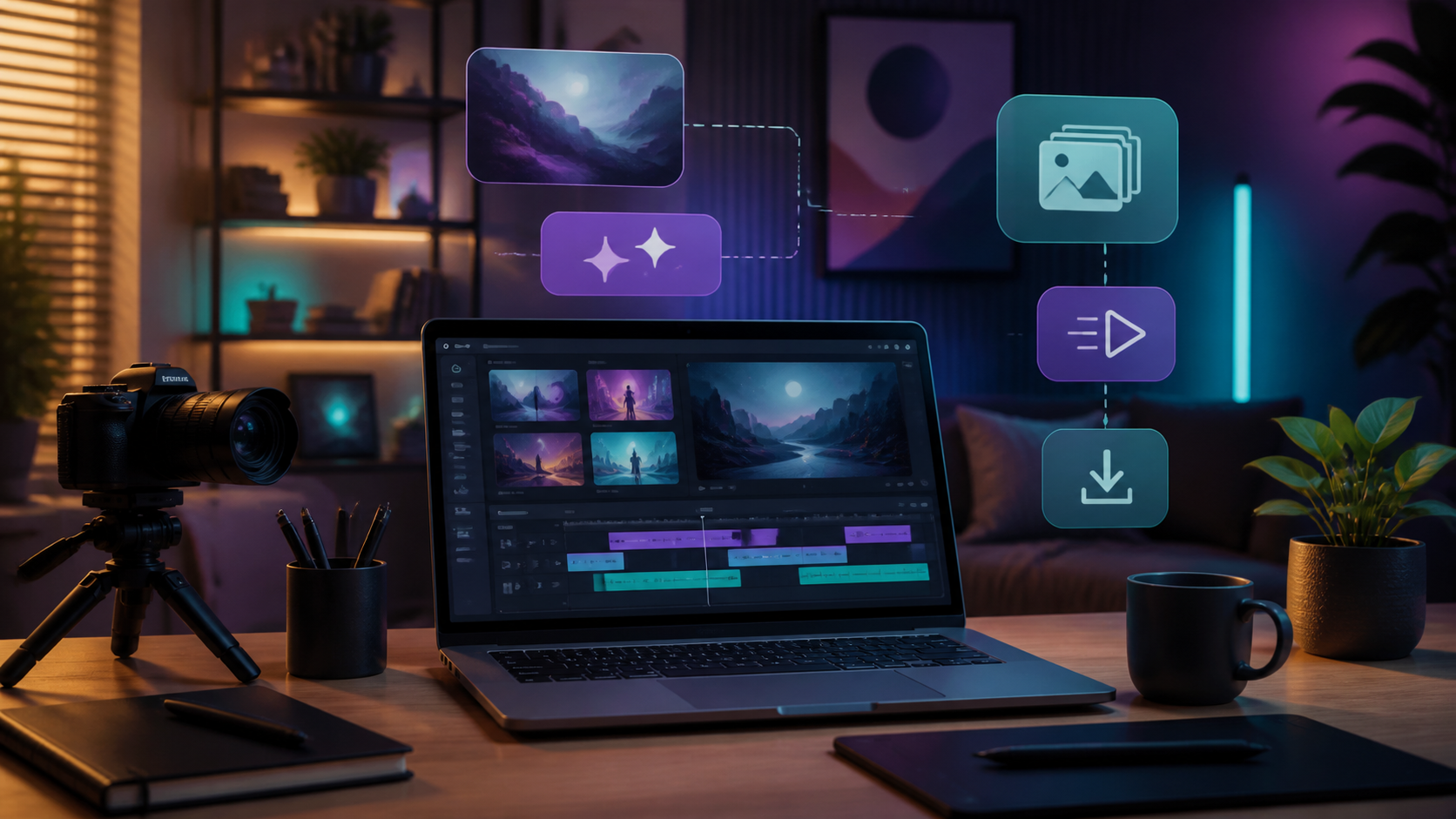
Modern AI video workflows are most effective when they simplify production rather than just accelerating it. By moving from raw ideas to structured outputs, creators can maintain high standards while exploring new visual possibilities. This guide outlines how to approach AI video generation—from planning and prompting to final editing—using the tools available at VideoAny.
The goal is to establish a repeatable production pipeline that allows you to experiment with different creative formats, such as social media clips, artistic storytelling, or character-driven projects, while ensuring your final output meets professional standards.
Responsible use: Mature-content workflows must be limited to lawful material involving consenting adults. Never create or share content involving minors, non-consensual imagery, unauthorized likenesses, or material that violates platform terms or applicable law.
Core Creative Capabilities
VideoAny provides a suite of tools designed to help creators translate their vision into dynamic video. Understanding how to leverage these features is key to building a consistent workflow.

1. Text-to-Video
The most direct way to begin is by describing your vision. By using detailed prompts, you can generate complex scenes, specific character actions, and unique environments. This is an excellent starting point for beginners to experiment with how different descriptive styles influence the final output.
2. Image-to-Video and Reference Styles
You can bring static visuals to life by animating photos, artwork, or sketches. Additionally, using a reference image allows you to guide the AI’s visual style or character design, ensuring that your video maintains a consistent aesthetic throughout your project.
3. Video-to-Video Transformation
For those looking to remix or update existing footage, the video-to-video feature allows you to apply new styles or effects to your own clips. This is ideal for artistic experimentation or adapting older content for new platforms.
4. Face Swap and Character Consistency
Advanced face-swapping tools allow for character personalization and parody work. When using these features, it is essential to prioritize responsible creation, ensuring all content is produced with the consent of the individuals involved and in compliance with ethical standards and applicable laws.
Practical Weekly Workflow
To move from a concept to a finished video, follow this structured production system:
- Define the Outcome: Identify the goal of your video (e.g., social media post, product demo, or narrative scene).
- Prepare Inputs: Gather your assets, such as reference images, scripts, or base footage.
- Iterative Generation: Generate clips in small segments rather than attempting a single long-form render. This allows for better control over the final result.
- Review and Refine: Check your clips for pacing, visual continuity, and clarity.
- Finalize: Export your work in the appropriate aspect ratio—such as 16:9 for widescreen, 9:16 for vertical stories, or 1:1 for social feeds—to ensure it fits your target platform.
Conclusion
AI-assisted video production is most powerful when treated as a systematic process. By combining clear creative intent with iterative generation and careful review, you can produce compelling content that reflects your artistic vision.
Explore the full suite of tools at VideoAny to begin your next project.
Frequently Asked Questions
1) Is this workflow suitable for a solo creator? Yes. By starting with one repeatable format and keeping your asset list manageable, you can scale your production capacity as you become more comfortable with the tools.
2) Should I generate first or plan first? Always write a brief plan or storyboard first. Even a simple outline helps you evaluate whether your AI-generated clips align with your final narrative goals.
3) What should I check before publishing? Review your video for continuity, motion quality, sound balance, and pacing. Ensure the video communicates your intended message clearly without requiring extra explanation.
4) How do I get started with VideoAny? You can begin by exploring our text-to-video or image-to-video tools to see how your concepts translate into motion.
Media References
- https://cdn.videoany.io/blog/uncensored-ai-video-creation-for-beginners/20260818123238-q7v1qjj4.png
- https://cdn.videoany.io/blog/uncensored-ai-video-creation-for-beginners/20260818123240-7mfvbe23.png
- https://cdn.videoany.io/blog/uncensored-ai-video-creation-for-beginners/20260818123241-3xck4cyj.png
- https://cdn.videoany.io/blog/uncensored-ai-video-creation-for-beginners/20260818123242-cl7xj273.png