Introduction
The reference article markets an adult-focused AI music video generator as unrestricted, anonymous, downloadable, and capable of moving between text, images, and video. Its structure covers creator motivations, a short generate-and-refine workflow, prompt ideas, mainstream moderation, privacy, ownership, and safety.
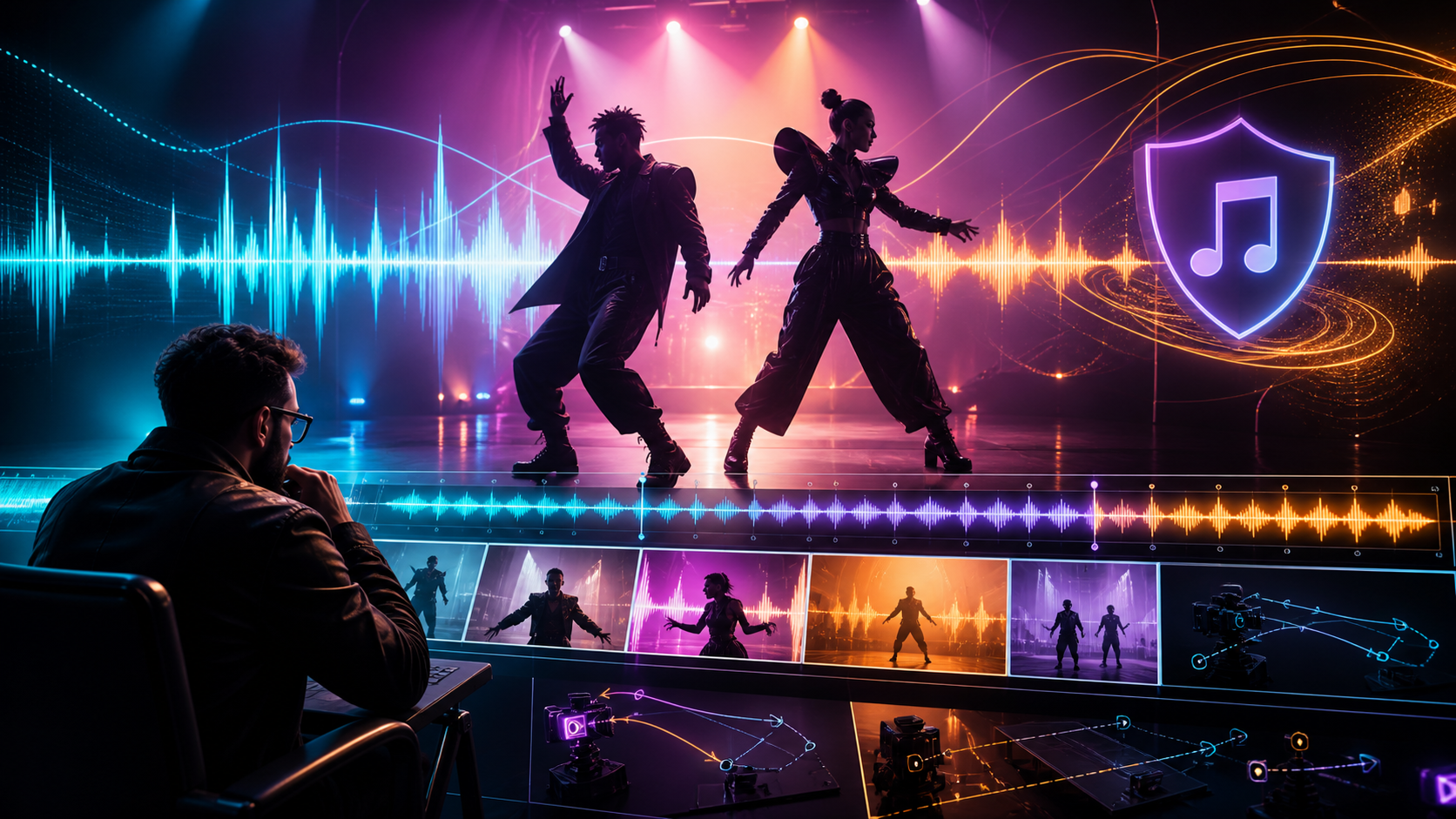
A music video adds another rights-bearing input that generic AI video guides often overlook: the song. The publish-ready workflow therefore needs to coordinate audio licenses, beat timing, character and scene continuity, camera rhythm, performer consent, and final distribution rules. The source platform’s “uncensored,” 1080p, anonymity, billing, and ownership claims are not VideoAny capabilities and should be independently verified wherever they appear.
Adult-only boundary: depict only fictional adults or real adults who gave explicit, informed permission for the exact scene, edit, soundtrack, and distribution. Never create sexualized media involving minors or non-consenting real people.
Why Creators Look for Adult-Focused Music Video Tools
The source emphasizes three broad promises: fewer content refusals, private use, and broadcast-ready output. Its underlying feature list suggests several concrete evaluation criteria:
- Text and image ideation: Text-to-image or image-to-image can establish a fictional adult performer, wardrobe, palette, and location before animation.
- Still-image animation: Image-to-video can turn an authorized keyframe into a short performance shot.
- Video transformation: Video-to-video can restyle footage, but any performer identity, choreography, location, and source recording still require rights.
- Aspect ratios: Landscape, square, and vertical versions should be storyboarded separately rather than assumed to crop cleanly.
- Download quality: Inspect frame size, frame rate, bitrate, compression, watermarks, and lip-sync stability instead of relying on “HD” language.
- Private-workspace claims: Verify sharing defaults, retention, training use, staff review, and deletion.
Start with the Track, Not the Prompt
A music video is edited against time. Before generating footage:
- Confirm audio rights. Own the composition and master, obtain the necessary licenses, or use a track whose terms clearly permit the planned adult commercial use.
- Lock the final mix. Re-editing after the visuals are timed can create drift and duplicated work.
- Mark structure. Identify intro, verse, chorus, bridge, outro, major transitions, and quiet sections.
- Build a beat map. Add markers for downbeats, accents, lyric entries, and planned cuts.
- Choose deliverables. Decide duration, frame rate, aspect ratios, captions, and platform versions before generation.
Do not imitate a living artist’s voice, face, signature choreography, or protected visual identity without authorization.
An AI Music Video Production Workflow
The source describes a simple mode-selection and download loop. For consistent music-led editing, expand it:
- Write a visual treatment. Define the fictional adult performer, mood, palette, recurring motif, and the relationship between lyrics and imagery.
- Create a shot list by musical phrase. One clear action and one camera idea per shot are easier to synchronize and repair.
- Generate safe keyframes. Establish character, wardrobe, set, and light before introducing motion.
- Animate short clips. Make clips slightly longer than the intended edit so cuts have handles.
- Check continuity. Compare face, hair, accessories, wardrobe, light direction, and set geography across adjacent shots.
- Synchronize in an editor. Place clips against the beat map; do not expect a video generator to make editorial decisions for the entire song.
- Add authorized lip sync only when needed. Confirm rights to the face, performance, lyrics, and voice, then inspect consonants and profile angles.
- Finish audio and picture. Balance loudness, color, captions, transitions, and exports for each channel.
VideoAny offers general text-to-video and image-to-video routes, while video-to-music can support separate soundtrack exploration. Check each route’s current models and content rules; this article does not claim unrestricted adult-content support or an end-to-end AI music video product.
Prompt Structure for Beat-Friendly Shots
The source examples combine subject, wardrobe, environment, lighting, camera, and motion. For music video continuity, add timing and a fixed endpoint:
- Subject: A fictional adult character with stable, reusable traits.
- Wardrobe: Specific materials, colors, and accessories that can be checked across shots.
- Environment: One set with clear depth and a small number of repeatable landmarks.
- Lighting: Direction, color, contrast, and any lighting change tied to a musical cue.
- Camera: Shot size, lens feel, angle, and one movement.
- Motion: One performance action with a start state, pace, and end pose.
- Timing: The approximate beat count or musical phrase the shot needs to cover.
Generate alternate coverage—wide, medium, and detail—for the same moment. This gives the editor options without changing the story or performer identity.
Why Mainstream Tools May Refuse Adult Concepts
General-purpose AI platforms often restrict sexual content in their model or product policies, and an adult reference upload may trigger moderation. Specialized tools may accept a broader range of consensual adult fiction. They should still maintain firm safeguards against minors, non-consensual intimate imagery, impersonation, trafficking, and unlawful content.
No hosted service is literally rule-free. Read the provider’s current acceptable-use policy, appeal process, and account-termination terms before relying on it for paid production.
Privacy, Ownership, and Music Rights
The reference platform advertises anonymous use, private libraries, crypto checkout, and user ownership. Evaluate each claim precisely:
- Does the service store the uploaded song, stems, lyrics, face references, and outputs?
- Are prompts or media used for model training or human review?
- Are preview or share URLs public, indexed, or guessable?
- Does deletion cover cached previews, backups, and model derivatives?
- What license does the provider receive, and what rights does the output license grant?
- Does the music license permit synchronization, monetization, adult distribution, and multiple platforms?
- Do real performers consent to synthetic edits and the final soundtrack context?
An AI-output ownership clause cannot give you rights to a song, likeness, voice, performance, location, or trademark you did not control.
Final Review Checklist
Before release, verify adult status and consent, song and master rights, likeness and voice permissions, disclosure requirements, platform eligibility, character continuity, beat sync, lip sync, captions, frame crops, and final export settings. Watch the rendered file from start to finish with headphones and on the target screen size.
FAQs
Can a solo creator make an AI music video?
Yes, if the project is scoped into short shots and the creator keeps a rights ledger, beat map, prompt sheet, continuity references, and export checklist.
Should I generate visuals before editing the song?
Lock the approved track and beat map first. Visual iteration is much easier when timing will not move later.
Does “unrestricted” mean every prompt is accepted?
No. Providers still operate under law, infrastructure rules, payment requirements, and their own policies.
What is the most common continuity problem?
Identity, wardrobe, and lighting drift between clips. Stable reference assets and a visual bible help, but every shot still needs review.
Conclusion
The source article’s multi-mode workflow, prompt components, and privacy questions are useful foundations. A music video succeeds when those pieces are organized around an authorized track and a deliberate edit. Build from the beat map, generate short controlled shots, verify every rights claim, and keep consent and adult-only sourcing at the center of production.