Categories: AI Video, AI Image, Creator Guides
Tags: videoany, ai video, ai video generator, ai content creation, creator guide
Introduction
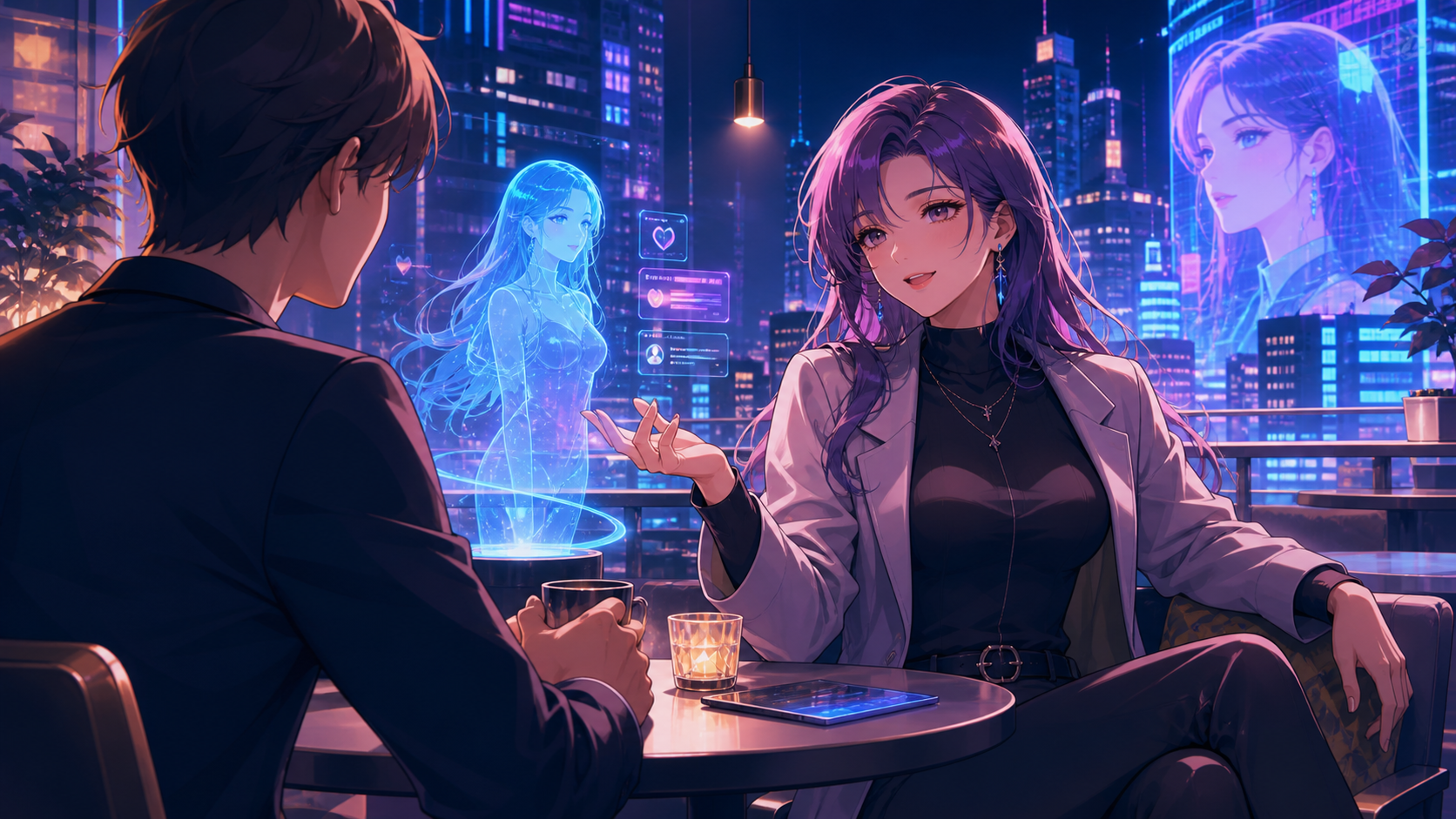
The realm of AI-generated media is rapidly expanding, offering creators unprecedented ways to bring their visions to life. One popular area of interest involves crafting personalized AI characters, particularly those inspired by anime aesthetics. While many AI tools aim to provide interactive companions, the true power for creators lies in platforms that offer robust media generation capabilities.
This guide explores the core concepts behind creating anime-inspired AI characters and how AI media tools, like those offered by VideoAny, can be leveraged to plan, generate, and refine your unique animated and visual content. We'll delve into the expectations users have for AI companions and how VideoAny's suite of tools empowers you to produce compelling visual narratives responsibly.
Responsible use: Mature-content workflows must be limited to lawful material involving consenting adults. Never create or share content involving minors, non-consensual imagery, unauthorized likenesses, or material that violates platform terms or applicable law.
Understanding AI Character Creation
Many users seek AI companions that offer deep personalization and engaging interactions, often expecting more than simple chatbot responses. The desire is for an AI that can generate dynamic visuals, maintain context over time, and reflect a distinct personality. VideoAny focuses on providing the creative tools to generate these visual and animated elements, allowing you to build the world and appearance of your anime-inspired characters.
Bringing Concepts to Life with AI Media
The journey of creating an AI character often begins with a concept. Modern AI platforms enable users to transform these ideas into tangible media. Instead of relying on pre-scripted interactions, creators can use AI to generate custom visuals, short animations, and even voice elements that align with their character's persona. This approach gives you direct control over the character's appearance and how it's presented in various media formats.
Accessing AI Generation Tools
AI media platforms use different access models, including subscriptions and generation credits. Compare the live terms, model availability, and per-output cost before planning a series; the current VideoAny pricing page is the appropriate source for VideoAny-specific details.
Key Aspects of AI Character Development
When developing AI characters, several factors contribute to a rich and consistent experience.
Data Privacy and Content Control
Protecting user data and maintaining control over generated content are paramount. Check whether a platform explains storage, retention, training use, access controls, and deletion before uploading private character references.
Maintaining Character Consistency
For AI characters, the ability to "remember" past interactions or maintain a consistent persona is highly valued. VideoAny is a media-generation platform rather than a conversational companion. Its text-to-image and image-to-video routes can supply assets for a character workflow, but consistency still depends on controlled references, prompt notes, and careful review.
Rapid Prototyping and Generation
Rapid iteration is a major advantage of AI tools, but generation time and result quality vary. Use the text-to-image and image-to-video routes as separate passes: establish the character first, then test motion on a selected still.
Navigating Content and Responsible AI Use
The discussion around AI companions often touches upon content moderation and the boundaries of AI-generated material. Many users seek platforms that offer flexibility in content creation. However, it's crucial to understand that all legitimate platforms operate within legal and ethical frameworks.
Regardless of platform, never create illegal content, sexualized content involving minors, non-consensual material, or unauthorized depictions of real people. Review current platform rules and applicable law before uploading references or publishing generated media.
Generating Visuals and Animations On-Demand
A key expectation for AI companions is the ability to generate visual media in response to prompts. For a separate creative workflow, text-to-image can establish a look and image-to-video can test motion. These assets require integration by the creator; they are not evidence of built-in companion-chat functionality.
Getting Started with VideoAny
To begin, create a character brief, generate a small set of stills, select one approved design, and only then test animation. This staged approach makes visual drift easier to identify and correct.
Practical Weekly Workflow for AI Media Creation
- Define the content outcome: Clearly outline what you want to create – a short character animation, a series of character portraits, a visual story scene, or a social media post featuring your AI character.
- List the required inputs: Gather your prompts, reference images, character descriptions, or storyboard frames. The more specific your inputs, the better the AI output.
- Generate or edit in small passes: Avoid trying to complete a large project in one go. Work in iterative steps, generating small clips or image sets, reviewing them, and then refining your prompts or inputs for the next pass.
- Review and refine: Check your generated media for consistency, visual clarity, desired style, and overall impact. Ensure it aligns with your character's established look and personality.
- Save and document: Keep a record of successful prompts, source assets, and export settings. This makes it easier to reproduce specific styles or create variations later.
Conclusion
AI-assisted media creation offers substantial potential for developing anime-inspired characters and narratives. Treating the process as a structured production system—with clear inputs, controlled iterations, and a thorough review—helps transform raw generations into coherent content.
Next Step
Begin with one controlled character study, save the approved reference, and expand only after the visual identity is stable.
FAQs
1) Can this workflow work for a solo creator? Yes. Start with one repeatable format, keep the asset list small, and improve the workflow after each published clip.
2) Should I generate first or write the edit plan first? Write a short plan first. Even a simple outline helps you judge whether the AI output supports the final video or image sequence you envision. This saves time and credits.
3) What should I check before publishing AI-generated media? Check for visual consistency, motion quality (if animated), adherence to your character's design, and whether the content effectively communicates your intended idea without needing extra explanation. Also, ensure compliance with platform content policies and legal standards.
4) How does VideoAny fit into this workflow? Use VideoAny where visual generation or variation is needed – for character designs, animated sequences, or stylistic transformations. Combine the resulting images and clips with your editing software, add captions, audio, and format them for your target platform.