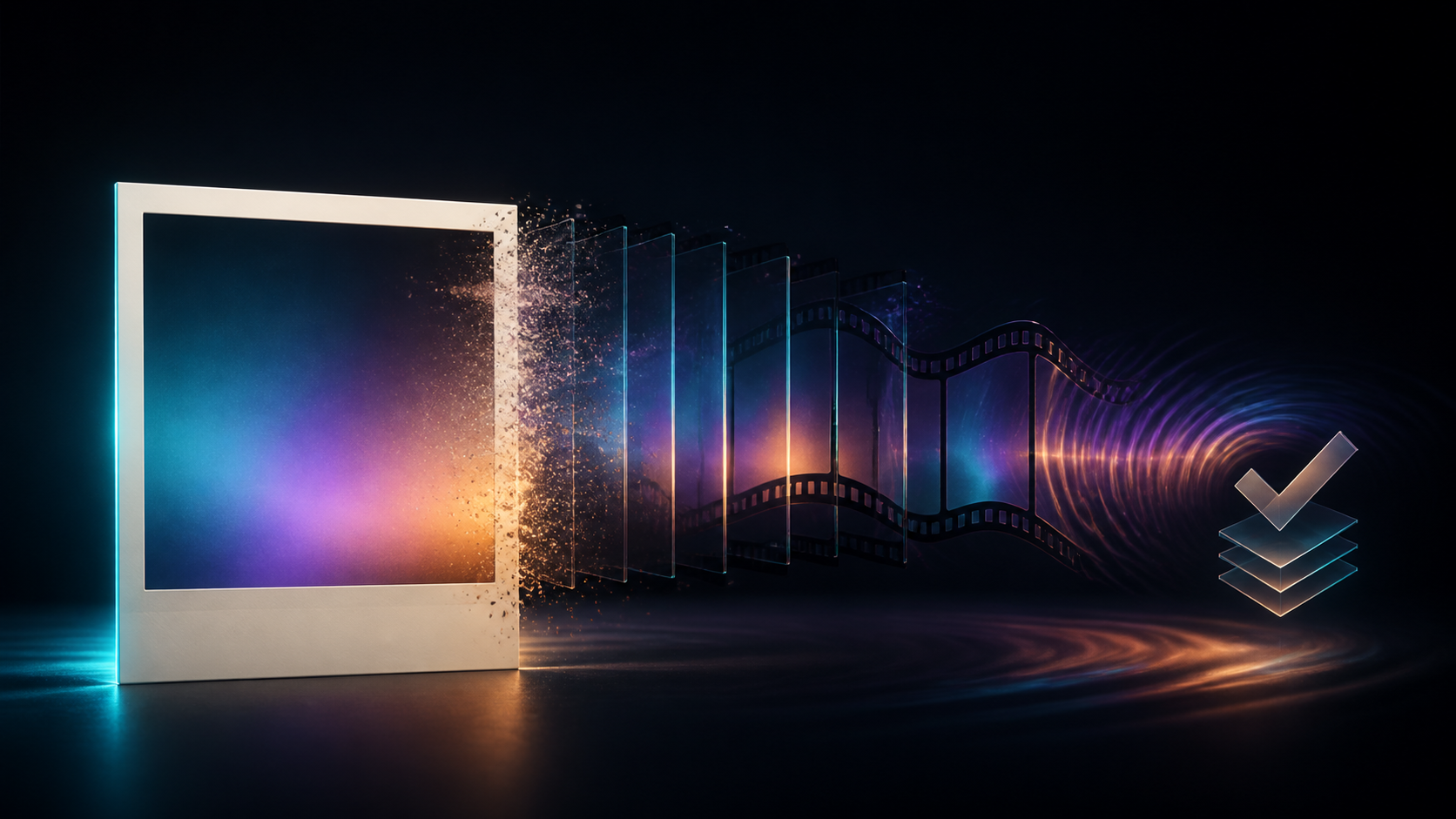
Turning a photo into an NSFW video is not simply an image-to-video task with a mature prompt. A photograph can identify a real person, capture bystanders, reveal a location, and document only one approved pose. Animation adds new behavior, camera perspective, body detail, and context that the original image never contained.
The creative workflow therefore needs two briefs. The motion brief explains what should move. The authorization brief explains who may be depicted, what level of coverage and action was approved, where the result may appear, and which changes are prohibited.
Responsible-use baseline: Use only rights-cleared material involving clearly adult, consenting subjects. Never create mature content involving minors or age-ambiguous people, non-consensual intimate imagery, revenge content, exploitative material, deceptive impersonation, or an unauthorized likeness.
This guide covers the familiar five steps—enter the creation mode, upload, prompt and configure, generate, then review and download—while adding the consent, identity, privacy, and publishing checks mature photography requires.
What photo-to-video can and cannot preserve
A source photo gives the model evidence for:
- facial appearance from one angle;
- visible body and clothing;
- pose and crop;
- lighting and environment;
- the exact instant captured.
It does not prove:
- anatomy hidden outside the frame;
- how the person looks from a different angle;
- a complete outfit beyond the crop;
- the subject’s permission for a new action;
- consent to a mature or commercial context;
- how the person moves or speaks;
- the identity or age of an obscured bystander.
When the prompt asks for a dramatic turn, full-body movement, new clothing state, or camera orbit, the model must invent missing information. In mature material, that invention can create identity drift, age ambiguity, anatomy errors, or unintended exposure. Keep the requested motion close to what the photograph can support.
Consent and adult-status preflight
Do not upload until every row passes.
Subject authorization
For each identifiable person, record:
- confirmed adult status handled lawfully;
- who owns the photograph;
- permission to process it with AI;
- permission for the specific mature context;
- approved actions, wardrobe, and coverage;
- commercial or noncommercial scope;
- destinations and audience;
- storage and deletion expectations.
A person may consent to a portrait but not to mature animation. A model may consent to one editorial pose but not a new act or more revealing camera angle. Authorization must cover the transformation, not just the source file.
Age clarity
Reject any image where age is uncertain. Do not “age up” a real minor or use a number in the prompt to override youth-coded appearance. Every visible person must be clearly adult for mature work, including background figures and reflections.
Likeness rights
Do not use a celebrity, creator, former partner, acquaintance, or private individual without explicit permission. Public availability does not grant the right to fabricate mature behavior.
Content and distribution
Confirm that both creation and publication are lawful and comply with current service and destination policies. A clip acceptable in a private, authorized workflow may still be prohibited on a social network, marketplace, or advertising channel.
Choose Image to Video, Face Swap, or Video to Video
Image to Video
Use Image to Video when the approved photograph itself should become a moving shot. This mode is the direct choice for a small expression change, pose adjustment, environmental movement, or camera push that preserves the original composition.
Face Swap
Use Face Swap only when an authorized adult face should be transferred into approved target media. It does not create consent and should never be used to fabricate sexual conduct, revenge imagery, endorsements, or incriminating behavior involving a real person.
The face and target performance both need rights clearance. A permitted face photo does not authorize an unrelated target video, and ownership of a target clip does not authorize someone else’s face.
Video to Video
Use video-to-video when you already have authorized motion and want a model-supported restyle. This can reduce the amount of performance the model must invent, but it can still change identity, clothing, apparent age, and anatomy. Review it with the same care.
Choose the mode based on the intended transformation. Do not add face swap or reference media simply because it appears more powerful; every extra identity input raises the consent burden.
Prepare a rights-cleared source photo
Keep provenance
Store the original filename, creator, capture date where appropriate, license, model release, and consent record. Work from a copy so the source remains available for comparison.
Remove bystanders and hidden identities
Inspect mirrors, windows, framed photos, screens, and background crowds. Crop or mask unauthorized people before upload. A blurry figure may become a clear invented face during generation.
Reduce private context
Remove mail, badges, house numbers, license plates, device screens, location clues, and other details the shot does not need. Strip unnecessary EXIF and location metadata from the working copy.
Match framing to motion
A close headshot can support facial micro-motion but not a believable full-body dance. A three-quarter portrait can support a small shift but may still lack hands or lower-body detail. Choose an image that already contains the anatomy and wardrobe needed for the approved action.
Check image integrity
Use clear lighting and an unambiguous subject. Avoid extreme beauty filters, heavy compression, and aggressive enlargement. Those treatments can remove adult age cues or create unstable texture.
Write exposure boundaries
Record what must remain covered, which garments must not change, and which camera angles are prohibited. “Tasteful” and “sensual” are too subjective to function as consent controls. Use observable limits.
Write motion, environment, camera, and lock constraints
A practical prompt has four layers.
1. Identity and coverage locks
State what must remain stable:
Preserve the authorized adult subject’s facial proportions, adult age cues, shoulder-length dark hair, black satin robe, seated pose, and existing coverage.
2. Primary motion
Choose one readable action:
The subject turns slightly toward the window, takes one calm breath, and gives a restrained smile.
3. Environmental response
Add one supporting movement:
Warm curtains shift gently and city light moves across the background.
4. Camera and exclusions
Limit invention:
Locked medium shot, editorial evening light, stable face and hands, no wardrobe change, no exposure increase, no new people, no lip-sync, no text.
The combined prompt is specific without being explicit. It keeps the requested action inside the authorization brief. A prompt cannot guarantee compliance, so the output still needs frame-level review.
A five-step VideoAny workflow
Step 1: Open the correct creation route
Select the mode that matches the media transformation. Compare the models and inspect their current controls. Duration, ratio, resolution, reference support, and credits vary.
Step 2: Upload the prepared working copy
Confirm that the preview shows the intended crop and orientation. Stop if an unauthorized person or private detail remains. Use only formats accepted by the current upload control; do not assume every route accepts the same file types.
Step 3: Add the prompt and choose settings
Paste the motion prompt and select a supported destination ratio:
- 16:9 can preserve environmental context for horizontal editorial footage.
- 9:16 prioritizes the subject for vertical formats but may crop the sides.
- 1:1 can suit a centered profile-led composition.
These are common creative targets, not universal model guarantees. Select a duration long enough for one action to start, read, and settle. Higher resolution does not repair unsafe content or identity drift.
Step 4: Generate a short test
Run a compact test before a delivery-quality pass. Do not change the input, prompt, model, duration, and ratio simultaneously between attempts. Change one variable so you can identify what improved or failed.
Generation time varies with model, settings, load, and queue conditions. Do not promise a fixed completion time.
Step 5: Review, refine, and export
Watch the entire clip, then scrub frame by frame. If it passes, download the required output and retain the generation record. If it fails, diagnose the failure before using more credits.
Never publish an unsafe intermediate simply because most of the clip looks good.
Review identity drift and unwanted exposure
Identity
Compare eyes, nose, jaw, hairline, scars, tattoos, and accessories with the authorized photo. Reject a clip that only resembles the subject generally if it is presented as the same person.
Adult status
Check whether smoothing, face-shape changes, or altered proportions make the subject appear younger. Any ambiguity disqualifies the clip for mature use.
Clothing and coverage
Look for shifting necklines, disappearing fabric, transparent areas, changed garments, or a camera move that reveals more than authorized. Reject rather than trying to justify model error.
Anatomy and temporal stability
Inspect hands, limbs, teeth, eyes, hair, jewelry, and boundaries between body and background. Slow playback often reveals brief artifacts hidden at normal speed.
Additional people
Confirm that no background identity becomes clearer and no new person appears. Check reflections and framed images separately.
Meaning
Does the clip imply a sex act, endorsement, relationship, statement, or real event that the person did not approve? Technical fidelity does not make deceptive context acceptable.
Disclosure and destination
Label synthetic media where required or where viewers could reasonably be misled. Review the rules of every distribution channel; do not imply that mature media belongs on mainstream social platforms simply because a vertical ratio exists.
Responsible use cases
Consensual adult editorial teasers
An authorized still can become a short, non-explicit motion teaser within the model’s consent and the destination’s rules. Keep coverage and behavior bounded.
Adult creator campaigns
Rights-cleared creators may develop promotional visuals for approved channels. Commercial consent, release terms, and brand review should be documented.
Fictional character art
Original adult fictional characters can be animated for visual stories and portfolios. Ensure adult status remains clear and avoid resemblance to real people.
Mature product concepting
Brands may prototype atmosphere and camera direction with authorized adult imagery before a production shoot. A concept clip should not be passed off as real footage.
Meme and parody
Use yourself, original fictional adults, public-domain material where appropriate, or explicitly authorized subjects. Humor does not erase likeness, privacy, or non-consensual imagery concerns.
Personal art studies
Private experimentation still requires consent and lawful inputs. Protect source files and outputs, and do not assume private intent makes an unauthorized depiction harmless.
Credits, resolution, and iteration
VideoAny uses credits. Many video models calculate usage by generated duration, while some tools or settings use fixed per-generation costs. Resolution, duration, model, and options can affect the estimate. Review the live calculation and pricing options rather than importing a fixed rate.
Budget in stages:
- source and consent preflight;
- short motion test;
- identity and coverage refinement;
- final output setting;
- editing and publishing review.
Do not assume unlimited retries are free. Every failed generation should produce a diagnosis that improves the next one.
Frequently asked questions
Can I turn any photo into an NSFW video?
No. The subject must be clearly adult and have explicitly authorized the mature transformation. You also need rights to the photograph and target media. Minors, age ambiguity, unauthorized people, and non-consensual use are prohibited.
Which upload formats work?
Use the formats shown by the current route. If a file is rejected, export a clean working copy in an accepted common format while preserving the original. Do not promise universal JPEG, PNG, or WebP support across every tool.
How long does generation take?
Time varies with model, settings, clip length, queue, and service load. Build review time into the schedule rather than promising a result in minutes.
Can I request any visual style?
Prompt influence depends on the model. Style does not override consent, age clarity, identity rights, or content policies. Check whether stylization changes apparent age or anatomy.
Is the process suitable for beginners?
The interface may be approachable, but mature real-person media requires careful rights, consent, privacy, and frame-level review. Beginners should start with an original fictional adult or non-identifying still.
What if the first result fails?
Classify the failure: identity, age, clothing, anatomy, camera, background, or meaning. Reduce motion, shorten duration, use a cleaner source, add a lock constraint, and change one variable per retry.
Is my uploaded photo guaranteed private?
Do not assume an absolute privacy guarantee. Review current policy and account controls, remove metadata and unrelated identities, minimize retention, and protect downloaded files in storage you control.
Consent defines the motion boundary
The most important input in a mature photo-to-video project is not the prompt. It is the authorization brief. The photograph documents one approved instant; it does not grant the model permission to invent any movement, exposure, camera angle, or narrative.
Start with a clearly adult, rights-cleared image. Choose the correct transformation mode, write identity and coverage locks, generate one short action, and inspect every frame for age, identity, anatomy, clothing, bystanders, and meaning. A clip is ready only when the motion stays inside both the creative plan and the subject’s consent.