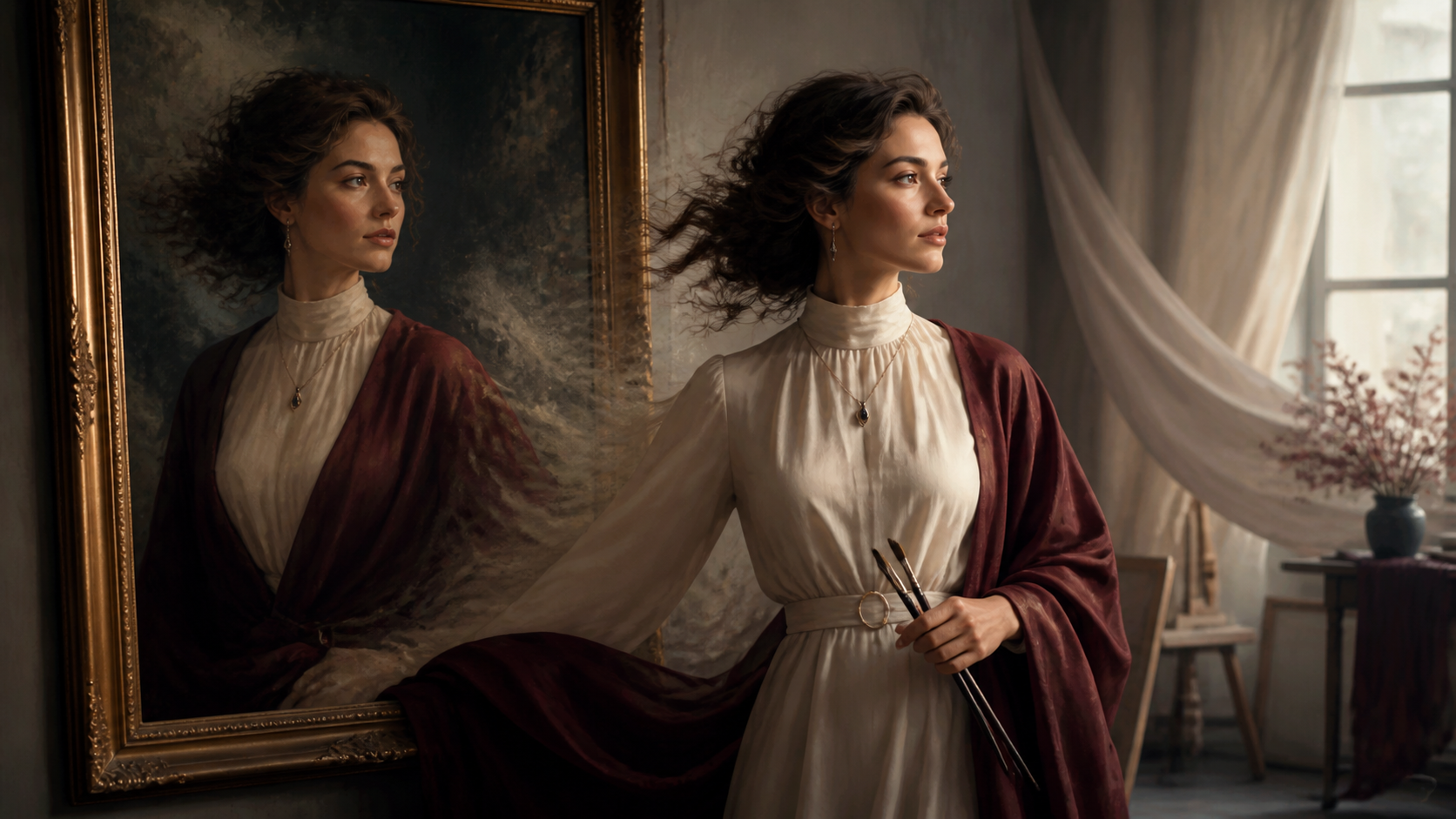
Introduction: The Evolution of Digital Storytelling
In a digital landscape dominated by visual media, static images often struggle to capture the full depth of a narrative. While a photograph can freeze a moment in time, modern storytelling frequently demands motion to truly engage an audience. Bringing life to cherished photos—making them move, interact, or evolve—has transitioned from a complex task reserved for professional animators to an accessible creative process powered by AI.
At VideoAny, we provide a suite of tools designed to help creators bridge the gap between static imagery and dynamic video. Whether you are a marketer looking to add flair to a campaign or an artist experimenting with new mediums, understanding how to animate your photos is a vital skill in today’s creative toolkit.
Responsible use: Animate an identifiable person only with the subject's consent and the image rightsholder's authorization. Never use images of minors or age-ambiguous people, and do not create unauthorized likenesses, deceptive impersonations, non-consensual intimate media, or misleading evidence.
Beyond Static Imagery: The AI Advantage
Modern AI tools offer more than just simple motion; they provide a comprehensive environment for visual production. By moving beyond traditional animation software, creators can leverage AI to interpret static inputs and render them into fluid, compelling sequences.
- Text-to-Video: Translate written scripts or conceptual descriptions into complete video sequences. This is an ideal starting point for storyboarding or rapid prototyping.
- Image-to-Video: This core technique allows you to take a portrait, landscape, or illustration and infuse it with motion. You can influence camera movement and animate specific elements within the frame to create a living scene.
- Reference-Guided Planning: Authorized examples can define composition, motion intensity, palette, and camera language before generation. Convert those traits into a reusable brief rather than assuming a dedicated reference-to-video mode.
Choose the Input and Delivery Format First
“AI video from a photo” is an image-to-video task when the supplied image must define the starting scene. Choose the input method before spending time on a motion prompt:
| Your starting point | Practical next step |
|---|---|
| A finished portrait, product shot, landscape, or illustration | Use image-to-video and describe the movement while specifying which details must stay fixed. |
| A written idea without a final source photo | Use text-to-video to explore the scene; do not expect it to reproduce an image you have not supplied. |
| An existing moving clip | Decide whether ordinary editing is enough. If you need video-to-video generation, first confirm that the chosen tool explicitly accepts video input. |
Choose the delivery aspect ratio before generation: for example, 9:16 for a vertical placement, 16:9 for a widescreen edit, or 1:1 for a square post. Prepare the photo's crop so the subject and essential details fit that frame. Check the selected model's duration, resolution, and credit cost, then run a short test before committing to longer or more expensive variations.
Match the Motion to the Photo Type
Different images tolerate different amounts of invention. For a portrait, start with one blink, subtle breathing, a small head turn, or light movement in hair and clothing. Keep the camera locked during the first test so identity drift is easy to see. For a landscape, combine slow parallax with one environmental cue such as clouds, mist, water, or foliage. Product photography needs the strictest geometry: use a restrained dolly or orbit and explicitly preserve shape, materials, labels, and lighting direction.
Illustrations can support more stylization, but character proportions, line quality, and palette should remain consistent. Text-heavy posters and dense collages are difficult because small letters and overlapping subjects tend to change between frames. Add important typography later in an editor whenever possible.
Write a Reviewable Motion Prompt
A useful prompt separates four decisions: subject action, environmental motion, camera behavior, and invariants. For example: “The adult subject turns slightly toward the window; hair and curtain move gently in the breeze; slow dolly in; preserve facial features, clothing, jewelry, room layout, and warm window light.”
Begin with one action and one camera instruction. If the result is stable, introduce one additional effect. This controlled progression makes it clear which change caused a defect and helps you build a reusable prompt library instead of starting from scratch every time.
Inspect the Generated Clip
Watch the full clip at normal speed, then scrub frame by frame. Check faces, hands, object count, edges, reflections, text, background geometry, and lighting. Look for flicker, sudden camera jumps, changing accessories, or motion that contradicts the scene. Trim weak frames, add sound and captions in an editor, and save the approved source, prompt, settings, and rights note with the export.
Responsible and Creative Production
When exploring AI-generated motion, it is essential to prioritize responsible creation. As you experiment with animating portraits or characters, always ensure you have the necessary rights to the imagery and that your content adheres to ethical standards. Responsible AI use involves respecting individual privacy and ensuring that generated media is used in ways that are transparent and consensual. By focusing on creative expression that respects these boundaries, you can push the limits of your storytelling while maintaining professional integrity.
Integrating AI into Your Workflow
To get the most out of your creative process, treat AI-assisted video as a repeatable production system rather than a one-off experiment. A structured workflow ensures that your results are consistent and high-quality.
- Define the Goal: Determine if your output is for a social media post, a product demo, or a narrative scene.
- Prepare Your Inputs: Gather your source assets, such as high-quality reference images, scripts, or storyboards.
- Iterative Generation: Instead of attempting to generate a final product in one pass, use small, controlled iterations.
- Review and Refine: Check your clips for pacing, continuity, and visual clarity. Ensure the final output aligns with your intended message.
- Final Export: Optimize your video for the target platform, ensuring the aspect ratio and resolution meet your distribution requirements.
Getting Started with VideoAny
Ready to begin your creative journey? VideoAny provides the tools necessary to transform your static assets into dynamic visual stories. By following a clear, step-by-step approach—from defining your parameters to reviewing your generated clips—you can master the art of AI animation.
For those looking to explore specific capabilities, visit our models page to see how different generation methods can be applied to your specific project needs.
FAQs
1) Can this workflow work for a solo creator? Yes. By focusing on a repeatable format and keeping your asset list organized, you can build an efficient pipeline that scales with your projects.
2) Should I generate first or write the edit plan first? Always write a plan first. A simple outline helps you evaluate whether the AI output effectively supports your final narrative goals.
3) What should I check before publishing an AI video? Review your content for motion quality, continuity, pacing, and sound. Ensure the video communicates your intended idea clearly without requiring external explanation.
4) How does VideoAny fit into this workflow? Use VideoAny to generate the visual components of your project, then combine these clips with your preferred editing software to add captions, audio, and final formatting.