Introduction
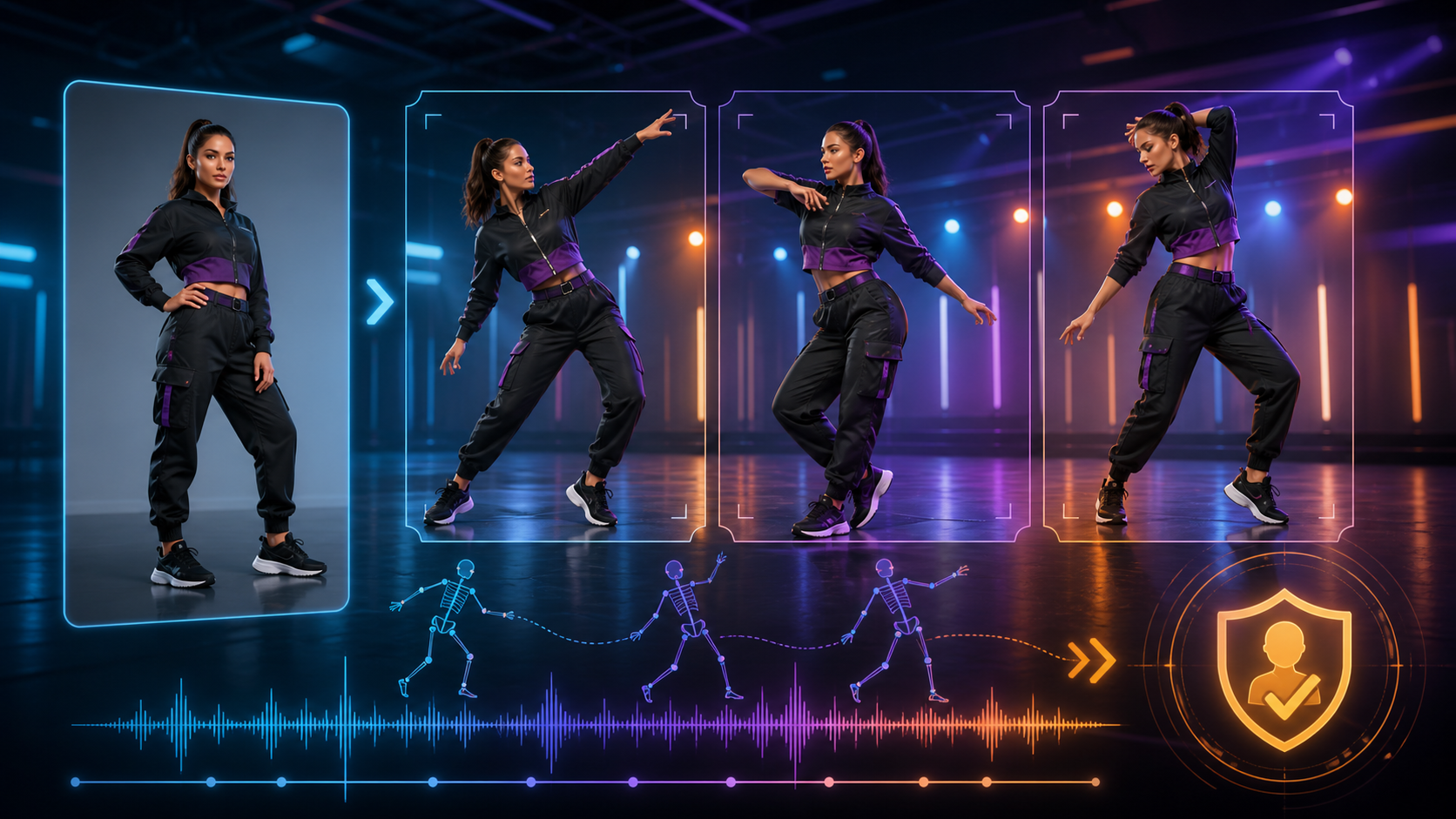
The reference article presents adult dance animation as a short image-to-video workflow: choose a mode, upload a reference, describe the subject, wardrobe, setting, lighting, camera, and motion, select output settings, generate, refine, and download. It also repeats platform claims about few content filters, HD output, anonymous use, private libraries, crypto checkout, and user ownership.
Animating a photo creates a direct identity risk because the source image can connect a generated action to a recognizable person. This guide keeps the source’s workflow and prompt dimensions while making permission, identity integrity, choreography, and data handling the first production concerns. The source platform’s unrestricted-content, anonymity, timing, resolution, billing, privacy, and ownership claims are not VideoAny claims.
Adult-only boundary: use a fictional adult character or a real adult who explicitly consented to this specific dance animation, styling, audience, and distribution. Never animate sexualized content involving a minor or a non-consenting real person.
Choose an Authorized Source Photo
The best input is not merely the sharpest image; it is one you are allowed to animate. Confirm ownership, subject age, consent, and permitted context. Then evaluate technical qualities:
- Body visibility: A clear silhouette and visible joints give the model more spatial evidence. Do not invent or expose areas outside the agreed scope.
- Neutral overlap: Hands separated from the torso and legs that are not heavily crossed can reduce motion ambiguity.
- Consistent light: One readable key-light direction makes new frames easier to integrate.
- Background separation: Contrast between subject and setting can help preserve edges.
- Sufficient resolution: Detail should survive the planned crop without relying on aggressive upscaling.
- Minimal identifiers: Remove location metadata and unrelated private details before upload.
A cropped face taken from social media is not permission. A publicly visible photo still belongs to a real identity.
Plan the Dance Before Generation
“Make this person dance” leaves too many decisions to the model. Create a short movement brief:
- Music and rights: Use audio you are authorized to synchronize and distribute.
- Tempo and beat count: Decide how many beats the clip covers.
- Start pose: Match the reference so the opening transition is stable.
- Primary movement: Choose one readable step, turn, arm phrase, or body shift.
- End pose: Define a balanced endpoint that can cut or loop cleanly.
- Camera: Keep the camera static for the first test, then add a subtle move only if needed.
- Frame safety: Leave space for the full motion and any later crop.
Complex choreography is better built as several short clips than one long generation.
A Photo-to-Dance Workflow
The source’s describe-generate-refine-download loop becomes more reliable with staged checks:
- Document consent and permitted use. Record the adult subject, approved styling, allowed movement, channels, duration, and deletion terms.
- Prepare a privacy-safe copy. Remove metadata, crop unnecessary surroundings, and keep the original offline.
- Generate a non-sensitive motion test. Confirm face, body proportions, edges, and camera framing before any mature variation.
- Add one movement phrase. Use a clear start, pace, and end state.
- Inspect the whole body. Check feet, hands, joints, clothing physics, reflections, and background objects frame by frame.
- Refine selectively. Change only the failed motion, crop, or camera direction rather than rewriting every condition.
- Edit to the authorized track. Align the strongest action to the beat and add captions outside the generation step.
- Review consent and disclosure again. Confirm that the final motion and context remain within the subject’s permission.
VideoAny offers general image-to-video, video-to-video, and video-to-music routes that may support authorized dance assets. Check current models and content rules; this article does not claim an unrestricted NSFW dance generator.
Prompt Structure for Controlled Dance Motion
The source highlights six elements. Keep them concrete and non-graphic:
- Adult subject: Stable fictional traits or an authorized adult reference; specify what identity details must remain unchanged.
- Wardrobe: Exact garment type, fit, material, and continuity constraints within the consented scope.
- Environment: Floor, background depth, obstacles, and practical lights.
- Lighting: Key direction, contrast, color, and whether it remains fixed.
- Camera: Shot size, viewpoint, and one gentle movement—or a locked camera for the first pass.
- Motion: A single dance phrase with tempo, start pose, direction, and end pose.
Add negative constraints for common failures: no identity drift, no extra limbs, no changing clothing, no camera crop through hands or feet, and no background warping.
Identity and Motion Failures to Watch
Dance asks a generative model to infer body positions that were absent from the still. Review for:
- changing face shape, hair, or skin details;
- limbs that merge with clothing or the background;
- feet sliding without weight transfer;
- impossible balance or joint angles;
- wardrobe textures that crawl between frames;
- mirrors or shadows that contradict the subject;
- framing that cuts off movement unexpectedly.
Photorealism can make errors and identity misuse more convincing, so disclosure is especially important when the subject could be recognized.
Why Mainstream Tools May Refuse Adult References
General-purpose providers often restrict sexual content and may block mature reference uploads even when the adult subject consented. Specialized services may accept a wider range of consensual adult fiction, but credible safeguards should still prohibit minors, non-consensual intimate imagery, impersonation, trafficking, and unlawful content.
Do not interpret “uncensored” as a guarantee that any image may be uploaded or any output may be distributed.
Privacy and Ownership Questions
The source platform advertises anonymous sign-in, crypto payment, a private-by-default library, no prompt sharing, and user ownership. Verify:
- whether reference photos, prompts, outputs, and moderation logs train models;
- retention periods for originals, previews, derivatives, and backups;
- staff or vendor access to sensitive projects;
- whether share links are public, indexable, or guessable;
- whether deletion removes cached and derived files;
- which license the platform receives and which commercial rights the creator receives;
- how non-consensual identity abuse can be reported and removed.
Output ownership does not grant rights to a person’s likeness, a photograph, choreography, music, costume design, or location that the creator did not control.
Final Publishing Checklist
Before release, verify the subject is an adult, consent covers the final action and styling, image and music rights are documented, identity is stable, anatomy and motion are coherent, disclosures are appropriate, the destination allows the content, and all exported crops preserve the intended frame.
FAQs
Can any portrait become a dance video?
Technically a model may attempt it, but ethically and legally you need rights to the photo and explicit permission from the identifiable adult.
Should the camera move too?
Start with a locked camera. Add one subtle camera move only after the dance motion is stable.
How long should the first test be?
Use the shortest clip that proves identity, weight transfer, framing, and one movement phrase.
What matters most before publishing?
Adult consent and source rights come first, followed by identity integrity, motion quality, music rights, disclosure, and channel rules.
Conclusion
The source article’s prompt components and short generation loop are useful, but a photo-to-dance workflow begins with identity permission and a planned movement phrase. Use short tests, inspect every frame, verify privacy claims, and never let a realistic animation exceed the adult subject’s documented consent.