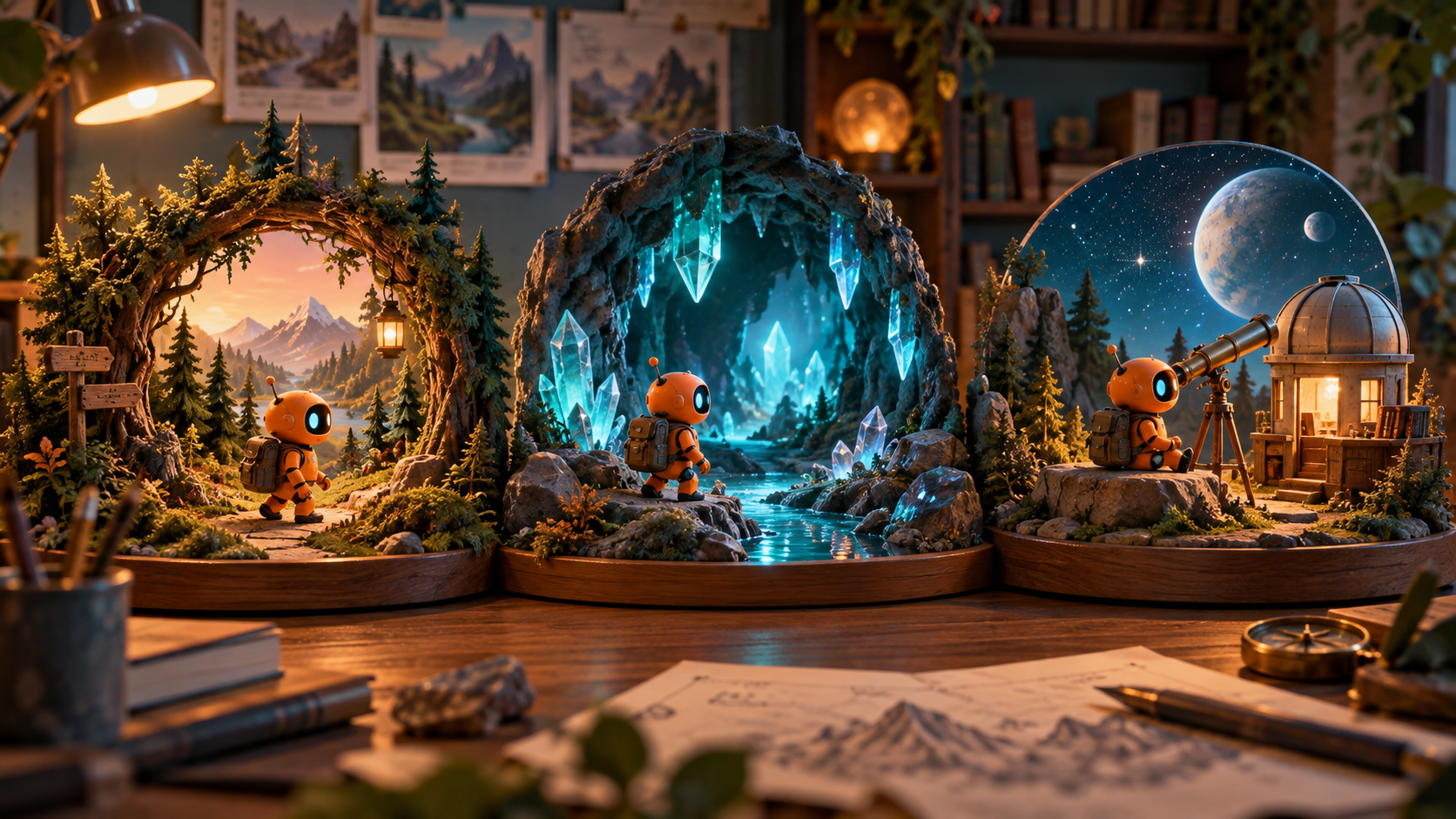
Developing an animated series demands a strategic approach. Before committing to a full season, testing your workflow with an episode-two production is crucial; it reveals practical challenges beyond a pilot. This guide uses "Orbital Lost Property," an invented teaching example, to illustrate a sustainable framework. We'll explore establishing consistency, managing assets, and iterating efficiently. Note that all durations and work-hour figures presented are illustrative planning assumptions for workflow design, not measured results or inherent tool capabilities. The aim is to build a repeatable system that supports your creative vision, focusing efforts on storytelling and character development by defining what remains constant and what changes.
Defining Series Elements: Recurring vs. Episodic
Every successful series balances familiar elements with fresh narratives. Begin by clearly distinguishing between the recurring design choices that define your series and the unique elements that drive each episode. This foundational step ensures consistency and helps manage production complexity. For instance, in the animated series Orbital Lost Property, the core premise involves station custodian Tavi and a boxy service robot recovering a lost object before each departure bell.
This setup establishes a clear pattern: the characters, the setting, and the central conflict (station rules versus passenger needs) are fixed. However, the specific lost object, its owner, and the resulting consequences change with every episode. This structure allows for endless story possibilities within a predictable framework, making the series both engaging and manageable to produce.
Pilot Development and Scope
A pilot episode serves as a proof of concept, introducing your series' core elements without revealing its entire mythology. Keep the pilot contained and focused on demonstrating the repeatable premise. For Orbital Lost Property, a suggested pilot runs for 75 seconds, set within a single corridor or booth, featuring one hero prop.
In this pilot, Tavi discovers an abandoned seedling. The robot identifies a quarantine inspection requirement, while a passenger waits anxiously at the gate. Tavi places the plant in a clear inspection box, and the passenger carries it through after clearance. This concise narrative showcases the characters' cooperation and resolves a single, local problem, leaving viewers curious about future challenges without needing extensive backstory.
Building a Series Bible for Consistency
A series bible is essential for maintaining visual and narrative consistency. It compiles approved visual references, style guides, and records of character/setting states for review. This ensures a shared understanding of the established design. While it provides a canonical reference, it doesn't guarantee that all generated assets or models will perfectly match. Distinguish between the approved design version and any changed episode state. Any mismatch still requires manual review and correction to uphold the series' integrity.
For Orbital Lost Property, the series bible would include specific details: Tavi's triangular hair silhouette and orange uniform patch are fixed design elements. The robot's boxy shape and green indicator light are constant, though a persistent dent might evolve as a character detail. The booth map remains fixed, but the contents of its shelves can change per episode. These references, stored as contact sheets with version IDs, guide review and help maintain visual integrity. Remember to secure all necessary authorizations for stories, art, music, and voices, and obtain consent for any recognizable real people depicted.
Shot-Level Planning and Execution
Once the series bible is established, break down the pilot script into individual shots, each with a specific narrative purpose. This granular planning allows for precise control over pacing, character blocking, and visual storytelling. For example, an opening sequence might involve a wide shot establishing the corridor, followed by a medium shot of Tavi discovering the seedling, and then a close-up of the robot's indicator light.
Each shot should detail character actions, camera framing, duration, desired style, and sound direction. For complex interactions, like a prop handoff, plan carefully: if continuous manipulation is difficult to achieve, consider cutting from a character reaching to a pre-rendered insert of the object being received. This meticulous planning helps streamline the generation and editing phases, ensuring that each visual element contributes effectively to the story.
Reviewing for Series Cohesion
After generating initial visual content, the review process is critical. It's not enough for a shot to look "good"; it must also align with the series bible and contribute to overall narrative cohesion. Compare generated character appearances against approved reference sheets, ensuring consistent silhouettes and details. Verify that locations, like the booth, maintain their established layout and atmosphere.
Pay close attention to continuity: does a character enter and exit a scene in a way that logically connects to the next shot? Listen for consistent voice pronunciation and performance samples, as well as a stable ambient soundscape. Restrained set detail and camera motion are production choices that enhance consistency. A visually appealing clip might still be wrong if it deviates from the established look or feel of your series.
Editing and Workload Assessment
The editing phase brings all the approved shots together, refining the sequence, pacing, and sound design. Trim clips, adjust their order, and ensure the overall flow supports the story. This is also a crucial point for assessing the practical workload. For our Orbital Lost Property pilot, an illustrative workload might be 6 hours for writing and design, 5 hours for generation and review, and 3 hours for sound and editing, totaling 14 hours.
This initial workload provides a baseline. If generating a 10-second shot consistently requires multiple attempts, it indicates that future episodes might need shorter durations, simpler actions, or a more constrained visual style to maintain a sustainable production cadence. Understanding these time commitments early helps in setting realistic expectations for episode length and release schedules.
Iteration and Handoff for Future Episodes
The true sustainability of an animated series comes from its iterative process. Once the pilot is approved, its assets and production rules become the foundation for subsequent episodes. Create a "handoff packet" for each completed episode, containing approved reference versions, the latest prop and wardrobe states, pronunciation guides, and any open story questions. This ensures that every new episode begins with a clear, consistent foundation.
It is also vital to record the actual time spent on various production stages. This data helps refine workload estimates for future episodes and informs decisions about scaling production. Before committing to a full season plan, build in a release buffer and test a second episode. This allows you to gauge viewer reception, refine your workflow, and confirm that your production pipeline can reliably deliver consistent, engaging content.
FAQs
Can a solo creator produce an animated series?
Yes, a single creator can absolutely develop a pilot or even a small series. However, it's important to recognize that writing, visual review, sound design, editing, and publishing all require significant time and effort. Keeping the scope repeatable and managing assets efficiently are key to success for a solo endeavor.
Can I use my existing character art or drawings?
Your original or properly licensed artwork can serve as foundational references for canonical assets. This allows you to integrate your established creative vision into a structured production workflow. Always verify that any intended transformation of these images into dynamic video elements is authorized. For example, you might explore tools for image-to-video conversion.
What specialist tools are needed for this workflow?
While specific tools vary, a typical setup might include a scriptwriting application, image editing software for character and prop references, video editing software for assembly, and audio tools for sound design and mixing. The focus should be on tools that support your workflow for generating, reviewing, and refining visual and audio elements, rather than relying on a single all-in-one solution.