Categories: AI Video, AI Image, Creator Guides
Tags: videoany, ai video, ai video generator, ai content creation, creator guide
Introduction
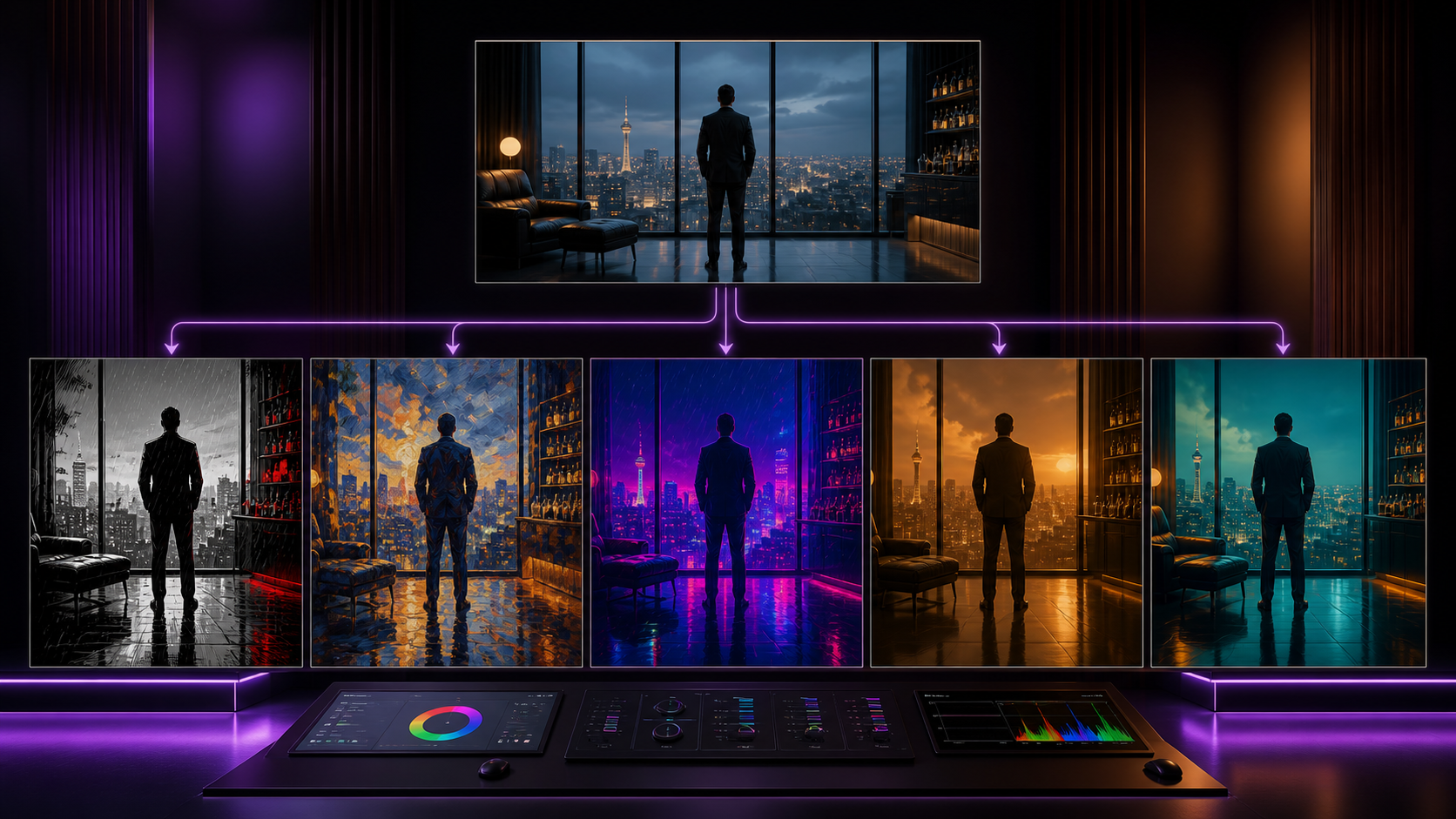
Modern AI video workflows are most effective when they provide clarity and control throughout the production process. Rather than simply speeding up generation, a robust workflow helps creators plan, iterate, and refine their visual output. This guide explores how to leverage style transfer and generative video tools to build a repeatable, high-quality production pipeline.
As with all creative technology, we emphasize the importance of responsible, consent-based creation. When working with digital likenesses or adult-themed content, ensure all participants have provided explicit consent and that your projects comply with all applicable laws and platform safety guidelines.
Responsible use: Mature-content workflows must be limited to lawful material involving consenting adults. Never create or share content involving minors, non-consensual imagery, unauthorized likenesses, or material that violates platform terms or applicable law.
Core Creative Capabilities
To build a professional video, you need a suite of tools that can handle different stages of production. VideoAny provides a versatile environment for these tasks:

- Face Swap Technology: This tool allows for the precise integration of facial features into existing footage. It is particularly useful for character consistency in narrative projects, satirical content, or exploring alternate visual identities while maintaining natural lighting and expression.
- Image-to-Video Transformation: Bring static assets to life by animating still artwork, photographs, or graphic designs. This is a vital step for artists looking to expand their portfolio with dynamic, motion-based content.
- Text-to-Video Generation: By crafting detailed prompts, you can translate written narratives into visual sequences. For example, a prompt like "Two characters embracing in a futuristic cityscape, neon lights reflecting on their skin, cyberpunk art style, 16:9 aspect ratio" allows for specific stylistic control without requiring manual animation.
- Reference Image Guidance: Use a reference image to anchor your generation. By uploading a source file that defines your desired aesthetic, character design, or mood, you ensure the AI output aligns with your specific creative vision.

Building a Repeatable Production Workflow
Treating AI video generation as a system rather than a one-off experiment is the key to professional results. Follow this production checklist to maintain quality:
- Define the Outcome: Clearly identify your goal—whether it is a short social media clip, a narrative scene, or a music visual.
- Prepare Your Inputs: Gather your prompts, reference images, and storyboards before starting. Having clear assets reduces the need for trial-and-error.
- Iterative Generation: Work in small, manageable passes. Generate short segments and review them for continuity and pacing before moving to the next scene.
- Review and Refine: Check each clip for visual clarity, aspect ratio, and narrative flow. Ensure the final output communicates your intended idea effectively.
- Document Your Process: Save your successful prompts and settings. This makes it significantly easier to create consistent variations for future projects.
Conclusion
AI-assisted video production is most powerful when it is treated as a structured system. By combining creative intent with clear, repeatable inputs and a disciplined review process, you can transform raw AI generations into polished, professional media.
Next Steps
Explore the full suite of creative tools at VideoAny.
FAQs
1) Can this workflow work for a solo creator? Yes. By focusing on one repeatable format and keeping your asset list organized, you can produce high-quality content efficiently as a solo creator.
2) Should I generate first or write the edit plan first? Always write a plan first. Even a simple outline helps you determine if the AI output will actually support your final video goals.
3) What should I check before publishing an AI video? Review for continuity, motion quality, pacing, and whether the video clearly communicates the intended message. Ensure all content meets safety and consent standards.
4) How does VideoAny fit into this workflow? Use VideoAny for visual generation and style transfer, then integrate those clips into your broader editing pipeline for final assembly, audio, and formatting.