Categories: AI Video, AI Image, Creator Guides
Tags: videoany, ai video, ai video generator, ai content creation, creator guide
Introduction
Modern AI video workflows are most effective when they serve as a structured production system rather than just a shortcut. By moving from raw generation to a managed creative pipeline, creators can maintain higher quality control and consistency. This guide explores how to leverage AI scene generation tools—such as those found at VideoAny—to plan, generate, and refine video content for professional outcomes.
Responsible use: Mature-content workflows must be limited to lawful material involving consenting adults. Never create or share content involving minors, non-consensual imagery, unauthorized likenesses, or material that violates platform terms or applicable law.
Core Creative Capabilities
To build a robust production workflow, it is essential to understand the specific tools available for visual synthesis. Each method serves a different stage of the creative process:
- Text-to-Video Generation: By using descriptive natural language, you can manifest complex scenarios into visual form. This is particularly useful for rapid prototyping or visualizing scenes that would be difficult to capture with traditional cameras.
- Image-to-Video Transformation: This process bridges the gap between static art and motion. By uploading existing illustrations or photography, you can animate your visual assets, allowing for a consistent aesthetic across your project.
- Reference-Based Generation: Using a reference image provides the AI with a stylistic anchor, ensuring that the final output aligns with your specific creative vision or brand identity.
- Face Swap Technology: For character-driven narratives, integrating specific facial features into generated scenes allows for stylistic consistency. Note: Always ensure that you have the necessary rights and consent when using likenesses in your digital creations.
- Video-to-Video Conversion: This tool allows you to remix existing footage, applying new artistic filters or mood-altering styles to your original clips.
Building a Practical Production Workflow
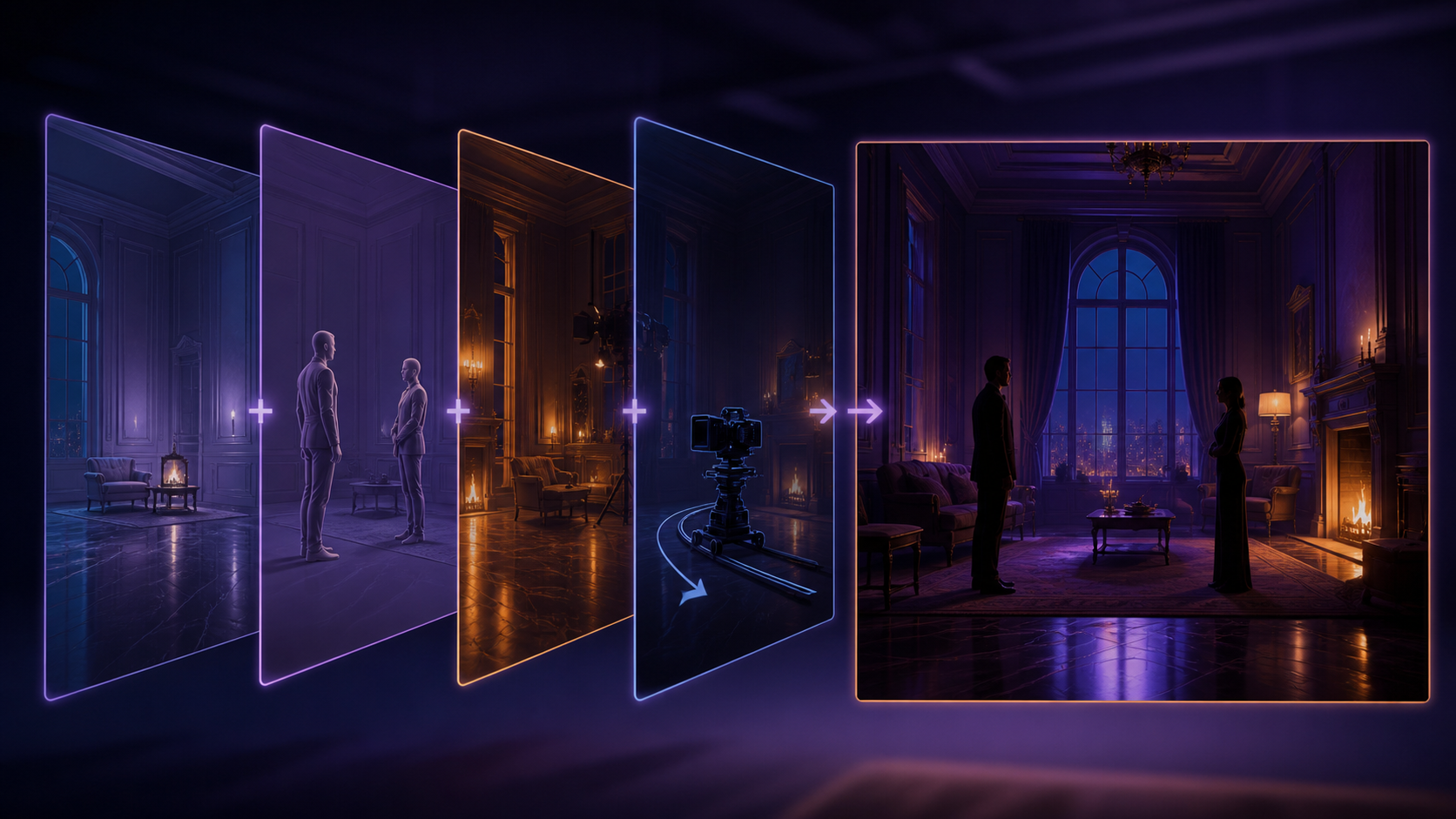
Treating AI generation as a repeatable system ensures that your projects remain organized and scalable. Follow this five-step workflow to turn raw AI output into a polished final product:
- Define the Outcome: Before generating, clarify your goal. Are you creating a short narrative scene, a social media clip, or a promotional visual?
- Gather Inputs: Collect your reference materials, including scripts, character designs, and storyboard frames. Having these ready streamlines the generation process.
- Iterative Generation: Rather than attempting to generate a full-length video in one pass, work in short, manageable segments. This allows for better control over pacing and visual continuity.
- Review and Refine: Evaluate each clip for motion quality, visual clarity, and alignment with your project’s tone. Use this stage to identify where additional passes or adjustments are needed.
- Standardize Assets: Save your successful prompts, source assets, and export settings. This documentation makes reproducing your style or creating variations significantly faster in future projects.
Responsible Content Creation
As the landscape of AI-generated media evolves, creators have a responsibility to operate within ethical and legal boundaries. When exploring mature or adult-themed content, it is vital to prioritize the creation of lawful material involving consenting adults. Always ensure your work respects individual rights and adheres to the terms of service of the platforms you utilize. By focusing on creative autonomy within these responsible frameworks, you can push the boundaries of digital art while maintaining a professional and ethical standard.
Conclusion
AI-assisted video production is strongest when treated as a systematic process. While the creative idea remains the most important element, the workflow—defined by clear inputs, controlled iteration, and a rigorous review step—is what turns raw generations into finished, professional-grade communication.
Next Steps Explore the full suite of creative tools at VideoAny.
FAQs
1) Can this workflow work for a solo creator? Yes. By keeping your asset list organized and focusing on one repeatable format at a time, you can manage a high-quality production pipeline independently.
2) Should I generate first or write the edit plan first? Always write a plan first. A simple outline or storyboard helps you judge whether the AI output effectively supports your final narrative.
3) What should I check before publishing an AI video? Check for visual continuity, motion artifacts, pacing, audio synchronization, and whether the video clearly communicates the intended idea to your audience.
4) How does VideoAny fit into this workflow? Use VideoAny to handle the visual generation and variation stages, then combine those clips with your preferred editing software for final assembly, captioning, and sound design.
Media References
- https://cdn.videoany.io/blog/nsfw-ai-scene-generator/20260818110702-4jthzy7t.png
- https://cdn.videoany.io/blog/nsfw-ai-scene-generator/20260818110703-vlsjtw8i.png
- https://cdn.videoany.io/blog/nsfw-ai-scene-generator/20260818110704-f7w8tmjn.png
- https://cdn.videoany.io/blog/nsfw-ai-scene-generator/20260818110705-tudyf53q.png